需要登入
請使用您的 iOSGods 帳戶登入以繼續。
Hack Features
- Unlimited Moves -> Enable, use a move then disable.
- Unlimited Skill
此應用程式內建 iGameGod,讓你可以使用 Auto Touch 自動執行重複操作、透過 App Speed Manager 調整遊戲速度、使用 Memory Engine 修改記憶體數值,以及更多強大的 iOS 遊戲工具。
從上方連結下載 Disney Pop Town! Match 3 Games iOS Mod IPA。點選安裝按鈕並依照畫面指示在 iPhone、iPad 或 Apple Silicon 上安裝此 iOS 應用程式修改版。
需要更多協助?請查看我們的 iOSGods 應用程式常見問題 以獲得詳細解答與疑難排解。
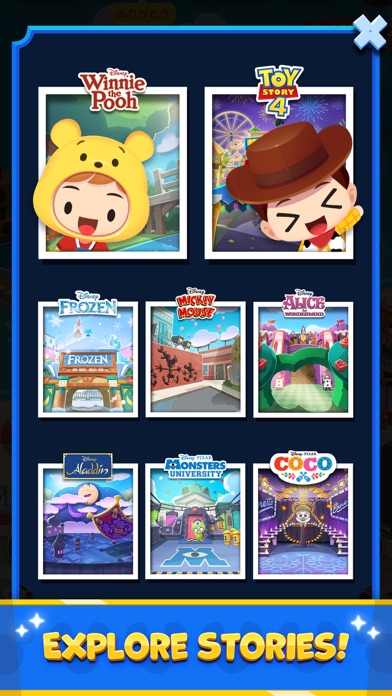
All your favorite Disney themes are here!
Your magical puzzle journey starts now!
So many rewards await! Are you ready to dive in?
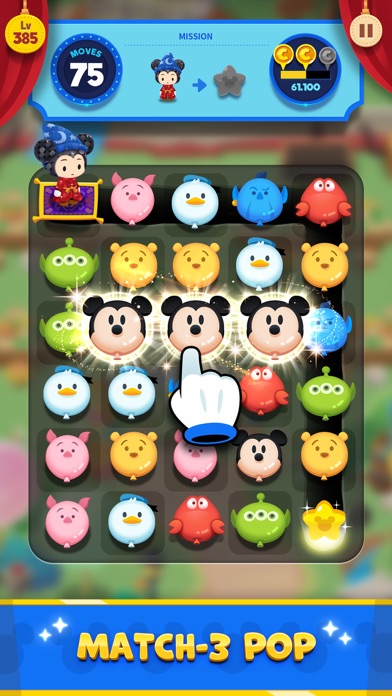
■ A match-3 puzzle full of Disney magic!
- Disney character faces as blocks! Meet Disney throughout each stage!
- Play with characters in Disney costumes! Each has unique skills!
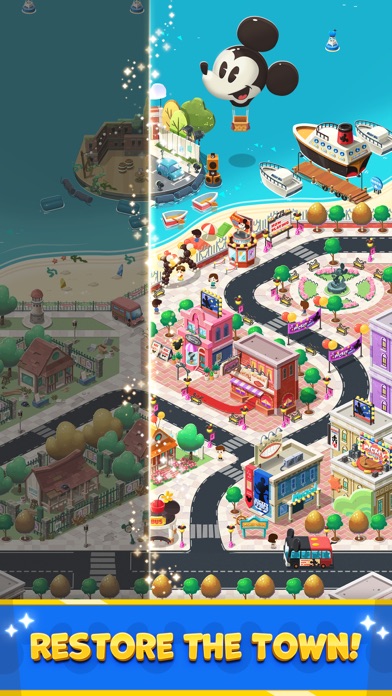
- Complete villages themed after different Disney worlds! New themes keep coming!
- From cuties to princesses and villains! Dress up your character in your favorite Disney costume!
■ More than just cuteness!
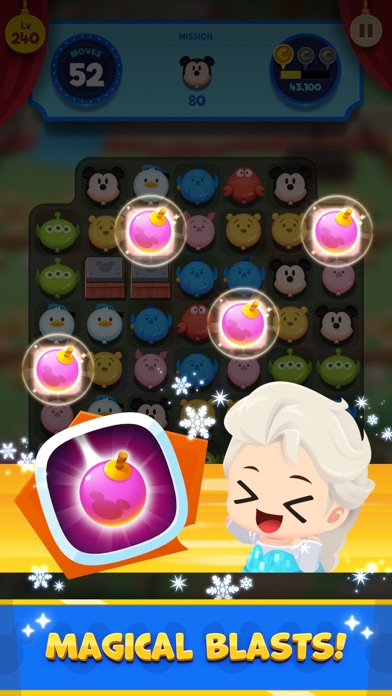
- Cuteness goes POP! POP! Clear puzzle missions with satisfying moves!
- Super hard levels that challenge you even more!
- Various seasonal events are waiting for you! Collect Disney costumes and special rewards!
- Get high scores in events and puzzle stages to win the Dream Trophy!
Enjoy the special fun only available in Disney Pop Town.
Play for free now!
Contact: [email protected]
Terms of Service: https://en.wemadeplay.com/terms-of-use
■ Permissions Notice
To provide the services below, the app requests the following permissions.
[Required Permissions]
None
[Optional Permissions]
Notifications: Permission to receive informational notifications and promotional push notifications sent by the game app
Camera: Permission to take photos and attach files as evidence for Customer Support inquiries
* You can access the game even if you do not agree to the optional permissions. After granting access, you can reset or revoke permissions at any time.
[How to Revoke Permissions]
Device Settings > Privacy & Security > Select Camera or Notifications > Select the app and disable permission
Device Settings > Select the app > Disable Camera or Notifications under Allowed Access
This game is free to play, with optional in-game purchases available. Prices include VAT.
- 未越獄/受限或已越獄的 iPhone 或 iPad。
- Sideloadly 或替代方案。
- 執行 Windows/macOS/Linux 且已安裝 iTunes 的電腦。
步驟 1: 透過上方連結將已破解的 .IPA 檔案下載到您的電腦。若要從 iOSGods App 下載,請參閱我們的 iOSGods App IPA 下載教學,其中包含影片範例。
步驟 2: 下載 Sideloadly 並將其安裝在您的 Windows 或 Mac 上。
步驟 3: 在電腦上開啟 Sideloadly,連接您的 iOS 裝置,並等待裝置名稱出現在 Sideloadly 中。
步驟 4: 當 Sideloadly 辨識到您的 iOS 裝置後,將下載好的修改版 .IPA 檔案拖曳並放到 Sideloadly 應用程式中。
步驟 5: 輸入您的 Apple Account 電子郵件,然後按下「Start」。系統會要求您輸入密碼,請依指示提供所需資訊。
步驟 6: 等待 Sideloadly 完成已破解 IPA 的旁載/安裝。如果安裝過程中發生問題,請閱讀下方的注意事項。
步驟 7: 安裝完成並在主畫面上看到該應用程式後,您需要前往 設定 → 一般 → 描述檔 / VPN 與裝置管理。進入後,點選您在步驟 6 中輸入的電子郵件,然後點選「信任 [email protected]」。
步驟 8: 現在回到主畫面並開啟新安裝的應用程式,一切應該都能正常運作。您可能需要依照遊戲內破解彈出視窗中的進一步指示操作。
注意: 在 iOS/iPadOS 16 及更新版本上,您必須 啟用開發者模式。若使用免費的 Apple Developer 帳號,您將需要每 7 天重複此程序。如有任何疑問或問題,請閱讀我們的 主題中的 Sideloadly 常見問題區段。