需要登入
請使用您的 iOSGods 帳戶登入以繼續。
Hack Features:
- Unlimited Currency - Add When Spend
從上方連結下載 Royal Merge! Hack modded IPA。點選安裝按鈕並依照畫面指示在 iPhone、iPad 或 Apple Silicon 上安裝此 iOS 應用程式修改版。
需要更多協助?請查看我們的 iOSGods 應用程式常見問題 以獲得詳細解答與疑難排解。
Open yourself up to a new type of merge game, straight from a fairy tale!
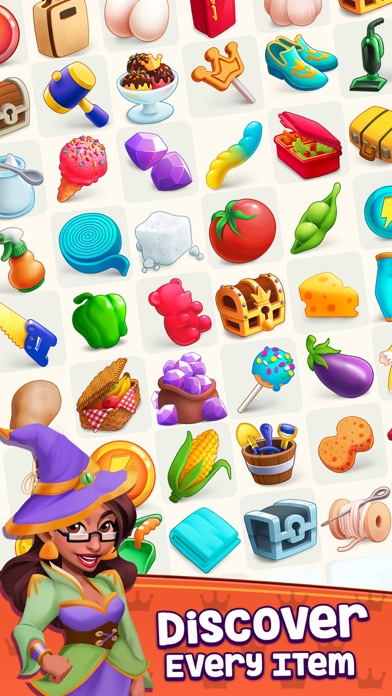
Royal Merge is the ultimate merging brain teaser. Match items, complete orders, marvel at the colorful, fairy-tale-like graphics and lose yourself in the virtual kingdom of addictive and relaxing merge gameplay.
MAIN FEATURES:
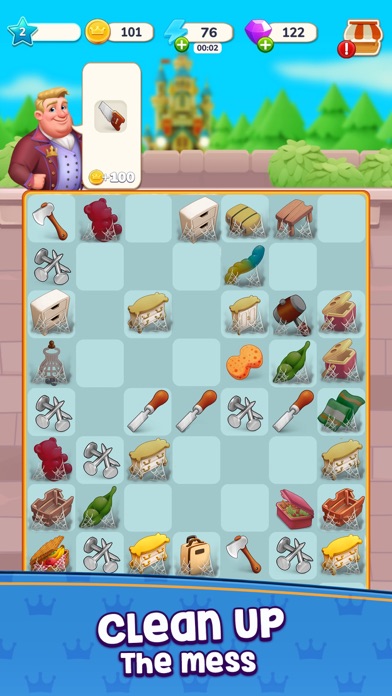
- Fresh and exciting merge-2 gameplay
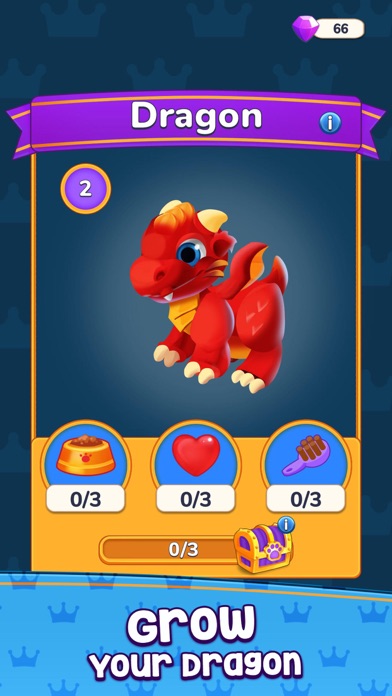
- Your own Dragon Pet!
- Kingdom Development and Customization
- Challenging events & unique Puzzle Collections
The Royal Kingdom, once destroyed by unfriendly Dragons, needs your help!
Prepare for a colorful, engaging merge game that is easy to understand, but offers plenty of depth and challenge. Relax and immerse yourself in a fascinating gameplay, but plan your course of action carefully and use the best strategy for your royal Kingdom to reach its full potential that will stand the test of time.
Design, rebuild, and decorate your own Kingdom. Uncover hidden, beautiful places, different maps and new characters. Unlock customizable buildings and decorate your magical fairytale empire to make it a place of dreams. Transform breathtaking wildlands into something magical.
Hatch and grow your own Dragon, take care of him and he will help you get more rewards!
Keep your Dragon happy and let him take part in adventurous events. You never know what awaits behind the corner of your Kingdom. It’s time to kick off your journey; the Royal Merge awaits!
Want to contact us or have questions about the game? Our support is ready to answer at [email protected]
Privacy Policy:
https://boompickgames.com/privacy-policy/
Terms of Service:
https://boompickgames.com/terms-of-service/
- 未越獄/受限或已越獄的 iPhone 或 iPad。
- Sideloadly 或替代方案。
- 執行 Windows/macOS/Linux 且已安裝 iTunes 的電腦。
步驟 1: 透過上方連結將已破解的 .IPA 檔案下載到您的電腦。若要從 iOSGods App 下載,請參閱我們的 iOSGods App IPA 下載教學,其中包含影片範例。
步驟 2: 下載 Sideloadly 並將其安裝在您的 Windows 或 Mac 上。
步驟 3: 在電腦上開啟 Sideloadly,連接您的 iOS 裝置,並等待裝置名稱出現在 Sideloadly 中。
步驟 4: 當 Sideloadly 辨識到您的 iOS 裝置後,將下載好的修改版 .IPA 檔案拖曳並放到 Sideloadly 應用程式中。
步驟 5: 輸入您的 Apple Account 電子郵件,然後按下「Start」。系統會要求您輸入密碼,請依指示提供所需資訊。
步驟 6: 等待 Sideloadly 完成已破解 IPA 的旁載/安裝。如果安裝過程中發生問題,請閱讀下方的注意事項。
步驟 7: 安裝完成並在主畫面上看到該應用程式後,您需要前往 設定 → 一般 → 描述檔 / VPN 與裝置管理。進入後,點選您在步驟 6 中輸入的電子郵件,然後點選「信任 [email protected]」。
步驟 8: 現在回到主畫面並開啟新安裝的應用程式,一切應該都能正常運作。您可能需要依照遊戲內破解彈出視窗中的進一步指示操作。
注意: 在 iOS/iPadOS 16 及更新版本上,您必須 啟用開發者模式。若使用免費的 Apple Developer 帳號,您將需要每 7 天重複此程序。如有任何疑問或問題,請閱讀我們的 主題中的 Sideloadly 常見問題區段。