Giriş Gerekli
Devam etmek için iOSGods hesabınızla giriş yapın.
Hack Features:
- VIP
Bu uygulama, tekrar eden görevleri otomatikleştirmek için Auto Touch, ayarlanabilir oyun hızı için App Speed Manager, Memory Engine ile değer düzenleme ve daha pek çok güçlü iOS oyun aracına erişim sağlayan iGameGod ile birlikte gelir.
Yukarıdaki bağlantılardan Infltr - Infinite Filters Hack modded IPA indirin. Yükle düğmesine dokunup ekrandaki yönergeleri izleyerek bu iOS uygulama hack'ini iPhone, iPad veya Apple Silicon'a yükleyin.
Daha fazla yardıma mı ihtiyacınız var? Ayrıntılı yanıtlar ve sorun giderme ipuçları için iOSGods Uygulaması Sık Sorulan Sorular sayfamıza bakın.
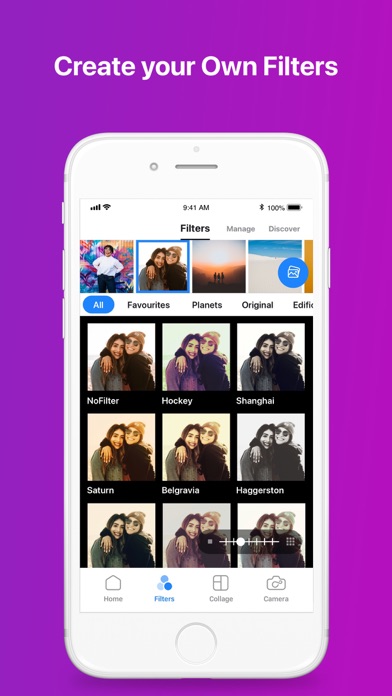
Why limit yourself to the few stock filters that come with your photo apps? Make each picture perfect with infinite filters, available only through Infltr!
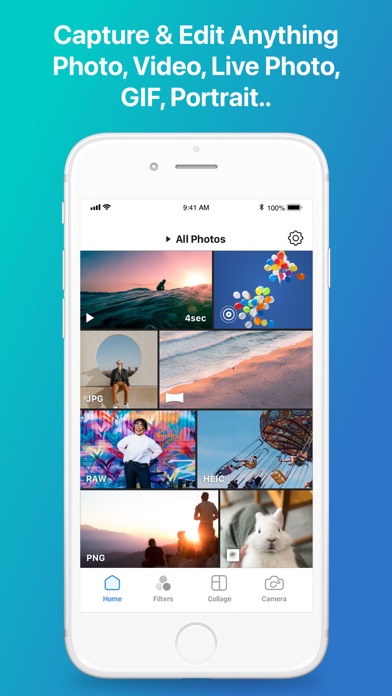
Designed to be the most advanced photo editor for iOS & macOS, Infltr is also very simple to use – making it the ideal app for both advanced and novice picture takers. All your Photos, Videos, Live Photos, Animated GIFs and Depth Photos can be made just perfect using the unlimited filters of Infltr!
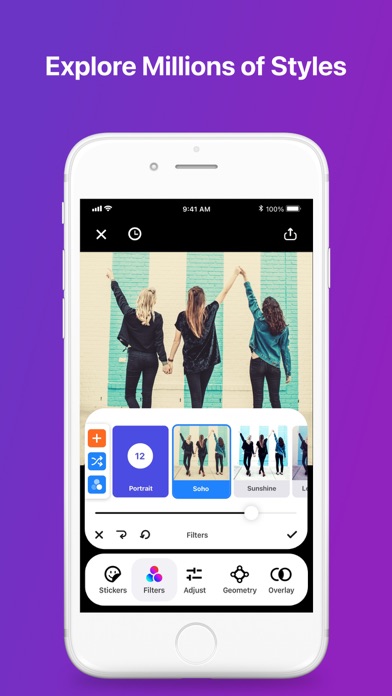
• Infltr is the only app that allows you to change filters infinitely by panning your finger on the screen. Keep panning in any direction and the filter will keep changing.
As Tapsmart said in its review, Infltr “strongly encourages experimentation, and getting a good result feels slightly magical.”
• More than 7 million filter possibilities as you design your own filters to make each picture perfect.
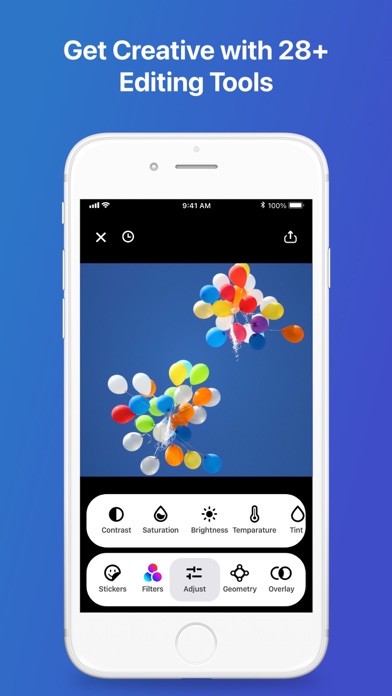
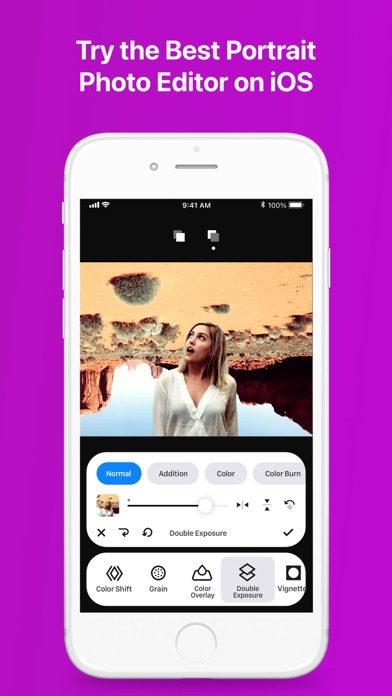
• 28 amazing editing tools, tweak your favourite filters to perfection.
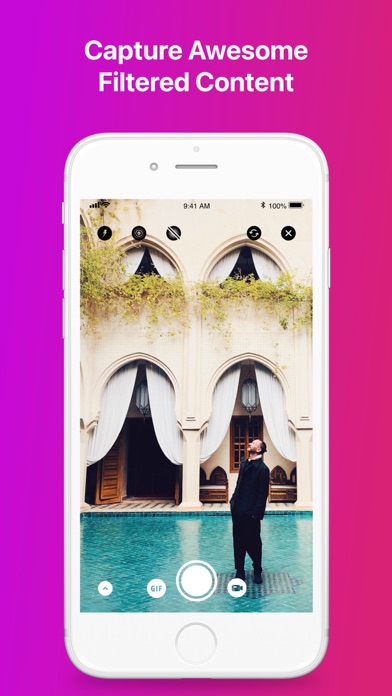
• Add filters as you snap pics or edit the images afterward.
• Dedicated video tools: trim, volume, speed-up, slow-mo, add music.
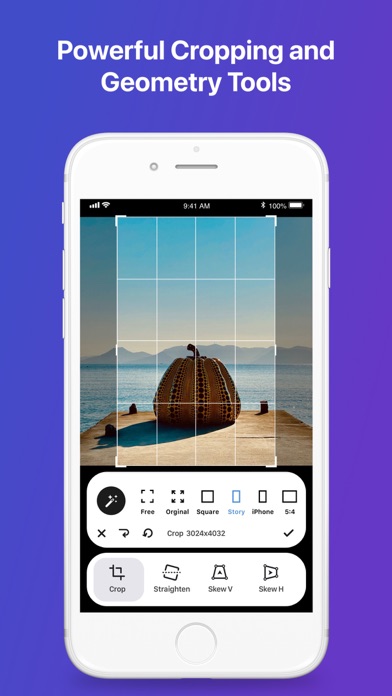
With the swipe of your finger, edit Photos, Videos, Live Photos, Animated GIFs and Depth Photos with tools that enable you to crop and flip images, plus make powerful edits such as perspective, straighten, rotate, sharpen, saturation, contrast, brightness, vignette, temperature, tint, hue, selective HSL, double exposure, highlights, shadows, highlights tint, shadow tint, fade, grain, color shift, color overlay, and exposure.
• Stuff.tv says Infltr is “short of vowels but has plenty of tools and literally millions of filters.”
The possibilities are endless, and sometimes magic happens by accident! Once you create a filter you like, save it as a Favorite!
• Discover a new filter every day from Infltr's Widget!
Once your pic is perfect, you want to share it! Infltr makes sharing your edited Photos, Videos, Live Photos, Animated GIFs and Depth Photos super easy with WhatsApp, Snapchat, Instagram, Instagram Story, GIPHY…
Pro Features:
• While many apps downscale images, Infltr retains the HD resolution – great news for those editing panorama photos or those taken with a DSLR camera.
• Offers the most powerful Depth Photo editor on the market - edit both the background and foreground of your pics independently!
• Connect to Dropbox to edit your photos online.
If you like your pictures perfect, we think you’ll agree Infltr is a must-have app. We invite you to try it out and drop us a line at [email protected] and let us know what you think!
Privacy Policy: www.infltr.com/privacy
Terms of Use: www.infltr.com/terms
- Jailbreak'siz/normal ya da jailbreak'li iPhone veya iPad.
- Sideloadly veya alternatifleri.
- iTunes yüklü Windows/macOS/Linux çalıştıran bir bilgisayar.
ADIM 1: Yukarıdaki bağlantıdan önceden hacklenmiş .IPA dosyasını bilgisayarınıza indirin. iOSGods App üzerinden indirmek için video örneği de içeren iOSGods App IPA İndirme Kılavuzu bölümümüze göz atın.
ADIM 2: Sideloadly indirin ve Windows veya Mac'inize kurun.
ADIM 3: Bilgisayarınızda Sideloadly'yi açın, iOS cihazınızı bağlayın ve cihaz adınız Sideloadly'de görünene kadar bekleyin.
ADIM 4: iCihazınız tanındıktan sonra, indirdiğiniz modlu .IPA dosyasını sürükleyip Sideloadly uygulamasına bırakın.
ADIM 5: Apple Account e-posta adresinizi girin ve ardından "Start" düğmesine basın. Sonrasında sizden şifreniz istenecektir. Gerekli bilgileri girin.
ADIM 6: Sideloadly'nin hacklenmiş IPA'yı sideload edip yüklemesini bekleyin. Yükleme sırasında bir sorun olursa lütfen aşağıdaki notu okuyun.

ADIM 7: Yükleme tamamlandıktan ve uygulamayı Ana Ekranınızda gördükten sonra Ayarlar → Genel → Profiller / VPN ve Cihaz Yönetimi bölümüne gitmelisiniz. Burada 6. adımda girdiğiniz e-postaya dokunun ve ardından "[email protected]'a Güven" seçeneğine dokunun.
ADIM 8: Şimdi Ana Ekranınıza gidin ve yeni yüklediğiniz uygulamayı açın; her şey sorunsuz çalışmalıdır. Oyun içindeki hack açılır penceresinde uygulamaya özel ek talimatları takip etmeniz gerekebilir.
NOT: iOS/iPadOS 16 ve sonrasında Geliştirici Modu'nu etkinleştirmeniz gerekir. Ücretsiz Apple Developer hesapları için bu işlemi her 7 günde bir tekrarlamanız gerekir. Sorularınız veya sorunlarınız varsa konunun Sideloadly SSS bölümünü okuyun.