Inloggning krävs
Logga in med ditt iOSGods-konto för att fortsätta.
Hack Features:
- Unlimited Currencies
Ladda ner Dragon&Elfs - Five Merge World Hack modded IPA från länkarna ovan. Tryck på installationsknappen och följ instruktionerna för att installera denna iOS-apphack på iPhone, iPad eller Apple Silicon.
Behöver du mer hjälp? Se våra iOSGods-appens vanliga frågor för detaljerade svar och felsökningstips.
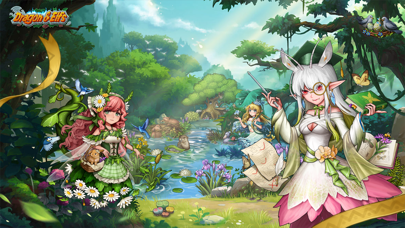
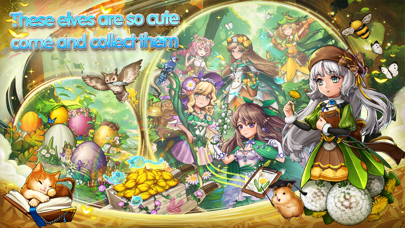
Welcome to a magical world of mysterious elves and magic. Together let us become the saviors of this magical land!
The land of the Elves saw peace for eons, a peace that lasted until the evil dragons attacked.
They devoured everything in their wake. Mountains, rivers, forests, life trees. They spared nothing, leaving Dark Land wherever they went.
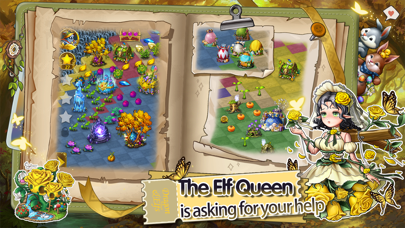
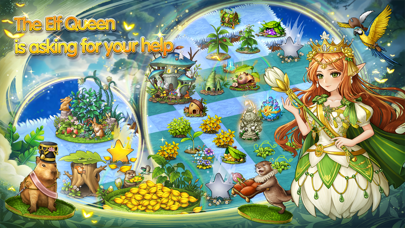
The Elf Queen led the Elves in resistance, and while they repelled the dragons for a brief time, they also suffered heavy losses.
And so, in this great crisis your burden is heavy:
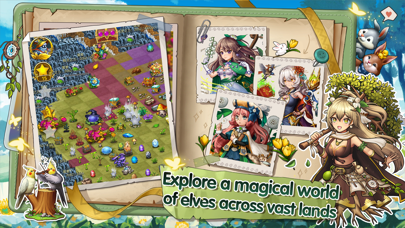
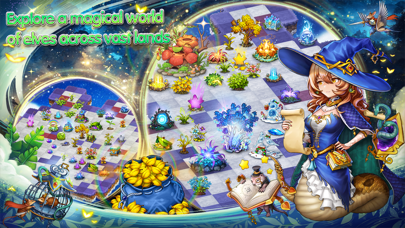
You must explore the world and collect treasures
Find Elf Eggs and hatch them
Evolve your Elves and defeat the evil dragons
Free Rukh and heal the corrupted land
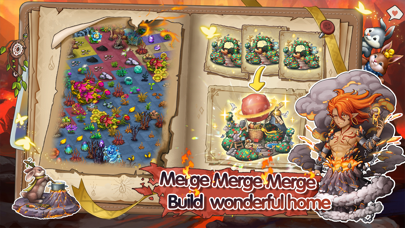
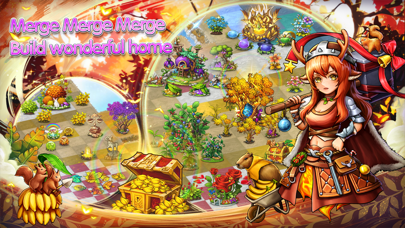
Merge miracles and create a beautiful homeland
Game Features
●More than 400 Stages for you to challenge.
●More than 800 magical items for you to collect.
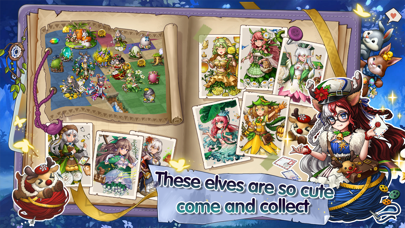
●More than 60 cute Elves for you to find.
●More than 1000 quests for you to complete.
●Countless Dark Land for you to heal in your Home.
●The Elf Queen comes bearing surprises each day.
●Upgrade and evolve your cute Elves.
●Command your Elves to build a beautiful Home.
●Make like-minded friends in-game.
For Beginners
●Placing three identical items next to each other merges them, and by merging items you create new items.
●Placing five identical items next to each other creates an extra reward.
●Try to always match 5 items together instead of 3.
●Rukh is the life force of Elfland. With it you can heal the land and defeat the evil dragons.
●Your progress in a stage is automatically saved and if you close your game, you can continue right where you left off when next you log in.
Special Attention
●If the screen is locked, simply tap the Lock shaped button in the lower left corner to unlock it.
●No matter what happens, don't delete the game, as in doing so you will lose your game progress (Please use cloud saving to save progress at any time)
●Your save files will be uploaded to the server regularly. If there is any problem, please contact us at any time.
●If you have any questions about the game, please send us an email to: moremorechili@gmail
Alright, what are you waiting for, download the game and dive into Elfland!
- iPhone eller iPad utan jailbreak/jailad eller med jailbreak.
- Sideloadly eller alternativ.
- Dator med Windows/macOS/Linux och iTunes installerat.
STEG 1: Ladda ner den förhackade .IPA-filen från länken ovan till din dator. För att ladda ner från iOSGods App, se vår Guide för att ladda ner IPA i iOSGods App som även innehåller ett videoexempel.
STEG 2: Ladda ner Sideloadly och installera det på din Windows eller Mac.
STEG 3: Öppna Sideloadly på din dator, anslut din iOS-enhet och vänta tills enhetens namn visas i Sideloadly.
STEG 4: När din iEnhet känns igen drar du den moddade .IPA-filen du laddat ner och släpper den i Sideloadly-programmet.
STEG 5: Ange e-postadressen till ditt Apple Account och tryck sedan på ”Start”. Du ombeds sedan ange ditt lösenord. Fyll i de uppgifter som krävs.
STEG 6: Vänta tills Sideloadly är klar med att sideloada/installera den hackade IPA-filen. Om problem uppstår under installationen, läs noten nedan.
STEG 7: När installationen är klar och du ser appen på din hemskärm behöver du gå till Inställningar → Allmänt → Profiler / VPN & enhetshantering. Tryck där på e-postadressen du angav i steg 6 och tryck sedan på ”Lita på [email protected]”.
STEG 8: Gå nu till din hemskärm och öppna den nyligen installerade appen — allt ska fungera som det ska. Du kan behöva följa ytterligare app-specifika instruktioner i hackets popup inne i spelet.
OBS: På iOS/iPadOS 16 och senare måste du aktivera Utvecklarläge. För gratis Apple Developer-konton behöver du upprepa processen var sjunde dag. Om du har frågor eller problem, läs vår Sideloadly FAQ-avsnitt i tråden.