Login necessário
Entre com sua conta iOSGods para continuar.
Entre com sua conta iOSGods para continuar.

Moeda ilimitada, recursos e aumento de dano impulsionam a evolução do seu dinossauro neste hack de sobrevivência pós-apocalíptico para iOS. Raptor Evolution: Survival Hack oferece a vantagem para destruir ambientes, caçar mutantes e recuperar seus ovos sem precisar fazer grinding.
- Moeda → gaste livremente para melhorar e craftar
- Recursos → colete instantaneamente para equipamento e evolução
- Dano → cause dano massivo a inimigos e chefes
Este app também vem com iGameGod, oferecendo acesso ao Auto Touch para automatizar tarefas repetitivas, App Speed Manager para ajustar a velocidade do jogo, edição de valores com Memory Engine e outras ferramentas avançadas para jogos iOS.
Baixe Raptor Evolution: Survival Hack modded IPA dos links acima. Toque no botão de instalação e siga as instruções para instalar este hack iOS no seu iPhone, iPad ou Apple Silicon.
Precisa de mais ajuda? Confira nossas Perguntas frequentes sobre o app iOSGods para respostas detalhadas e dicas de solução de problemas.
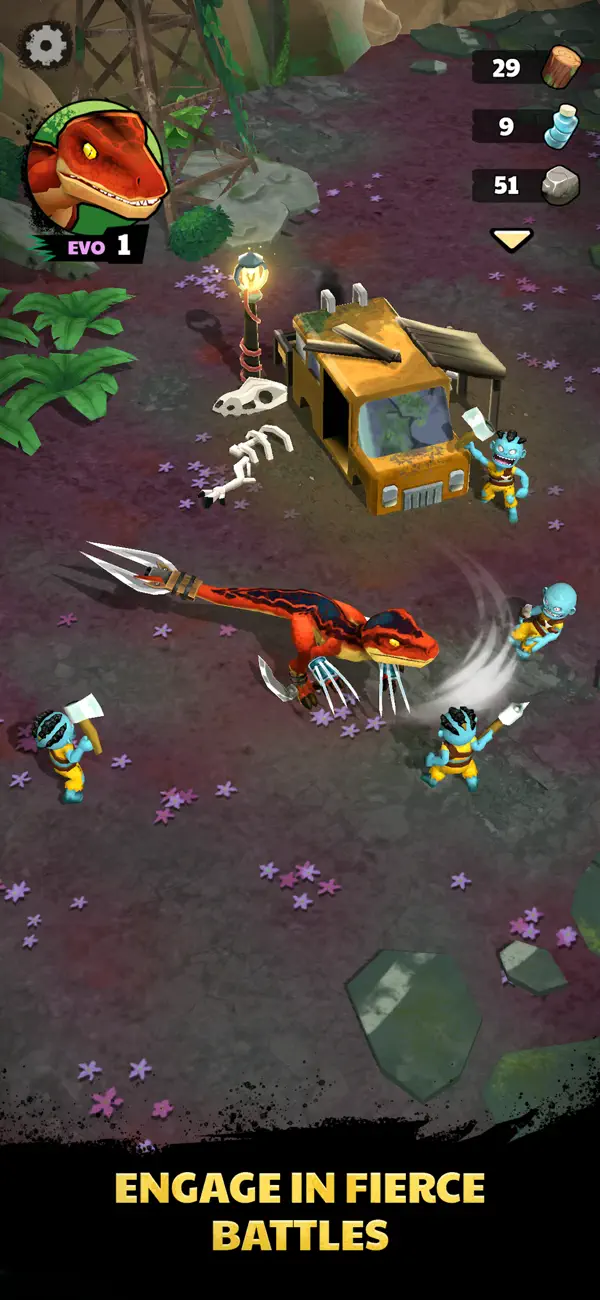
After returning from a hunting trip, you find your precious eggs missing, and time is running out!
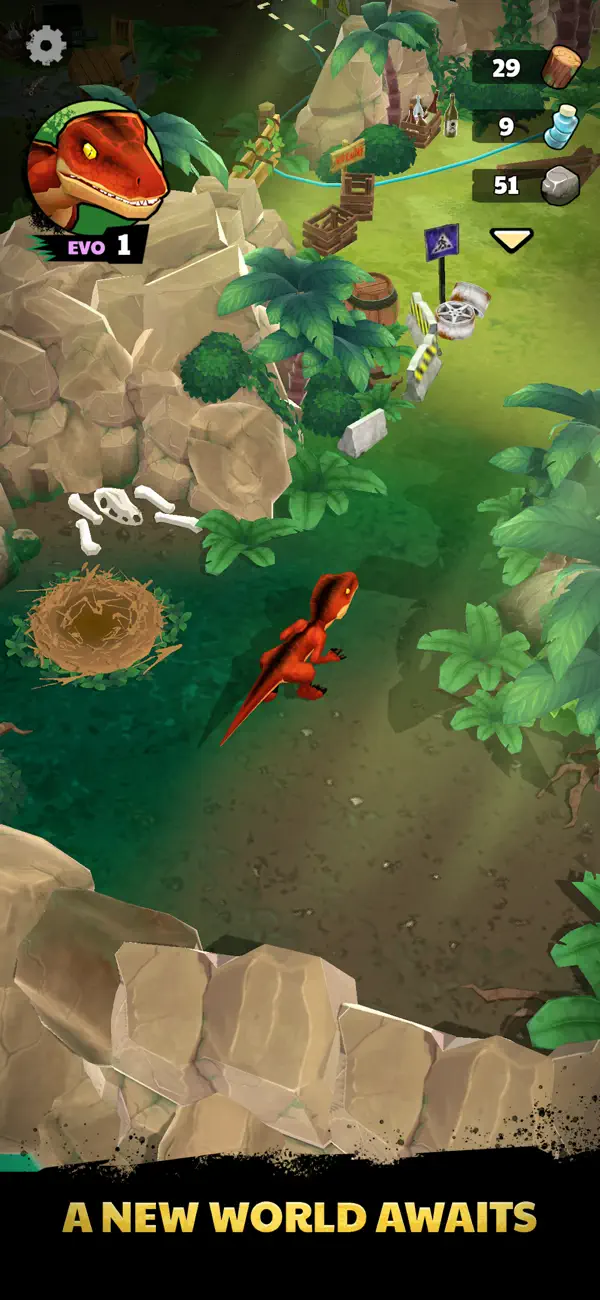
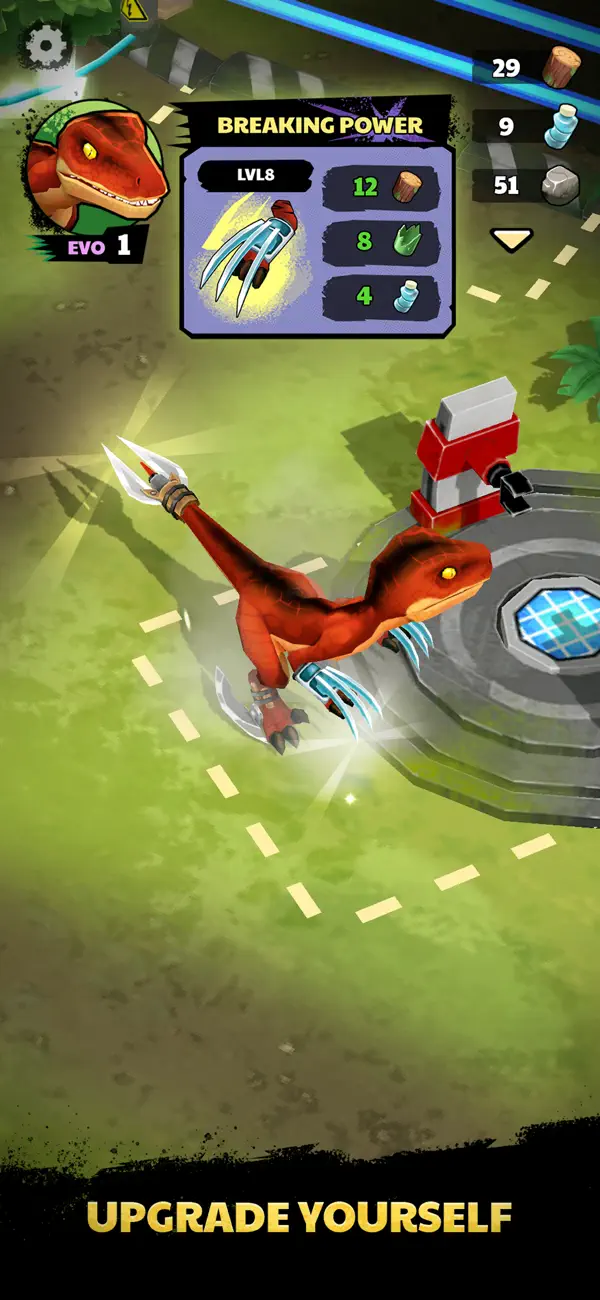
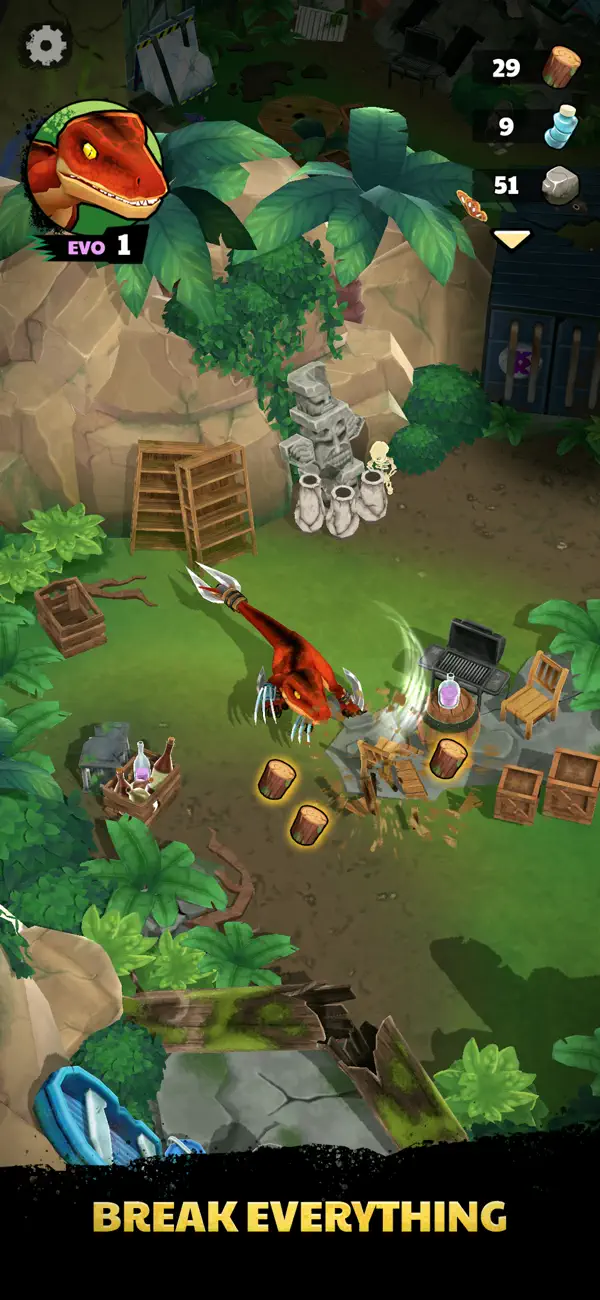
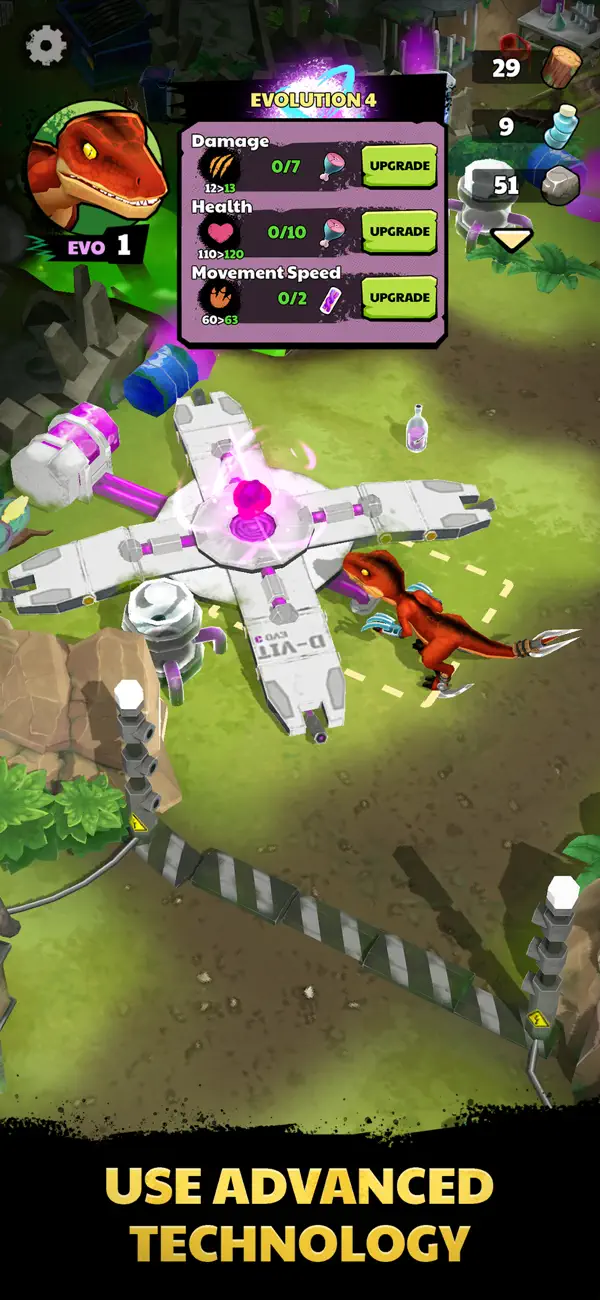
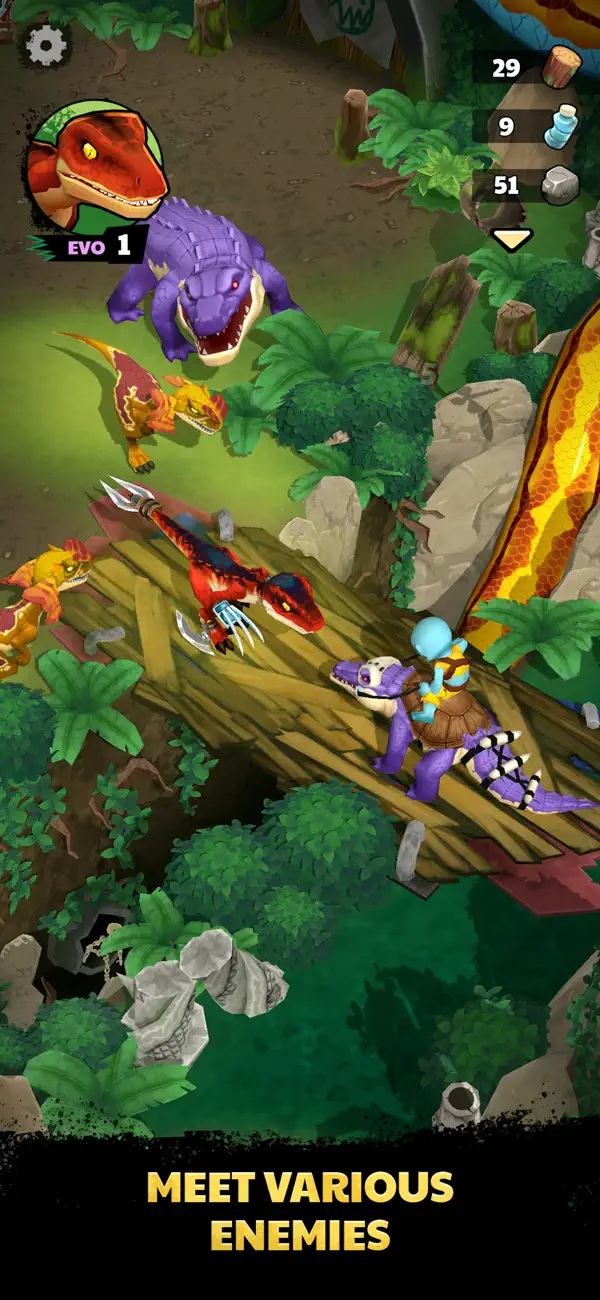
Take control of a mighty dinosaur in a post-apocalyptic world. Smash through environments, gather resources, and hunt grotesque human-mutants to evolve your abilities and craft powerful gear. Explore breathtaking landscapes, forge your path forward, and confront terrifying bosses.
Will you survive and recover your eggs? The hunt begins now!
Subscription Terms:
VIP MEMBERSHIP offers a weekly subscription. After buying this subscription you will be charged $9.99.
You will unlock following features: free 50 meat daily, free 50 gems daily, free mutagen 5 daily.
This is an Auto-renewable subscription. The payment is charged to your account after confirmation. The subscription is renewed unless you turn it off 24 hours before the period ends. Your account will be charged for renewal as well.
Subscription renewal:
• The payment is charged to your account after a confirmation of purchase.
• The subscription is renewed unless you turn it off 24 hour before the end of the current period.
• The account will be charged for renewal within 24 hours before the end of the current period at the cost of the weekly subscription.
• The user may manage the subscription and auto-renewal have to be turned off by going to the user’s account settings after purchase in the Store.
• No cancellation of the current subscription is allowed during the active subscription period.
Canceling a trial or a subscription:
• If you want to cancel a subscription during its free trial, you have to cancel it through your account in the Store. This must be done at least 24 hours before the end of the free trial period to avoid being charged.
For more information, please visit https://support.apple.com/HT207865 for more information
If there is questions contact us [email protected]
Privacy Policy: https://estoty.com/privacy-policy/
Terms of Use: https://estoty.com/terms-of-use/
- iPhone ou iPad sem jailbreak/jailed ou com jailbreak.
- Sideloadly ou alternativas.
- Computador com Windows/macOS/Linux e iTunes instalado.
PASSO 1: Baixe o arquivo .IPA pré-hackeado do link acima para o seu computador. Para baixar pelo iOSGods App, veja nosso Tutorial de download de IPA do iOSGods App, que inclui um exemplo em vídeo.
PASSO 2: Baixe o Sideloadly e instale-o no seu Windows ou Mac.
PASSO 3: Abra o Sideloadly no seu computador, conecte seu dispositivo iOS e aguarde até que o nome do dispositivo apareça no Sideloadly.
PASSO 4: Assim que seu iDevice for reconhecido, arraste o arquivo .IPA modificado que você baixou e solte-o no aplicativo Sideloadly.
PASSO 5: Digite o e-mail da sua Apple Account e pressione “Start”. Em seguida, será solicitada a sua senha. Prossiga e forneça as informações solicitadas.
PASSO 6: Aguarde o Sideloadly finalizar o sideload/instalação do IPA hackeado. Se houver problemas durante a instalação, leia a observação abaixo.
PASSO 7: Quando a instalação estiver concluída e você vir o app na Tela de Início, será necessário acessar Ajustes → Geral → Perfis / Gerenciamento de VPN e Dispositivo. Lá, toque no e-mail que você inseriu no passo 6 e, em seguida, toque em “Confiar em [email protected]”.
PASSO 8: Agora vá para a Tela de Início e abra o app recém-instalado; tudo deve funcionar normalmente. Você pode precisar seguir instruções adicionais específicas no popup do hack dentro do jogo.
OBSERVAÇÃO: No iOS/iPadOS 16 e versões posteriores, você deve ativar o Modo de Desenvolvedor. Para contas Apple Developer gratuitas, será necessário repetir este processo a cada 7 dias. Se tiver dúvidas ou problemas, leia nossa seção de FAQ do Sideloadly no tópico.