ต้องเข้าสู่ระบบ
เข้าสู่ระบบด้วยบัญชี iOSGods เพื่อดำเนินการต่อ
เข้าสู่ระบบด้วยบัญชี iOSGods เพื่อดำเนินการต่อ
เงินไม่จำกัด ทรัพยากรมากมาย และเพิ่มความเสียหายเพื่อให้ไดโนเสาร์ของคุณวิวัฒนาการในเกมเอาชีวิตรอดหลังวิบัติสำหรับ iOS นี้ Raptor Evolution: Survival Hack ให้คุณได้เปรียบในการทำลายสภาพแวดล้อม ล่าสัตว์กลายพันธุ์ และกู้คืนไข่ของคุณโดยไม่ต้องบดบัง
- เงินสด → ใช้จ่ายได้อย่างอิสระเพื่ออัปเกรดและสร้าง
- ทรัพยากร → รวบรวมได้ทันทีสำหรับอุปกรณ์และวิวัฒนาการ
- ความเสียหาย → สร้างความเสียหายมหาศาลให้กับศัตรูและบอส
แอปนี้ยังมาพร้อมกับ iGameGod ซึ่งช่วยให้คุณเข้าถึง Auto Touch สำหรับการทำงานซ้ำ ๆ โดยอัตโนมัติ, App Speed Manager สำหรับปรับความเร็วของเกม, การแก้ไขค่าด้วย Memory Engine และเครื่องมือสำหรับเกม iOS ที่ทรงพลังอื่น ๆ อีกมากมาย
ดาวน์โหลด Raptor Evolution: Survival Hack modded IPA จากลิงก์ด้านบน แตะปุ่มติดตั้งและทำตามคำแนะนำบนหน้าจอเพื่อติดตั้งแฮ็กแอป iOS นี้บน iPhone, iPad หรือ Apple Silicon
ต้องการความช่วยเหลือเพิ่มเติม? ดู คำถามที่พบบ่อยของแอป iOSGods สำหรับคำตอบโดยละเอียดและเคล็ดลับการแก้ไขปัญหา
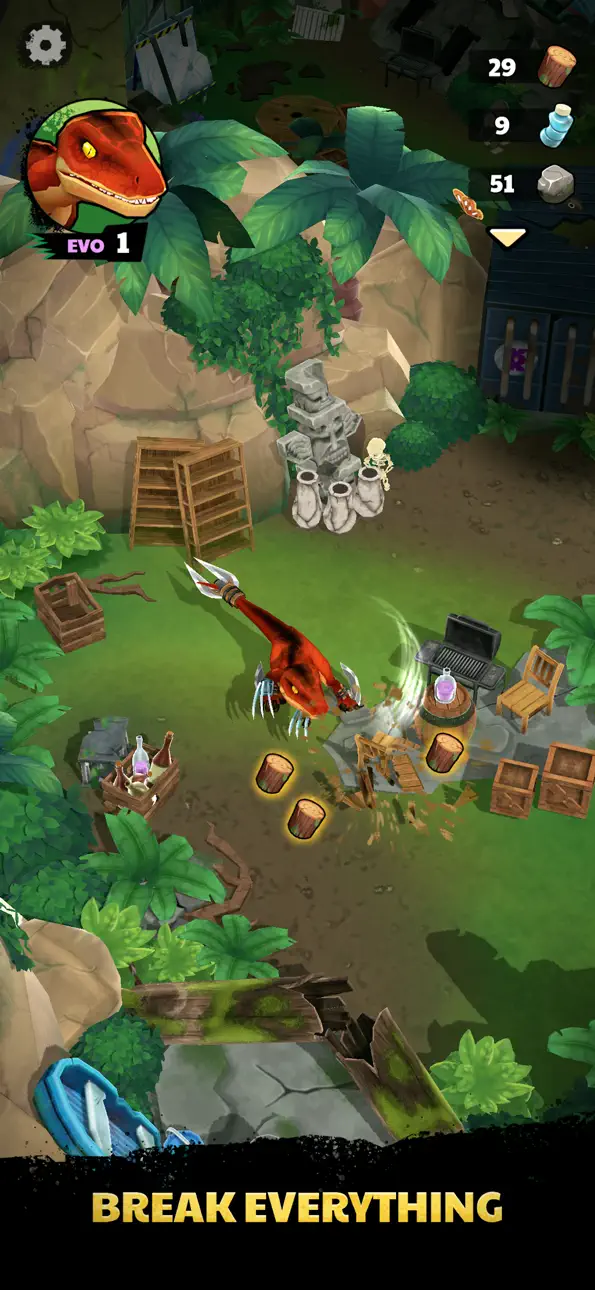
After returning from a hunting trip, you find your precious eggs missing, and time is running out!
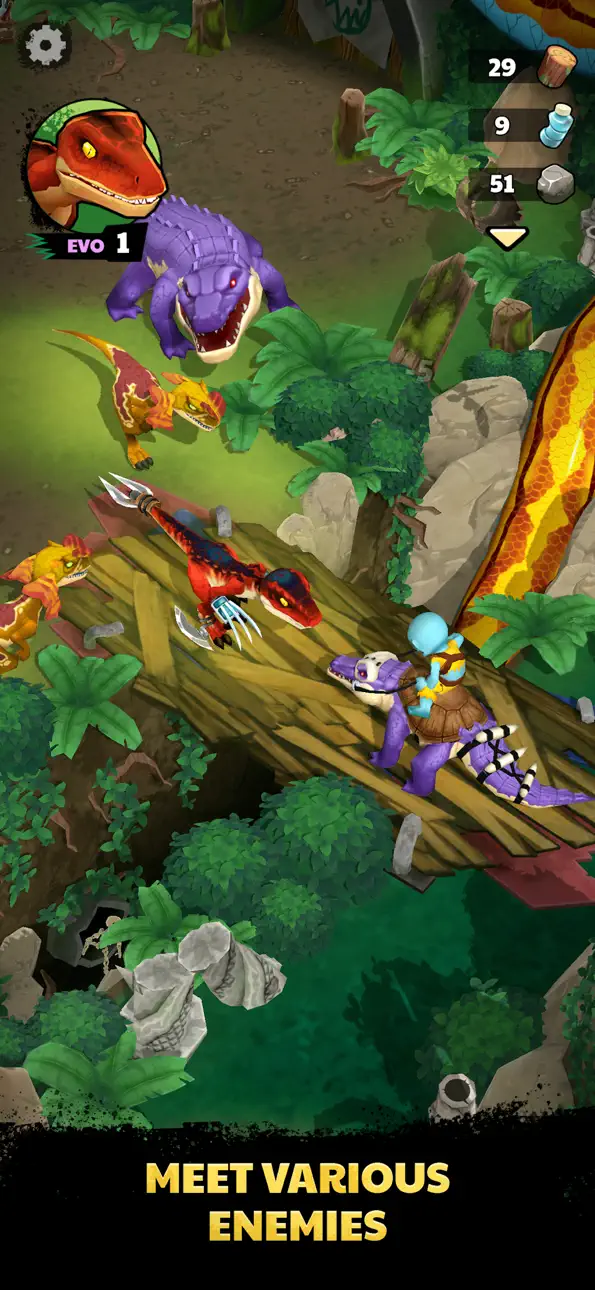
Take control of a mighty dinosaur in a post-apocalyptic world. Smash through environments, gather resources, and hunt grotesque human-mutants to evolve your abilities and craft powerful gear. Explore breathtaking landscapes, forge your path forward, and confront terrifying bosses.
Will you survive and recover your eggs? The hunt begins now!
Subscription Terms:
VIP MEMBERSHIP offers a weekly subscription. After buying this subscription you will be charged $9.99.
You will unlock following features: free 50 meat daily, free 50 gems daily, free mutagen 5 daily.
This is an Auto-renewable subscription. The payment is charged to your account after confirmation. The subscription is renewed unless you turn it off 24 hours before the period ends. Your account will be charged for renewal as well.
Subscription renewal:
• The payment is charged to your account after a confirmation of purchase.
• The subscription is renewed unless you turn it off 24 hour before the end of the current period.
• The account will be charged for renewal within 24 hours before the end of the current period at the cost of the weekly subscription.
• The user may manage the subscription and auto-renewal have to be turned off by going to the user’s account settings after purchase in the Store.
• No cancellation of the current subscription is allowed during the active subscription period.
Canceling a trial or a subscription:
• If you want to cancel a subscription during its free trial, you have to cancel it through your account in the Store. This must be done at least 24 hours before the end of the free trial period to avoid being charged.
For more information, please visit https://support.apple.com/HT207865 for more information
If there is questions contact us [email protected]
ภาพหน้าจอ © เจ้าของแต่ละราย · App Store


iOSGods ไม่มีความเกี่ยวข้อง ไม่ได้รับการรับรอง และไม่ได้รับการสนับสนุนจาก Apple Inc., Google LLC หรือผู้พัฒนาแอปที่แสดงไว้ที่นี่ Apple, iOS และ App Store เป็นเครื่องหมายการค้าของ Apple Inc. Android และ Google Play เป็นเครื่องหมายการค้าของ Google LLC ชื่อแอป ไอคอน ภาพ และเครื่องหมายการค้าอื่นทั้งหมดเป็นทรัพย์สินของเจ้าของแต่ละราย

- iPhone หรือ iPad ที่ไม่ได้เจลเบรก/ไม่ได้เจลเบรก หรือเจลเบรกแล้ว
- Sideloadly หรือทางเลือกอื่น
- คอมพิวเตอร์ที่ใช้ Windows/macOS/Linux และติดตั้ง iTunes ไว้
ขั้นตอนที่ 1: ดาวน์โหลดไฟล์ .IPA ที่แฮกไว้ล่วงหน้าจากลิงก์ด้านบนลงในคอมพิวเตอร์ของคุณ หากต้องการดาวน์โหลดจากแอป iOSGods โปรดดู วิธีดาวน์โหลด IPA ในแอป iOSGods ซึ่งมีตัวอย่างวิดีโอประกอบ
ขั้นตอนที่ 2: ดาวน์โหลด Sideloadly แล้วติดตั้งบน Windows หรือ Mac ของคุณ
ขั้นตอนที่ 3: เปิด Sideloadly บนคอมพิวเตอร์ เชื่อมต่ออุปกรณ์ iOS แล้วรอจนกว่าชื่ออุปกรณ์ของคุณจะปรากฏใน Sideloadly
ขั้นตอนที่ 4: เมื่อ iDevice ของคุณถูกตรวจพบแล้ว ให้ลากไฟล์ .IPA ที่ม็อดมาวางลงในโปรแกรม Sideloadly
ขั้นตอนที่ 5: กรอกอีเมล Apple Account ของคุณ จากนั้นกด "Start" ระบบจะถามรหัสผ่าน กรอกข้อมูลที่จำเป็นให้เรียบร้อย
ขั้นตอนที่ 6: รอจนกว่า Sideloadly จะ sideload/ติดตั้งไฟล์ IPA ที่แฮกเสร็จ หากเกิดปัญหาระหว่างติดตั้ง โปรดอ่านหมายเหตุด้านล่าง
ขั้นตอนที่ 7: เมื่อการติดตั้งเสร็จสิ้นและเห็นแอปบนหน้าจอหลักแล้ว ให้ไปที่ การตั้งค่า → ทั่วไป → โปรไฟล์ / VPN และการจัดการอุปกรณ์ จากนั้นแตะที่อีเมลที่คุณกรอกในขั้นตอนที่ 6 แล้วแตะ "เชื่อถือ [email protected]"
ขั้นตอนที่ 8: จากนั้นไปที่หน้าจอหลักและเปิดแอปที่ติดตั้งใหม่ ทุกอย่างควรทำงานได้ปกติ คุณอาจต้องทำตามคำแนะนำเพิ่มเติมเฉพาะแอปในป๊อปอัปของม็อดในเกม
หมายเหตุ: สำหรับ iOS/iPadOS 16 ขึ้นไป คุณต้อง เปิดโหมดนักพัฒนา (Developer Mode) สำหรับบัญชี Apple Developer แบบฟรี คุณต้องทำขั้นตอนนี้ซ้ำทุก 7 วัน หากมีคำถามหรือพบปัญหา โปรดอ่าน หัวข้อ FAQ ของ Sideloadly ในกระทู้
Hack Features:
- Inf Coins (Spend)
App Installation Instructions:
---------------------------------------------------------
----------------------------------------------------------
If you require more information or help, please read our Frequently Asked Questions topic on iOSGods.com.
----------------------------------------------------------
--------------------------------------------------