Cần đăng nhập
Đăng nhập bằng tài khoản iOSGods để tiếp tục.
Hack Features
- Auto ADS OFF
- Auto Win
- Gems
- w Coins
- Hints
- Hammer
- Rocket
Tải Words of Wonders: Crossword Hack modded IPA từ các liên kết ở trên. Nhấn nút cài đặt và làm theo hướng dẫn để cài bản hack iOS lên iPhone, iPad hoặc Apple Silicon.
Cần thêm trợ giúp? Hãy xem Câu hỏi thường gặp ứng dụng iOSGods để có câu trả lời chi tiết và mẹo khắc phục sự cố.
Test your vocabulary!
Find the hidden words!
Discover Wonders!
Become a master!
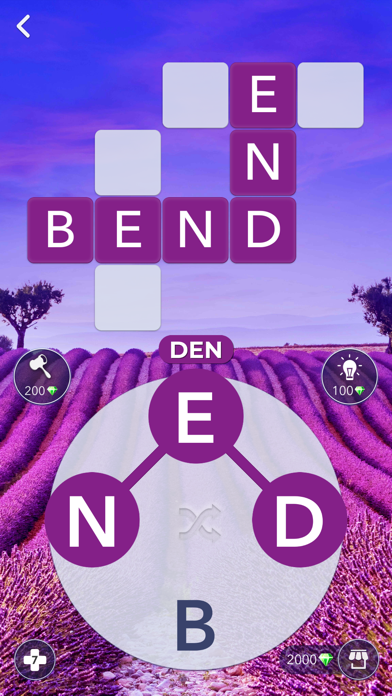
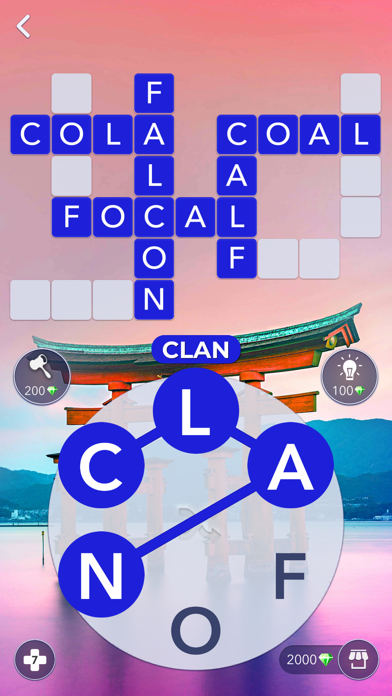
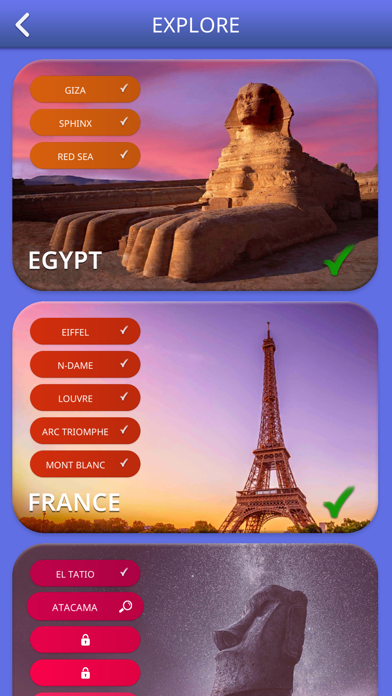
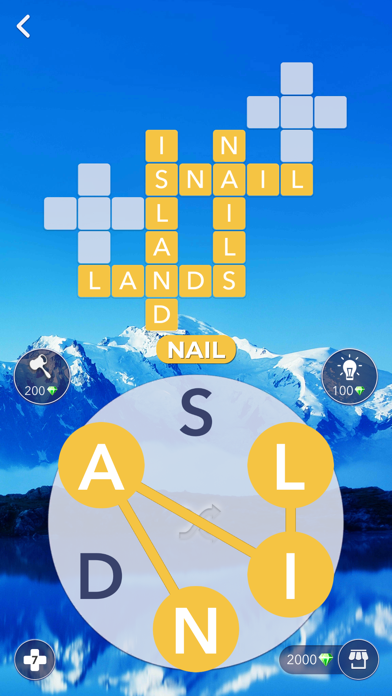
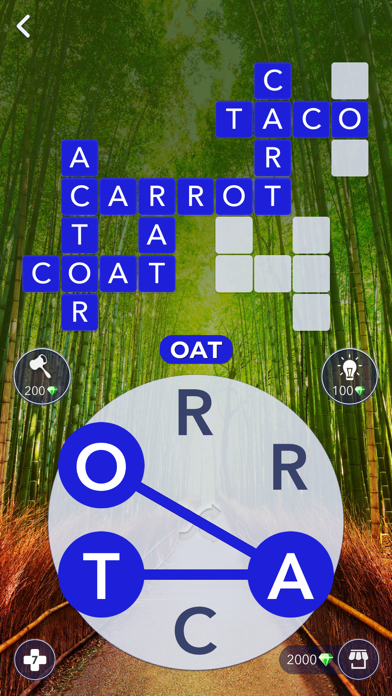
Words Of Wonders will test your vocabulary as you discover the wonders filled with challenging levels. Begin your journey with the first wonder and climb your way up to reach the final wonder. Each wonder and level will get progressively harder and will be unique, thanks to the game’s rich word database. Connect the letters without lifting your finger, find the hidden words on the board!
Enjoy simple and beautiful game design!
Variety of level designs will give you more fun during the play!
Words Of Wonders is a challenging word game from the makers of Wordz.
Subscription Terms
Here is the following subscription period available in our game:
Pro Membership offers a weekly subscription, you will be charged $3.99 per week. After buying this subscription, you will get Double Daily Gift, 2 free hints per level and Remove Ads. This is an Auto-renewable subscription. The payment is charged to your account after confirmation. The subscription is renewed unless you turn it off 24 hours before the period ends.
The prices are established for United States customers. Pricing in other countries may change and actual charges may be converted to your local currency.
End of trial and subscription renewal:
-The payment is charged to your account after a confirmation of purchase.
-The subscription is renewed unless you turn it off 24 hours before the end of the current period at the cost of the weekly subscription.
-The user may manage subscription and auto-renewal have to be turned off by going to the user’s account settings after purchase in the Store.
-No cancellation of the current subscription is allowed during the active subscription period.
Cancelling a trial or a subscription:
If you want to cancel a subscription you have to cancel it through your account in the Store. This must be done at least 24 hours before to avoid being charged.
For more information, please visit
https://support.apple.com/HT207865
If you have any questions, feel free to contact us at: [email protected]
Privacy Policy and Terms of Use:
http://fugo.com.tr/privacypolicy-wordsofwonders.html
- iPhone hoặc iPad chưa jailbreak/đã đóng hoặc đã jailbreak.
- Sideloadly hoặc các lựa chọn thay thế.
- Máy tính chạy Windows/macOS/Linux đã cài iTunes.
BƯỚC 1: Tải tệp .IPA đã được hack sẵn từ liên kết phía trên về máy tính của bạn. Để tải từ iOSGods App, hãy xem Hướng dẫn tải IPA bằng iOSGods App của chúng tôi, có kèm ví dụ bằng video.
BƯỚC 2: Tải Sideloadly và cài đặt trên Windows hoặc Mac của bạn.
BƯỚC 3: Mở Sideloadly trên máy tính, kết nối thiết bị iOS của bạn và chờ cho đến khi tên thiết bị hiển thị trong Sideloadly.
BƯỚC 4: Khi thiết bị iOS của bạn đã được nhận diện, hãy kéo tệp .IPA đã chỉnh sửa mà bạn tải về và thả vào ứng dụng Sideloadly.
BƯỚC 5: Nhập email Apple Account của bạn, sau đó nhấn "Start." Bạn sẽ được yêu cầu nhập mật khẩu. Hãy cung cấp các thông tin cần thiết.
BƯỚC 6: Chờ Sideloadly hoàn tất quá trình sideload/cài đặt tệp IPA đã hack. Nếu gặp sự cố trong quá trình cài đặt, vui lòng đọc lưu ý bên dưới.
BƯỚC 7: Khi cài đặt hoàn tất và bạn thấy ứng dụng trên Màn hình chính, bạn cần truy cập Cài đặt → Cài đặt chung → Hồ sơ / VPN & Quản lý thiết bị. Tại đó, nhấn vào email bạn đã nhập ở bước 6, rồi nhấn "Tin cậy [email protected]".
BƯỚC 8: Bây giờ hãy về Màn hình chính và mở ứng dụng vừa cài đặt, mọi thứ sẽ hoạt động bình thường. Bạn có thể cần làm theo hướng dẫn riêng của từng ứng dụng trong cửa sổ popup của bản hack trong game.
LƯU Ý: Trên iOS/iPadOS 16 trở lên, bạn phải bật Chế độ nhà phát triển. Với tài khoản Apple Developer miễn phí, bạn sẽ cần lặp lại quy trình này mỗi 7 ngày. Nếu bạn có thắc mắc hoặc gặp sự cố, hãy đọc mục FAQ về Sideloadly trong chủ đề của chúng tôi.