Connexion requise
Connectez-vous avec votre compte iOSGods pour continuer.
Connectez-vous avec votre compte iOSGods pour continuer.

Déverrouillez des ressources illimitées et résolvez les énigmes sans effort avec ce Mod IPA gratuit Words of Wonders: Crossword pour iOS. Obtenez des victoires instantanées, désactivez les publicités et profitez de gemmes, pièces, indices et power-ups illimités pour résoudre chaque défi de mots croisés sans difficulté.
- Auto ADS OFF → supprime les interruptions pendant le jeu
- Auto Win → complétez instantanément les énigmes
- Gems → devise premium illimitée
- Coins → devise de jeu illimitée
- Hints → assistance énigme illimitée
- Hammer → power-up illimité pour casser les tuiles
- Rocket → power-up illimité pour dégager les rangées
Cette app est également livrée avec iGameGod, qui vous donne accès à Auto Touch pour automatiser les tâches répétitives, App Speed Manager pour ajuster la vitesse de jeu, à l'édition de valeurs avec Memory Engine, et à d'autres outils puissants pour les jeux iOS.
Téléchargez Words of Wonders: Crossword Hack modded IPA depuis les liens ci-dessus. Appuyez sur le bouton d'installation et suivez les instructions pour installer ce hack iOS sur votre iPhone, iPad ou Apple Silicon.
Besoin de plus d'aide ? Consultez notre FAQ de l'app iOSGods pour des réponses détaillées et des conseils de dépannage.
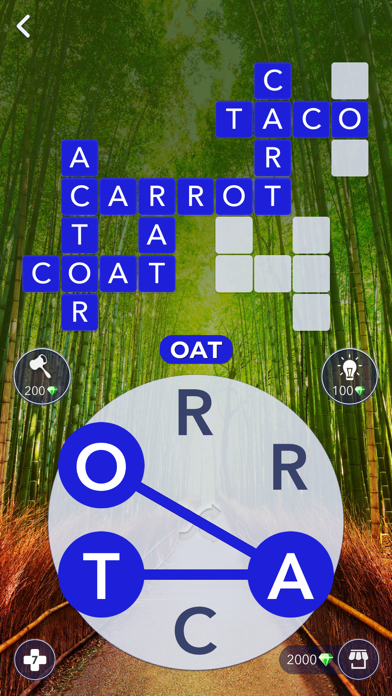
Testen Sie Ihren Wortschatz!
Finde die versteckten Wörter!
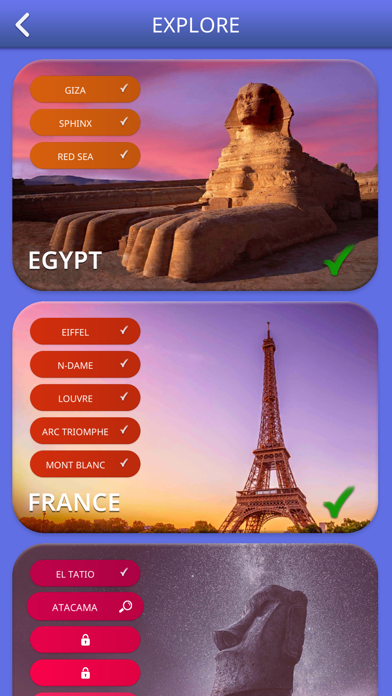
Entdecke Wunder!
Werde ein Meister!
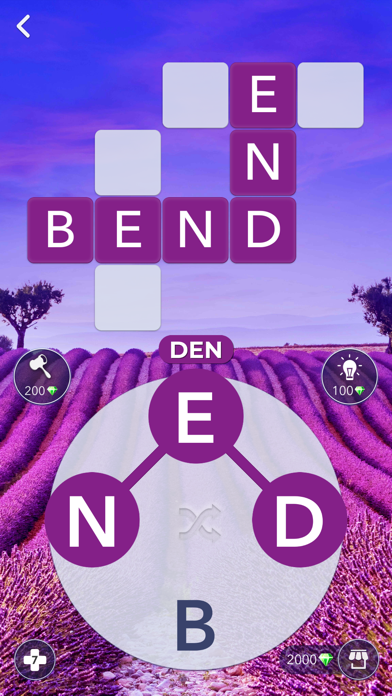
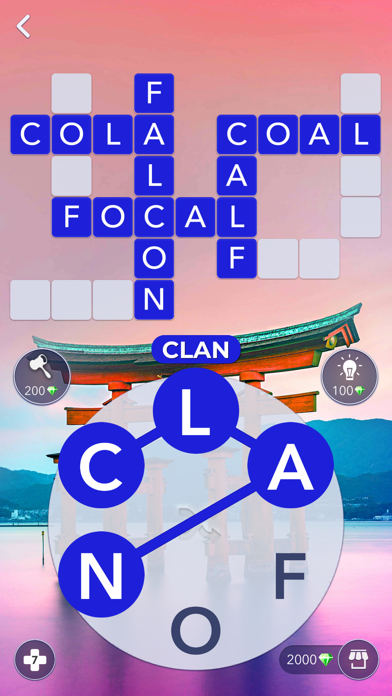
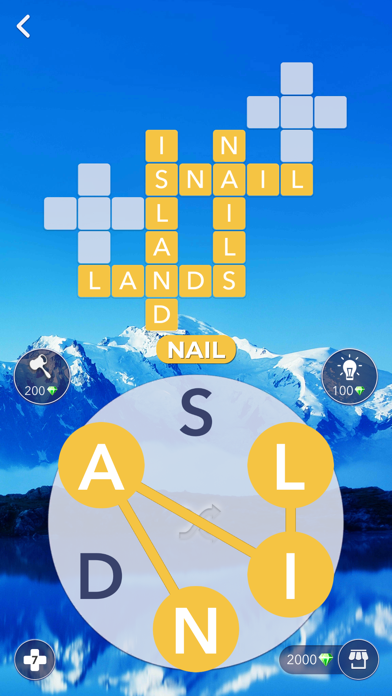
Words Of Wonders testen Ihren Wortschatz, während Sie die Wunder entdecken, die mit herausfordernden Levels gefüllt sind. Beginnen Sie Ihre Reise mit dem ersten Wunder und klettern Sie nach oben, um das letzte Wunder zu erreichen. Jedes Wunder und Level wird immer schwieriger und dank der umfangreichen Wortdatenbank des Spiels einzigartig. Verbinde die Buchstaben, ohne deinen Finger zu heben, finde die versteckten Wörter auf der Tafel!
Genieße einfaches und schönes Spieldesign!
Verschiedene Level-Designs sorgen für mehr Spaß beim Spielen!
Words Of Wonders ist ein herausforderndes Wortspiel der Macher von Wordz.
Abonnementbedingungen
Hier ist die folgende Abonnementdauer in unserem Spiel:
Die Pro-Mitgliedschaft bietet ein wöchentliches Abonnement. Ihnen werden 3,99 USD pro Woche berechnet. Nach dem Kauf dieses Abonnements erhalten Sie ein doppeltes tägliches Geschenk, 2 kostenlose Tipps pro Level und Anzeigen entfernen. Dies ist ein automatisch erneuerbares Abonnement. Die Zahlung wird nach Bestätigung Ihrem Konto belastet. Das Abonnement wird verlängert, sofern Sie es nicht 24 Stunden vor Ablauf des Zeitraums deaktivieren.
Die Preise gelten für Kunden in den USA. Die Preise in anderen Ländern können sich ändern und die tatsächlichen Gebühren können in Ihre lokale Währung umgerechnet werden.
Testende und Verlängerung des Abonnements:
-Die Zahlung wird nach Bestätigung des Kaufs Ihrem Konto belastet.
-Das Abonnement wird verlängert, es sei denn, Sie schalten es 24 Stunden vor dem Ende des aktuellen Zeitraums auf Kosten des wöchentlichen Abonnements aus.
-Der Benutzer kann das Abonnement verwalten und die automatische Verlängerung muss deaktiviert werden, indem er nach dem Kauf im Store zu den Kontoeinstellungen des Benutzers wechselt.
- Während des aktiven Abonnementzeitraums ist keine Kündigung des aktuellen Abonnements zulässig.
Kündigung einer Testversion oder eines Abonnements:
Wenn Sie ein Abonnement kündigen möchten, müssen Sie es über Ihr Konto im Store kündigen. Dies muss mindestens 24 Stunden vorher erfolgen, um eine Aufladung zu vermeiden.
Für weitere Informationen, besuchen Sie bitte
https://support.apple.com/HT207865
Wenn Sie Fragen haben, wenden Sie sich bitte an: [email protected]
Datenschutzerklärung und Nutzungsbedingungen:
http://fugo.com.tr/privacypolicy-wordsofwonders.html
- iPhone ou iPad avec ou sans Jailbreak.
- Sideloadly ou alternatives.
- Ordinateur sous Windows/macOS/Linux avec iTunes installé.
ÉTAPE 1: Téléchargez le fichier .IPA pré-modifié depuis le lien ci-dessus sur votre ordinateur. Pour le télécharger depuis l'iOSGods App, consultez notre Tutoriel de téléchargement de l'IPA depuis l'iOSGods App qui comprend un exemple en vidéo.
ÉTAPE 2: Téléchargez Sideloadly et installez-le sur votre Windows ou Mac.
ÉTAPE 3: Ouvrez Sideloadly sur votre ordinateur, connectez votre appareil iOS et attendez que le nom de votre appareil apparaisse dans Sideloadly.
ÉTAPE 4: Une fois votre iDevice reconnu, glissez le fichier .IPA modifié que vous avez téléchargé et déposez-le dans l'application Sideloadly.
ÉTAPE 5: Saisissez l'adresse e-mail de votre Apple Account, puis appuyez sur « Start ». Il vous sera ensuite demandé d'entrer votre mot de passe. Fournissez les informations requises.
ÉTAPE 6: Attendez que Sideloadly termine le sideloading/l'installation de l'IPA modifié. En cas de problème durant l'installation, veuillez lire la remarque ci-dessous.
ÉTAPE 7: Une fois l'installation terminée et l'app visible sur votre écran d'accueil, vous devez aller dans Réglages → Général → Profils / VPN et gestion de l'appareil. Là, appuyez sur l'adresse e-mail saisie à l'étape 6, puis appuyez sur « Faire confiance à [email protected] ».
ÉTAPE 8: Allez maintenant sur votre écran d'accueil et ouvrez l'app nouvellement installée ; tout devrait fonctionner correctement. Vous devrez peut-être suivre des instructions supplémentaires propres à chaque app, dans la fenêtre du hack en jeu.
REMARQUE : À partir d'iOS/iPadOS 16, vous devez activer le mode Développeur. Pour les comptes Apple Developer gratuits, vous devrez répéter ce processus tous les 7 jours. Pour toute question ou problème, lisez notre section FAQ Sideloadly du sujet.