تسجيل الدخول مطلوب
سجّل الدخول بحساب iOSGods للمتابعة.
Hack Features:
- ADS NO [ Rewards Free ]
- Speed 5X Active
- Currency Unlimited +10 [ Earn & Spend Some ] ViP
- Hero Unlocked
- Enemy ATK 0
- Talents Status [ HP DMG Mana Etc. ] Just One Upgrade [ DMG ] Only After GoTo Battle And Use
قم بتنزيل Idle Archer Tower Defense RPG Hack modded IPA من الروابط أعلاه. اضغط على زر التثبيت واتبع التعليمات لتثبيت هذا التعديل لـ iOS على iPhone أو iPad أو Apple Silicon.
هل تحتاج إلى مزيد من المساعدة؟ راجع الأسئلة الشائعة لتطبيق iOSGods للحصول على إجابات مفصلة ونصائح لاستكشاف الأخطاء.
Welcome Archer Heroes, to the magic world of Idle Archer - Tower Defense!
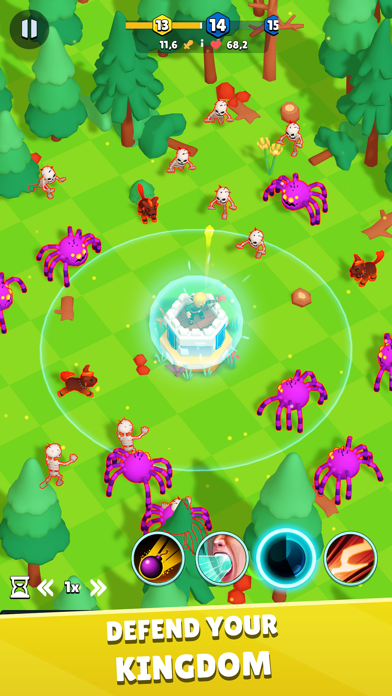
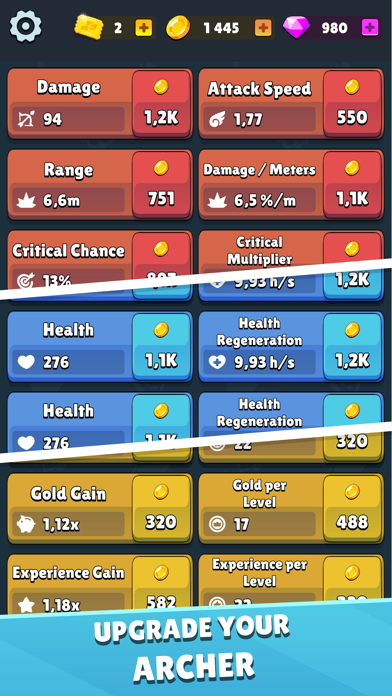
As a Lone Archer, you swore to protect the kingdom against vicious monsters summoned by the evil dark lord. Defend your tower, upgrade your archer, defeat waves of evil and once you are defeated, come back stronger!
Idle Archer is an incremental idle tower defense game where you take the role of an archer defending his tower against waves of monsters. Defeat is a crucial part of the game, collect loot, cards, upgrade your tower and archer and try again!
==== Game Features ====
- Addicting and simple tower defense gameplay
- Idle game with strategy and RPG elements
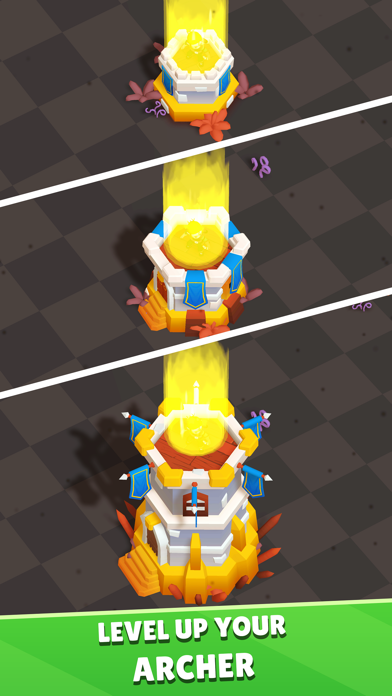
- Invest valuable gold to permanently upgrade your archer
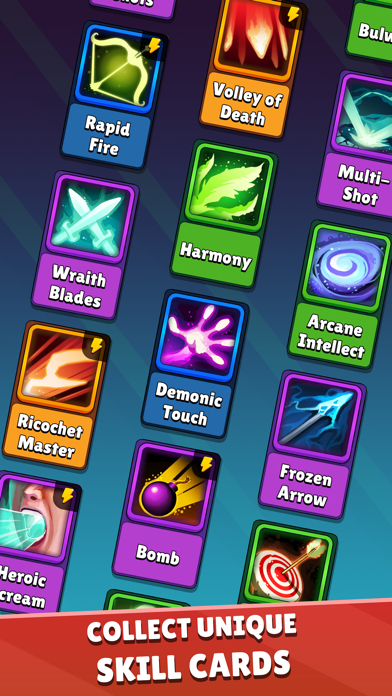
- Collect unique and powerful skill cards that offer different play styles
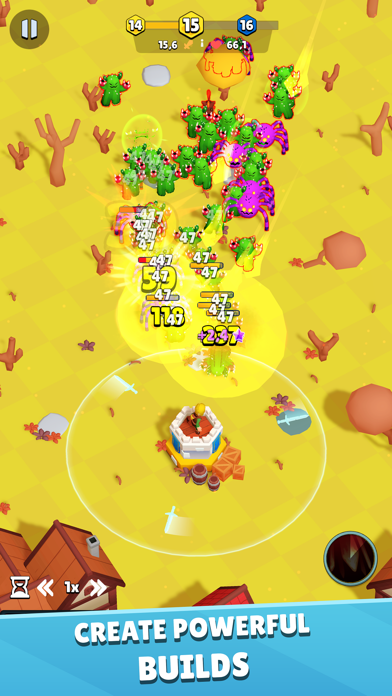
- Fight waves of evil monsters and defeat bosses
- As in every strategy game, put your strategic thinking to the test
Defend your tower and remember, once you die, use what you have learned and fight again! Will you be the chosen Archer in this new idle game?
This is the tower game you want to download and the best tower RPG game to play on mobile. Tower defense and tower games have never been more fun and full of RPG action!
Be an archer hero as you battle the evil monsters from your Tower as they hunt you down in a battle royale of good versus evil. It’s TD at its RPG best - can you be king or queen of this royale game. Don’t rush though, learn from your tower defense defeats and collect loot and money and gold to upgrade your tower defense and get ready for some more RPG battle action.
You could go from arch hero to arch zero in a moment, but play again and don’t give up your tower. The tower is yours to upgrade and defend in RPG battle action. They will try to hunt you down in a battle royale, but don’t let them get you down. Don’t idle though, you’re in a rush in this tower defense RPG action battle game, so keep fighting and upgrading your archer.
This is your kingdom, so defend it with all your might against evil monsters. Upgrade your cards when you can use loot and gold and your tower will be ready for RPG battle action. It’s a tower defense game (or is that tower defence…never know!), and in this incremental idle archer game, it’s non-stop RPG action, battle action, you’re in the hunt and you’re in a rush to save your tower. Don’t be an idle archer but an action archer so the evil monsters can’t win the battle. You can do it!!
- iPhone أو iPad بجيلبريك أو بدون جيلبريك.
- Sideloadly أو بدائلها.
- كمبيوتر يعمل بنظام Windows/macOS/Linux مع تثبيت iTunes.
الخطوة 1: قم بتنزيل ملف .IPA المعدّل مسبقًا من الرابط أعلاه إلى الكمبيوتر الخاص بك. للتنزيل من تطبيق iOSGods App، اطلع على دليل تنزيل IPA من تطبيق iOSGods App الذي يتضمن مثالًا بالفيديو.
الخطوة 2: قم بتنزيل Sideloadly وتثبيته على جهاز Windows أو Mac.
الخطوة 3: افتح Sideloadly على الكمبيوتر، ووصّل جهاز iOS الخاص بك، وانتظر حتى يظهر اسم جهازك داخل Sideloadly.
الخطوة 4: بمجرد التعرّف على جهاز iDevice الخاص بك، اسحب ملف .IPA المعدّل الذي قمت بتنزيله وأفلِته داخل تطبيق Sideloadly.
الخطوة 5: أدخل البريد الإلكتروني لحساب Apple Account الخاص بك، ثم اضغط على «Start». سيُطلب منك بعد ذلك إدخال كلمة المرور. تابع وأدخل المعلومات المطلوبة.
الخطوة 6: انتظر حتى ينتهي Sideloadly من تحميل/تثبيت ملف IPA المعدّل. في حال واجهت أي مشاكل أثناء التثبيت، يرجى قراءة الملاحظة أدناه.
الخطوة 7: بعد اكتمال التثبيت ورؤية التطبيق على الشاشة الرئيسية، انتقل إلى Settings → General → Profiles / VPN & Device Management. ثم اضغط على البريد الإلكتروني الذي أدخلته في الخطوة 6، ثم اضغط على «الوثوق بـ [email protected]».
الخطوة 8: الآن انتقل إلى الشاشة الرئيسية وافتح التطبيق الذي تم تثبيته للتو وسيعمل كل شيء بشكل صحيح. قد تحتاج إلى اتباع تعليمات إضافية خاصة بكل تطبيق داخل النافذة المنبثقة للتعديل أثناء اللعب.
ملاحظة: بدءًا من iOS/iPadOS 16 وما بعده، يجب تفعيل وضع المطور (Developer Mode). بالنسبة لحسابات Apple Developer المجانية، ستحتاج إلى تكرار هذه العملية كل 7 أيام. إذا كانت لديك أي أسئلة أو مشاكل، يرجى قراءة قسم الأسئلة الشائعة حول Sideloadly في الموضوع.