تسجيل الدخول مطلوب
سجّل الدخول بحساب iOSGods للمتابعة.
Hack Features:
- PRO
قم بتنزيل Peachy - Body Editor Hack modded IPA من الروابط أعلاه. اضغط على زر التثبيت واتبع التعليمات لتثبيت هذا التعديل لـ iOS على iPhone أو iPad أو Apple Silicon.
هل تحتاج إلى مزيد من المساعدة؟ راجع الأسئلة الشائعة لتطبيق iOSGods للحصول على إجابات مفصلة ونصائح لاستكشاف الأخطاء.
Aiming at perfection in everything, Peachy is a powerful & handy pro photo editor, especially for selfie editing & retouching, body shape editing.
Everybody is an excellent photographer with this simple retouch tool, it helps you meet the best version of you, smooth skin, whiten teeth, reshape face, fix blemishes, remove wrinkles, become taller, add makeup, tattoo, muscles & filters and so on.
Peachy provides lots of portrait and selfie photo editing features. Download it and give a try!
RETOUCH
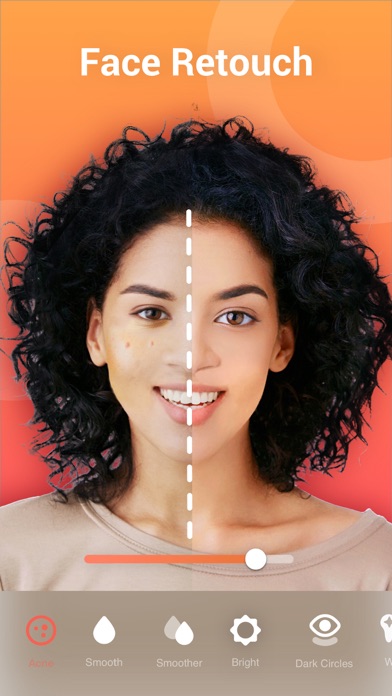
·Remove wrinkles and acne
·Smooth and brightened your skin
·Reduce dark circles under your eyes
·Whiten your teeth
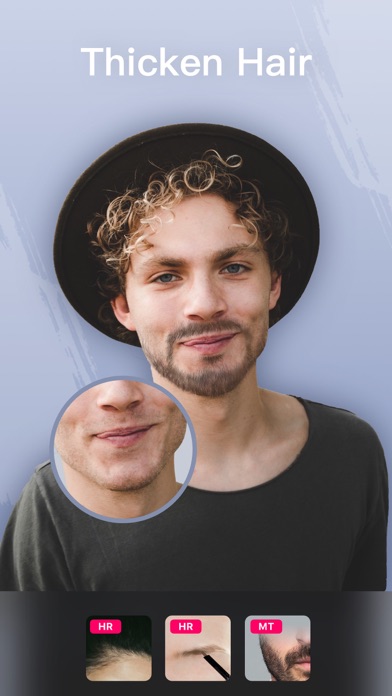
·Add volume and darken your eyebrow
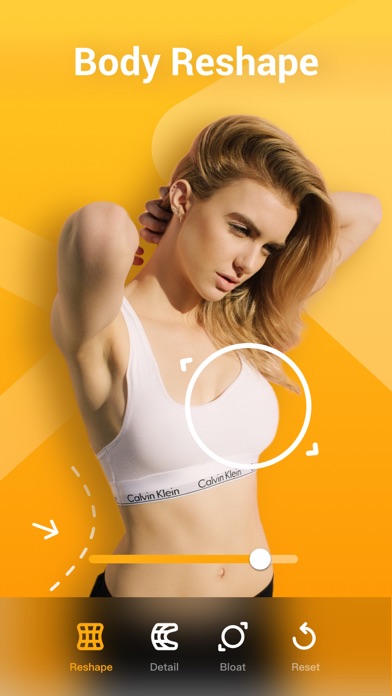
RESHAPE
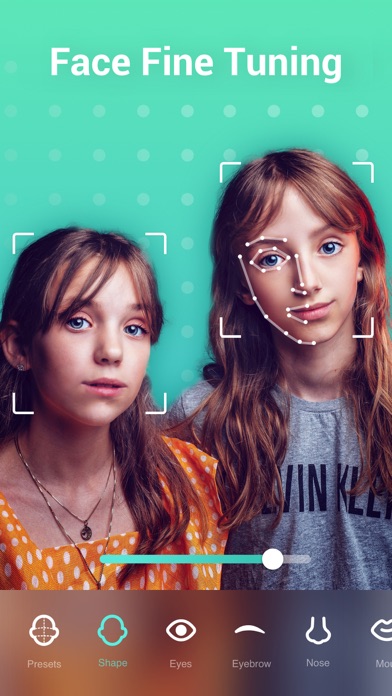
·Reshape your body and facial structure
·Refine a specific area of the selfie, for example, arms or facial features
·Bloat your breast, enlarge muscles and facial features
HEIGHT CORRECTION
·Elongate your legs and become taller
·Enhance your body both laterally and longitudinally
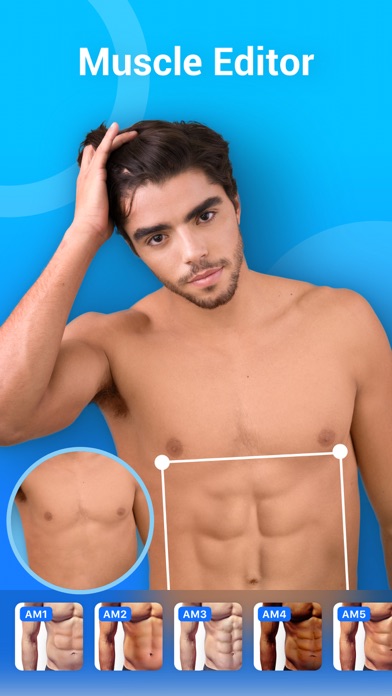
ADD MUSCLES
·Add six pack abs muscles
·Add chest muscles
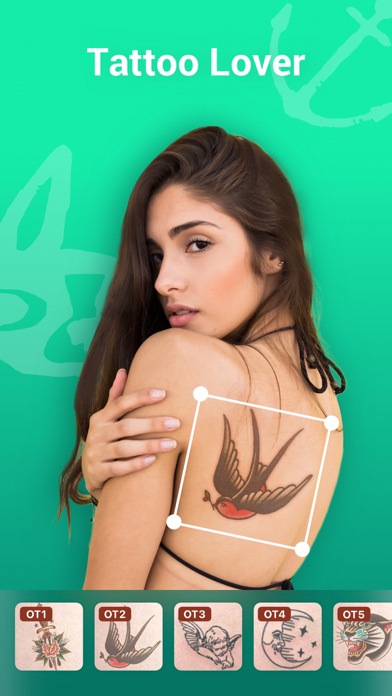
ADD TATTOO
·Add creative tattoos to your body
LIGHTING EFFECTS
·Improve lighting effects of the selfie or portrait
ACCESSORIES
·Decorate your selfie or portrait with stylish accessories
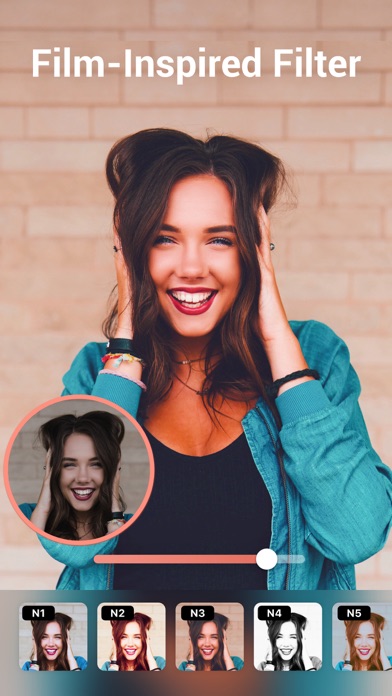
FILTERS
·High-fashion vintage filters, perfect for selfie
ADJUST
·Create custom filters by adjusting brightness, contrast etc.
Perfect your selfies or portraits in Peachy, and share with your friends online, it can be fun and inspiring!
Any suggestions or feedback for Peachy (photo and selfie editor, retouch tool), please email us at [email protected]. We will get back to you as soon as possible.
Peachy Pro Unlimited Subscription
- With an Peachy Pro Unlimited subscription, you have access to all features and paid editing options and materials. Advertisements will be removed automatically.
- Peachy Pro Unlimited subscription is billed annually. In addition, a one-time payment will be offered if needed, which is not one of the subscription plan.
- Payment will be charged to iTunes Account at confirmation of purchase.
- Subscription automatically renews unless auto-renew is turned off at least 24-hours before the end of the current period.
- Account will be charged for renewal within 24-hours prior to the end of the current period, and identify the cost of the renewal.
- Subscriptions may be managed by the user and auto-renewal may be turned off by going to the user's Account Settings after purchase.
- Any unused portion of a free trial period, if offered, will be forfeited when the user purchases a subscription to that publication, where applicable.
-Terms of Use
https://inshot.cc/terms/terms_peachy.pdf
-Privacy Policy
https://inshot.cc/terms/privacy_peachy.pdf
- iPhone أو iPad بجيلبريك أو بدون جيلبريك.
- Sideloadly أو بدائلها.
- كمبيوتر يعمل بنظام Windows/macOS/Linux مع تثبيت iTunes.
الخطوة 1: قم بتنزيل ملف .IPA المعدّل مسبقًا من الرابط أعلاه إلى الكمبيوتر الخاص بك. للتنزيل من تطبيق iOSGods App، اطلع على دليل تنزيل IPA من تطبيق iOSGods App الذي يتضمن مثالًا بالفيديو.
الخطوة 2: قم بتنزيل Sideloadly وتثبيته على جهاز Windows أو Mac.
الخطوة 3: افتح Sideloadly على الكمبيوتر، ووصّل جهاز iOS الخاص بك، وانتظر حتى يظهر اسم جهازك داخل Sideloadly.
الخطوة 4: بمجرد التعرّف على جهاز iDevice الخاص بك، اسحب ملف .IPA المعدّل الذي قمت بتنزيله وأفلِته داخل تطبيق Sideloadly.
الخطوة 5: أدخل البريد الإلكتروني لحساب Apple Account الخاص بك، ثم اضغط على «Start». سيُطلب منك بعد ذلك إدخال كلمة المرور. تابع وأدخل المعلومات المطلوبة.
الخطوة 6: انتظر حتى ينتهي Sideloadly من تحميل/تثبيت ملف IPA المعدّل. في حال واجهت أي مشاكل أثناء التثبيت، يرجى قراءة الملاحظة أدناه.
الخطوة 7: بعد اكتمال التثبيت ورؤية التطبيق على الشاشة الرئيسية، انتقل إلى Settings → General → Profiles / VPN & Device Management. ثم اضغط على البريد الإلكتروني الذي أدخلته في الخطوة 6، ثم اضغط على «الوثوق بـ [email protected]».
الخطوة 8: الآن انتقل إلى الشاشة الرئيسية وافتح التطبيق الذي تم تثبيته للتو وسيعمل كل شيء بشكل صحيح. قد تحتاج إلى اتباع تعليمات إضافية خاصة بكل تطبيق داخل النافذة المنبثقة للتعديل أثناء اللعب.
ملاحظة: بدءًا من iOS/iPadOS 16 وما بعده، يجب تفعيل وضع المطور (Developer Mode). بالنسبة لحسابات Apple Developer المجانية، ستحتاج إلى تكرار هذه العملية كل 7 أيام. إذا كانت لديك أي أسئلة أو مشاكل، يرجى قراءة قسم الأسئلة الشائعة حول Sideloadly في الموضوع.