Inicio de sesión requerido
Inicia sesión con tu cuenta de iOSGods para continuar.
Inicia sesión con tu cuenta de iOSGods para continuar.

Hack Features:
- PRO
Esta app también incluye iGameGod, que te ofrece acceso a Auto Touch para automatizar tareas repetitivas, App Speed Manager para ajustar la velocidad del juego, edición de valores con Memory Engine y más potentes herramientas para juegos de iOS.
Descarga Peachy - Body Editor Hack modded IPA desde los enlaces de arriba. Toca el botón de instalación y sigue las instrucciones para instalar este hack iOS en tu iPhone, iPad o Mac con Apple Silicon.
¿Necesitas más ayuda? Consulta nuestras Preguntas frecuentes de la app iOSGods para respuestas detalladas y consejos de solución de problemas.
Aiming at perfection in everything, Peachy is a powerful & handy pro photo editor, especially for selfie editing, portrait retouching, and natural-looking body adjustments.
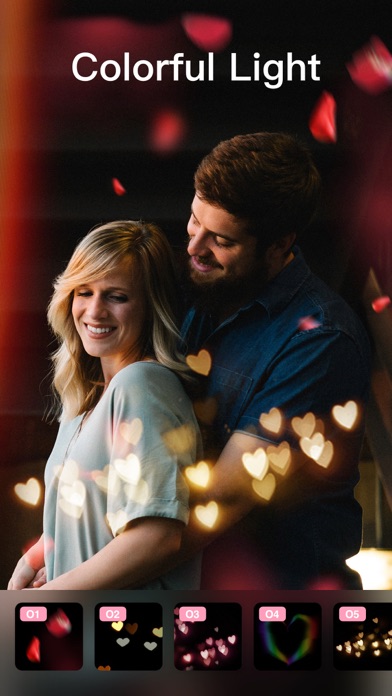
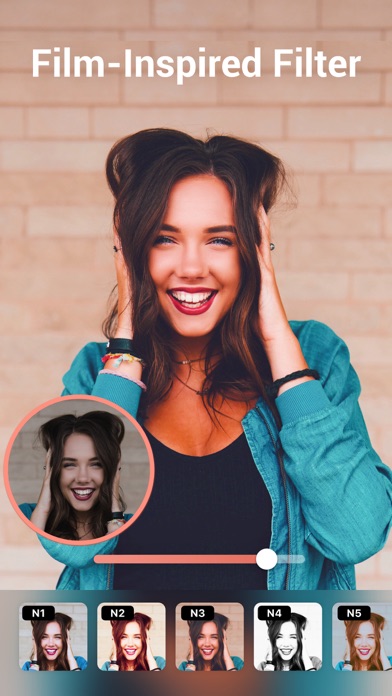
Everybody is an excellent photographer with this simple retouch tool, it helps you meet the best version of you, smooth skin, whiten teeth, reshape face, fix blemishes, remove wrinkles, become taller, add makeup, tattoo, muscles, filters, and more.
Peachy provides lots of portrait and selfie photo editing features. Download it and give a try!
RETOUCH
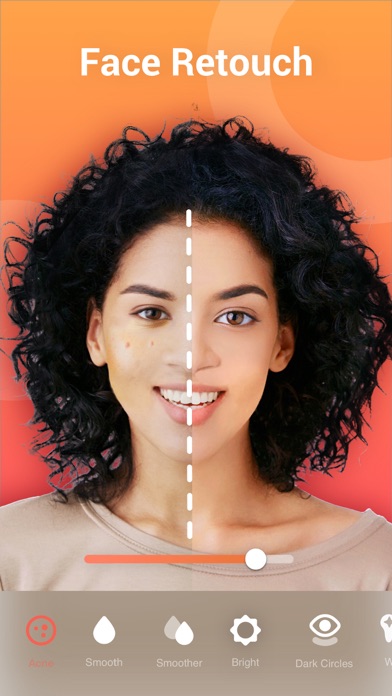
·Remove wrinkles and acne
·Smooth and brightened your skin
·Reduce dark circles under your eyes
·Whiten your teeth
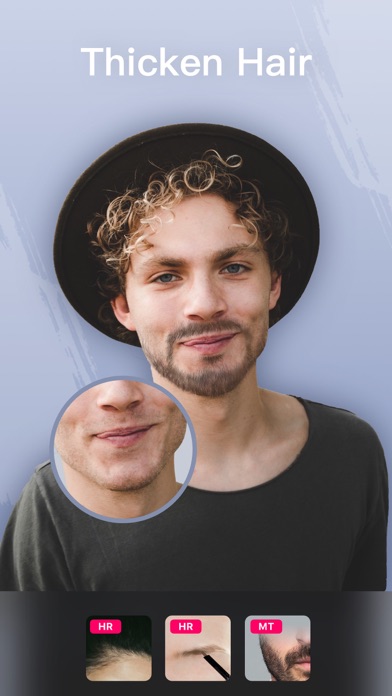
·Add volume and darken your eyebrow
RESHAPE
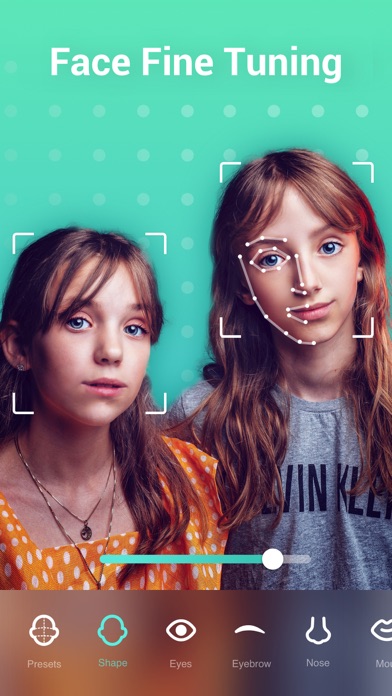
·Adjust body and facial proportions
·Refine a specific area of the selfie
·Enhance natural curves, add muscle definition, and refine facial features
MAKEUP
·Put on a full set of trendy makeup
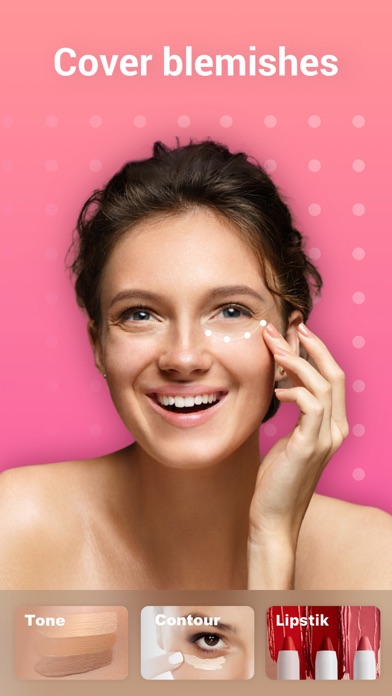
·Foundation and Concealer tools for skin retouch
·Contour, Blush, Eye Makeup, Lipstick, etc. Everything you need for makeup
·Change hair color with just one tap
HEIGHT CORRECTION
·Elongate your legs and become taller
·Enhance your body both laterally and longitudinally
AI REMOVE
·Automatic object detection
·Easily remove unwanted objects with high quality
RELIGHT
·Portrait Relight to highlight your beauty
·Lighting Adjustment (brightness, radius, warmth and softness)
AI TOOLS
·Al Enhance: Improve low-quality or blurry images
·Al Cartoon: Enjoy AI Art and generate avatars in various styles
·AI Touch: Effortlessly retouch photos with just one tap
·AI Adjust: Improve the tone of visual effects automatically
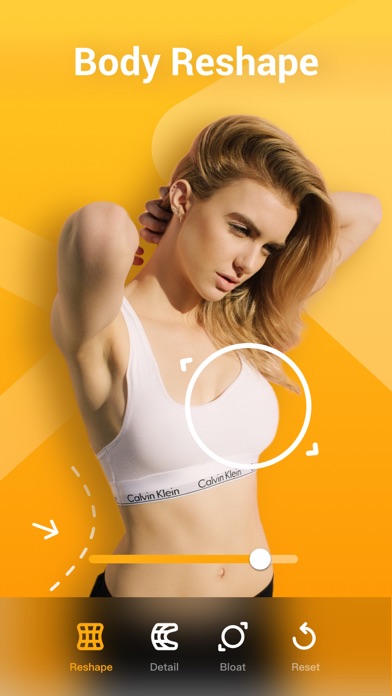
AUTO BODY RESHAPE
·Automatically reshape your Head, Legs, Arms, Neck, Waist, Shoulders, and more
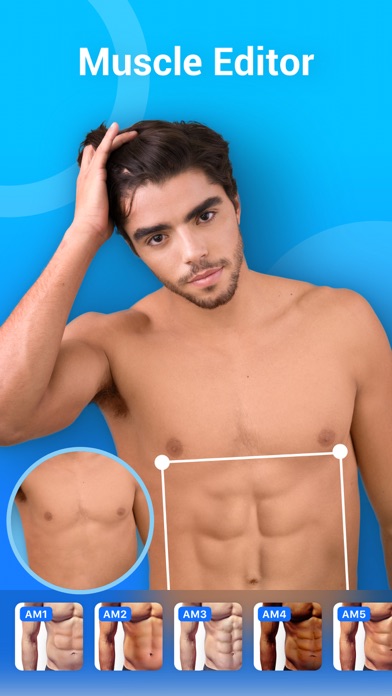
ADD MUSCLES
·Add six pack abs muscles
·Add chest muscles
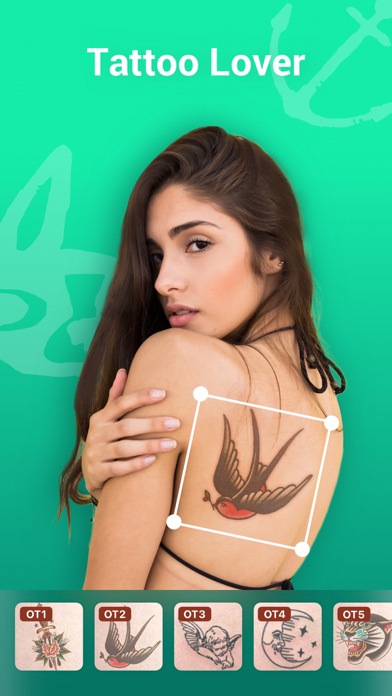
ADD TATTOO
·Add creative tattoos to your body
LIGHTING EFFECTS
·Improve lighting effects of the selfie or portrait
ACCESSORIES
·Decorate your selfie or portrait with stylish accessories
ADJUST
·Adjusting brightness, contrast, vignette, highlights, shadows, etc.
·Selective options for image enhancement
·Professional HSL color correction
CLOTHES
·Change dress style with preset patterns or featured colors
BEAUTY CAMERA
·Real time selfie camera with smooth skin and face fine-tune
BASIC PHOTO EDITING TOOLS
·High-fashion vintage filters, perfect for selfie
·Auto Background Blur and Bokeh tools
·BG Effects to make your photo unique
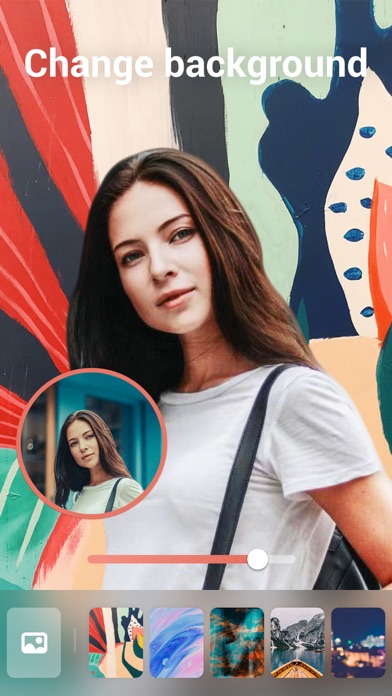
·Remove and change background easily
·Amazing Glitch effects
·Add text on your photo
Perfect your selfies or portraits in Peachy, and share with your friends online, it can be fun and inspiring!
Any suggestions or feedback for Peachy (photo and selfie editor, retouch tool), please email us at [email protected]. We will get back to you as soon as possible.
------------------------------
Peachy Pro Unlimited Subscription
- With an Peachy Pro Unlimited subscription, you have access to all features and paid editing options and materials. Advertisements will be removed automatically.
- Peachy Pro Unlimited subscription is billed annually. In addition, a one-time payment will be offered if needed, which is not one of the subscription plan.
- Payment will be charged to iTunes Account at confirmation of purchase.
- Subscription automatically renews unless auto-renew is turned off at least 24-hours before the end of the current period.
- Account will be charged for renewal within 24-hours prior to the end of the current period, and identify the cost of the renewal.
- Subscriptions may be managed by the user and auto-renewal may be turned off by going to the user's Account Settings after purchase.
- Any unused portion of a free trial period, if offered, will be forfeited when the user purchases a subscription to that publication, where applicable.
-Terms of Use
https://inshot.cc/terms/terms_peachy.pdf
-Privacy Policy
https://inshot.cc/peachy/terms/privacy_policy.pdf
- iPhone o iPad con o sin Jailbreak.
- Sideloadly u otras alternativas.
- Ordenador con Windows/macOS/Linux e iTunes instalado.
PASO 1: Descargue el archivo .IPA pre-modificado desde el enlace de arriba a su ordenador. Para descargarlo desde la iOSGods App, consulte nuestro Tutorial de descarga del IPA desde la iOSGods App, que incluye un ejemplo en vídeo.
PASO 2: Descargue Sideloadly e instálelo en su Windows o Mac.
PASO 3: Abra Sideloadly en su ordenador, conecte su dispositivo iOS y espere hasta que el nombre del dispositivo aparezca en Sideloadly.
PASO 4: Una vez que su iDevice sea reconocido, arrastre el archivo .IPA modificado que descargó y suéltelo en la aplicación Sideloadly.
PASO 5: Introduzca el correo electrónico de su Apple Account y, a continuación, pulse «Start». Le pedirá que introduzca su contraseña. Proporcione la información solicitada.
PASO 6: Espere a que Sideloadly termine de hacer sideload/instalar el IPA modificado. Si surgen problemas durante la instalación, por favor lea la nota a continuación.
PASO 7: Una vez completada la instalación y al ver la app en la pantalla de inicio, deberá ir a Ajustes → General → Perfiles / VPN y Gestión de Dispositivos. Una vez allí, toque el correo electrónico que introdujo en el paso 6 y, después, toque en «Confiar en [email protected]».
PASO 8: Ahora vaya a la pantalla de inicio y abra la app recién instalada; todo debería funcionar correctamente. Es posible que tenga que seguir instrucciones adicionales específicas de cada app dentro del popup del hack en el juego.
NOTA: En iOS/iPadOS 16 y posteriores, debe activar el Modo Desarrollador. Para cuentas gratuitas de Apple Developer, deberá repetir este proceso cada 7 días. Si tiene alguna pregunta o problema, lea nuestra sección de Preguntas Frecuentes de Sideloadly del tema.