Just in time for Rayark's 10th anniversary comes a sequel to their classic IP, DEEMO.
A kingdom created through music faces an uncertain future after a monster called 'The Ancestor' plagues the land with a destructive 'Hollow Rain'. This dangerous rain causes anyone it touches to 'bloom', turning into a flurry of white flower petals and ultimately vanishing from existence.
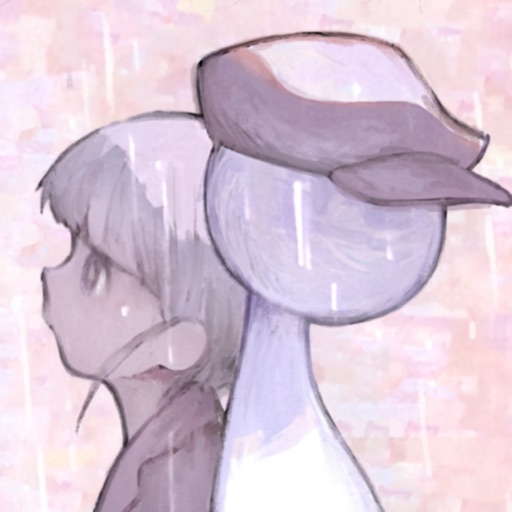
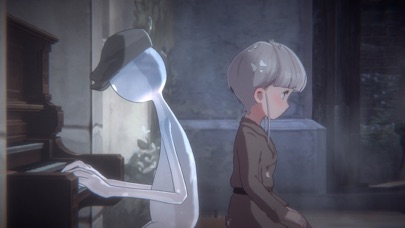
DEEMO II follows Echo, a girl who has bloomed but mysteriously re-appeared, and Deemo, an enigmatic station Guardian, as they journey through this rain-soaked world in hopes of finding a way to save it.
Features:
▲A Mysterious and Emotional Story:
Why did 'The Composer', the elusive being who created this world, suddenly abandon it? Why and how did Echo bloom and then come back to life? Accompany Echo as she uncovers the secrets behind these questions, journeying to uncover the truth and save the world.
▲A Combination of Rhythm and Adventure:
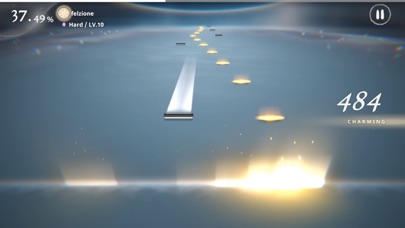
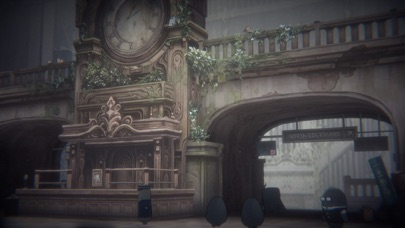
Explore Central Station with Echo, interacting with your surroundings as you get to know the many station residents while discovering clues and 'Charts', magical pieces of music with the power to clear away Hollow Rain. As Deemo you'll play those Charts, putting your musical skills to the test in fun and challenging rhythm sections, ultimately moving the story forward.
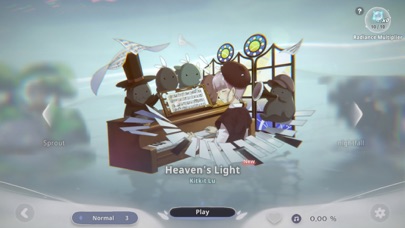
▲30 Core Songs + DLC Song Packs for a Total of 120+ Tracks:
Composers from around the world, including Japan, Korea, Europe and the Americas, have created an eclectic array of tracks for DEEMO II with an emphasis on acoustic instrumentation. Genres include Classical, Jazz, Chill Pop, J-Pop, and more. Infectious, emotive melodies will give music lovers dozens of fast favorites, and creative, syncopated rhythms will make sure rhythm-game aficionados have plenty to sink their teeth into.
▲Make Friends with Over 50 Station Residents:
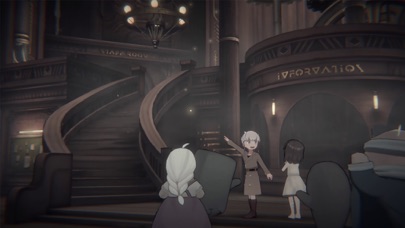
Central Station is full of characters with their own personalities and stories. As Echo, you can chat with them as they walk about Central Station, living their lives, opening paths to different topics depending on the situation. As you talk with them and get to know them, you'll start to feel like you're part of an eccentric new community.
▲Storybook Graphics and Artstyle:
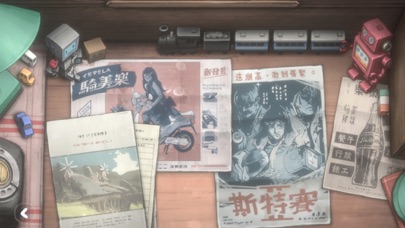
DEEMO II marries hand-drawn backgrounds with 3D models and a meticulous attention to detail that will make you feel like you're caught in a storybook, or an anime come to life.
▲Movie-Quality Animated Scenes:
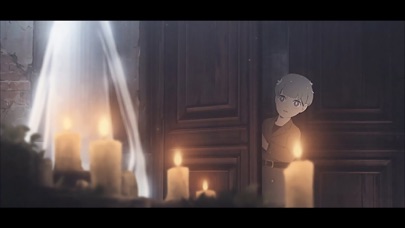
DEEMO II is full of high-quality anime cutscenes, fully voiced by professional Japanese voice actors. Pair that with music composed by DEEMO and Sdorica vets, and you've got an audio and visual treat.
Rayark is well-versed in rhythm-game production, with popular titles like Cytus, DEEMO, Voez, and Cytus II under their belt. They are well-known for mixing fun and fluid rhythm gameplay with visual flair and deep storylines, providing full, rewarding experiences to get lost in.
***COMPATIBILITY***
Requires iOS 11.0 or later
Compatible with Phone 11, iPhone 11 Pro, iPhone 11 Pro Max, iPhone 12, iPhone 12 mini, iPhone 12 Pro, iPhone 12 Pro Max, iPhone 13, iPhone 13 mini, iPhone 13 Pro, iPhone 13 Pro Max, iPad Pro (2nd Generation) 12.9-inch, iPad Pro (2nd Generation) 10.5-inch, iPad Pro (3rd Generation) 11-inch, iPad Pro (3rd Generation) 12.9-inch, iPad Pro (4th Generation) 11-inch, iPad Pro (4th Generation) 12.9-inch, iPad Air (4th Generation), iPad mini (6th Generation)
在 iOS App Store 中查看