Login necessário
Entre com sua conta iOSGods para continuar.
Entre com sua conta iOSGods para continuar.
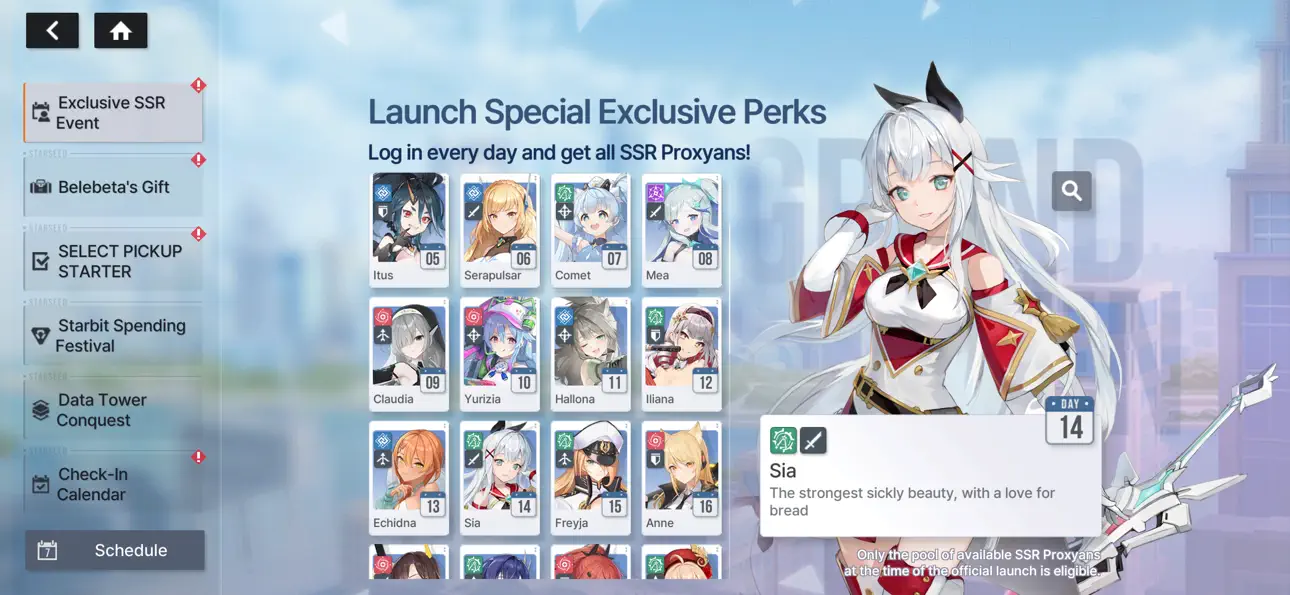
Multiplicador de Ataque, Multiplicador de Defesa e Habilidades Instantâneas oferecem poder de combate avassalador em STARSEED: Asnia Trigger iOS Mod IPA, um RPG modificado onde você desperta em um mundo regenerado para salvar a humanidade dos Redshifts. Reúna-se com garotas IA únicas de sete facções e aproveite este hack para dominar cada batalha enquanto descobre o mistério por trás da extinção da humanidade.
- Multiplicador de Ataque → aumente seu dano em combate
- Multiplicador de Defesa → reduza o dano recebido e sobreviva mais tempo
- Habilidades Instantâneas → lance habilidades sem atrasos de recarga
Este app também vem com iGameGod, oferecendo acesso ao Auto Touch para automatizar tarefas repetitivas, App Speed Manager para ajustar a velocidade do jogo, edição de valores com Memory Engine e outras ferramentas avançadas para jogos iOS.
Baixe STARSEED: Asnia Trigger iOS Mod IPA dos links acima. Toque no botão de instalação e siga as instruções para instalar este hack iOS no seu iPhone, iPad ou Apple Silicon.
Precisa de mais ajuda? Confira nossas Perguntas frequentes sobre o app iOSGods para respostas detalhadas e dicas de solução de problemas.
[Game Overview]
■ A Journey to Save the World in the Regenerated World
You awaken one day to a world where humanity has fallen.
In this Regenerated World, your journey begins to save it from the hostile force known as the Redshifts.
Together with the girls called Proxyans who follow you, challenge the mystery behind humanity’s extinction.
■ Girls from Seven Factions — Cherish the Time You Share
Meet the unique AI girls of the Seven Themes!
Experience fateful encounters and build meaningful connections with them.
■ Lively Voices Brought to Life by Renowned Voice Actors
Deepen your bond through the captivating performances of famous voice actors, each bringing their own charm to the girls.
■ Personalized Growth Shaped by Your Choices
Enjoy custom growth alongside adorable SD versions of the girls!
Choose your classmates and design your own class schedule. Based on your lesson results, earn unique growth buffs tailored to your journey.
■ Deepen Your Bonds Through Meaningful Interactions
Share daily moments from your Proxyans through Instarseed, and connect in real time via AI chat in Proxima Talk.
***
• This game is free to play, but you can choose to pay real money for extra items.
• Supported Languages
English, 한국어, 中文简体, 中文繁體, Deutsch, Français, Tiếng Việt, ไทย
[Minimum Requirements]
- iPhone 10 (iOS 13)/4GB RAM
• Smartphone App Permissions
▶ Access Permissions
Requesting permissions to provide the following services:
[Required Permissions]
None.
[Optional Permissions]
- Push Notifications: Permission to send you Push Notifications in-game.
- Identifier for Advertisers (IDFA): Permission to use Identifier for Advertisers (IDFA) for targeted advertising and tracking analysis.
* Optional permissions are not required to play. However, disabling them will restrict access to related features.
▶ Revoking Permissions
You can reset or revoke permissions using the following steps:
- Settings > Privacy > Select App > Grant/Revoke Permissions
Items are available for purchase in this game.
For Com2uS Mobile Game Terms of Service, visit www.withhive.com.
For game-related inquiries, please contact the Com2uS Customer Support ( https://customer.withhive.com/com2us ).
Capturas © respectivos proprietários · App Store


A iOSGods não é afiliada, endossada nem patrocinada pela Apple Inc., pela Google LLC ou pelos desenvolvedores dos apps listados aqui. Apple, iOS e App Store são marcas da Apple Inc. Android e Google Play são marcas da Google LLC. Todos os demais nomes de apps, ícones, imagens e marcas pertencem aos seus respectivos proprietários.
- iPhone ou iPad sem jailbreak/jailed ou com jailbreak.
- Sideloadly ou alternativas.
- Computador com Windows/macOS/Linux e iTunes instalado.
PASSO 1: Baixe o arquivo .IPA pré-hackeado do link acima para o seu computador. Para baixar pelo iOSGods App, veja nosso Tutorial de download de IPA do iOSGods App, que inclui um exemplo em vídeo.
PASSO 2: Baixe o Sideloadly e instale-o no seu Windows ou Mac.
PASSO 3: Abra o Sideloadly no seu computador, conecte seu dispositivo iOS e aguarde até que o nome do dispositivo apareça no Sideloadly.
PASSO 4: Assim que seu iDevice for reconhecido, arraste o arquivo .IPA modificado que você baixou e solte-o no aplicativo Sideloadly.
PASSO 5: Digite o e-mail da sua Apple Account e pressione “Start”. Em seguida, será solicitada a sua senha. Prossiga e forneça as informações solicitadas.
PASSO 6: Aguarde o Sideloadly finalizar o sideload/instalação do IPA hackeado. Se houver problemas durante a instalação, leia a observação abaixo.
PASSO 7: Quando a instalação estiver concluída e você vir o app na Tela de Início, será necessário acessar Ajustes → Geral → Perfis / Gerenciamento de VPN e Dispositivo. Lá, toque no e-mail que você inseriu no passo 6 e, em seguida, toque em “Confiar em [email protected]”.
PASSO 8: Agora vá para a Tela de Início e abra o app recém-instalado; tudo deve funcionar normalmente. Você pode precisar seguir instruções adicionais específicas no popup do hack dentro do jogo.
OBSERVAÇÃO: No iOS/iPadOS 16 e versões posteriores, você deve ativar o Modo de Desenvolvedor. Para contas Apple Developer gratuitas, será necessário repetir este processo a cada 7 dias. Se tiver dúvidas ou problemas, leia nossa seção de FAQ do Sideloadly no tópico.
Game Name iOS Mod IPA is an action adventure game enhanced with powerful gameplay boosts and quality-of-life improvements. Win battles faster, earn rewards quicker, and enjoy uninterrupted play without ads.
- Unlimited Gold - spend freely to unlock premium content
- Damage Multiplier - deal significantly more damage in combat
- Defense Multiplier - take less damage and survive longer
- Reward Multiplier - earn more loot from every battle
- Max Level - instantly reach the highest player rank
- No Ads - play without interruptions or advertisements
This app also comes with iGameGod, giving you access to Auto Touch to automate repetitive tasks, App Speed Manager for adjustable gameplay speed, Memory Engine value editing, and more powerful iOS game tools.
Baixe Game Name Mod IPA dos links acima. Toque no botão de instalação e siga as instruções para instalar este hack iOS no seu iPhone, iPad ou Apple Silicon.
Precisa de mais ajuda Confira nossas Perguntas frequentes sobre o app iOSGods para respostas detalhadas e dicas de solução de problemas.
----------------------------------------------------------
--------------------------------------------------



![[The Battle Cats JP] にゃんこ大戦争 iOS Mod IPA](https://is1-ssl.mzstatic.com/image/thumb/Purple221/v4/49/1f/65/491f6564-34c3-03dc-d4e0-2d08dc00f72f/AppIcon-0-0-1x_U007epad-0-1-85-220.png/100x100bb.jpg)


