Требуется вход
Войдите в учётную запись iOSGods, чтобы продолжить.
Войдите в учётную запись iOSGods, чтобы продолжить.
- No Recoil
- Unlimited Ammo
- Never Die
- ESP
Скачайте Code of War: Military Gun Game iOS Mod IPA по ссылкам выше. Нажмите кнопку установки и следуйте инструкциям, чтобы установить этот хак iOS на iPhone, iPad или Mac с Apple Silicon.
Нужна помощь? Посмотрите наши Часто задаваемые вопросы по приложению iOSGods, чтобы получить подробные ответы и советы по устранению неполадок.
WELCOME TO SHOOTING GAMES
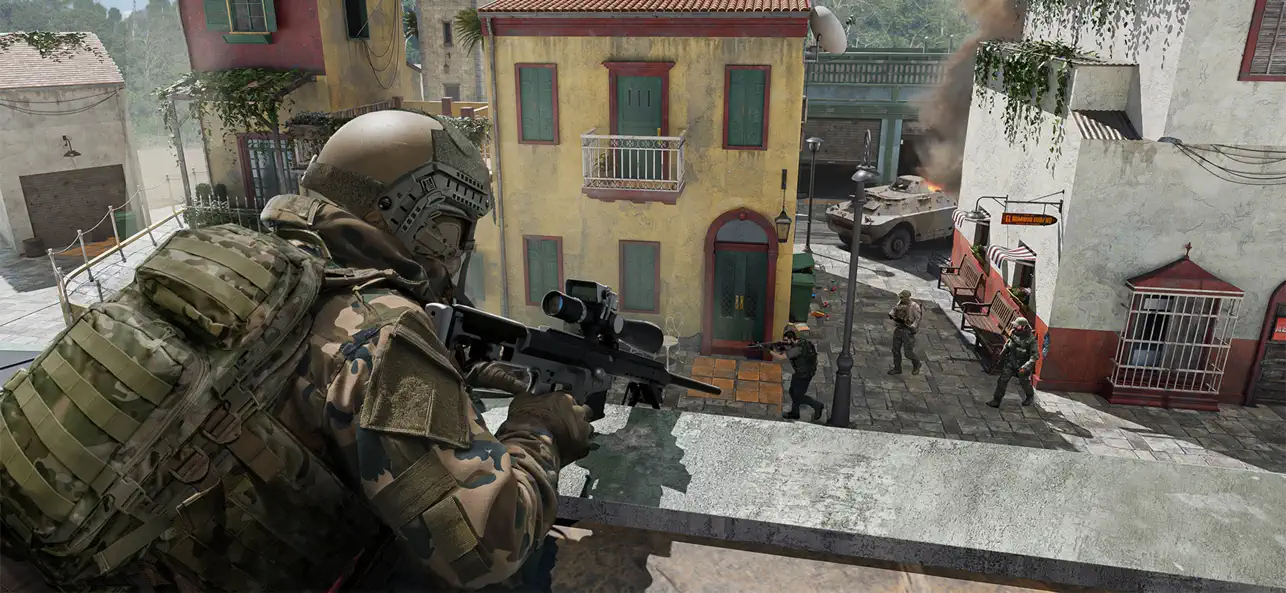
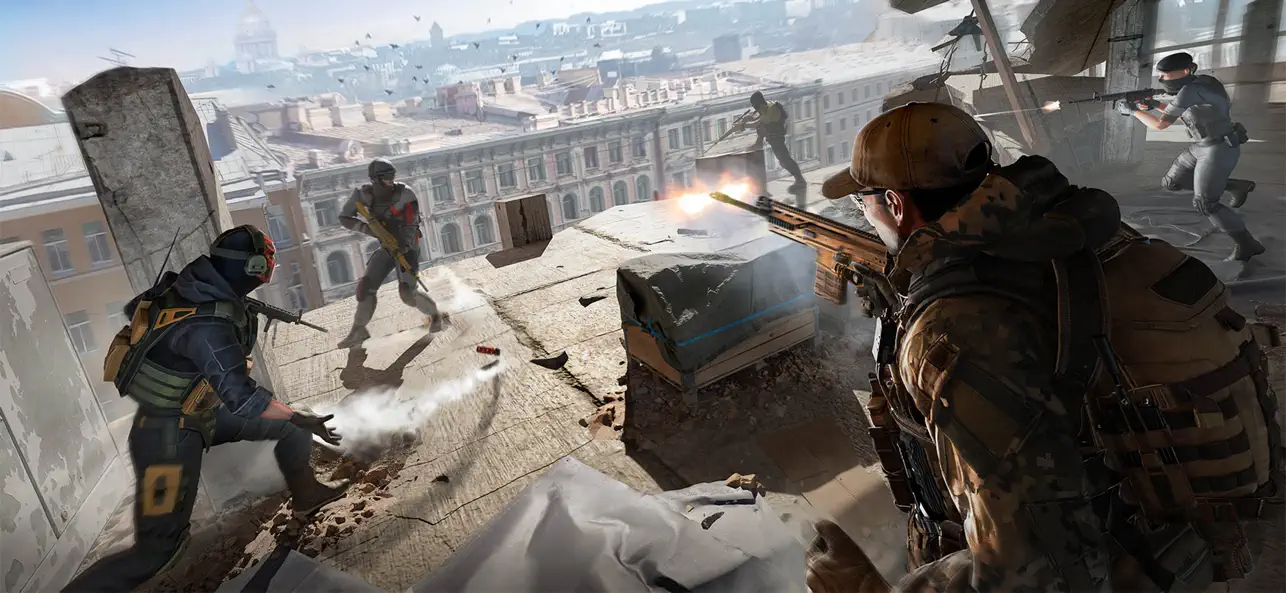
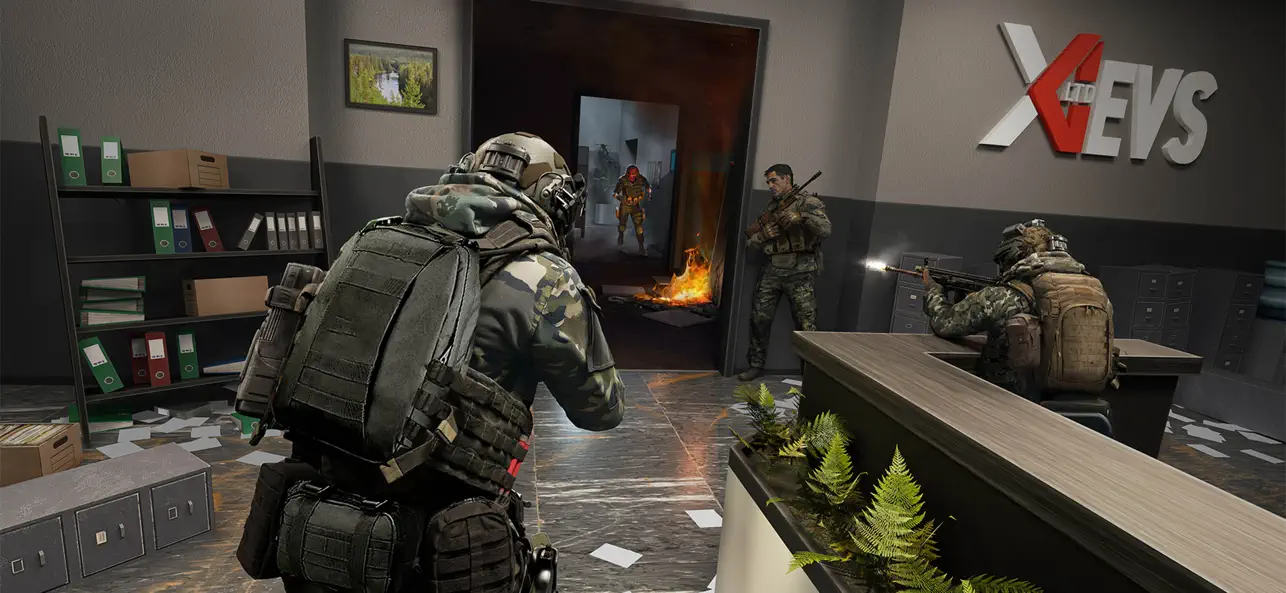
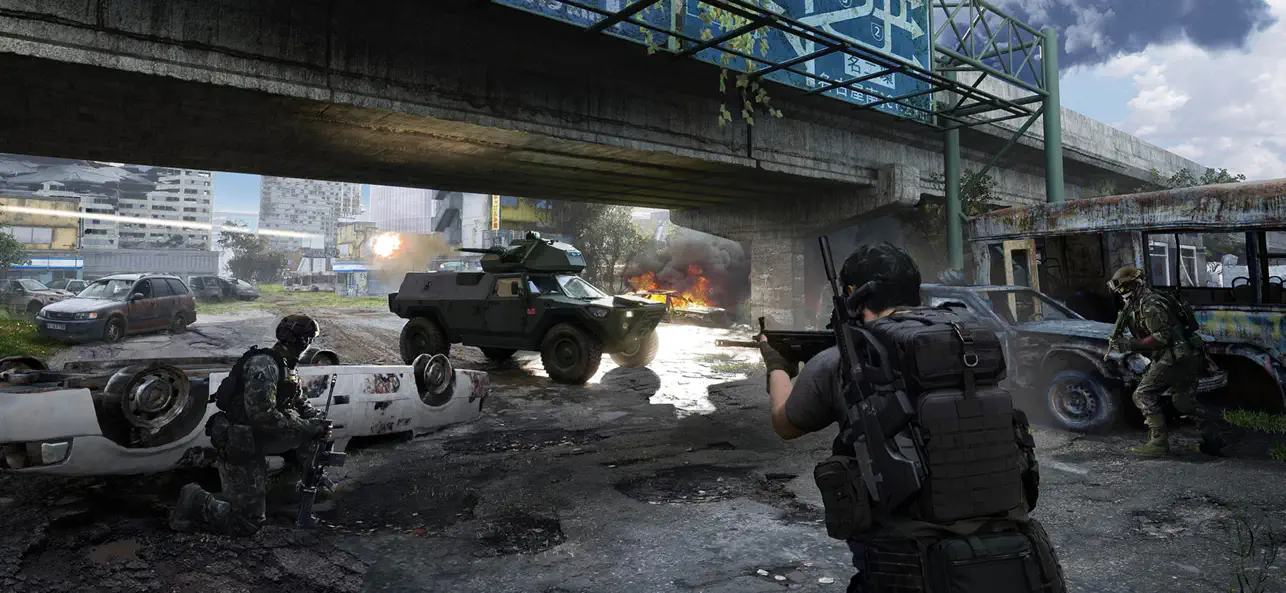
Step into the ultimate shooter experience where modern battles never stop! Code of War is a mobile multiplayer shooter packed with fast-paced action, tactical choices, and non-stop excitement. Whether you love intense pvp shooter duels, large-scale battlefield chaos, classic fps games, or competitive gun games, this is your mission.
WHY YOU’LL LOVE COOL GAMES
• Thrilling first person shooter and third-person shooting mechanics;
• Multiple modes – from 5v5 combat to solo standoff challenges and quick free fire skirmishes;
• Realistic guns – sniper rifles, assault weapons, grenades & more;
• Smooth controls optimized for all mobile devices;
• Join millions of players in epic online multiplayer war games.
GAME MODES
• Team Deathmatch – Squad up in intense pvp battles, strike first, and dominate;
• Solo Deathmatch – No backup, no mercy. Just you and your gun simulator against all;
• Special Forces Missions – Tactical shooter games with high-risk objectives;
• Tournaments & Leaderboards – Rise through ranks, prove you’re among the true legends of modern combat.
ARSENAL OF MODERN WARFARE
Choose from dozens of powerful guns and gear. Unlock deadly sniper rifles, shotguns, assault weapons, and explosives. Whether you prefer a tactical strike from afar or close-range shooting games action, you’ll find your perfect gun game loadout. Every firefight feels like real SWAT modern combat.
VARIETY OF MAPS & ARENAS
Engage in warfare across diverse environments:
• Urban streets filled with nonstop fire;
• Open fields for long-range sniper duels;
• Industrial zones for strategic tactical shooter moves;
• Competitive arena battle where every second counts.
KEY FEATURES
• Free-to-play online fps packed with nonstop action;
• Smooth pvp shooter gameplay on any mobile device;
• Join global multiplayer games with players from around the world;
• Dynamic army games atmosphere – feel like a real soldier in the military;
• Play like elite special forces in the most intense top war shooting game;
• Become part of epic modern war history.
JOIN THE FIGHT
Will you shoot your way to victory with fast reflexes, or rely on smart tactical teamwork? This is not just another shooter game—this is your chance to become a legend of critical battles.
Download now and prove you’re the best in shooter online fun games. This is where legends are forged in the universe of army games and multiplayer. Whether you love tactical shooter depth or arcade-speed popular gun games, Code of War stands tall among multiplayer shooter titles.
SUBSCRIBE FOR UPDATES
https://www.facebook.com/CodeOfWar3D
- iPhone или iPad без джейлбрейка/в обычном режиме или с джейлбрейком.
- Sideloadly или альтернативы.
- Компьютер с Windows/macOS/Linux и установленным iTunes.
ШАГ 1: Скачайте предварительно взломанный файл .IPA по ссылке выше на свой компьютер. Чтобы скачать его из приложения iOSGods, посмотрите наш Туториал по скачиванию IPA в приложении iOSGods, в котором есть видеопример.
ШАГ 2: Скачайте Sideloadly и установите его на Windows или Mac.
ШАГ 3: Откройте Sideloadly на компьютере, подключите iOS-устройство и дождитесь, пока его имя появится в Sideloadly.
ШАГ 4: Когда устройство будет распознано, перетащите скачанный модифицированный файл .IPA в окно Sideloadly.
ШАГ 5: Введите адрес электронной почты вашего Apple Account, затем нажмите «Start». После этого вас попросят ввести пароль. Укажите необходимые данные.
ШАГ 6: Дождитесь, пока Sideloadly завершит sideload/установку взломанного IPA. При возникновении проблем во время установки ознакомьтесь с примечанием ниже.
ШАГ 7: После завершения установки и появления приложения на главном экране перейдите в Настройки → Основные → Профили / VPN и управление устройством. Там нажмите на email, который вы ввели на шаге 6, а затем нажмите «Доверять [email protected]».
ШАГ 8: Теперь перейдите на главный экран и откройте установленное приложение — всё должно работать. Возможно, потребуется выполнить дополнительные инструкции в попапе мода внутри игры.
ПРИМЕЧАНИЕ: На iOS/iPadOS 16 и новее необходимо включить режим разработчика. Для бесплатных учётных записей Apple Developer этот процесс нужно повторять каждые 7 дней. Если возникнут вопросы или проблемы, ознакомьтесь с нашим разделом FAQ по Sideloadly в теме.