تسجيل الدخول مطلوب
سجّل الدخول بحساب iOSGods للمتابعة.
سجّل الدخول بحساب iOSGods للمتابعة.
Embark on Bluey's Quest for The Gold Pen Hack and unlock the full adventure game instantly, complete with debug mode and unlimited currency. Join Bluey in this modded iOS experience as you explore vibrant worlds, solve puzzles, and uncover a brand-new story created by the show's creator, all without the usual paywall or ads.
- Unlock full game → access all content immediately
- Debug mode → developer tools enabled
- Unlimited currency → spend freely throughout gameplay
يأتي هذا التطبيق أيضًا مع iGameGod، مما يتيح لك الوصول إلى Auto Touch لأتمتة المهام المتكررة، وApp Speed Manager لضبط سرعة اللعب، وتعديل القيم عبر Memory Engine، والمزيد من أدوات ألعاب iOS القوية.
قم بتنزيل Bluey's Quest for The Gold Pen Hack modded IPA من الروابط أعلاه. اضغط على زر التثبيت واتبع التعليمات لتثبيت هذا التعديل لـ iOS على iPhone أو iPad أو Apple Silicon.
هل تحتاج إلى مزيد من المساعدة؟ راجع الأسئلة الشائعة لتطبيق iOSGods للحصول على إجابات مفصلة ونصائح لاستكشاف الأخطاء.
TRY BEFORE YOU BUY Play the free experience, then unlock the whole game with one payment and no ads.
Join Bluey in a new adventure game with story by the show's creator. Set off on an epic quest featuring new characters, fully animated cutscenes, and hand-drawn environments inspired by the Dragon and Escape episodes in the TV series.
Explore vibrant worlds, solve trifficult puzzles and complete fun challenges, all as you embark on Bluey’s Quest for The Gold Pen.
A NEW BLUEY STORY
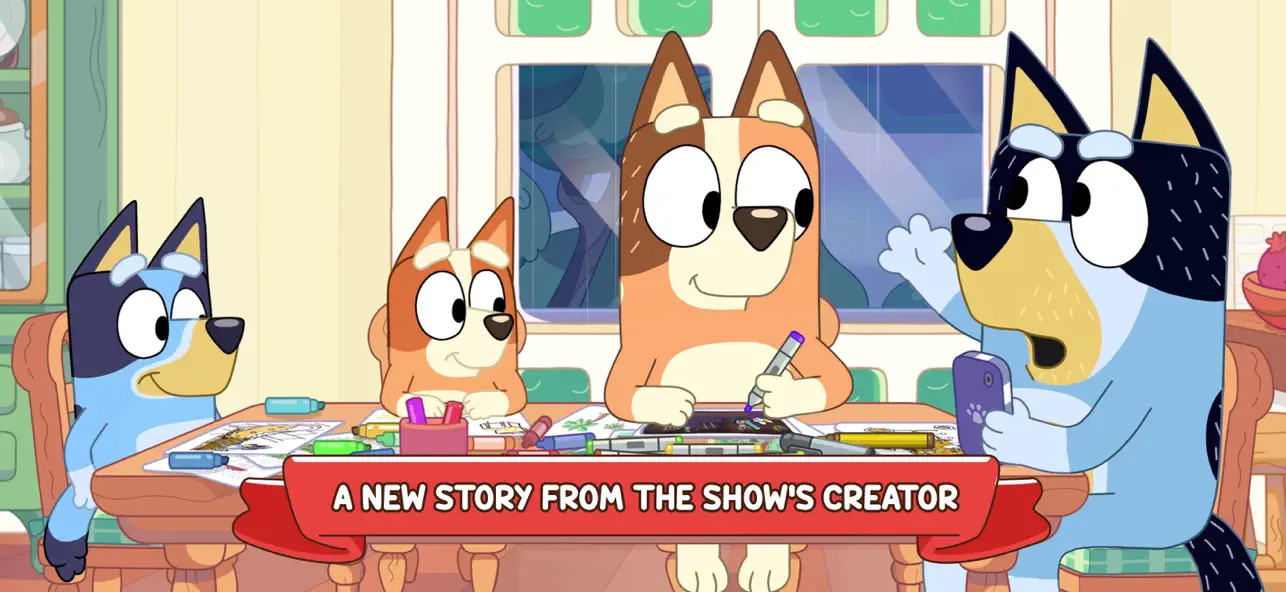
Dive into an adventure game fuelled by a brand-new story from the show's creator! Discover the humour and warmth Bluey brings in this fun new game for the family, with story by Joe Brumm.
EMBARK ON A HEART-WARMING ADVENTURE
Bluey is drawing at the table when Dad suddenly yoinks the Gold Pen she needs! Bluey sets off on an adventure with the whole family. Mum designs the strange and distant lands, Dad rocks up on his cool bike as self-declared King Goldie Horns, and Bingo transforms into her honk-happy alter ego — Bingooose! Away they go on an exciting quest to retrieve the Gold Pen – and have heaps of fun along the way.
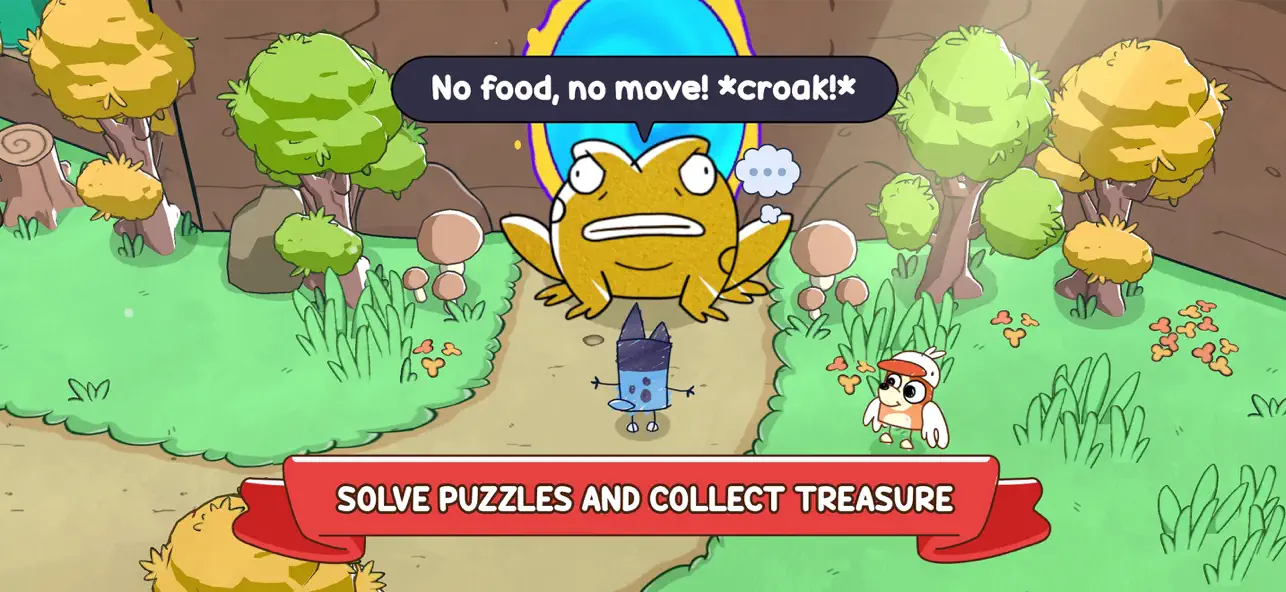
GO ON FUN-FILLED CHALLENGES Uncover hidden treasures, solve playful puzzles, and take on delightful mini-quests as you glide, fly, and skate through each level. Interact with quirky characters and help little lost critters return to their homes. Search near and far for goosefood and beads to unlock new moments in the adventure as you keep Bluey moving onwards in her quest.
EXPLORE HAND-DRAWN WORLDS Explore lively levels brimming with snowy mountains, golden beaches, lush forests, and iconic Australian landscapes. Each environment is packed with vibrant details and opportunities for discovery.
FUN FOR EVERYONE Just like the animated series, Bluey’s Quest for the Gold Pen sparks laughter and encourages players of all ages to discover through play. Packed full of trifficult puzzles and wholesome moments, this is an adventure for the whole household.
About Bluey
Bluey is a loveable, inexhaustible six year-old Blue Heeler, who loves to turn everyday family life into boundless, playful adventures, developing her imagination and resilience as she goes.
About Ludo Studio
Ludo Studio is a BAFTA, multi-Emmy® and Logie award-winning Australian studio that creates and produces original scripted drama, animation and digital stories that are authored by incredible local talent, distributed globally and loved by audiences everywhere. ludostudio.com.au
BLUEY TM and BLUEY character logos TM & © Ludo Studio Pty Ltd 2018. Licensed by BBC Studios. BBC logo TM & © BBC 1996
****************************************
View our privacy policy at https://www.halfbrick.com/blueys-quest-privacy-policy
View our terms of service at https://www.halfbrick.com/blueys-quest-terms-of-service

- iPhone أو iPad بجيلبريك أو بدون جيلبريك.
- Sideloadly أو بدائلها.
- كمبيوتر يعمل بنظام Windows/macOS/Linux مع تثبيت iTunes.
الخطوة 1: قم بتنزيل ملف .IPA المعدّل مسبقًا من الرابط أعلاه إلى الكمبيوتر الخاص بك. للتنزيل من تطبيق iOSGods App، اطلع على دليل تنزيل IPA من تطبيق iOSGods App الذي يتضمن مثالًا بالفيديو.
الخطوة 2: قم بتنزيل Sideloadly وتثبيته على جهاز Windows أو Mac.
الخطوة 3: افتح Sideloadly على الكمبيوتر، ووصّل جهاز iOS الخاص بك، وانتظر حتى يظهر اسم جهازك داخل Sideloadly.
الخطوة 4: بمجرد التعرّف على جهاز iDevice الخاص بك، اسحب ملف .IPA المعدّل الذي قمت بتنزيله وأفلِته داخل تطبيق Sideloadly.
الخطوة 5: أدخل البريد الإلكتروني لحساب Apple Account الخاص بك، ثم اضغط على «Start». سيُطلب منك بعد ذلك إدخال كلمة المرور. تابع وأدخل المعلومات المطلوبة.
الخطوة 6: انتظر حتى ينتهي Sideloadly من تحميل/تثبيت ملف IPA المعدّل. في حال واجهت أي مشاكل أثناء التثبيت، يرجى قراءة الملاحظة أدناه.
الخطوة 7: بعد اكتمال التثبيت ورؤية التطبيق على الشاشة الرئيسية، انتقل إلى Settings → General → Profiles / VPN & Device Management. ثم اضغط على البريد الإلكتروني الذي أدخلته في الخطوة 6، ثم اضغط على «الوثوق بـ [email protected]».
الخطوة 8: الآن انتقل إلى الشاشة الرئيسية وافتح التطبيق الذي تم تثبيته للتو وسيعمل كل شيء بشكل صحيح. قد تحتاج إلى اتباع تعليمات إضافية خاصة بكل تطبيق داخل النافذة المنبثقة للتعديل أثناء اللعب.
ملاحظة: بدءًا من iOS/iPadOS 16 وما بعده، يجب تفعيل وضع المطور (Developer Mode). بالنسبة لحسابات Apple Developer المجانية، ستحتاج إلى تكرار هذه العملية كل 7 أيام. إذا كانت لديك أي أسئلة أو مشاكل، يرجى قراءة قسم الأسئلة الشائعة حول Sideloadly في الموضوع.