Inicio de sesión requerido
Inicia sesión con tu cuenta de iOSGods para continuar.
Inicia sesión con tu cuenta de iOSGods para continuar.

Hack Features:
- Custom Destroy Damage
- Custom Health
- Custom Speed
- Custom Capacity
- No Ads
Esta app también incluye iGameGod, que te ofrece acceso a Auto Touch para automatizar tareas repetitivas, App Speed Manager para ajustar la velocidad del juego, edición de valores con Memory Engine y más potentes herramientas para juegos de iOS.
Descarga Tool Evolution: Mine & Evolve Hack modded IPA desde los enlaces de arriba. Toca el botón de instalación y sigue las instrucciones para instalar este hack iOS en tu iPhone, iPad o Mac con Apple Silicon.
¿Necesitas más ayuda? Consulta nuestras Preguntas frecuentes de la app iOSGods para respuestas detalladas y consejos de solución de problemas.
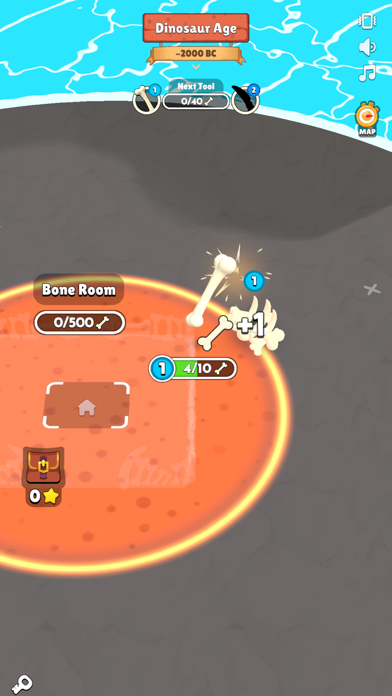
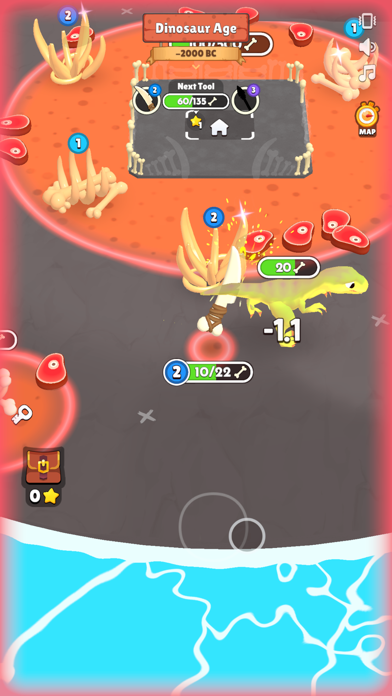
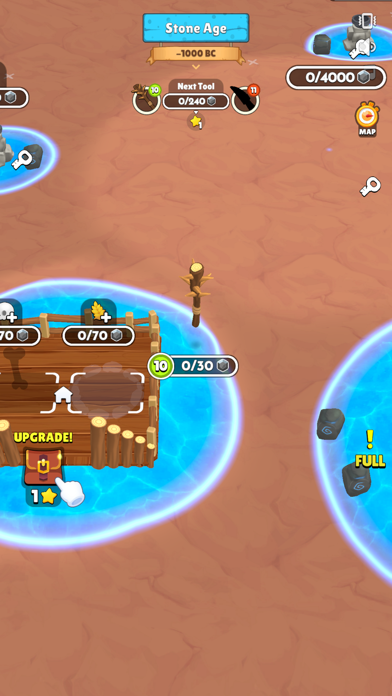
Tool Evolution: Mine & Evolve lets you experience a unique journey through time as you take on the role of a tool that evolves with each era you visit. From the Jurassic era to the distant future, your tool will adapt and transform, allowing you to build world, mine, and evolve through different historical periods and beyond.
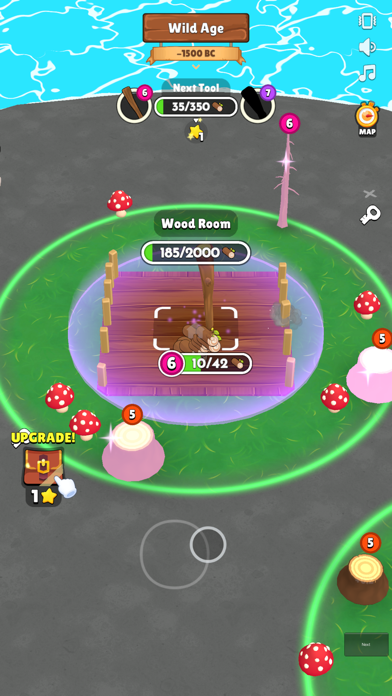
Start your adventure in the Jurassic era and help shape the earliest mini world. As you travel through time, your tool will evolve to meet the demands of each age—from medieval life to the Industrial Revolution and into futuristic landscapes. Each era presents new challenges and opportunities to harvest resources and craft essential items.
Tool Evolution: Mine & Evolve features:
- Time Travel: Journey from the Jurassic era through the Middle Ages, into the future, and beyond. Each period brings its own unique challenges and advancements in this mini world.
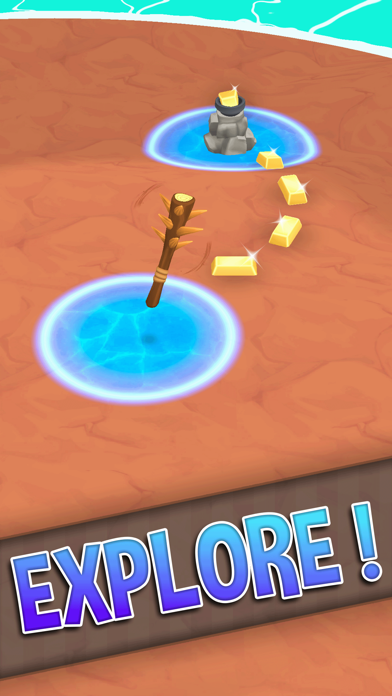
- Evolving Tools: Your tool evolves according to the age you time travel to, adapting from primitive designs to advanced futuristic technology.
- Idle Mining Game: Harvest resources and mine efficiently with your evolving tool. Manage your resources and automate processes as you advance.
- Crafting and Expansion: From my little universe to vast planet craft projects, use your tool to develop your little world and beyond.
- Historical and Futuristic Gameplay: Witness the transformation of your tool and world through different historical periods and futuristic scenarios.
As you explore and conquer each new age, Tool Evolution: Mine & Evolve challenges you to adapt your strategy and make the most of each era's unique resources and technologies. Evolve through time and create a world that reflects the innovations and achievements of every period you encounter.
Are you ready to take your tool on an incredible journey through history and the future? Join Tool Evolution: Mine & Evolve and start your evolution adventure!
- iPhone o iPad con o sin Jailbreak.
- Sideloadly u otras alternativas.
- Ordenador con Windows/macOS/Linux e iTunes instalado.
PASO 1: Descargue el archivo .IPA pre-modificado desde el enlace de arriba a su ordenador. Para descargarlo desde la iOSGods App, consulte nuestro Tutorial de descarga del IPA desde la iOSGods App, que incluye un ejemplo en vídeo.
PASO 2: Descargue Sideloadly e instálelo en su Windows o Mac.
PASO 3: Abra Sideloadly en su ordenador, conecte su dispositivo iOS y espere hasta que el nombre del dispositivo aparezca en Sideloadly.
PASO 4: Una vez que su iDevice sea reconocido, arrastre el archivo .IPA modificado que descargó y suéltelo en la aplicación Sideloadly.
PASO 5: Introduzca el correo electrónico de su Apple Account y, a continuación, pulse «Start». Le pedirá que introduzca su contraseña. Proporcione la información solicitada.
PASO 6: Espere a que Sideloadly termine de hacer sideload/instalar el IPA modificado. Si surgen problemas durante la instalación, por favor lea la nota a continuación.
PASO 7: Una vez completada la instalación y al ver la app en la pantalla de inicio, deberá ir a Ajustes → General → Perfiles / VPN y Gestión de Dispositivos. Una vez allí, toque el correo electrónico que introdujo en el paso 6 y, después, toque en «Confiar en [email protected]».
PASO 8: Ahora vaya a la pantalla de inicio y abra la app recién instalada; todo debería funcionar correctamente. Es posible que tenga que seguir instrucciones adicionales específicas de cada app dentro del popup del hack en el juego.
NOTA: En iOS/iPadOS 16 y posteriores, debe activar el Modo Desarrollador. Para cuentas gratuitas de Apple Developer, deberá repetir este proceso cada 7 días. Si tiene alguna pregunta o problema, lea nuestra sección de Preguntas Frecuentes de Sideloadly del tema.