تسجيل الدخول مطلوب
سجّل الدخول بحساب iOSGods للمتابعة.
سجّل الدخول بحساب iOSGods للمتابعة.
تدمير فوري للأعداء والدمار الفوري يحول Zombiepunk: Fight & Survive إلى تجربة قتل الزومبي التي لا ترحم مع هذا mod IPA الحافل بالإثارة الذي يزيل الطحن ويتيح لك التركيز على قتال البقاء النقي.
تخطَّ اختناق الموارد وبوابات المستويات التي تبطئ تقدم دفاع البرج. مع الحرفية الفورية وترقيات الأسلحة وبناء الأبراج المفتوحة جميعها، يمكنك تجربة استراتيجيات بقاء مختلفة وتركيبات بناء دون انتظار، بينما تحافظ طريقة اللعب الخالية من الإعلانات على تدفق الحركة في نهاية العالم بدون انقطاع.
- تدمير فوري للأشياء → تدمير الهياكل والعقبات بدون تأخير
- إزالة متطلبات المستوى للتدمير → إزالة بوابات المستويات على التدمير
- قتل الأعداء برضة واحدة → القضاء على الزومبي برضة واحدة
- صنع الأشياء فوراً → إنشاء المعدات والإمدادات على الفور
- ترقية الأسلحة فوراً → زيادة قوة النيران بدون انتظار
- ترقية الأبراج فوراً → تحسين دفاعات البرج على الفور
- ترقيات البناء الفورية والبناء → إكمال البناء والترقيات عند الطلب
- إضافة الكثير من الغنائم عند تدمير الأشياء → مضاعفة قطرات الموارد من الأشياء المدمرة
- إزالة الإعلانات المزعجة → استمتع بطريقة لعب بدون انقطاع
يأتي هذا التطبيق أيضًا مع iGameGod، مما يتيح لك الوصول إلى Auto Touch لأتمتة المهام المتكررة، وApp Speed Manager لضبط سرعة اللعب، وتعديل القيم عبر Memory Engine، والمزيد من أدوات ألعاب iOS القوية.
قم بتنزيل Zombiepunk: Fight & Survive Hack modded IPA من الروابط أعلاه. اضغط على زر التثبيت واتبع التعليمات لتثبيت هذا التعديل لـ iOS على iPhone أو iPad أو Apple Silicon.
هل تحتاج إلى مزيد من المساعدة؟ راجع الأسئلة الشائعة لتطبيق iOSGods للحصول على إجابات مفصلة ونصائح لاستكشاف الأخطاء.
Welcome to the world of zombie tower defense, where you can test your skills in strategy games and survival crafting games.
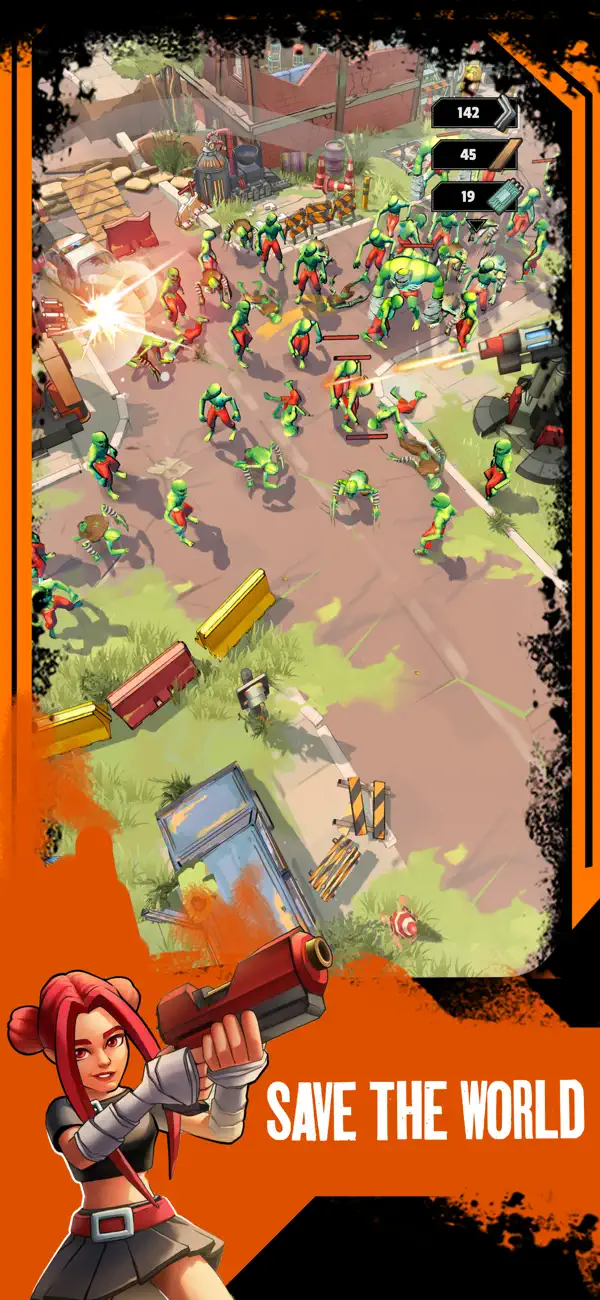
Zombiepunk :Fight & Survive is an exciting journey through an apocalyptic wasteland with elements of turret defence and zombieland adventure where you have to extract resources from all around and destroy hordes of undead.
According to the classics of the genre of survival crafting games, the extracted resource should be used for level up and upgrading of weapons, buildings and armor. But in Zombiepunk: Wasteland Survival you have the opportunity to try yourself in zombie idle strategy games with elements of turret defence.
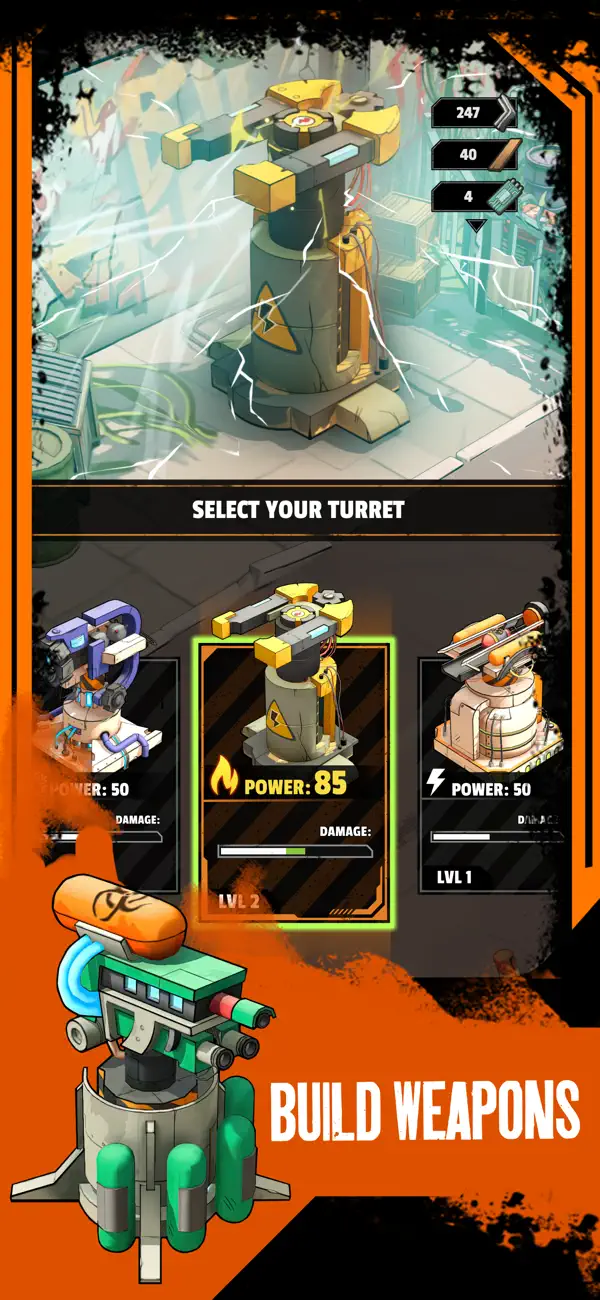
Unleash your inner survivor and, taking powerful self-made weapons and the help of turrets built by you, fight to the last against hordes of undead in the lifeless desert of the post-apocalyptic future.
Download Zombiepunk: Zombie Strategy for free and start your story today!
Unique Clear Gameplay
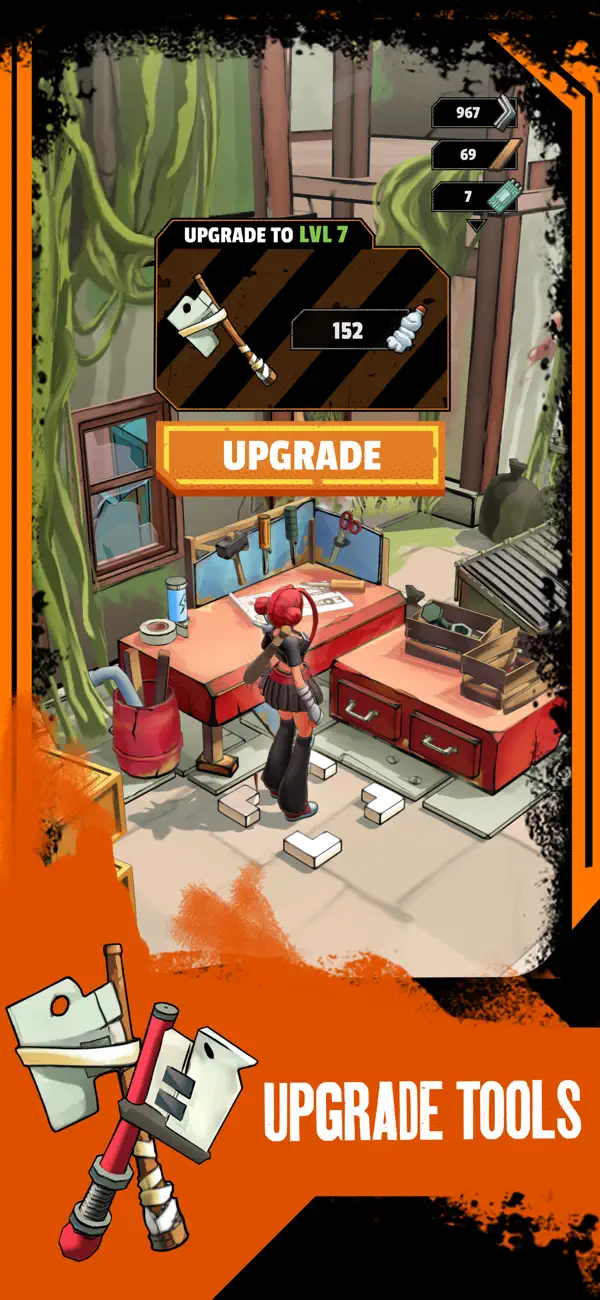
Get caught up in the unusual combination of survival strategy and zombie tower defense and apocalypse craft that will keep you engaged for a long time in this exciting story. Smash everything around, mine resources, upgrade your weapons and build defenses to become the king of the wasteland.
Crafting and Upgrading
So that your brains are not eaten by hordes of zombies, you will have to demonstrate tactics & strategy with smart extraction and use of resources. As expected in the genre of survival crafting games - build turrets, craft guns, upgrade other weapons and equipment, you will need everything in the fight against waves of undead!
Eye-Pleasing 3D Graphics
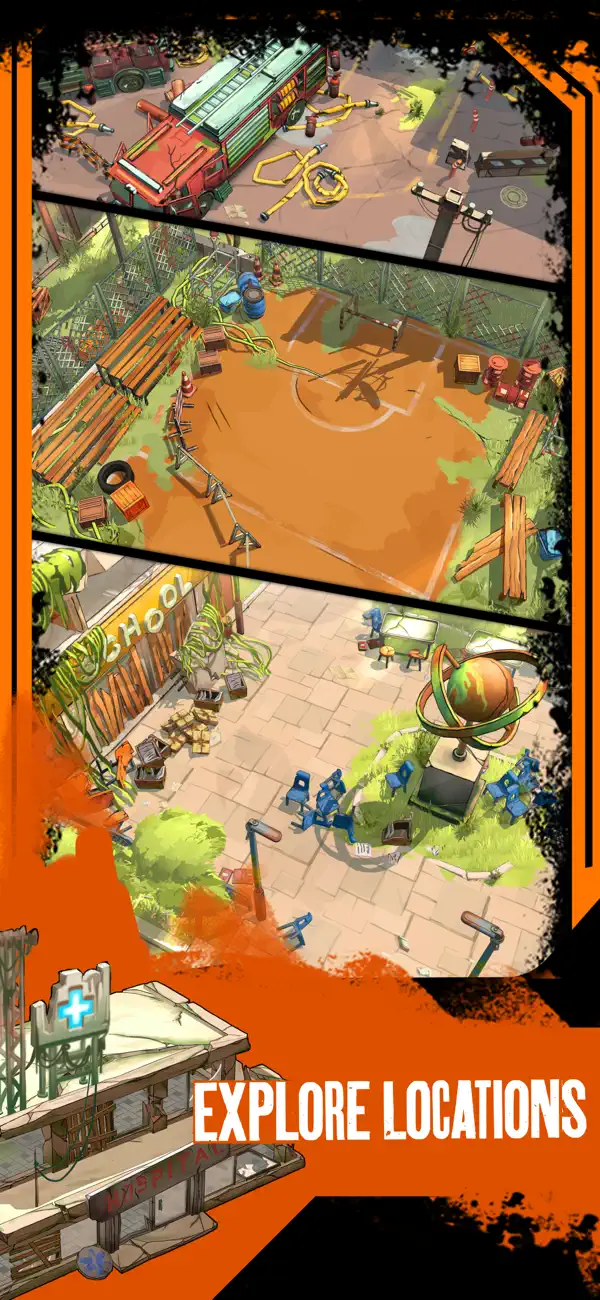
A beautiful and bright visualization of the post-apocalyptic world with cel-shading technology that adds a comic style and reminds Borderlands.
Completely Offline Fun
To get the thrill of building fortifications and smashing everything around, you don't need the Internet, you can play Zombiepunk: Build Empire anywhere and anytime.
Ready for a breathtaking adventure in a post-apocalyptic wasteland in zombie tycoon strategy? Build, manage, develop, expand, defend your base and find vital resources in the desert. So don't delay and start destroying the undead together with other desperadoes in this epic story Zombiepunk: Survival Crafting Games
- iPhone أو iPad بجيلبريك أو بدون جيلبريك.
- Sideloadly أو بدائلها.
- كمبيوتر يعمل بنظام Windows/macOS/Linux مع تثبيت iTunes.
الخطوة 1: قم بتنزيل ملف .IPA المعدّل مسبقًا من الرابط أعلاه إلى الكمبيوتر الخاص بك. للتنزيل من تطبيق iOSGods App، اطلع على دليل تنزيل IPA من تطبيق iOSGods App الذي يتضمن مثالًا بالفيديو.
الخطوة 2: قم بتنزيل Sideloadly وتثبيته على جهاز Windows أو Mac.
الخطوة 3: افتح Sideloadly على الكمبيوتر، ووصّل جهاز iOS الخاص بك، وانتظر حتى يظهر اسم جهازك داخل Sideloadly.
الخطوة 4: بمجرد التعرّف على جهاز iDevice الخاص بك، اسحب ملف .IPA المعدّل الذي قمت بتنزيله وأفلِته داخل تطبيق Sideloadly.
الخطوة 5: أدخل البريد الإلكتروني لحساب Apple Account الخاص بك، ثم اضغط على «Start». سيُطلب منك بعد ذلك إدخال كلمة المرور. تابع وأدخل المعلومات المطلوبة.
الخطوة 6: انتظر حتى ينتهي Sideloadly من تحميل/تثبيت ملف IPA المعدّل. في حال واجهت أي مشاكل أثناء التثبيت، يرجى قراءة الملاحظة أدناه.
الخطوة 7: بعد اكتمال التثبيت ورؤية التطبيق على الشاشة الرئيسية، انتقل إلى Settings → General → Profiles / VPN & Device Management. ثم اضغط على البريد الإلكتروني الذي أدخلته في الخطوة 6، ثم اضغط على «الوثوق بـ [email protected]».
الخطوة 8: الآن انتقل إلى الشاشة الرئيسية وافتح التطبيق الذي تم تثبيته للتو وسيعمل كل شيء بشكل صحيح. قد تحتاج إلى اتباع تعليمات إضافية خاصة بكل تطبيق داخل النافذة المنبثقة للتعديل أثناء اللعب.
ملاحظة: بدءًا من iOS/iPadOS 16 وما بعده، يجب تفعيل وضع المطور (Developer Mode). بالنسبة لحسابات Apple Developer المجانية، ستحتاج إلى تكرار هذه العملية كل 7 أيام. إذا كانت لديك أي أسئلة أو مشاكل، يرجى قراءة قسم الأسئلة الشائعة حول Sideloadly في الموضوع.