تسجيل الدخول مطلوب
سجّل الدخول بحساب iOSGods للمتابعة.
سجّل الدخول بحساب iOSGods للمتابعة.
احصل على موارد غير محدودة في PewDiePie's Tuber Simulator باستخدام هذا Mod IPA المجاني لـ iOS، يتضمن Bux لا نهائي وعدد مشتركين وآراء لتسريع إمبراطوريتك على YouTube. احكم اللعبة باستخدام الخدع التي تتيح لك تخطي الروتين والتركيز على بناء قناتك لتصل إلى مستوى أسطوري.
- Infinite Bux → عملة اللعبة غير محدودة
- Infinite Subs → نمو المشتركين بلا حدود
- Infinite Views → آراء الفيديو غير محدودة
تعليمات التثبيت:
يرجى إكمال البرنامج التعليمي أولاً قبل تفعيل الخدع، وإلا فلن تعمل.
يرجى إنشاء مقطع فيديو على YouTube للحصول على بعض الآراء أولاً (بدون خدعة)، ثم استخدم النسخة المعدلة.
يمكنك القيام بذلك على جهاز بدون كسر حماية بتثبيت النسخة الأصلية هنا. بعد إنهاء البرنامج التعليمي، انتقل وثبت النسخة المعدلة. لا تحذف اللعبة، فقط اضغط على تثبيت النسخة المعدلة وسيتم الكتابة فوقها تلقائياً.
يأتي هذا التطبيق أيضًا مع iGameGod، مما يتيح لك الوصول إلى Auto Touch لأتمتة المهام المتكررة، وApp Speed Manager لضبط سرعة اللعب، وتعديل القيم عبر Memory Engine، والمزيد من أدوات ألعاب iOS القوية.
قم بتنزيل PewDiePie's Tuber Simulator iOS Mod IPA من الروابط أعلاه. اضغط على زر التثبيت واتبع التعليمات لتثبيت هذا التعديل لـ iOS على iPhone أو iPad أو Apple Silicon.
هل تحتاج إلى مزيد من المساعدة؟ راجع الأسئلة الشائعة لتطبيق iOSGods للحصول على إجابات مفصلة ونصائح لاستكشاف الأخطاء.
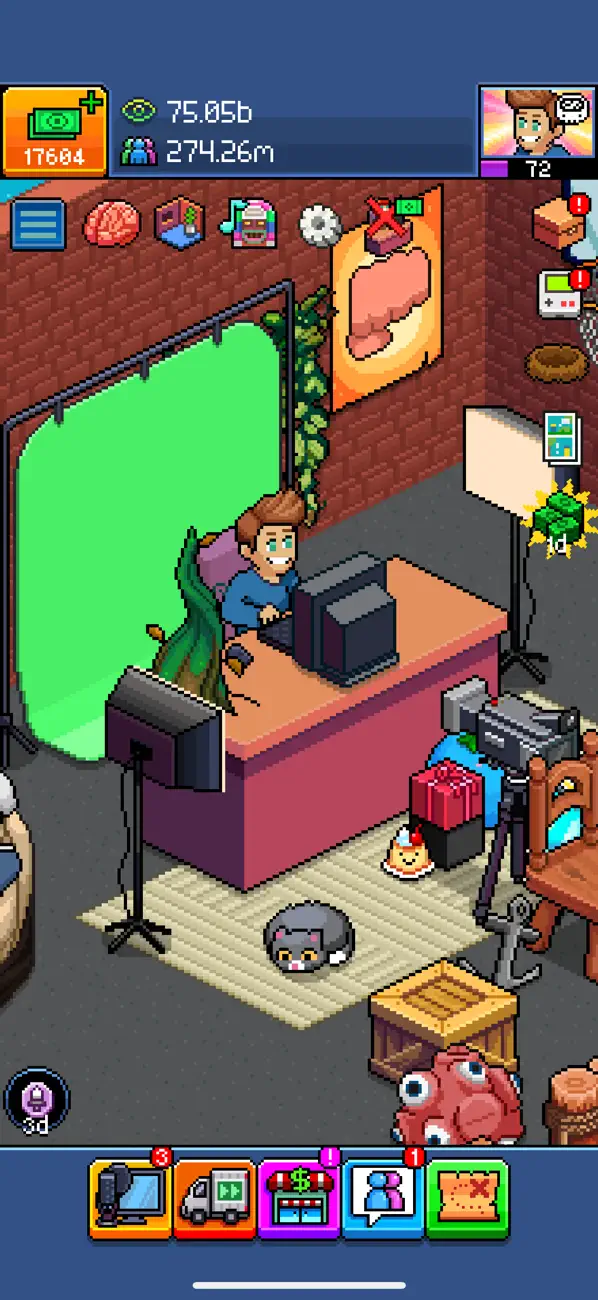
Create your very own pocket Tuber and follow in the footsteps of internet sensation PewDiePie!
Get creative and make viral videos, design trendy rooms, unlock cool items, and participate in fun community events! You can even create hilarious memes in the Meme Maker and share them with all your friends! Do you have what it takes to go viral and dethrone PewDiePie? Find out in PewDiePie’s Tuber Simulator, the ultimate YouTuber simulation game!
Key Features:
◈ GROW YOUR CHANNEL
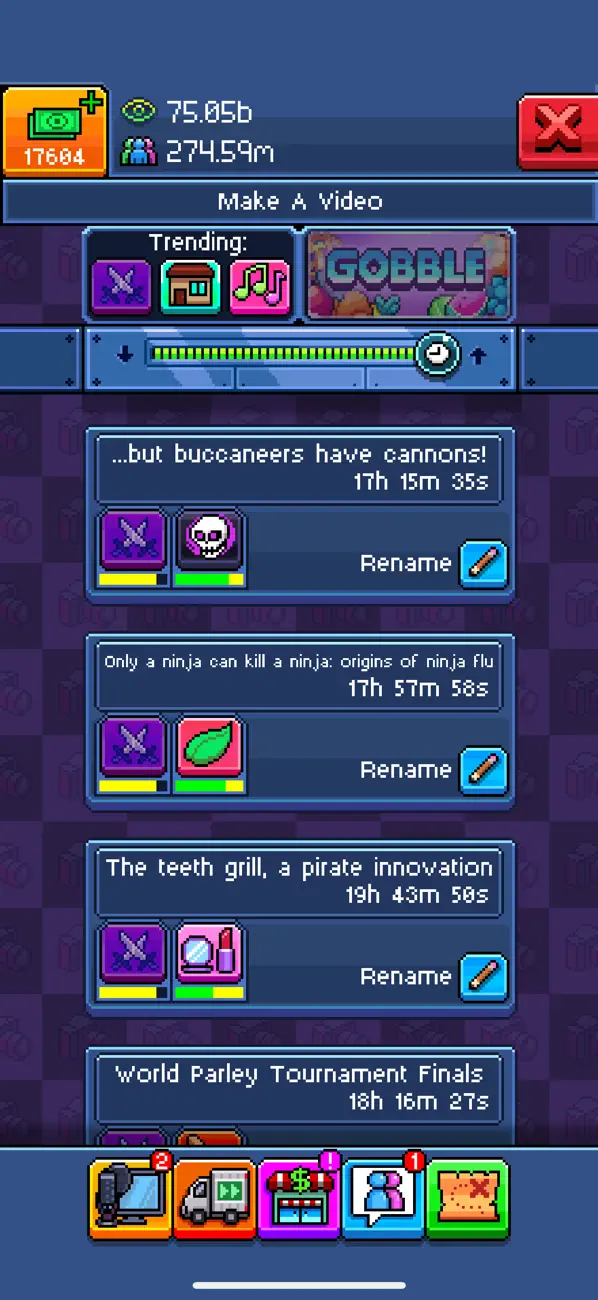
Make videos to gain subscribers and views, climb the Tuber rankings, and become the top YouTuber! Collect brains to unlock special perks and master trending topics to boost your channel.
◈ COMPLETE QUESTS
Complete epic quests to earn currency quickly and efficiently!
◈ CUSTOMIZE YOUR TUBER
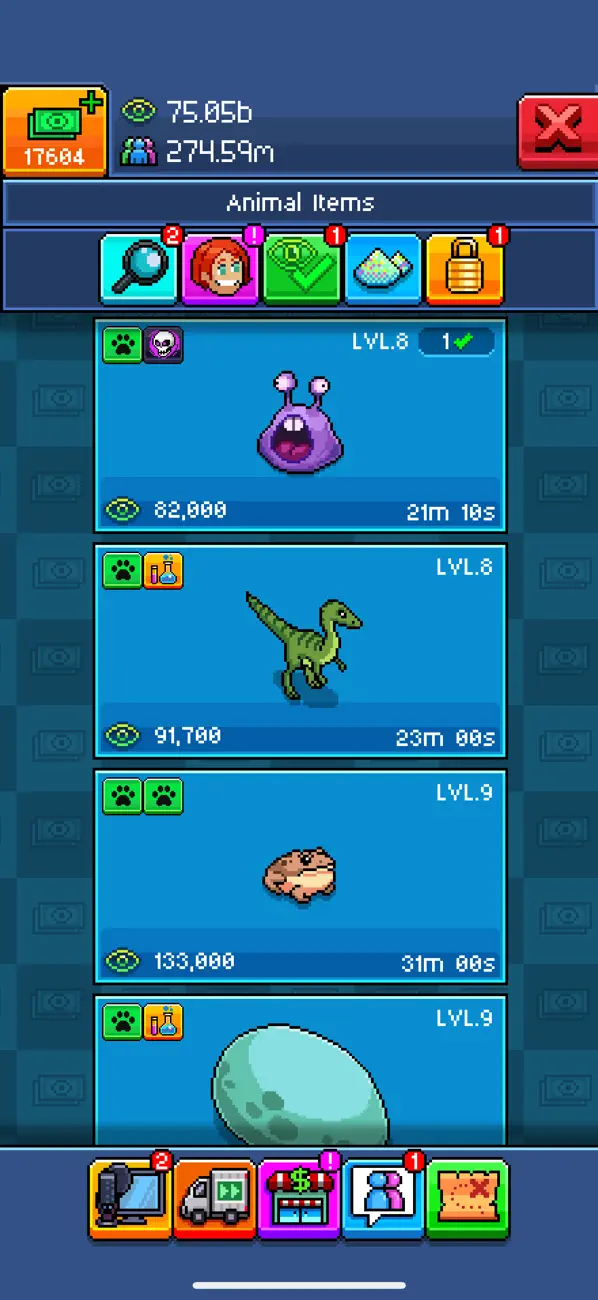
Unlock new items as you level up. Create up to 4 different themed rooms and share them online! Customize your Tuber with a variety of hairstyles, clothing options, and accessories.
◈ FUN MINIGAMES
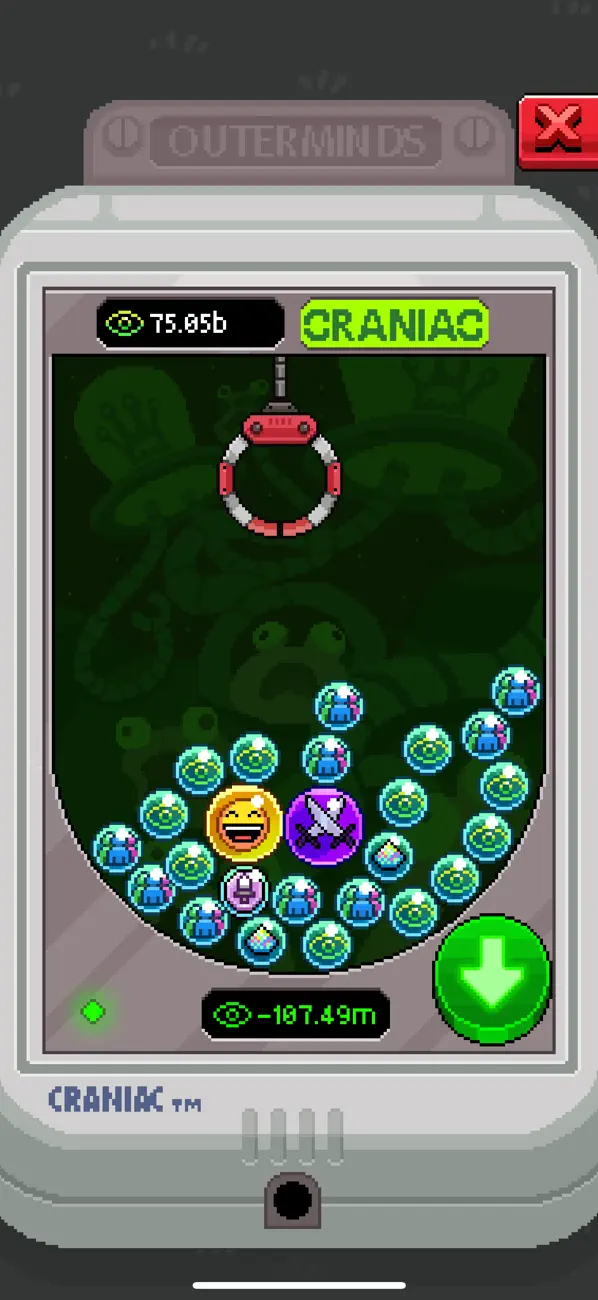
Play PUGGLE, the cutest minigame ever, and test your luck in CRANIAC, the exciting claw crane minigame!
◈ CREATE MEMES
Use the Meme Maker to create funny memes and share them with your friends! Show off your creativity and sense of humor.
◈ DISCOVER & CONNECT
Discover and follow your favorite players, vote for the best Tubers in weekly events, and connect with friends to send and receive gifts!
◈ VOICE ACTING BY PEWDIEPIE
Enjoy authentic voice acting by none other than PewDiePie himself!
◈ AMAZING MUSIC
Enjoy awesome chiptune music by RUSHJET1, the composer from PEWDIEPIE: LEGEND OF THE BROFIST!
◈ JOIN THE COMMUNITY
Join the Discord community to chat with fellow Tubers, get tips, and be part of an awesome gaming community!
FOLLOW US:
youtube.com/outerminds
facebook.com/OutermindsCreations
instagram.com/outerminds
Twitter @Outerminds
Privacy Policy & Terms of Use: https://outerminds.com/legal/ © 2016 Outerminds Inc. Revelmode © 2016 PXM Network Ltd. All Rights Reserved.

- iPhone أو iPad بجيلبريك أو بدون جيلبريك.
- Sideloadly أو بدائلها.
- كمبيوتر يعمل بنظام Windows/macOS/Linux مع تثبيت iTunes.
الخطوة 1: قم بتنزيل ملف .IPA المعدّل مسبقًا من الرابط أعلاه إلى الكمبيوتر الخاص بك. للتنزيل من تطبيق iOSGods App، اطلع على دليل تنزيل IPA من تطبيق iOSGods App الذي يتضمن مثالًا بالفيديو.
الخطوة 2: قم بتنزيل Sideloadly وتثبيته على جهاز Windows أو Mac.
الخطوة 3: افتح Sideloadly على الكمبيوتر، ووصّل جهاز iOS الخاص بك، وانتظر حتى يظهر اسم جهازك داخل Sideloadly.
الخطوة 4: بمجرد التعرّف على جهاز iDevice الخاص بك، اسحب ملف .IPA المعدّل الذي قمت بتنزيله وأفلِته داخل تطبيق Sideloadly.
الخطوة 5: أدخل البريد الإلكتروني لحساب Apple Account الخاص بك، ثم اضغط على «Start». سيُطلب منك بعد ذلك إدخال كلمة المرور. تابع وأدخل المعلومات المطلوبة.
الخطوة 6: انتظر حتى ينتهي Sideloadly من تحميل/تثبيت ملف IPA المعدّل. في حال واجهت أي مشاكل أثناء التثبيت، يرجى قراءة الملاحظة أدناه.
الخطوة 7: بعد اكتمال التثبيت ورؤية التطبيق على الشاشة الرئيسية، انتقل إلى Settings → General → Profiles / VPN & Device Management. ثم اضغط على البريد الإلكتروني الذي أدخلته في الخطوة 6، ثم اضغط على «الوثوق بـ [email protected]».
الخطوة 8: الآن انتقل إلى الشاشة الرئيسية وافتح التطبيق الذي تم تثبيته للتو وسيعمل كل شيء بشكل صحيح. قد تحتاج إلى اتباع تعليمات إضافية خاصة بكل تطبيق داخل النافذة المنبثقة للتعديل أثناء اللعب.
ملاحظة: بدءًا من iOS/iPadOS 16 وما بعده، يجب تفعيل وضع المطور (Developer Mode). بالنسبة لحسابات Apple Developer المجانية، ستحتاج إلى تكرار هذه العملية كل 7 أيام. إذا كانت لديك أي أسئلة أو مشاكل، يرجى قراءة قسم الأسئلة الشائعة حول Sideloadly في الموضوع.



![[Arknights KR] 명일방주 iOS Mod IPA](https://is1-ssl.mzstatic.com/image/thumb/Purple211/v4/90/62/fb/9062fb65-4530-a129-43eb-ed1dc2444c6d/AppIcon-1x_U007emarketing-0-8-0-85-220-0.png/100x100bb.jpg)