Inloggen vereist
Log in met je iOSGods-account om door te gaan.
Log in met je iOSGods-account om door te gaan.
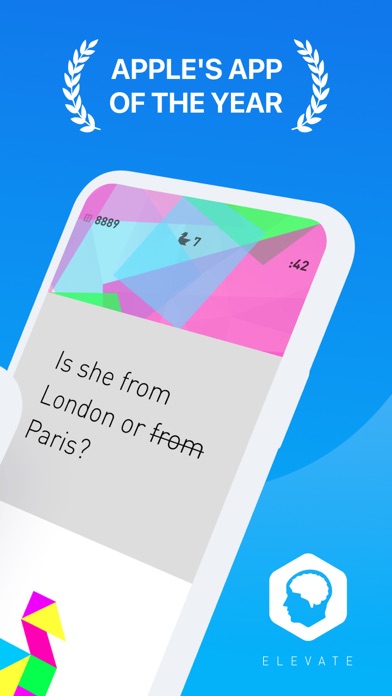
Ontgrendel premium hersentraining met deze gemodificeerde Elevate Mod IPA, met volledige toegang tot gepersonaliseerde cognitieve oefeningen zonder betalingsmuren. Elevate is Apples bekroonde hersentraining-app, vertrouwd door 50 miljoen gebruikers, ontworpen om focus, geheugen, spreekvaardigheid, verwerkingssnelheid en wiskundige vaardigheden scherp te stellen door middel van adaptieve trainingen die zijn afgestemd op uw voortgang.
- Premium → alle functies ontgrendeld
Deze app bevat ook iGameGod, waarmee je toegang krijgt tot Auto Touch om repetitieve taken te automatiseren, App Speed Manager voor een aanpasbare spelsnelheid, het bewerken van waarden met Memory Engine en andere krachtige iOS-gametools.
Download Elevate - Brain Training Modded modded IPA via de bovenstaande links. Tik op de installatieknop en volg de instructies om deze iOS-app-hack op je iPhone, iPad of Apple Silicon te installeren.
Meer hulp nodig? Bekijk onze Veelgestelde vragen over de iOSGods-app voor uitgebreide antwoorden en probleemoplossingstips.
Elevate is a brain training program designed to improve your mind’s focus, memory, speaking abilities, processing speed, math skills, and more. Each person is provided with a personalized training program that adjusts over time to maximize results.
The more you train with Elevate, the more you’ll improve critical cognitive skills that are proven to boost productivity, earning power, and self-confidence. 90%+ report improved vocabulary, math skills, and overall mental sharpness when they frequently use Elevate.
IN THE NEWS
“Elevate comes out ahead” in the battle of the brain training apps. - CNET
Elevate is a “cognitive pick-me-up” with games that are “good for mental breaks throughout the workday.” - Washington Post
FEATURES
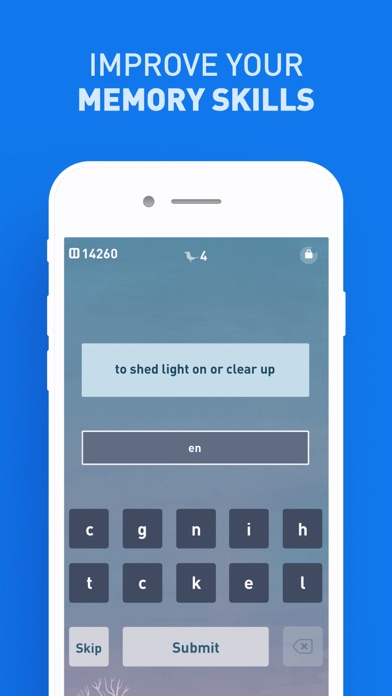
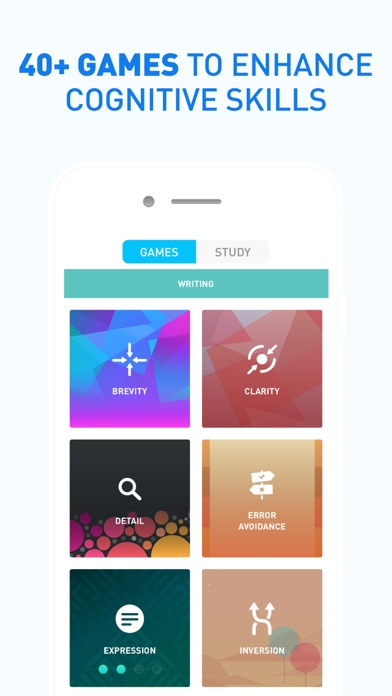
• 40+ Brain Training Games: Improve your critical cognitive skills like focus, memory, processing, math, precision, and comprehension with 40+ brain training games.
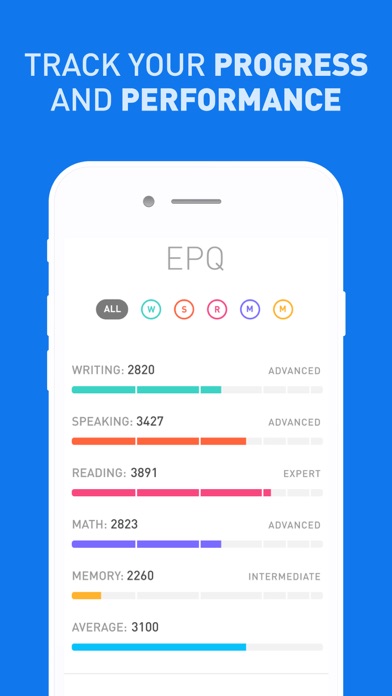
• Performance Tracking: Measure your performance against yourself and others. Weekly reports highlight your key accomplishments and opportunities.
• Personalized Workouts: Customize your daily training focus and choose between 3 and 5 games. Get personalized daily workouts that include the skills you need most.
• Adaptive Progression: Train your brain with adaptive difficulty progression that ensures your experience is challenging.
• Workout Calendar: Track your streaks and stay motivated with Elevate’s workout calendar.
• Elevate Dash on Apple Watch: Play 4 additional mini-games and review your performance on your Apple Watch with Elevate Dash.
• And more!
WHY YOU NEED ELEVATE
• Express yourself more effectively in writing. Write with clarity, persuasiveness, and concision.
• Improve your spelling and punctuation. Avoid common writing pitfalls.
• Become a better reader. Read everyday materials faster and with greater understanding.
• Expand your vocabulary.
• Quickly and easily solve everyday math problems. Get better at comparing prices, splitting bills, and calculating discounts and markups.
• Speak more effectively. Become more articulate and better at communicating tone and meaning.
RESEARCH BEHIND ELEVATE
Elevate's games are designed in collaboration with experts in neuroscience and cognitive learning and are based on extensive scientific research. Elevate’s brain training algorithms further focus the learning experience by drawing from research in memory studies to develop a personalized training program for each member.
ELEVATE SUBSCRIPTION TERMS
Elevate offers a 7-day free trial as well as a basic free version. To access the free version, tap the X in the upper left-hand corner after you sign up for an account.
If you choose to subscribe, you will be charged a yearly subscription fee according to your country. The subscription fee will be shown in the app before you complete the payment. Your subscription will automatically renew at the end of each subscription term, unless auto-renewal is turned off at least 24 hours before the end of the term. Subscription renewals cost the same as the original subscription, and your credit card will be charged through your iTunes account at confirmation of purchase.
You may manage your subscription and turn off auto-renewal at any time after purchase by going to your iTunes Account Settings. Refunds will not be given for any unused portion of the term.
For additional information, please read our Terms of Service (https://www.elevateapp.com/terms) and Privacy Policy (https://www.elevateapp.com/privacy).
- Niet-jailbroken/jailed of jailbroken iPhone of iPad.
- Sideloadly of alternatieven.
- Computer met Windows/macOS/Linux en iTunes geïnstalleerd.
STAP 1: Download het vooraf gehackte .IPA-bestand via de link hierboven naar uw computer. Om het te downloaden vanuit de iOSGods App, bekijk onze iOSGods App IPA-downloadhandleiding met een videovoorbeeld.
STAP 2: Download Sideloadly en installeer het op uw Windows of Mac.
STAP 3: Open Sideloadly op uw computer, sluit uw iOS-apparaat aan en wacht tot de naam van uw apparaat in Sideloadly verschijnt.
STAP 4: Zodra uw iDevice is herkend, sleept u het gedownloade gemodde .IPA-bestand naar de Sideloadly-applicatie.
STAP 5: Voer het e-mailadres van uw Apple Account in en druk op “Start”. U wordt vervolgens gevraagd om uw wachtwoord in te voeren. Geef de gevraagde informatie op.
STAP 6: Wacht tot Sideloadly het sideloaden/installeren van de gehackte IPA heeft voltooid. Als er problemen zijn tijdens de installatie, lees dan onderstaande opmerking.
STAP 7: Zodra de installatie is voltooid en u de app op uw beginscherm ziet, gaat u naar Instellingen → Algemeen → Profielen / VPN- en apparaatbeheer. Tik daar op het e-mailadres dat u in stap 6 hebt ingevoerd en tik vervolgens op “Vertrouw [email protected]”.
STAP 8: Ga nu naar uw beginscherm en open de zojuist geïnstalleerde app; alles zou correct moeten werken. Mogelijk moet u verdere app-specifieke instructies volgen in de hack-popup in het spel.
OPMERKING: Op iOS/iPadOS 16 en later moet u Ontwikkelaarsmodus inschakelen. Voor gratis Apple Developer-accounts moet u dit proces elke 7 dagen herhalen. Als u vragen of problemen hebt, lees dan onze Sideloadly FAQ-sectie van het onderwerp.





![[The Battle Cats JP] にゃんこ大戦争 iOS Mod IPA](https://is1-ssl.mzstatic.com/image/thumb/Purple211/v4/9b/1b/74/9b1b74bb-1beb-288d-b3d9-54bf69a1aeae/AppIcon-0-0-1x_U007epad-0-1-85-220.png/100x100bb.jpg)

![[ SEA ] Honkai Impact 3 iOS Mod IPA](https://is1-ssl.mzstatic.com/image/thumb/Purple211/v4/f2/6b/8e/f26b8e2b-e408-c3bd-0f31-52abe0b7cbc1/AppIcon-1x_U007emarketing-0-10-0-85-220-0.png/100x100bb.jpg)


