Inloggning krävs
Logga in med ditt iOSGods-konto för att fortsätta.
Logga in med ditt iOSGods-konto för att fortsätta.
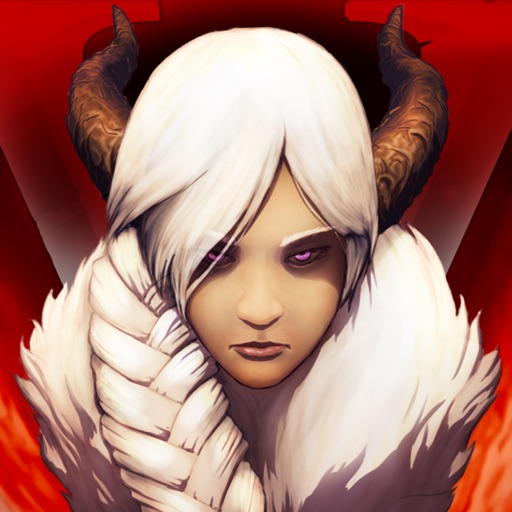
Obegränsade drycker och en skadamultiplikator Mod IPA förvandlar Grimvalor till en kraftfantasi där du hugger genom Vallaris utan resursbegränsningar eller grindningsförseningar. Nivåa upp direkt, multiplicera din själsenegi och se hur dina attacker förstör kung Valors väktare med överväldigande kraft.
Detta hack tar bort överlevnadsspänningen som definierar det ursprungliga äventyret, så att du kan fokusera helt på det tillfredsställande stridsflödet, perfekt för spelare som vill uppleva spelets andlösa bossfighter och slick attackkedjor utan resurshanterings-grind.
- Skadamultiplikator → förstärk din attackkraft
- Ingen XP krävs för att nivåa upp → omedelbar progression
- Själsenergimultiplikator → öka din specialförmågas resurs
- Obegränsade drycker → läka utan gränser
Den här appen levereras även med iGameGod, vilket ger dig tillgång till Auto Touch för att automatisera repetitiva uppgifter, App Speed Manager för justerbar spelhastighet, värdesredigering med Memory Engine och fler kraftfulla verktyg för iOS-spel.
Ladda ner Grimvalor Hack modded IPA från länkarna ovan. Tryck på installationsknappen och följ instruktionerna för att installera denna iOS-apphack på iPhone, iPad eller Apple Silicon.
Behöver du mer hjälp? Se våra iOSGods-appens vanliga frågor för detaljerade svar och felsökningstips.
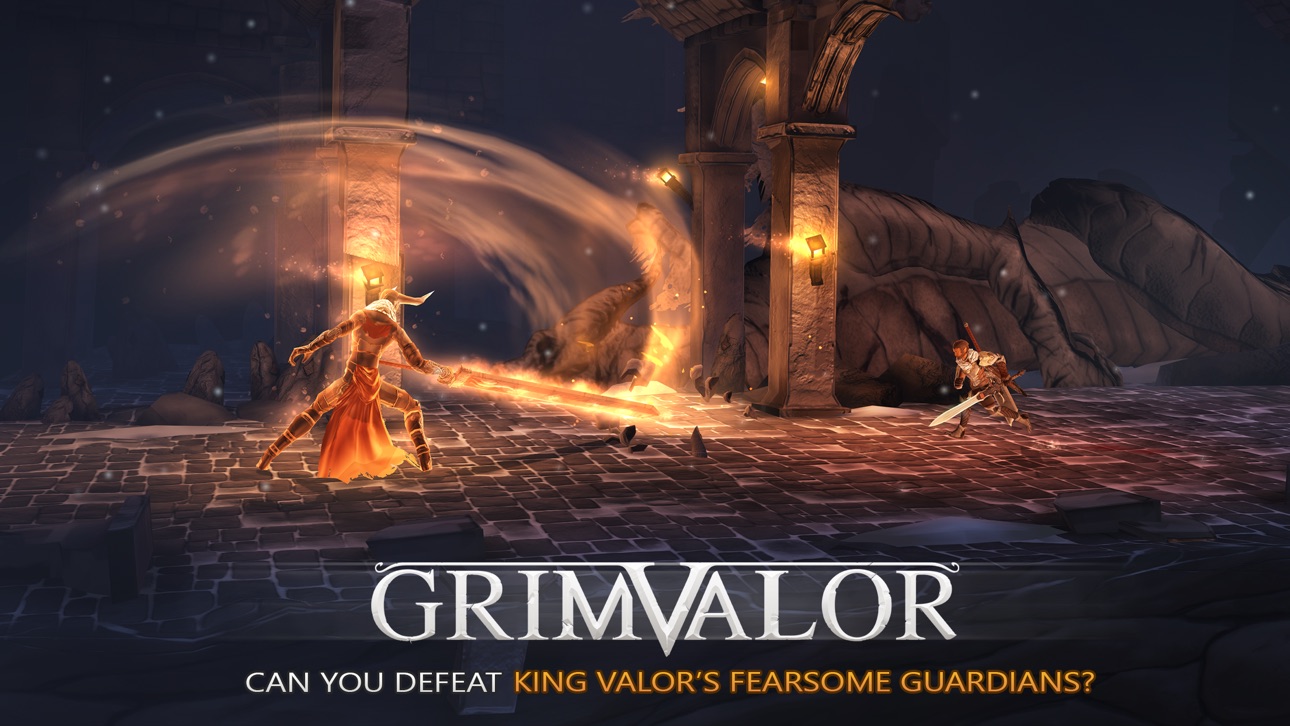
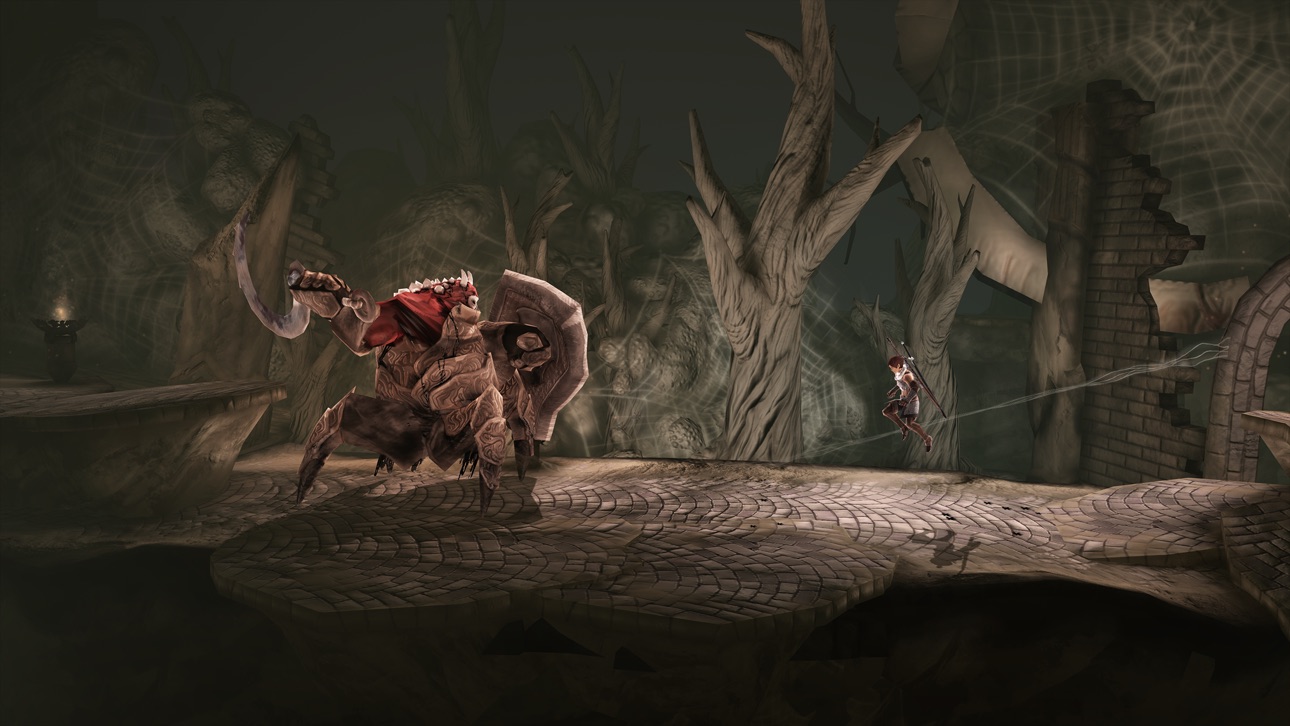
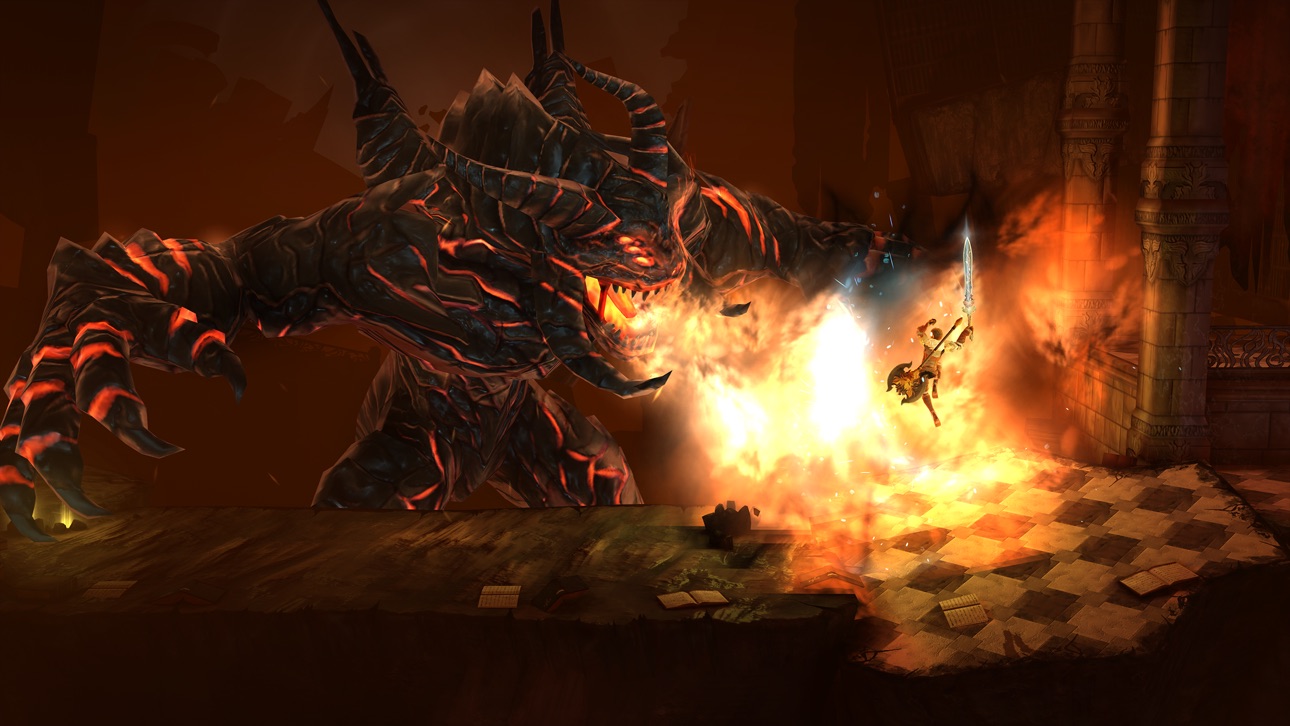
Slash your way through the hordes of darkness and defeat King Valor's fearsome guardians in this breathtaking adventure!
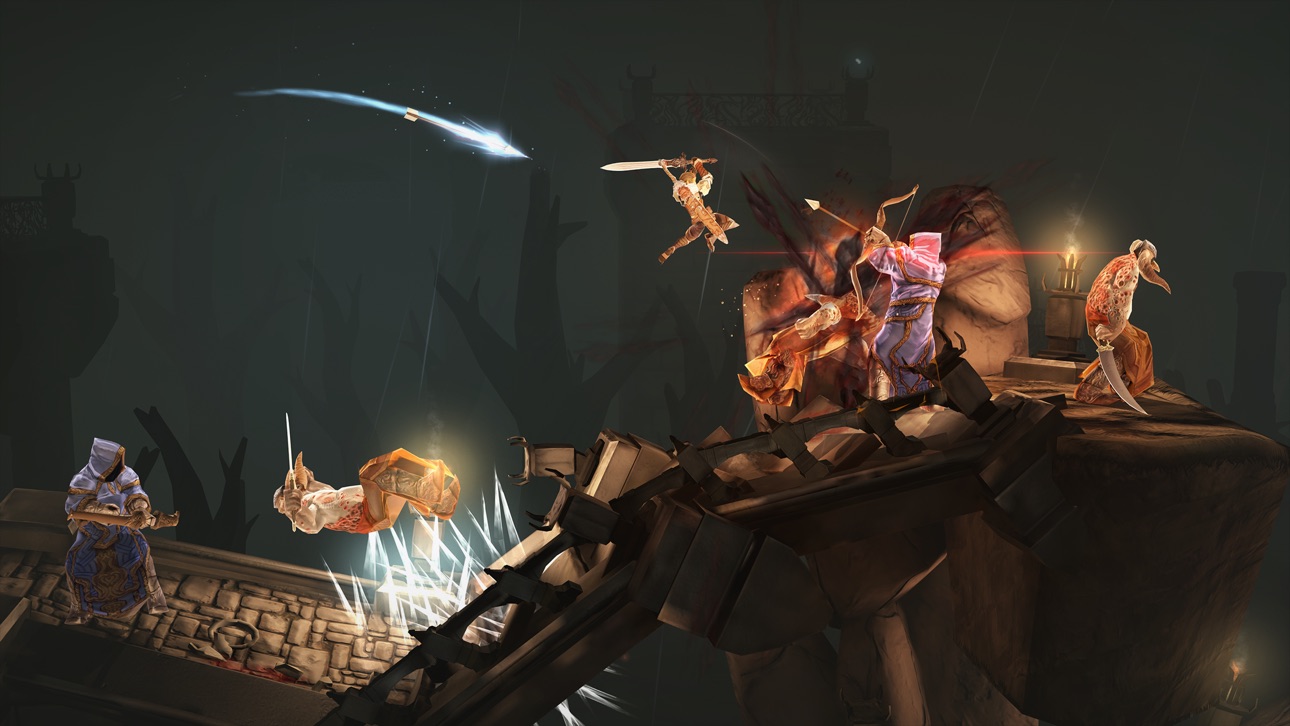
"Chaining together a slick series of attacks, dodges, and jumps, is incredibly satisfying." — PocketGamer
"I suspect mobile gaming fans will be playing and replaying this one for years to come." — TouchArcade, 5/5
A malicious power stirs in the forgotten kingdom of Vallaris. Tasked with discovering the fate of its lost king, your quest quickly takes a sinister turn and you are cast into darkness. Surrounded and outnumbered, you must grab your sword, steel your temper and fight your way through a land that does not welcome you. Except for the friendly merchant - he's grateful for your business.
ABOUT THE GAME
Grimvalor is a challenging hack & slash platformer with fast-paced combat in a dark fantasy world. Take control of a lone warrior on a quest to restore a corrupted realm. Embark on a journey through atmospheric landscapes and dungeons in a massive story-driven premium experience.
COMBAT & EXPLORATION
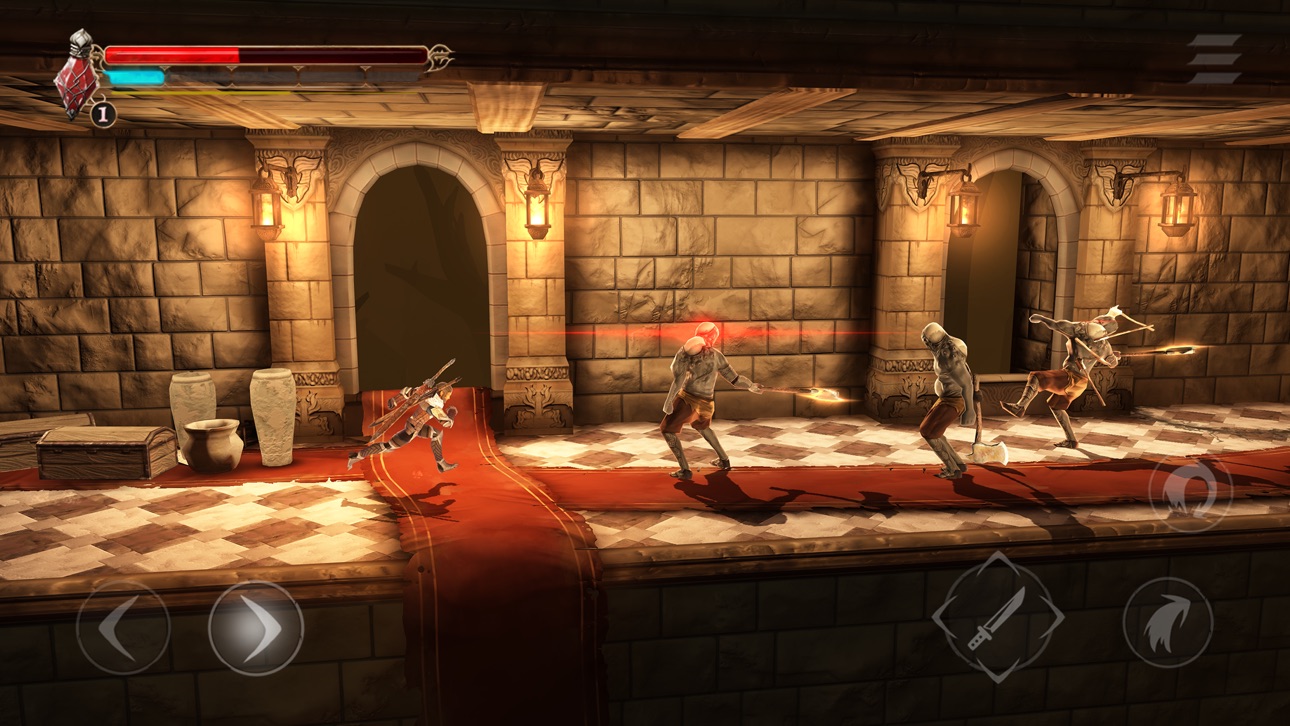
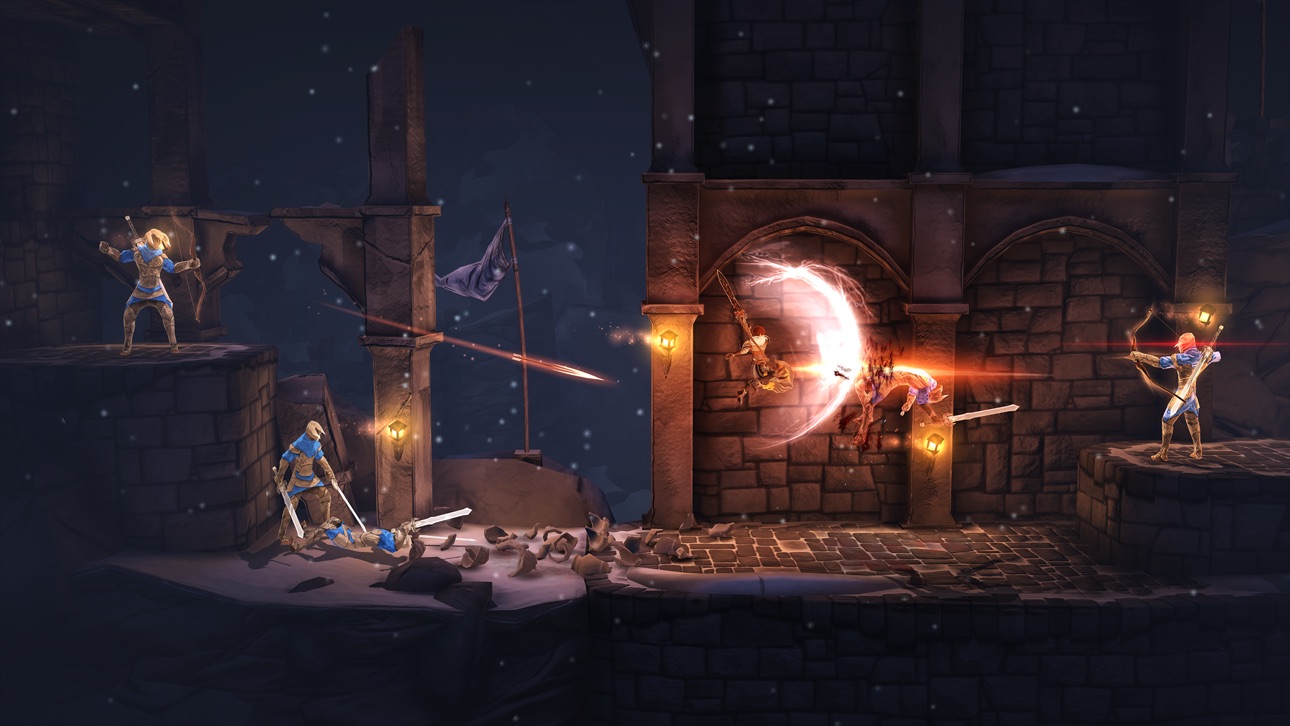
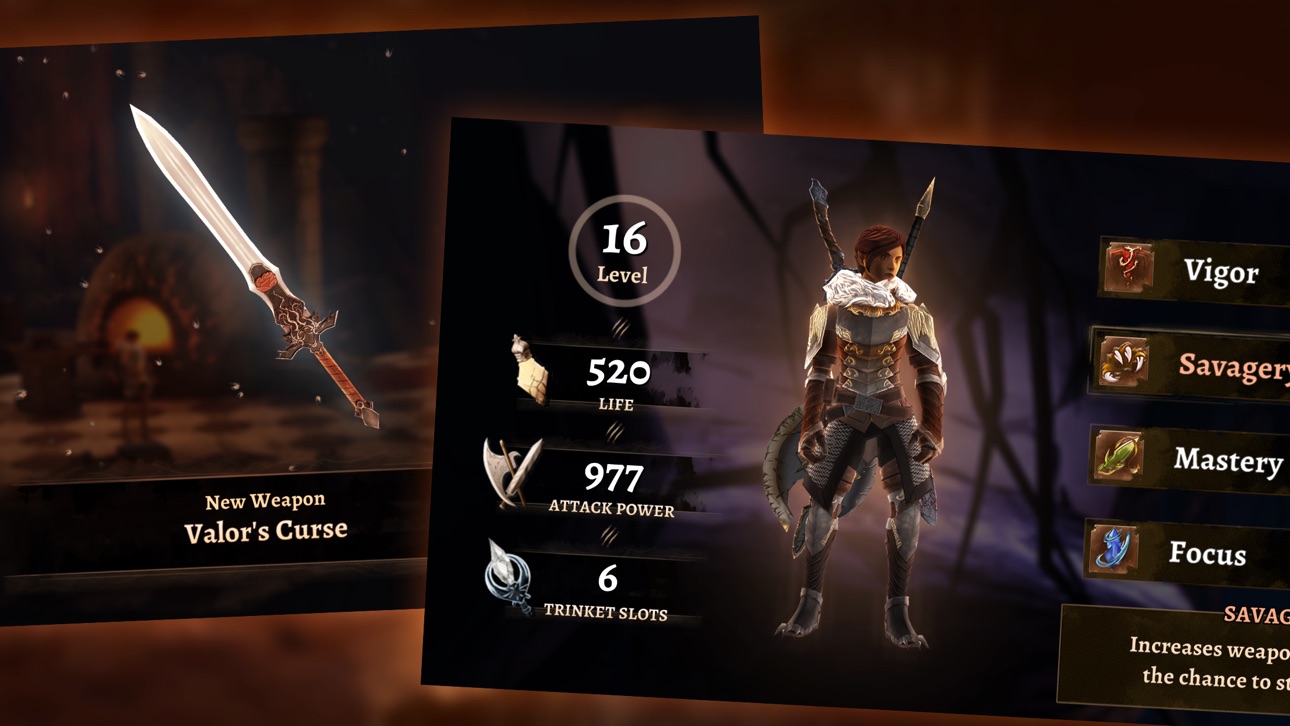
Master skill-based combat, learn enemy patterns and bring them down with all your fury. Explore the shattered lands of Vallaris, find and upgrade equipment and level up your character. Face the legacy of King Valor's madness and prevail!
FEATURES
• Epic boss fights
• Stunning 3D visuals accelerated by Metal graphics
• Accurate and customizable touch controls
• Full support for MFi game controllers
• Use iCloud to keep your saves in sync between devices.
• Play offline - perfect for commute.
• No ads or in-app purchases
Skärmbilder © respektive ägare · App Store



iOSGods är inte anslutet till, godkänt av eller sponsrat av Apple Inc., Google LLC eller utvecklarna av apparna som listas här. Apple, iOS och App Store är varumärken som tillhör Apple Inc. Android och Google Play är varumärken som tillhör Google LLC. Alla övriga appnamn, ikoner, bilder och varumärken tillhör sina respektive ägare.
- iPhone eller iPad utan jailbreak/jailad eller med jailbreak.
- Sideloadly eller alternativ.
- Dator med Windows/macOS/Linux och iTunes installerat.
STEG 1: Ladda ner den förhackade .IPA-filen från länken ovan till din dator. För att ladda ner från iOSGods App, se vår Guide för att ladda ner IPA i iOSGods App som även innehåller ett videoexempel.
STEG 2: Ladda ner Sideloadly och installera det på din Windows eller Mac.
STEG 3: Öppna Sideloadly på din dator, anslut din iOS-enhet och vänta tills enhetens namn visas i Sideloadly.
STEG 4: När din iEnhet känns igen drar du den moddade .IPA-filen du laddat ner och släpper den i Sideloadly-programmet.
STEG 5: Ange e-postadressen till ditt Apple Account och tryck sedan på ”Start”. Du ombeds sedan ange ditt lösenord. Fyll i de uppgifter som krävs.
STEG 6: Vänta tills Sideloadly är klar med att sideloada/installera den hackade IPA-filen. Om problem uppstår under installationen, läs noten nedan.
STEG 7: När installationen är klar och du ser appen på din hemskärm behöver du gå till Inställningar → Allmänt → Profiler / VPN & enhetshantering. Tryck där på e-postadressen du angav i steg 6 och tryck sedan på ”Lita på [email protected]”.
STEG 8: Gå nu till din hemskärm och öppna den nyligen installerade appen — allt ska fungera som det ska. Du kan behöva följa ytterligare app-specifika instruktioner i hackets popup inne i spelet.
OBS: På iOS/iPadOS 16 och senare måste du aktivera Utvecklarläge. För gratis Apple Developer-konton behöver du upprepa processen var sjunde dag. Om du har frågor eller problem, läs vår Sideloadly FAQ-avsnitt i tråden.
Hack Features:
- Inf Coins (Spend)
App Installation Instructions:
---------------------------------------------------------
----------------------------------------------------------
If you require more information or help, please read our Frequently Asked Questions topic on iOSGods.com.
----------------------------------------------------------
--------------------------------------------------




![[ SAOIF ] ソードアート・オンライン インテグラル・ファクター Hack](https://is1-ssl.mzstatic.com/image/thumb/Purple116/v4/90/1e/5c/901e5cc2-988d-8c41-bb74-494cbd07a495/AppIcon-1x_U007emarketing-0-7-0-85-220.png/100x100bb.jpg)
![[VIP] SwordArtOnline: IntegralFactor SAOIF Hack](https://is1-ssl.mzstatic.com/image/thumb/Purple116/v4/6d/2b/48/6d2b4890-100a-afff-6286-f7af91d94529/AppIcon-1x_U007emarketing-0-7-0-85-220.png/100x100bb.jpg)

![[ Danmachi JP ] ダンまち〜メモリア・フレーゼ〜 Hack](https://is5-ssl.mzstatic.com/image/thumb/Purple116/v4/94/09/5c/94095c34-4f3f-dbee-803d-f410ead37226/AppIcon-0-0-1x_U007emarketing-0-0-0-8-0-0-sRGB-0-0-0-GLES2_U002c0-512MB-85-220-0-0.png/100x100bb.jpg)
![[ Heaven Burns Red ] ヘブンバーンズレッド Hack](https://is5-ssl.mzstatic.com/image/thumb/Purple116/v4/ba/d1/48/bad148af-6c8f-005a-4c49-4e03fe972795/AppIcon-1x_U007emarketing-0-7-0-85-220.png/100x100bb.jpg)






![[ White Cat Tennis ] 白猫テニス Hack](https://is1-ssl.mzstatic.com/image/thumb/Purple112/v4/c2/b9/29/c2b929cc-cdc4-4c97-16a9-72022b5817d3/AppIcon-0-0-1x_U007emarketing-0-0-0-7-0-0-sRGB-0-0-0-GLES2_U002c0-512MB-85-220-0-0.png/100x100bb.jpg)