需要登入
請使用您的 iOSGods 帳戶登入以繼續。
請使用您的 iOSGods 帳戶登入以繼續。
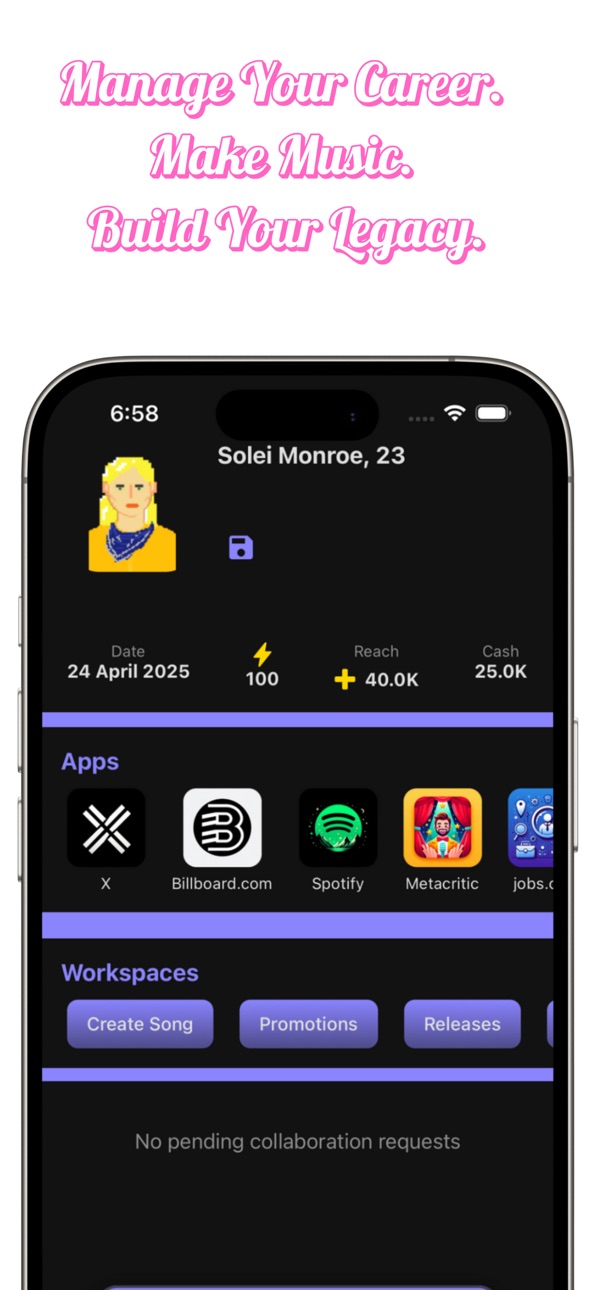
這款流行歌手人生模擬器破解版解鎖了高級功能,讓你可以無限制地塑造自己邁向全球名聲的道路。建立檔案,前往商店,點擊恢復購買以啟動高級功能,你會在螢幕右上角看到確認。記得在遊玩時保存你的檔案。
- 高級功能 → 完整存取高級功能
注意:建立檔案,前往商店並點擊恢復購買,它會提示成功然後重新啟動遊戲,你會在螢幕右上角看到高級功能已啟動!記得在遊玩遊戲時保存你的檔案
從上方連結下載 Essential Popstar Life Sim iOS Mod IPA。點選安裝按鈕並依照畫面指示在 iPhone、iPad 或 Apple Silicon 上安裝此 iOS 應用程式修改版。
需要更多協助?請查看我們的 iOSGods 應用程式常見問題 以獲得詳細解答與疑難排解。
Live the Fame. Master the Game.
What if your every move could shape a legend?
Step into the world of music stardom where your decisions shape your rise to global fame. This is the ultimate popstar life simulator.
FEATURES:
Release singles, albums, deluxe editions, and music videos
Promote your work through radio, playlists, late night shows, podcasts, and magazines
Sign to record labels or go independent
Launch bold marketing and PR campaigns
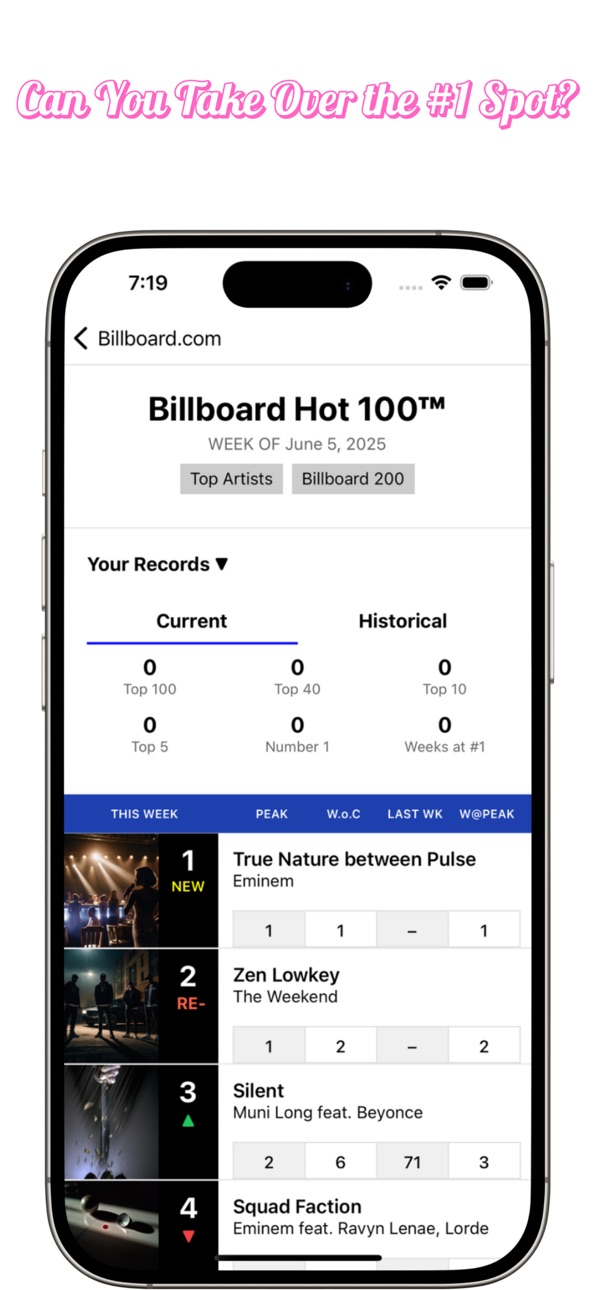
Break streaming and chart records
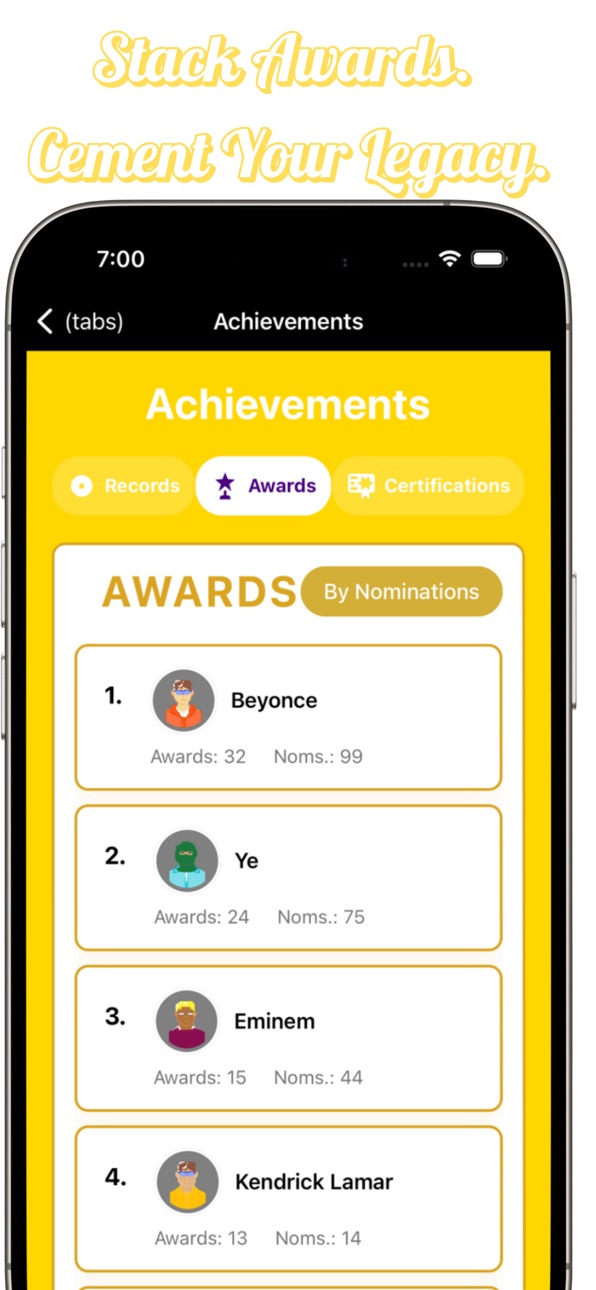
Win top industry awards: Grammys, Emmys, Oscars, Tonys, and Golden Globes
Earn RIAA certifications
Act in major films and shows
Perform at iconic events like the Super Bowl halftime show
Scheme against rivals and dominate the headlines
Handle scandals, controversies, and career-defining moments
Tour the world and post on social media
Date fellow stars, attend parties, and manage personal relationships
Build your brand and secure luxury sponsorships
Buy designer clothes, high-end vehicles, private jets, and real estate.
Hire and fire managers and agents.
Walk red carpets and become a fashion icon
This is more than a game—it's your shot at superstardom. The world is watching. The charts are waiting. Your legacy starts now.

- 未越獄/受限或已越獄的 iPhone 或 iPad。
- Sideloadly 或替代方案。
- 執行 Windows/macOS/Linux 且已安裝 iTunes 的電腦。
步驟 1: 透過上方連結將已破解的 .IPA 檔案下載到您的電腦。若要從 iOSGods App 下載,請參閱我們的 iOSGods App IPA 下載教學,其中包含影片範例。
步驟 2: 下載 Sideloadly 並將其安裝在您的 Windows 或 Mac 上。
步驟 3: 在電腦上開啟 Sideloadly,連接您的 iOS 裝置,並等待裝置名稱出現在 Sideloadly 中。
步驟 4: 當 Sideloadly 辨識到您的 iOS 裝置後,將下載好的修改版 .IPA 檔案拖曳並放到 Sideloadly 應用程式中。
步驟 5: 輸入您的 Apple Account 電子郵件,然後按下「Start」。系統會要求您輸入密碼,請依指示提供所需資訊。
步驟 6: 等待 Sideloadly 完成已破解 IPA 的旁載/安裝。如果安裝過程中發生問題,請閱讀下方的注意事項。
步驟 7: 安裝完成並在主畫面上看到該應用程式後,您需要前往 設定 → 一般 → 描述檔 / VPN 與裝置管理。進入後,點選您在步驟 6 中輸入的電子郵件,然後點選「信任 [email protected]」。
步驟 8: 現在回到主畫面並開啟新安裝的應用程式,一切應該都能正常運作。您可能需要依照遊戲內破解彈出視窗中的進一步指示操作。
注意: 在 iOS/iPadOS 16 及更新版本上,您必須 啟用開發者模式。若使用免費的 Apple Developer 帳號,您將需要每 7 天重複此程序。如有任何疑問或問題,請閱讀我們的 主題中的 Sideloadly 常見問題區段。
Hack Features:
- Inf Coins (Spend)
App Installation Instructions:
---------------------------------------------------------
----------------------------------------------------------
If you require more information or help, please read our Frequently Asked Questions topic on iOSGods.com.
----------------------------------------------------------
--------------------------------------------------




![[ReDive TW] 超異域公主連結!Re:Dive iOS Mod IPA](https://is1-ssl.mzstatic.com/image/thumb/Purple211/v4/ea/9d/f8/ea9df806-97e7-0bae-1ef6-f84bdb740032/AppIcon-0-0-1x_U007emarketing-0-8-0-85-220.png/100x100bb.jpg)

![[Chiikawa Pocket JP] ちいかわぽけっと iOS Mod IPA](https://is1-ssl.mzstatic.com/image/thumb/Purple211/v4/78/63/6b/78636b3b-6ab1-a526-0128-6b436228ac6b/AppIcon-0-0-1x_U007emarketing-0-8-0-85-220.png/100x100bb.jpg)


![[Whoa Adventure TW] 勇者來開團 iOS Mod IPA](https://is1-ssl.mzstatic.com/image/thumb/Purple221/v4/d8/03/16/d803161c-4978-8bfe-bccc-47a6ce909a22/AppIcon-0-0-1x_U007emarketing-0-8-0-0-85-220.png/100x100bb.jpg)


