Login Diperlukan
Masuk dengan akun iOSGods kamu untuk melanjutkan.
Masuk dengan akun iOSGods kamu untuk melanjutkan.
Hack simulasi lawn bowls ini membuka mata uang premium dan pembelian dalam aplikasi secara gratis, memungkinkan Anda bersaing dalam pertandingan multipemain berbasis giliran tanpa mengeluarkan uang nyata. Virtual Lawn Bowls Mod IPA memberi Anda koin tak terbatas untuk menyesuaikan pemain Anda dan membuka kit, sehingga Anda dapat fokus menguasai gameplay strategis dan memanjat papan peringkat global.
- Koin Tak Terbatas (Belanjakan beberapa) → beli kit dan kustomisasi secara gratis
- iAP Gratis → buka pembelian dalam aplikasi premium tanpa biaya
Aplikasi ini juga dilengkapi dengan iGameGod, yang memberi Anda akses ke Auto Touch untuk mengotomatiskan tugas berulang, App Speed Manager untuk mengatur kecepatan permainan, pengeditan nilai Memory Engine, dan alat permainan iOS lainnya yang lebih canggih.
Unduh Virtual Lawn Bowls Hack modded IPA dari tautan di atas. Ketuk tombol pasang dan ikuti petunjuk di layar untuk memasang hack iOS ini di iPhone, iPad, atau Apple Silicon.
Butuh bantuan lebih lanjut? Lihat Pertanyaan yang Sering Diajukan untuk Aplikasi iOSGods kami untuk jawaban dan tips lengkap.
Feature Summary:
• Online PvP Multiplayer
• Online Chat
• Online Tournaments
• Single Player matches
• Realistic physics
• Beautifully rendered 3D environment
• Intuitive touch screen controls
• Flat or uneven greens
• Scores of kits to choose from!
The 8 century old past time has been faithfully recreated for the iPhone & iPad in all it’s strategic and skilful glory. Draw, block and drive your way to victory with up to 4 players competing on flat or uneven greens for the title of greatest Virtual Lawn Bowler.
• Online turn-based Multiplayer contests; defeat everyone and battle to the top of the global rankings leaderboard
• Single Player experience competing with up to 3 robotic opponents
• Up to 4 players can battle it out in Multiplayer
• Intuitive touch screen controls allow for accurate aim and delivery
• Play on a flat green or an infinite number of uneven greens
• Features realistic physics that accurately simulate the experience
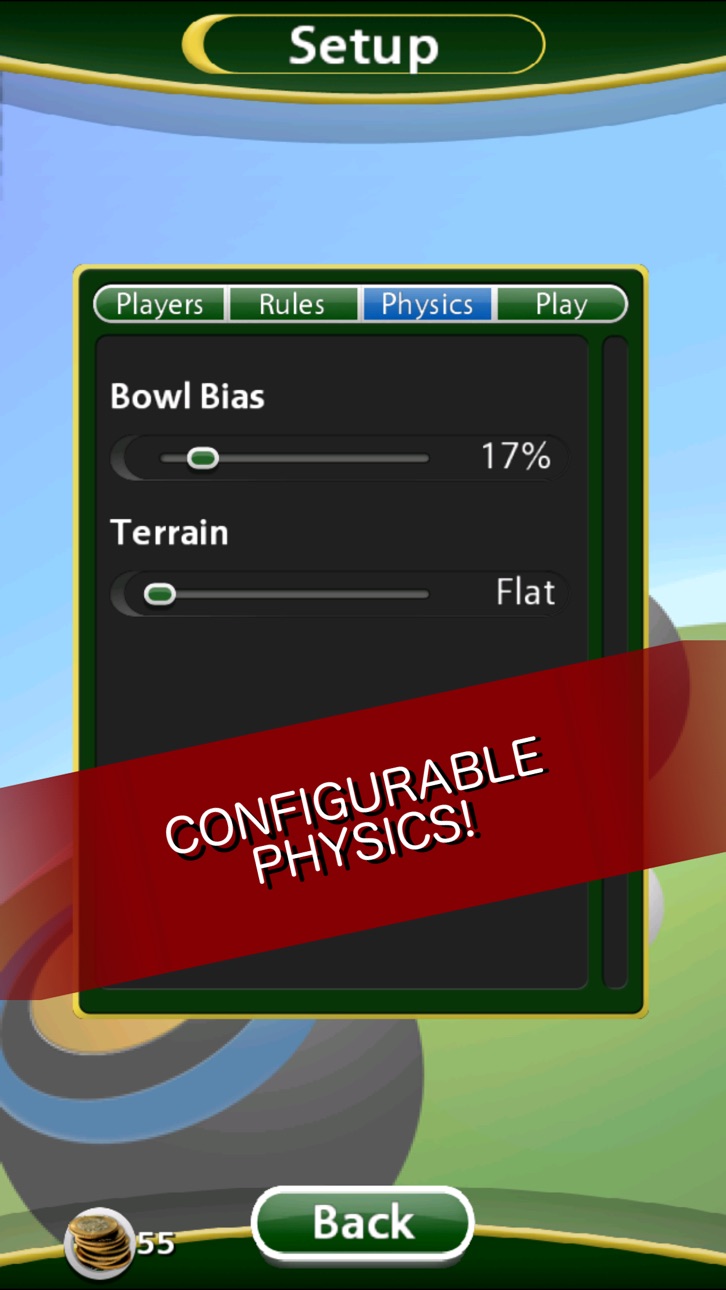
• Configure everything; change the bowl bias, players, difficulty, terrain and more!
• Manipulate the in-game camera to better judge your shots in a beautifully rendered 3D environment
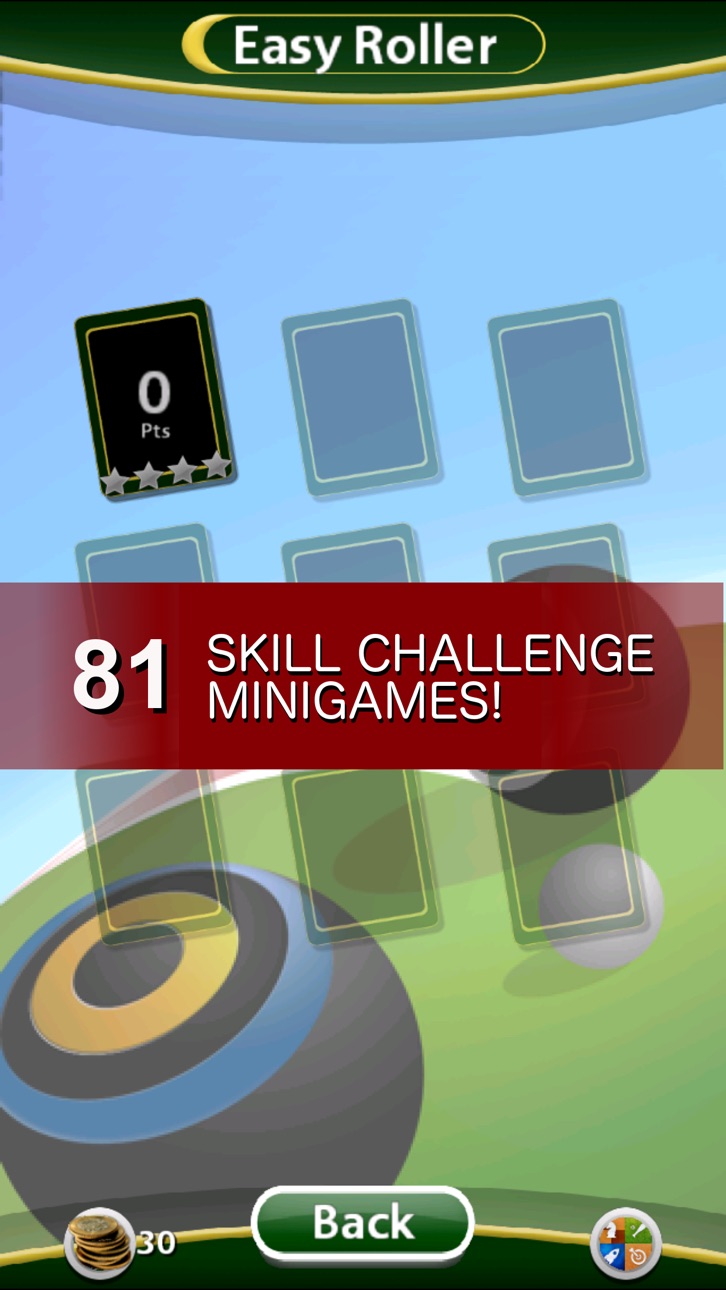
• Take part in the unique Skill Challenges game mode; scenarios that test your bowling ability and compare your ratings against the world through Game Center.
• Kit out in your choice of bowl and mat set

- iPhone atau iPad tanpa Jailbreak atau dengan Jailbreak.
- Sideloadly atau alternatifnya.
- Komputer dengan Windows/macOS/Linux dan iTunes terpasang.
LANGKAH 1: Unduh file .IPA yang sudah di-hack dari tautan di atas ke komputer Anda. Untuk mengunduhnya dari iOSGods App, silakan lihat Tutorial Mengunduh IPA dari iOSGods App kami yang dilengkapi contoh video.
LANGKAH 2: Unduh Sideloadly dan pasang di Windows atau Mac Anda.
LANGKAH 3: Buka Sideloadly di komputer Anda, sambungkan perangkat iOS Anda, dan tunggu hingga nama perangkat Anda muncul di Sideloadly.
LANGKAH 4: Setelah iDevice Anda terdeteksi, seret file .IPA yang sudah dimodifikasi dan lepaskan ke dalam aplikasi Sideloadly.
LANGKAH 5: Masukkan email Apple Account Anda, lalu tekan "Start". Anda kemudian akan diminta memasukkan kata sandi. Silakan isi informasi yang diminta.
LANGKAH 6: Tunggu hingga Sideloadly selesai melakukan sideloading/pemasangan IPA yang di-hack. Jika terjadi masalah saat pemasangan, silakan baca catatan di bawah ini.
LANGKAH 7: Setelah pemasangan selesai dan Anda melihat aplikasi di Layar Beranda, Anda perlu masuk ke Pengaturan → Umum → Profil / VPN & Manajemen Perangkat. Setelah itu, ketuk email yang Anda masukkan pada langkah 6, lalu ketuk "Percayai [email protected]".
LANGKAH 8: Sekarang buka Layar Beranda dan jalankan aplikasi yang baru saja dipasang; semuanya seharusnya berjalan normal. Anda mungkin perlu mengikuti petunjuk tambahan per aplikasi yang muncul di popup hack di dalam game.
CATATAN: Pada iOS/iPadOS 16 dan yang lebih baru, Anda harus mengaktifkan Mode Pengembang. Untuk akun Apple Developer gratis, Anda perlu mengulangi proses ini setiap 7 hari. Jika Anda memiliki pertanyaan atau masalah, silakan baca bagian FAQ Sideloadly di topik tersebut kami.
Hack Features:
- Inf Coins (Spend)
App Installation Instructions:
---------------------------------------------------------
----------------------------------------------------------
If you require more information or help, please read our Frequently Asked Questions topic on iOSGods.com.
----------------------------------------------------------
--------------------------------------------------