Accesso richiesto
Accedi con il tuo account iOSGods per continuare.
Accedi con il tuo account iOSGods per continuare.
Gemme e monete illimitate sbloccano il pieno potenziale creativo di Fashion Empire, questo mod IPA gratuito di simulazione di moda dove progetti, decori e vesti il tuo percorso verso il successo della boutique senza dover fare grinding per valuta premium.
Con questa versione modificata, puoi concentrarti interamente sul divertimento, mescolando mode favolose, decorando boutique straordinarie e creando stili unici, mentre il trucco rimuove il paywall che normalmente blocca i tuoi progressi, permettendoti di giocare al tuo ritmo e sbloccare tutto ciò che il gioco ha da offrire.
- IAP Gratuiti (Acquisti In-App) → rimuove le restrizioni agli acquisti in-app
- Gemme Illimitate (999.999.999 guadagna prima alcuni) → spendi liberamente su oggetti e upgrade premium
- Monete Illimitate Usa IAP → acquista qualsiasi cosa senza limiti di valuta
- Biglietti Illimitati (Acquista con gemme) → accedi a tutti gli eventi e le sfide
- Chiavi Illimitate (Acquista con gemme) → sblocca forzieri e ricompense speciali
Questa app include anche iGameGod, che ti offre accesso ad Auto Touch per automatizzare attività ripetitive, App Speed Manager per regolare la velocità di gioco, modifica dei valori con Memory Engine e altri potenti strumenti per giochi iOS.
Scarica Fashion Empire - Dressup Sim iOS Mod IPA dai link sopra. Tocca il pulsante di installazione e segui le istruzioni per installare questo hack iOS sul tuo iPhone, iPad o Mac con Apple Silicon.
Hai bisogno di altro aiuto? Consulta le nostre Domande frequenti sull'app iOSGods per risposte dettagliate e consigli per la risoluzione dei problemi.
Stunning fashions. Unlimited creativity.
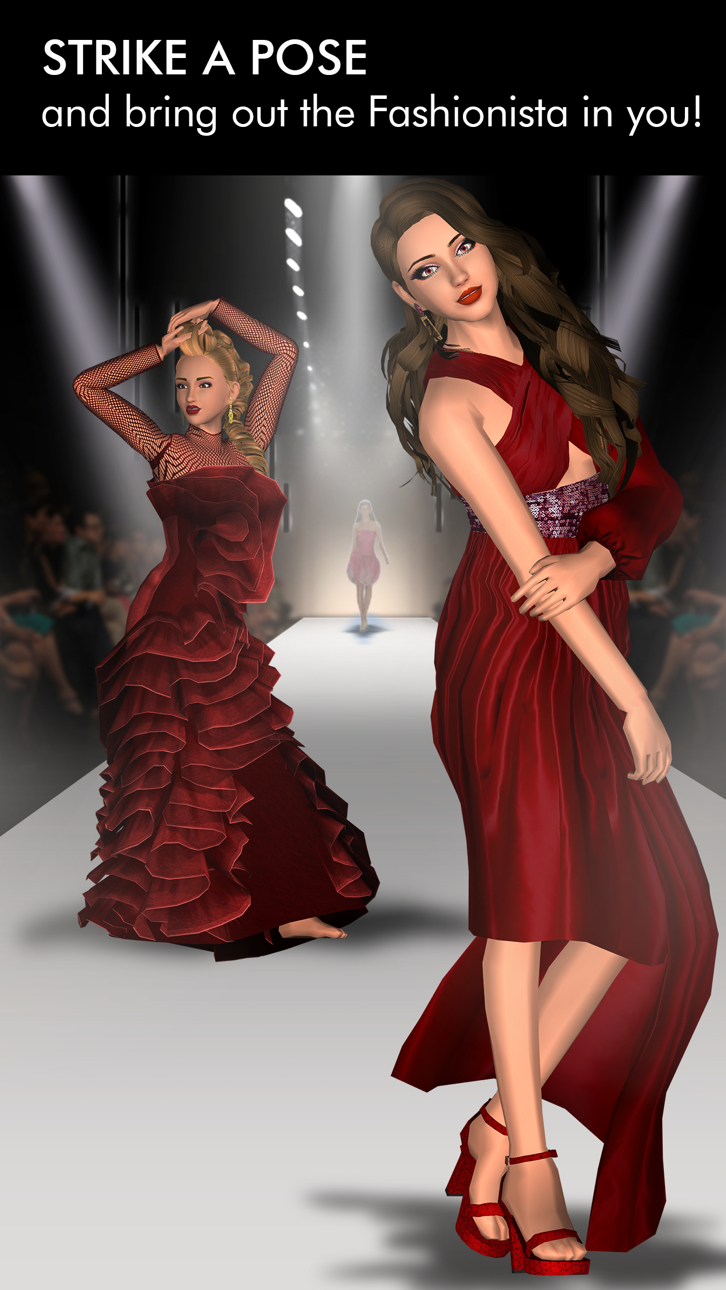
Express yourself and become a style maven in the #1 dressup boutique simulation game!
Designed for style savvy women of all ages, it’s free to play and you can play Fashion Empire while offline. The game is constantly updated and full of fabulous gameplay-
- CHIC FASHIONS to sell, mix and match and grow your fortune
- DECORATE your boutiques with thousands of gorgeous decorations
- DESIGN thousands of unique items ranging from elegant to edgy
- DRESS UP yourself and your trendy staff any way you choose
- MAKEOVERS with all the latest makeup and cosmetics trends
- COLLECT and covet special designer, elite and signature items
- SHOP furniture - racks, tables, registers, displays and much more
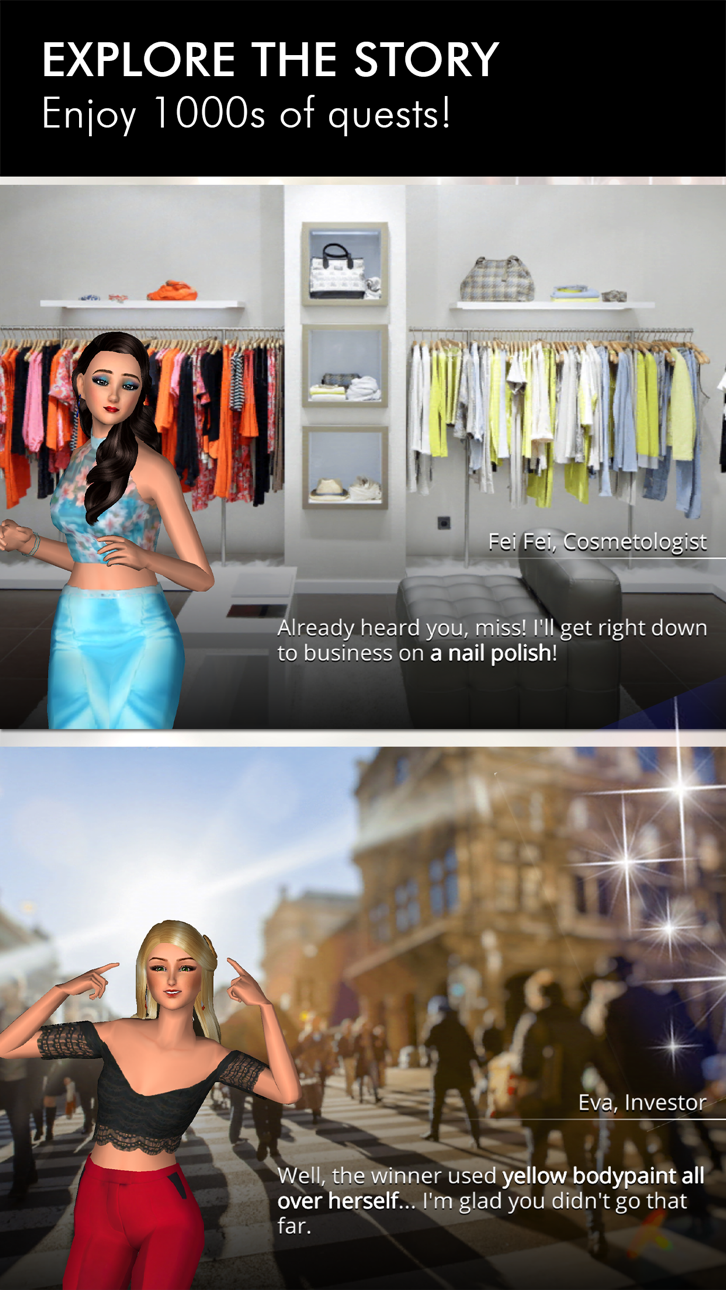
- STORY mode with fashion shows, fascinating characters and freedom
- ADVENTURE to the top with hundreds of quests across many cities
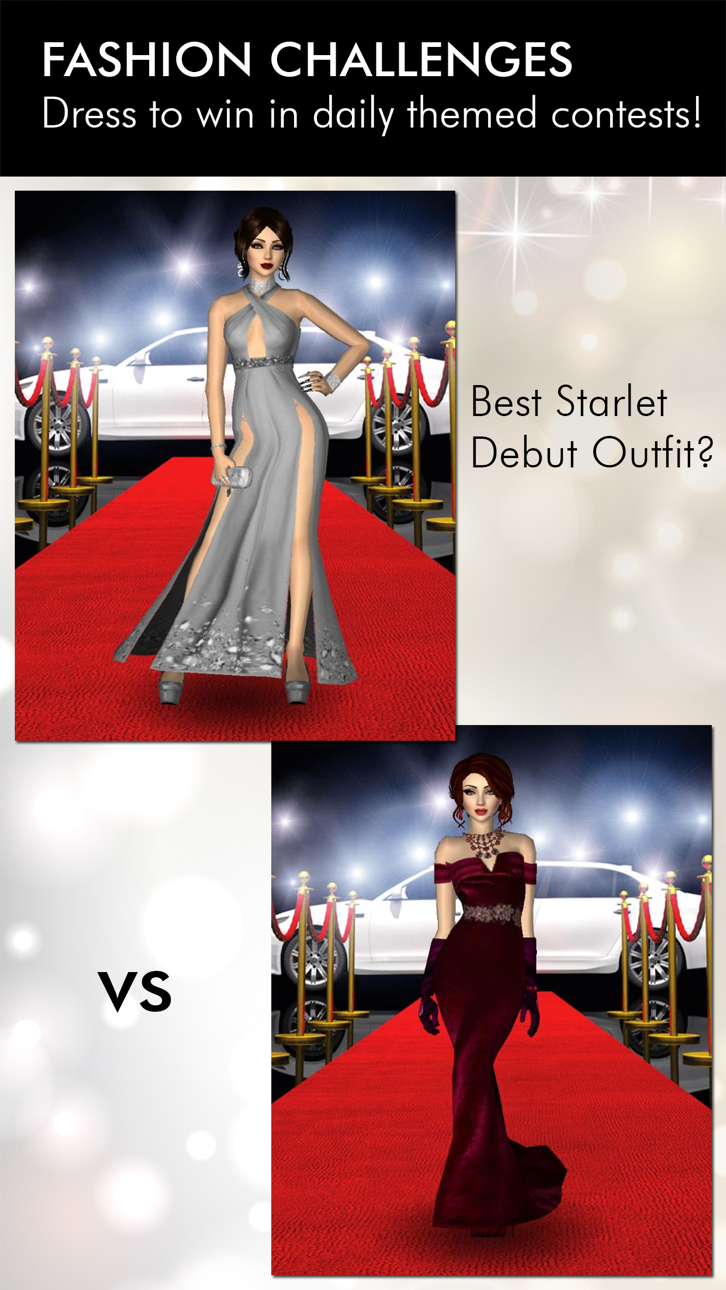
- WIN big and show off in online challenges - it’s fashion week every day!
- JOIN a vibrant fashion loving community
The game is free to play and in-app purchases are available for additional content and premium currency.
Game background and how to play:
1/ You start in San Francisco, an aspiring designer just opened your first shop. You've always been creative, from playing dress up with barbie dolls as a kid, hours on the sims, learning to sketch and creating an amazing portfolio at a top design academy. Together with your investor Eva you'll begin by designing your very first item - a gorgeous pink dress which is sure to bring in initial shoppers
2/ After making your first sales you'll want to expand capacity for racks, registers, dressing rooms - and don't forget decorations to attract the style minded clients.
3/ As your boutique grows you'll learn more and unlock more outfit categories of items - shoes, heels, bags, purses, rompers, jumpsuits, makeup, cosmetics, accessories and more.
4/ After a while you'll probably find yourself busy as the sole worker in your boutique - it will be time to find the perfect staff to join you on your journey. But first you'll need to find a way to persuade them to join - and each have their own story to tell and personality to work with.
5/ San Francisco is just the beginning, soon you'll be expanding to Las Vegas, Miami, Los Angeles and even New York. There you'll get to know celebs and stars who will warm to your unique style and, in time, crave and covet your latest collections. And who knows what glamorous occasions you'll be designing for...
6/ Your reputation is starting to grow and it's time to prove yourself on the world stage amongst a global player base. This is your chance to show your interior designs and outfits in challenging online themed contests, whether it's celebrity style or coffee casual, from red carpet to haute couture runway...
The biggest dress-up and boutique game ever, it's time to write YOUR stylish story.
--Support, Questions or Requests--
Email-us from settings in-game or at [email protected]
--- FOLLOW US ---
Official Instagram - https://instagram.com/fashion.empire.official/
Official Facebook Page - https://www.facebook.com/FashionEmpireOfficial/
--JOIN OUR COMMUNITY--
https://m.facebook.com/groups/fashionempireplayercouncil/
Screenshot © rispettivi proprietari · App Store


iOSGods non è affiliata, approvata né sponsorizzata da Apple Inc., Google LLC o dagli sviluppatori delle app elencate qui. Apple, iOS e App Store sono marchi di Apple Inc. Android e Google Play sono marchi di Google LLC. Tutti gli altri nomi delle app, icone, immagini e marchi appartengono ai rispettivi proprietari.

- iPhone o iPad non jailbroken/jailed oppure jailbroken.
- Sideloadly o alternative.
- Computer con Windows/macOS/Linux con iTunes installato.
PASSO 1: Scarica il file .IPA pre-modificato dal link sopra sul tuo computer. Per scaricarlo dall'iOSGods App, consulta il nostro Tutorial download IPA dell'iOSGods App, che include un esempio video.
PASSO 2: Scarica Sideloadly e installalo sul tuo Windows o Mac.
PASSO 3: Apri Sideloadly sul tuo computer, collega il tuo dispositivo iOS e attendi finché il nome del dispositivo non appare in Sideloadly.
PASSO 4: Una volta riconosciuto il tuo iDevice, trascina il file .IPA moddato che hai scaricato e rilascialo nell'applicazione Sideloadly.
PASSO 5: Inserisci l'email del tuo Apple Account, poi premi “Start”. Ti verrà quindi chiesto di inserire la password. Procedi e fornisci le informazioni richieste.
PASSO 6: Attendi che Sideloadly completi il sideload/installazione dell'IPA modificata. Se ci sono problemi durante l'installazione, leggi la nota qui sotto.
PASSO 7: Una volta completata l'installazione e vista l'app sulla schermata Home, dovrai andare in Impostazioni → Generali → Profili / Gestione VPN e dispositivi. Una volta lì, tocca l'email inserita al passo 6 e poi tocca “Autorizza [email protected]”.
PASSO 8: Ora vai sulla schermata Home e apri l'app appena installata: tutto dovrebbe funzionare correttamente. Potrebbe essere necessario seguire ulteriori istruzioni specifiche all'interno del popup dell'hack nel gioco.
NOTA: Per iOS/iPadOS 16 e versioni successive, devi attivare la Modalità sviluppatore. Per gli account Apple Developer gratuiti, dovrai ripetere questa procedura ogni 7 giorni. Se hai domande o problemi, leggi la nostra sezione FAQ Sideloadly del topic.
Game Name iOS Mod IPA is an action adventure game enhanced with powerful gameplay boosts and quality-of-life improvements. Win battles faster, earn rewards quicker, and enjoy uninterrupted play without ads.
- Unlimited Gold - spend freely to unlock premium content
- Damage Multiplier - deal significantly more damage in combat
- Defense Multiplier - take less damage and survive longer
- Reward Multiplier - earn more loot from every battle
- Max Level - instantly reach the highest player rank
- No Ads - play without interruptions or advertisements
This app also comes with iGameGod, giving you access to Auto Touch to automate repetitive tasks, App Speed Manager for adjustable gameplay speed, Memory Engine value editing, and more powerful iOS game tools.
Scarica Game Name Mod IPA dai link sopra. Tocca il pulsante di installazione e segui le istruzioni per installare questo hack iOS sul tuo iPhone, iPad o Mac con Apple Silicon.
Hai bisogno di altro aiuto Consulta le nostre Domande frequenti sull'app iOSGods per risposte dettagliate e consigli per la risoluzione dei problemi.
----------------------------------------------------------
--------------------------------------------------