Accesso richiesto
Accedi con il tuo account iOSGods per continuare.
Accedi con il tuo account iOSGods per continuare.
Sblocca gemme illimitate in Game of Evolution: Clicker Hack e accelera la tua evoluzione senza grinding. Questo gioco iOS modificato rimuove i limiti di risorse in modo che tu possa concentrarti sul divertimento di far evolvere creature e progredire nel clicker inattivo al tuo ritmo.
- Gemme Illimitate → spendi liberamente per upgrade ed evoluzione
Questa app include anche iGameGod, che ti offre accesso ad Auto Touch per automatizzare attività ripetitive, App Speed Manager per regolare la velocità di gioco, modifica dei valori con Memory Engine e altri potenti strumenti per giochi iOS.
Scarica Game of Evolution: Clicker Hack modded IPA dai link sopra. Tocca il pulsante di installazione e segui le istruzioni per installare questo hack iOS sul tuo iPhone, iPad o Mac con Apple Silicon.
Hai bisogno di altro aiuto? Consulta le nostre Domande frequenti sull'app iOSGods per risposte dettagliate e consigli per la risoluzione dei problemi.
Evolve! Start evolving right now, and you won't be able to stop! Don't be shy - evolve over breakfast, on the way to work, in a traffic jam, or on public transportation. Evolve during your lunch break, over dinner, and before bed. Evolve wherever you want! Evolution is so much fun! It's "the greatest show on Earth". And now it's right in your pocket!
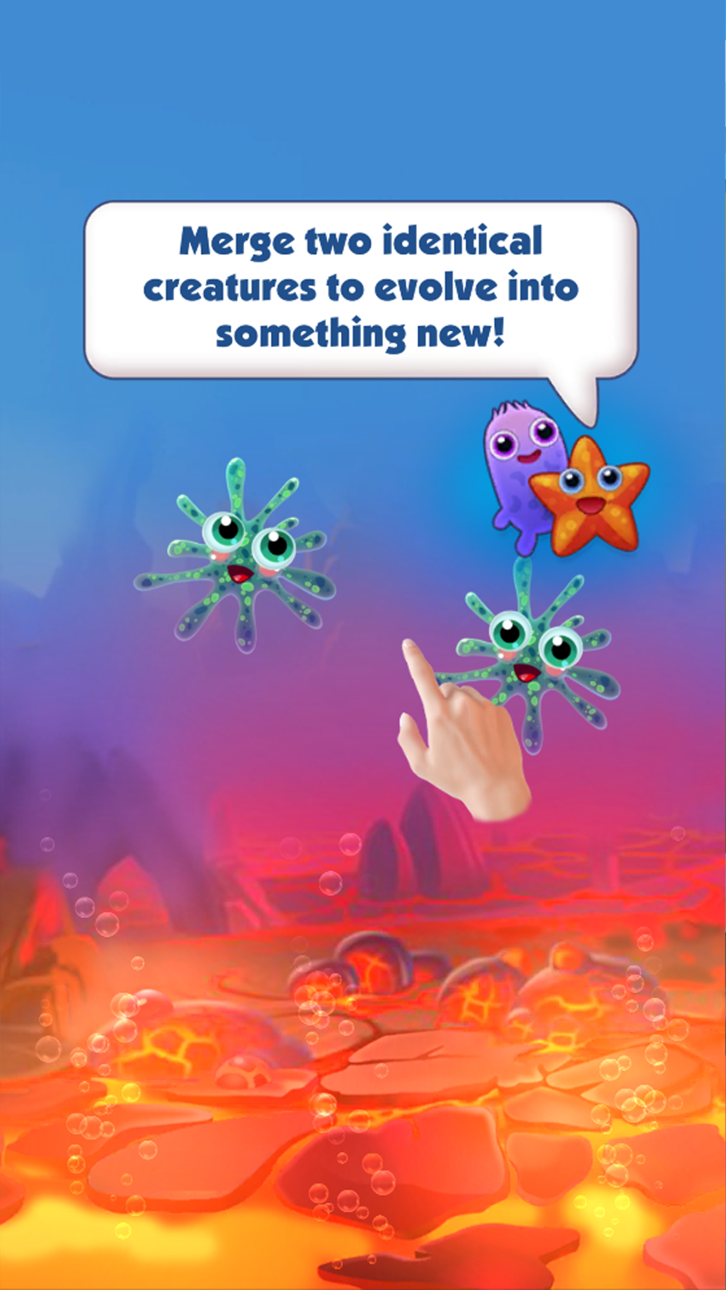
"Evolution: Clicker" is an idle game, or in other words they are called "clickers" or "games that play by themselves". How does this happen? For example, in the game "2048" you have numbers: you merge and move from 2 to 2048. Similar mechanics are in the Game of Evolution. You click and evolve from amoeba to human.
Start with the simplest organisms, then climb higher and higher up the tree of evolution: the evolution of species —> evolution of animals —> human evolution. Try to go through the evolution of the simplest species, be smart on the evolution of animals and be sure to fix the result of human evolution. Do not forget the main thing-to click!
The application is all for real: in the game you go through the evolution of the Proterozoic era to the modern world. Develop humanity and develop yourself. Click — go through the levels, earn coins and evolve. Click — get rewards for tasks, buy characters and evolve. You can accelerate evolution, but never stop! Evolution must continue!
And if you think you're almost done evolving, keep in mind that evolution never stops. It's an endless process of transformation where something new and exciting is always just about to appear. So keep on tapping, and new forms of life will fill the world of Evolution.
Child, teenager, adult - our idle game will appeal to everyone! Because it is colorful, interesting and very exciting! The incredible, addictive, amazing world of Evolution is waiting for everyone. You can't just stop evolving. Don't believe it? Try it for yourself!
Screenshot © rispettivi proprietari · App Store



iOSGods non è affiliata, approvata né sponsorizzata da Apple Inc., Google LLC o dagli sviluppatori delle app elencate qui. Apple, iOS e App Store sono marchi di Apple Inc. Android e Google Play sono marchi di Google LLC. Tutti gli altri nomi delle app, icone, immagini e marchi appartengono ai rispettivi proprietari.

- iPhone o iPad non jailbroken/jailed oppure jailbroken.
- Sideloadly o alternative.
- Computer con Windows/macOS/Linux con iTunes installato.
PASSO 1: Scarica il file .IPA pre-modificato dal link sopra sul tuo computer. Per scaricarlo dall'iOSGods App, consulta il nostro Tutorial download IPA dell'iOSGods App, che include un esempio video.
PASSO 2: Scarica Sideloadly e installalo sul tuo Windows o Mac.
PASSO 3: Apri Sideloadly sul tuo computer, collega il tuo dispositivo iOS e attendi finché il nome del dispositivo non appare in Sideloadly.
PASSO 4: Una volta riconosciuto il tuo iDevice, trascina il file .IPA moddato che hai scaricato e rilascialo nell'applicazione Sideloadly.
PASSO 5: Inserisci l'email del tuo Apple Account, poi premi “Start”. Ti verrà quindi chiesto di inserire la password. Procedi e fornisci le informazioni richieste.
PASSO 6: Attendi che Sideloadly completi il sideload/installazione dell'IPA modificata. Se ci sono problemi durante l'installazione, leggi la nota qui sotto.
PASSO 7: Una volta completata l'installazione e vista l'app sulla schermata Home, dovrai andare in Impostazioni → Generali → Profili / Gestione VPN e dispositivi. Una volta lì, tocca l'email inserita al passo 6 e poi tocca “Autorizza [email protected]”.
PASSO 8: Ora vai sulla schermata Home e apri l'app appena installata: tutto dovrebbe funzionare correttamente. Potrebbe essere necessario seguire ulteriori istruzioni specifiche all'interno del popup dell'hack nel gioco.
NOTA: Per iOS/iPadOS 16 e versioni successive, devi attivare la Modalità sviluppatore. Per gli account Apple Developer gratuiti, dovrai ripetere questa procedura ogni 7 giorni. Se hai domande o problemi, leggi la nostra sezione FAQ Sideloadly del topic.
Hack Features:
- Inf Coins (Spend)
App Installation Instructions:
---------------------------------------------------------
----------------------------------------------------------
If you require more information or help, please read our Frequently Asked Questions topic on iOSGods.com.
----------------------------------------------------------
--------------------------------------------------