Giriş Gerekli
Devam etmek için iOSGods hesabınızla giriş yapın.
Devam etmek için iOSGods hesabınızla giriş yapın.
Sınırsız MP, elmas, para ve malzemeler sayesinde Infinite Knights Hack'te hilesiz oynamadan baskın çıkabilirsiniz. Bu modifiye edilmiş iOS RPG, kaynak sınırlarını kaldırarak köyünüzü geliştirmenize ve Şeytan Kulesi'ni kendi hızınızda tırmanmanıza olanak tanır.
Beklemeyi atlamak isteyen rahat oyuncu olsanız da nihai kahraman kadrosunu kuran bir koleksiyoncu olsanız, bu hile dönüş tabanlı deneyimi dönüştürerek tarım yerine strateji ve hikaye üzerine odaklanmanızı sağlar. Çevrimdışı gelir siz yokken çalışmaya devam eder ve sınırsız iksirler ve malzemeler her zaman elinizin altında olduğunda, her savaş daha ileri gitme şansı haline gelir.
- Sınırsız MP → her savaşta büyüleri serbestçe kullanın
- Sınırsız Malzeme - Kullanıldığında Artar → tükenme olmadan el sanatları ve yükseltmeler yapın
- Sınırsız İksir - Kullanıldığında Artar → sonsuz şifa ve güçlendirme yapın
- Sınırsız Elmas → harcama yapmadan premium para birimi
- Sınırsız Para - Elmas Kullanarak Satın Alın → yükseltmeleri ve kahramanları anında satın alın
Bu hile en son x64 veya ARM64 iDevices'lerde çalışır: iPhone 5s, 6, 6 Plus, 6s, 6s Plus, 7, 7 Plus, 8, 8 Plus, X, Xr, Xs, Xs Max, SE, iPod Touch 6G, iPad Air, Air 2, Pro ve iPad Mini 2, 3, 4 ve sonrası.
Bu uygulama ayrıca, tekrar eden görevleri otomatikleştirmek için Auto Touch, ayarlanabilir oyun hızı için App Speed Manager, Memory Engine ile değer düzenleme ve daha pek çok güçlü iOS oyun aracına erişim sağlayan iGameGod ile birlikte gelir.
Yukarıdaki bağlantılardan Infinite Knights Hack modded IPA indirin. Yükle düğmesine dokunup ekrandaki yönergeleri izleyerek bu iOS uygulama hack'ini iPhone, iPad veya Apple Silicon'a yükleyin.
Daha fazla yardıma mı ihtiyacınız var? Ayrıntılı yanıtlar ve sorun giderme ipuçları için iOSGods Uygulaması Sık Sorulan Sorular sayfamıza bakın.
The good King had died, and no one could decide.
Who was rightful heir to the Throne.
It seemed that the land would be torn by devils,
Or saved by a miracle alone —
And that miracle appeared in the countryside of the the kingdom:
The Sword in the Stone.
The one who pull the sword, will become the king and lead the knights to defeat devils.
Are you the one, who can pull up the sword?
■ Addictive Turn-based RPG
Get to the top of the Devil's tower and defeat the Devil King
■ Automatically Offline Income!
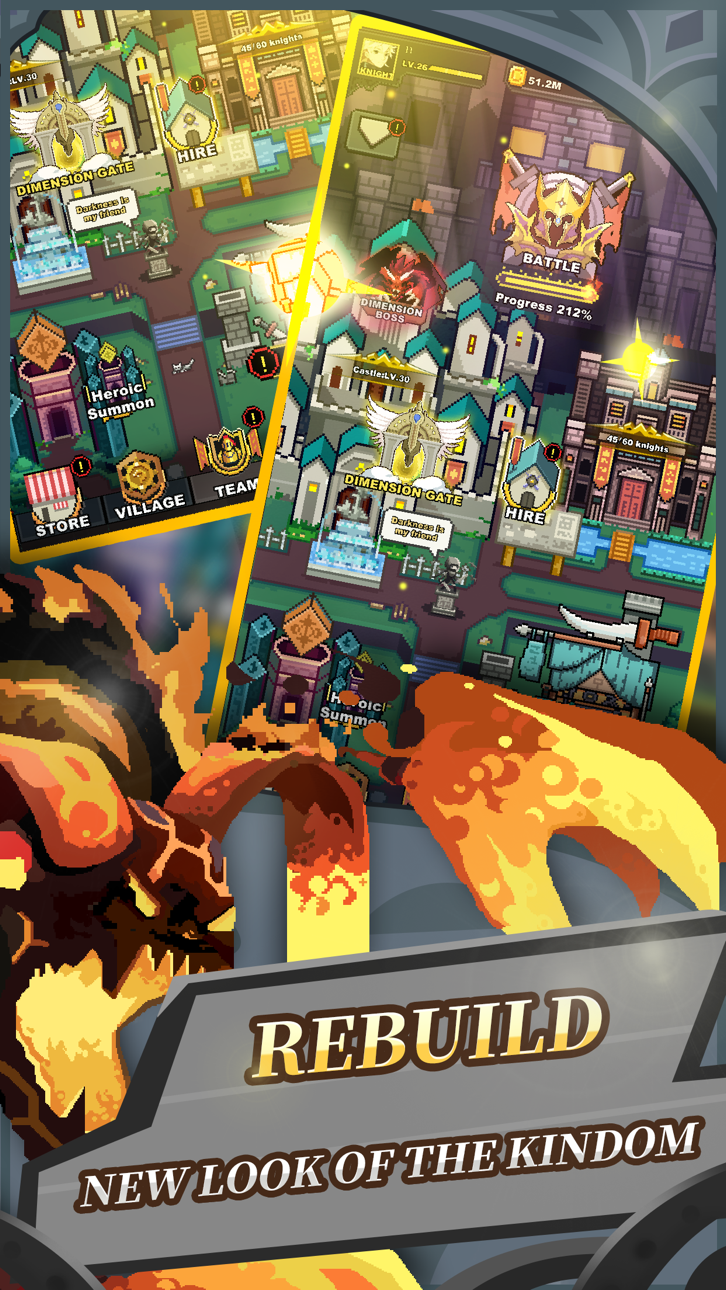
You can upgrade the village, get incomes while you are offline.
■ Infinite Heroes
All heroes are randomly generated. Find your best knight.
■ Infinite Dimensions!
You can cross to other dimensions after finishing Floor 100.
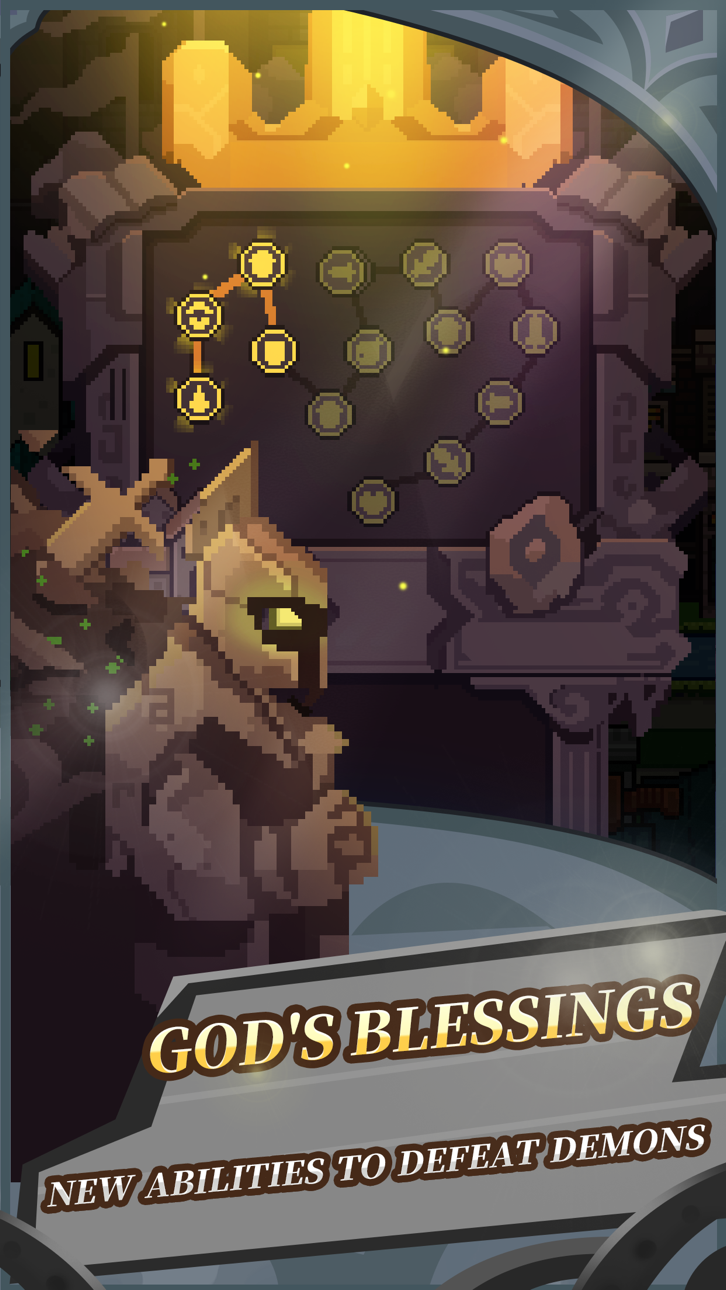
Use the soul stones in other dimensions to infinitely power up your knights.
■ Auto Mode/Manual Mode
You can use auto combat mode in the game. If you find it too hard, you can switch to manual mode to pass it.
■ Manage your own team!
Strategically use 9 knights with different classes to pass the difficult levels.
■ Forge your own equipments.
Use materials to forge many kinds of equipments.
■ Get hundreds of items and materials!
Use the items and materials dropped by the Boss to power up your team.
-Term of use:http://lemon-jam.com/term-of-use/
-Privacy policy: http://lemon-jam.com/privacy-policy
Ekran görüntüleri © ilgili sahipleri · App Store


iOSGods; Apple Inc., Google LLC veya burada listelenen uygulamaların geliştiricileriyle bağlantılı değildir, onlar tarafından onaylanmamış ve desteklenmemiştir. Apple, iOS ve App Store, Apple Inc. şirketinin ticari markalarıdır. Android ve Google Play, Google LLC şirketinin ticari markalarıdır. Diğer tüm uygulama adları, simgeler, görseller ve ticari markalar ilgili sahiplerine aittir.

- Jailbreak'siz/normal ya da jailbreak'li iPhone veya iPad.
- Sideloadly veya alternatifleri.
- iTunes yüklü Windows/macOS/Linux çalıştıran bir bilgisayar.
ADIM 1: Yukarıdaki bağlantıdan önceden hacklenmiş .IPA dosyasını bilgisayarınıza indirin. iOSGods App üzerinden indirmek için video örneği de içeren iOSGods App IPA İndirme Kılavuzu bölümümüze göz atın.
ADIM 2: Sideloadly indirin ve Windows veya Mac'inize kurun.
ADIM 3: Bilgisayarınızda Sideloadly'yi açın, iOS cihazınızı bağlayın ve cihaz adınız Sideloadly'de görünene kadar bekleyin.
ADIM 4: iCihazınız tanındıktan sonra, indirdiğiniz modlu .IPA dosyasını sürükleyip Sideloadly uygulamasına bırakın.
ADIM 5: Apple Account e-posta adresinizi girin ve ardından "Start" düğmesine basın. Sonrasında sizden şifreniz istenecektir. Gerekli bilgileri girin.
ADIM 6: Sideloadly'nin hacklenmiş IPA'yı sideload edip yüklemesini bekleyin. Yükleme sırasında bir sorun olursa lütfen aşağıdaki notu okuyun.
ADIM 7: Yükleme tamamlandıktan ve uygulamayı Ana Ekranınızda gördükten sonra Ayarlar → Genel → Profiller / VPN ve Cihaz Yönetimi bölümüne gitmelisiniz. Burada 6. adımda girdiğiniz e-postaya dokunun ve ardından "[email protected]'a Güven" seçeneğine dokunun.
ADIM 8: Şimdi Ana Ekranınıza gidin ve yeni yüklediğiniz uygulamayı açın; her şey sorunsuz çalışmalıdır. Oyun içindeki hack açılır penceresinde uygulamaya özel ek talimatları takip etmeniz gerekebilir.
NOT: iOS/iPadOS 16 ve sonrasında Geliştirici Modu'nu etkinleştirmeniz gerekir. Ücretsiz Apple Developer hesapları için bu işlemi her 7 günde bir tekrarlamanız gerekir. Sorularınız veya sorunlarınız varsa konunun Sideloadly SSS bölümünü okuyun.
Game Name iOS Mod IPA is an action adventure game enhanced with powerful gameplay boosts and quality-of-life improvements. Win battles faster, earn rewards quicker, and enjoy uninterrupted play without ads.
- Unlimited Gold - spend freely to unlock premium content
- Damage Multiplier - deal significantly more damage in combat
- Defense Multiplier - take less damage and survive longer
- Reward Multiplier - earn more loot from every battle
- Max Level - instantly reach the highest player rank
- No Ads - play without interruptions or advertisements
This app also comes with iGameGod, giving you access to Auto Touch to automate repetitive tasks, App Speed Manager for adjustable gameplay speed, Memory Engine value editing, and more powerful iOS game tools.
Yukarıdaki bağlantılardan Game Name Mod IPA indirin. Yükle düğmesine dokunup ekrandaki yönergeleri izleyerek bu iOS uygulama hack'ini iPhone, iPad veya Apple Silicon'a yükleyin.
Daha fazla yardıma mı ihtiyacınız var Ayrıntılı yanıtlar ve sorun giderme ipuçları için iOSGods Uygulaması Sık Sorulan Sorular sayfamıza bakın.
----------------------------------------------------------
--------------------------------------------------