Giriş Gerekli
Devam etmek için iOSGods hesabınızla giriş yapın.
Devam etmek için iOSGods hesabınızla giriş yapın.
All DLCs Owned bu stratejik board game Mod IPA'da tam içerik kütüphanesinin kilidini açar, satın almadan her genişlemeye ve yaratık özelliğine erişmenizi sağlar. Nature, kaynakların kıt olduğu bir vahşi doğada hayatta kalmak için yaratıkları uyarlamanız gereken hızlı tempolu bir dijital uyarlamadır ve bu ücretsiz hile, tüm stratejileri baştan keşfetmeniz için ödeme duvarını kaldırır.
- All DLCs Owned → tam genişleme içerik kütüphanesine erişim
Bu uygulama ayrıca, tekrar eden görevleri otomatikleştirmek için Auto Touch, ayarlanabilir oyun hızı için App Speed Manager, Memory Engine ile değer düzenleme ve daha pek çok güçlü iOS oyun aracına erişim sağlayan iGameGod ile birlikte gelir.
Yukarıdaki bağlantılardan Nature Board Game iOS Mod IPA indirin. Yükle düğmesine dokunup ekrandaki yönergeleri izleyerek bu iOS uygulama hack'ini iPhone, iPad veya Apple Silicon'a yükleyin.
Daha fazla yardıma mı ihtiyacınız var? Ayrıntılı yanıtlar ve sorun giderme ipuçları için iOSGods Uygulaması Sık Sorulan Sorular sayfamıza bakın.
Nature is a digital board game that invites you into the untamed wilderness, where you must adapt to survive. From the designer of the award-winning Evolution series, Nature is designed to be faster, better balanced, and seamlessly expandable.
Adapt to Survive
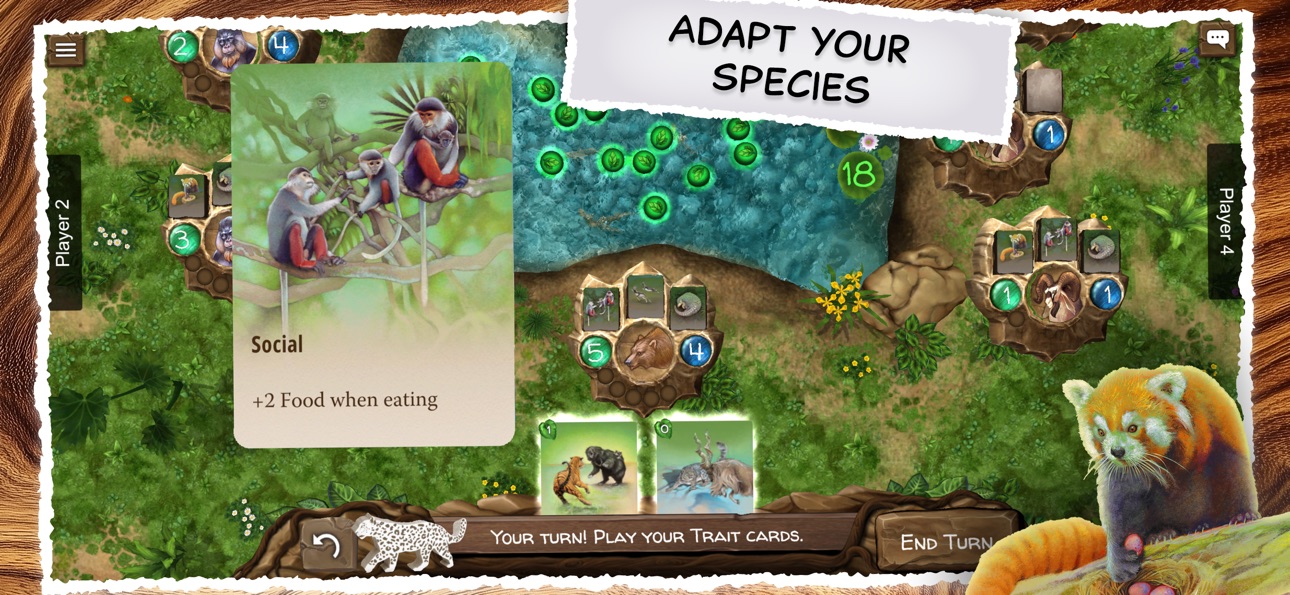
Grow your creatures in a world where resources are limited and danger is never far away. Develop the Fast trait to outrun predators, add Nesting to boost your population growth, or play Tusked to root out food others can't. With traits that combine and synergize, you can find success with a variety of strategies.
Seamlessly Expandable
Thanks to Nature's modular game system, no two games are ever the same. Mix and match different modules, each introducing new rules and thematic twists to the ecosystem. Flight features soaring creatures and new ways to find food, Jurassic brings out colossal predators, and in the Arctic Tundra survival itself is always in question. Modules can even be combined to create new ecosystems with unique interactions.
Easy to Learn, Hard to Master
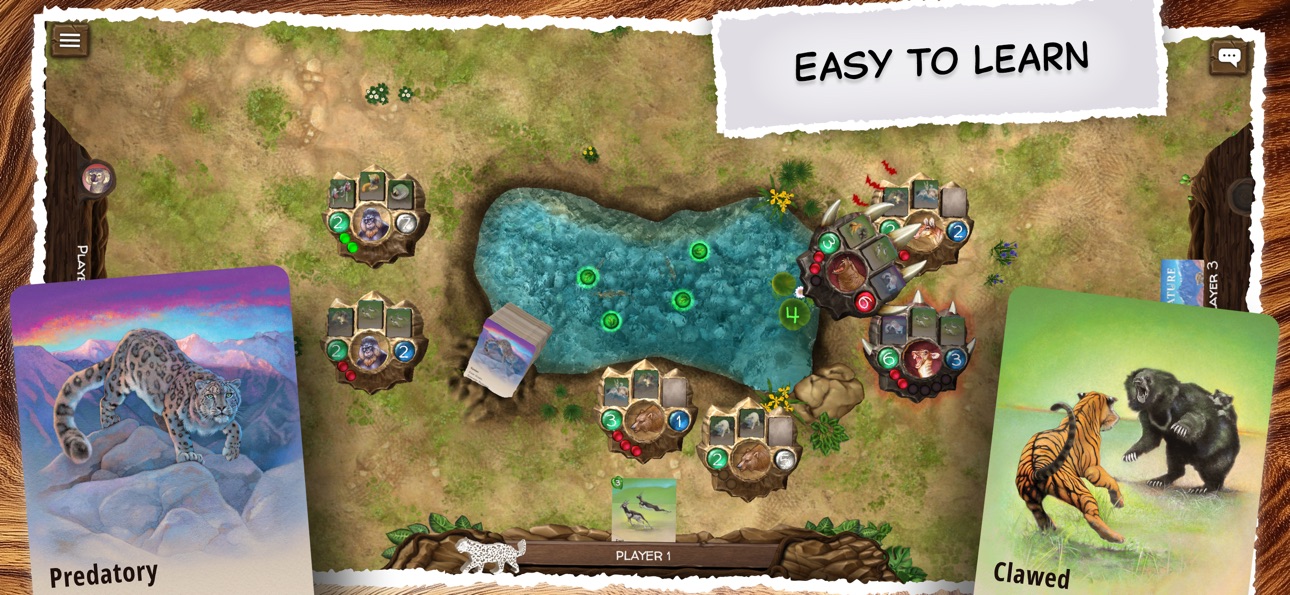
Nature has been refined through years of development and thousands of playtests to offer a game that's easy to learn yet deep in strategy. New players can jump right in with clear rules and intuitive gameplay, while experienced strategists will discover layers of tactical depth and challenge. The result is a well-balanced experience that keeps everyone coming back for more.
Key Features:
Solo Campaign: Play against smart digital opponents and take on custom challenges that tweak the rules in the Campaign.
Multiplayer Matchmaking: Get matched with others of a similar skill level in cross platform multiplayer.
Play with friends your way: Challenge friends in real time or asynchronous games, or use pass and play for up to four players on the same device.
Singleplayer Opponents: Four levels of AI difficulty and six different opponent strategies provide lots of challenge.
Stunning Artwork: Beautiful watercolor illustrations and animations bring the natural world to life.
Modular System: Each Module introduces new gameplay and combinations
Whether you venture alone or with fellow explorers, the wilds of Nature offer a new adventure with every visit.
Ekran görüntüleri © ilgili sahipleri · App Store


iOSGods; Apple Inc., Google LLC veya burada listelenen uygulamaların geliştiricileriyle bağlantılı değildir, onlar tarafından onaylanmamış ve desteklenmemiştir. Apple, iOS ve App Store, Apple Inc. şirketinin ticari markalarıdır. Android ve Google Play, Google LLC şirketinin ticari markalarıdır. Diğer tüm uygulama adları, simgeler, görseller ve ticari markalar ilgili sahiplerine aittir.

- Jailbreak'siz/normal ya da jailbreak'li iPhone veya iPad.
- Sideloadly veya alternatifleri.
- iTunes yüklü Windows/macOS/Linux çalıştıran bir bilgisayar.
ADIM 1: Yukarıdaki bağlantıdan önceden hacklenmiş .IPA dosyasını bilgisayarınıza indirin. iOSGods App üzerinden indirmek için video örneği de içeren iOSGods App IPA İndirme Kılavuzu bölümümüze göz atın.
ADIM 2: Sideloadly indirin ve Windows veya Mac'inize kurun.
ADIM 3: Bilgisayarınızda Sideloadly'yi açın, iOS cihazınızı bağlayın ve cihaz adınız Sideloadly'de görünene kadar bekleyin.
ADIM 4: iCihazınız tanındıktan sonra, indirdiğiniz modlu .IPA dosyasını sürükleyip Sideloadly uygulamasına bırakın.
ADIM 5: Apple Account e-posta adresinizi girin ve ardından "Start" düğmesine basın. Sonrasında sizden şifreniz istenecektir. Gerekli bilgileri girin.
ADIM 6: Sideloadly'nin hacklenmiş IPA'yı sideload edip yüklemesini bekleyin. Yükleme sırasında bir sorun olursa lütfen aşağıdaki notu okuyun.
ADIM 7: Yükleme tamamlandıktan ve uygulamayı Ana Ekranınızda gördükten sonra Ayarlar → Genel → Profiller / VPN ve Cihaz Yönetimi bölümüne gitmelisiniz. Burada 6. adımda girdiğiniz e-postaya dokunun ve ardından "[email protected]'a Güven" seçeneğine dokunun.
ADIM 8: Şimdi Ana Ekranınıza gidin ve yeni yüklediğiniz uygulamayı açın; her şey sorunsuz çalışmalıdır. Oyun içindeki hack açılır penceresinde uygulamaya özel ek talimatları takip etmeniz gerekebilir.
NOT: iOS/iPadOS 16 ve sonrasında Geliştirici Modu'nu etkinleştirmeniz gerekir. Ücretsiz Apple Developer hesapları için bu işlemi her 7 günde bir tekrarlamanız gerekir. Sorularınız veya sorunlarınız varsa konunun Sideloadly SSS bölümünü okuyun.
Game Name iOS Mod IPA is an action adventure game enhanced with powerful gameplay boosts and quality-of-life improvements. Win battles faster, earn rewards quicker, and enjoy uninterrupted play without ads.
- Unlimited Gold - spend freely to unlock premium content
- Damage Multiplier - deal significantly more damage in combat
- Defense Multiplier - take less damage and survive longer
- Reward Multiplier - earn more loot from every battle
- Max Level - instantly reach the highest player rank
- No Ads - play without interruptions or advertisements
This app also comes with iGameGod, giving you access to Auto Touch to automate repetitive tasks, App Speed Manager for adjustable gameplay speed, Memory Engine value editing, and more powerful iOS game tools.
Yukarıdaki bağlantılardan Game Name Mod IPA indirin. Yükle düğmesine dokunup ekrandaki yönergeleri izleyerek bu iOS uygulama hack'ini iPhone, iPad veya Apple Silicon'a yükleyin.
Daha fazla yardıma mı ihtiyacınız var Ayrıntılı yanıtlar ve sorun giderme ipuçları için iOSGods Uygulaması Sık Sorulan Sorular sayfamıza bakın.
----------------------------------------------------------
--------------------------------------------------