ต้องเข้าสู่ระบบ
เข้าสู่ระบบด้วยบัญชี iOSGods เพื่อดำเนินการต่อ
เข้าสู่ระบบด้วยบัญชี iOSGods เพื่อดำเนินการต่อ
เพิ่มพลังการโจมตีและการป้องกันของคุณใน Elvenrage: Fight & Survive ด้วย mod IPA ที่มีประสิทธิภาพนี้ โดยเปลี่ยนความขาดแคลนทรัพยากรให้เป็นความอุดมสมบูรณ์ เพื่อให้คุณสามารถมุ่งเน้นไปที่การปกป้องไข่มังกรโดยไม่ต้องบดบังทำซ้ำ hack นี้ปรับเปลี่ยนลูปการอยู่รอดหลัก แทนที่จะจัดการทรัพยากรที่จำกัด คุณจะสั่งการใช้อาวุธที่อัปเกรด เครื่องมือที่เต็มที่ และป้อมปืนที่เสริมกำลังตั้งแต่เริ่มต้น ซึ่งช่วยให้คุณทดลองกลยุทธ์ต่างๆ และเจาะลึกเข้าไปในคลื่นศัตรูได้
ไม่ว่าคุณจะเล่นซ้ำเพื่อชัยชนะที่เร็วขึ้น ทดสอบการรวมกันของบิลด์ หรือเพียงแค่ต้องการสัมผัสประสบการณ์จินตนาการอัศวินยุคกลางโดยไม่มีอุปสรรคทรัพยากร เวอร์ชันที่ปรับแต่งนี้จะลบประตูความก้าวหน้าและให้คุณเพลิดเพลินกับองค์ประกอบการกระทำและป้องกันหอคอยตามความเร็วของคุณเอง
- ตัวคูณความเสียหาย → เพิ่มพลังการโจมตีด้วย剑ของคุณต่อสัตว์ประหลาด
- ตัวคูณการป้องกัน → ลดความเสียหายที่เข้ามาต่ออัศวินของคุณ
- ตัวคูณความเสียหายของเครื่องมือ → เพิ่มประสิทธิภาพของป้อมปืนและกับดัก
- ทรัพยากรไม่จำกัด → จะเพิ่มขึ้นแทนที่จะลดลง
- ระดับเครื่องมือสูงสุด → ปลดล็อกการอัปเกรดป้อมปืนระดับสูงสุดทันที
- การซื้อในแอปฟรี → ปลดล็อกรายการพรีเมียมโดยไม่มีค่าใช้จ่าย
แอปนี้ยังมาพร้อมกับ iGameGod ซึ่งช่วยให้คุณเข้าถึง Auto Touch สำหรับการทำงานซ้ำ ๆ โดยอัตโนมัติ, App Speed Manager สำหรับปรับความเร็วของเกม, การแก้ไขค่าด้วย Memory Engine และเครื่องมือสำหรับเกม iOS ที่ทรงพลังอื่น ๆ อีกมากมาย
ดาวน์โหลด Elvenrage: Fight & Survive Hack modded IPA จากลิงก์ด้านบน แตะปุ่มติดตั้งและทำตามคำแนะนำบนหน้าจอเพื่อติดตั้งแฮ็กแอป iOS นี้บน iPhone, iPad หรือ Apple Silicon
ต้องการความช่วยเหลือเพิ่มเติม? ดู คำถามที่พบบ่อยของแอป iOSGods สำหรับคำตอบโดยละเอียดและเคล็ดลับการแก้ไขปัญหา
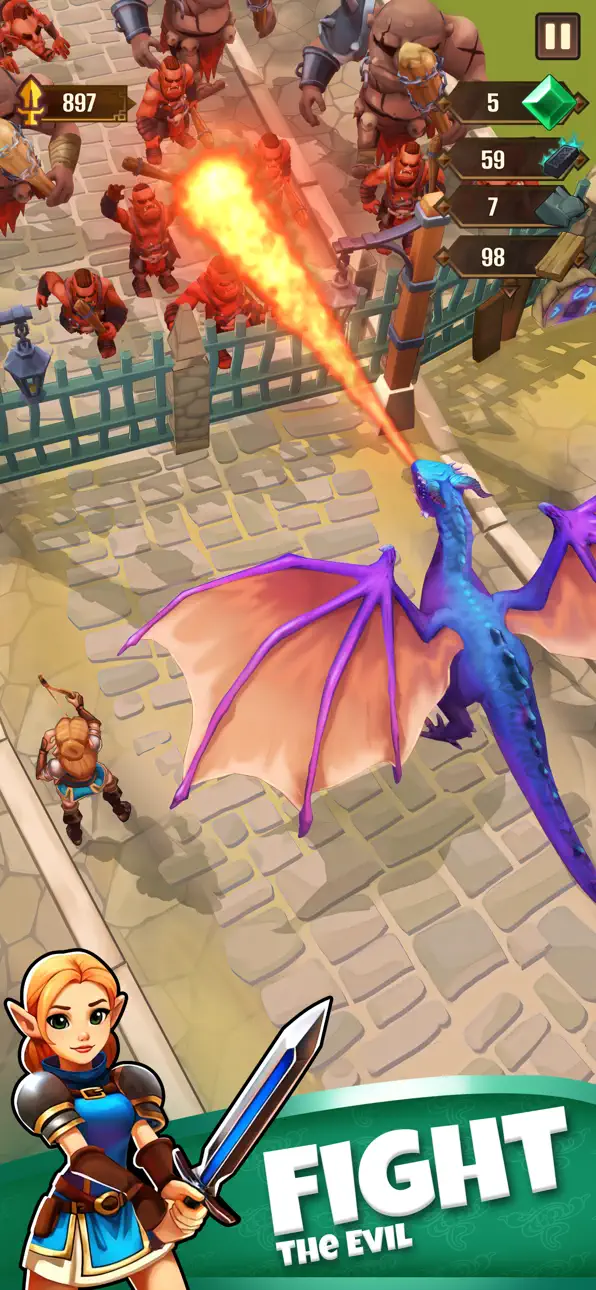
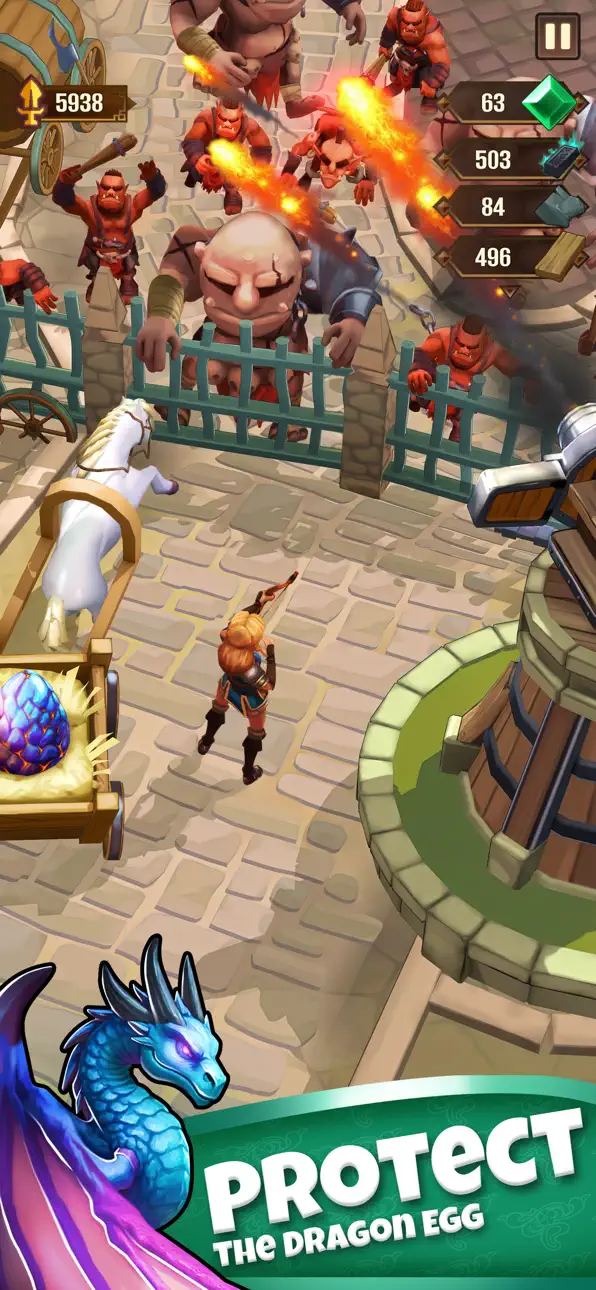
Protect the dragon egg against orcs at all costs and escort it to safety!
Take up your sword and shield as a fearless girl knight on a perilous quest to protect a legendary dragon egg! Escort the precious cargo through dangerous medieval lands, fighting off relentless orc attacks, gathering resources, and constructing powerful turrets to ensure its safety.
Gameplay Features:
Protect the Dragon Egg: Your cart slowly moves across the battlefield, carrying a mystical dragon egg. If it gets destroyed, the journey comes to an end!
Knight Combat: Slash through waves of orcs to defend the cart. Upgrade your weapons for stronger attacks.
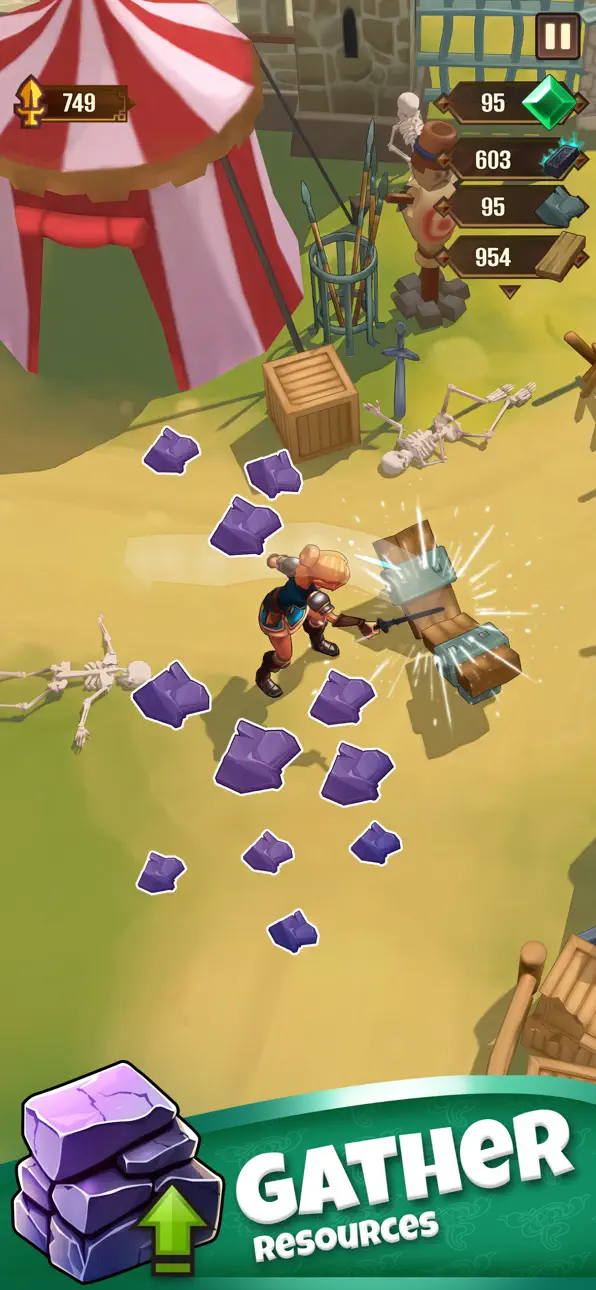
Gather & Build: Chop wood, mine stone, and collect gold to construct turrets along the path to fend off incoming enemies.
Tower Defense Strategy: Strategically place turrets to thin the orc horde before they reach the cart.
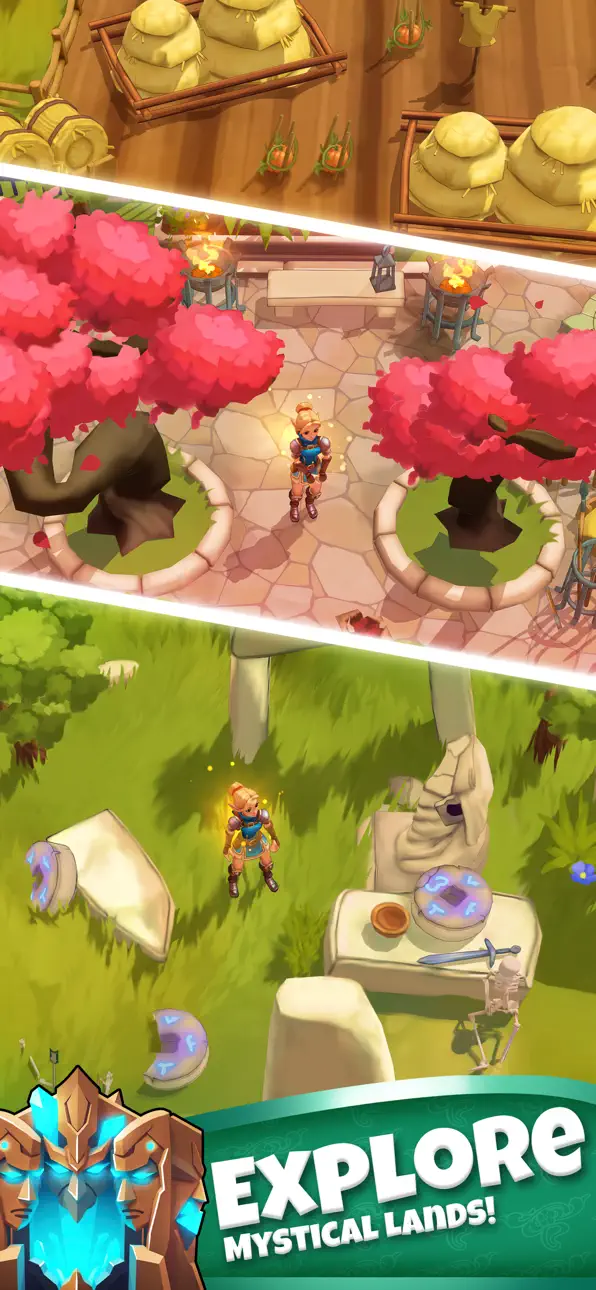
Escort Progression: Move through forests, mountain passes, and ruined villages, each presenting unique challenges and new enemy types, including orc berserkers, shamans, and siege beasts!
Resources & Upgrades: Gather resources on the level to upgrade turrets and equipment and unleash the firepower on your enemies!
Can you escort the dragon egg to safety and awaken the kingdom’s greatest guardian?
ภาพหน้าจอ © เจ้าของแต่ละราย · App Store


iOSGods ไม่มีความเกี่ยวข้อง ไม่ได้รับการรับรอง และไม่ได้รับการสนับสนุนจาก Apple Inc., Google LLC หรือผู้พัฒนาแอปที่แสดงไว้ที่นี่ Apple, iOS และ App Store เป็นเครื่องหมายการค้าของ Apple Inc. Android และ Google Play เป็นเครื่องหมายการค้าของ Google LLC ชื่อแอป ไอคอน ภาพ และเครื่องหมายการค้าอื่นทั้งหมดเป็นทรัพย์สินของเจ้าของแต่ละราย
- iPhone หรือ iPad ที่ไม่ได้เจลเบรก/ไม่ได้เจลเบรก หรือเจลเบรกแล้ว
- Sideloadly หรือทางเลือกอื่น
- คอมพิวเตอร์ที่ใช้ Windows/macOS/Linux และติดตั้ง iTunes ไว้
ขั้นตอนที่ 1: ดาวน์โหลดไฟล์ .IPA ที่แฮกไว้ล่วงหน้าจากลิงก์ด้านบนลงในคอมพิวเตอร์ของคุณ หากต้องการดาวน์โหลดจากแอป iOSGods โปรดดู วิธีดาวน์โหลด IPA ในแอป iOSGods ซึ่งมีตัวอย่างวิดีโอประกอบ
ขั้นตอนที่ 2: ดาวน์โหลด Sideloadly แล้วติดตั้งบน Windows หรือ Mac ของคุณ
ขั้นตอนที่ 3: เปิด Sideloadly บนคอมพิวเตอร์ เชื่อมต่ออุปกรณ์ iOS แล้วรอจนกว่าชื่ออุปกรณ์ของคุณจะปรากฏใน Sideloadly
ขั้นตอนที่ 4: เมื่อ iDevice ของคุณถูกตรวจพบแล้ว ให้ลากไฟล์ .IPA ที่ม็อดมาวางลงในโปรแกรม Sideloadly
ขั้นตอนที่ 5: กรอกอีเมล Apple Account ของคุณ จากนั้นกด "Start" ระบบจะถามรหัสผ่าน กรอกข้อมูลที่จำเป็นให้เรียบร้อย
ขั้นตอนที่ 6: รอจนกว่า Sideloadly จะ sideload/ติดตั้งไฟล์ IPA ที่แฮกเสร็จ หากเกิดปัญหาระหว่างติดตั้ง โปรดอ่านหมายเหตุด้านล่าง
ขั้นตอนที่ 7: เมื่อการติดตั้งเสร็จสิ้นและเห็นแอปบนหน้าจอหลักแล้ว ให้ไปที่ การตั้งค่า → ทั่วไป → โปรไฟล์ / VPN และการจัดการอุปกรณ์ จากนั้นแตะที่อีเมลที่คุณกรอกในขั้นตอนที่ 6 แล้วแตะ "เชื่อถือ [email protected]"
ขั้นตอนที่ 8: จากนั้นไปที่หน้าจอหลักและเปิดแอปที่ติดตั้งใหม่ ทุกอย่างควรทำงานได้ปกติ คุณอาจต้องทำตามคำแนะนำเพิ่มเติมเฉพาะแอปในป๊อปอัปของม็อดในเกม
หมายเหตุ: สำหรับ iOS/iPadOS 16 ขึ้นไป คุณต้อง เปิดโหมดนักพัฒนา (Developer Mode) สำหรับบัญชี Apple Developer แบบฟรี คุณต้องทำขั้นตอนนี้ซ้ำทุก 7 วัน หากมีคำถามหรือพบปัญหา โปรดอ่าน หัวข้อ FAQ ของ Sideloadly ในกระทู้
Game Name iOS Mod IPA is an action adventure game enhanced with powerful gameplay boosts and quality-of-life improvements. Win battles faster, earn rewards quicker, and enjoy uninterrupted play without ads.
- Unlimited Gold - spend freely to unlock premium content
- Damage Multiplier - deal significantly more damage in combat
- Defense Multiplier - take less damage and survive longer
- Reward Multiplier - earn more loot from every battle
- Max Level - instantly reach the highest player rank
- No Ads - play without interruptions or advertisements
This app also comes with iGameGod, giving you access to Auto Touch to automate repetitive tasks, App Speed Manager for adjustable gameplay speed, Memory Engine value editing, and more powerful iOS game tools.
ดาวน์โหลด Game Name Mod IPA จากลิงก์ด้านบน แตะปุ่มติดตั้งและทำตามคำแนะนำบนหน้าจอเพื่อติดตั้งแฮ็กแอป iOS นี้บน iPhone, iPad หรือ Apple Silicon
ต้องการความช่วยเหลือเพิ่มเติม ดู คำถามที่พบบ่อยของแอป iOSGods สำหรับคำตอบโดยละเอียดและเคล็ดลับการแก้ไขปัญหา
----------------------------------------------------------
--------------------------------------------------