ต้องเข้าสู่ระบบ
เข้าสู่ระบบด้วยบัญชี iOSGods เพื่อดำเนินการต่อ
เข้าสู่ระบบด้วยบัญชี iOSGods เพื่อดำเนินการต่อ
ปลดล็อก Debug Menu และ Premium access ใน Archery Clash Hack ซึ่งเป็นเกมโมด iOS ที่ให้คุณข้ามการซื้อในแอปและเข้าถึงเครื่องมือความก้าวหน้าเกมที่ซ่อนอยู่ ไปที่ Settings จากนั้น Previous Language จากนั้น Float Icon เพื่อเปิดใช้งานฟีเจอร์ใดฟีเจอร์หนึ่งและครอบงำการแข่งขันธนูสามมิติด้วยการควบคุมความก้าวหน้าที่ดีขึ้น
- Debug Menu (Setting → Previous Language → Float Icon → Game Progress) → เข้าถึงเครื่องมือความก้าวหน้าเกมที่ซ่อนอยู่
- Premium (Setting → Previous Language → Float Icon → In-App Purchase) → ปลดล็อกฟีเจอร์พรีเมียมโดยไม่ต้องชำระเงิน
แอปนี้ยังมาพร้อมกับ iGameGod ซึ่งช่วยให้คุณเข้าถึง Auto Touch สำหรับการทำงานซ้ำ ๆ โดยอัตโนมัติ, App Speed Manager สำหรับปรับความเร็วของเกม, การแก้ไขค่าด้วย Memory Engine และเครื่องมือสำหรับเกม iOS ที่ทรงพลังอื่น ๆ อีกมากมาย
ดาวน์โหลด Archery Clash! Hack modded IPA จากลิงก์ด้านบน แตะปุ่มติดตั้งและทำตามคำแนะนำบนหน้าจอเพื่อติดตั้งแฮ็กแอป iOS นี้บน iPhone, iPad หรือ Apple Silicon
ต้องการความช่วยเหลือเพิ่มเติม? ดู คำถามที่พบบ่อยของแอป iOSGods สำหรับคำตอบโดยละเอียดและเคล็ดลับการแก้ไขปัญหา
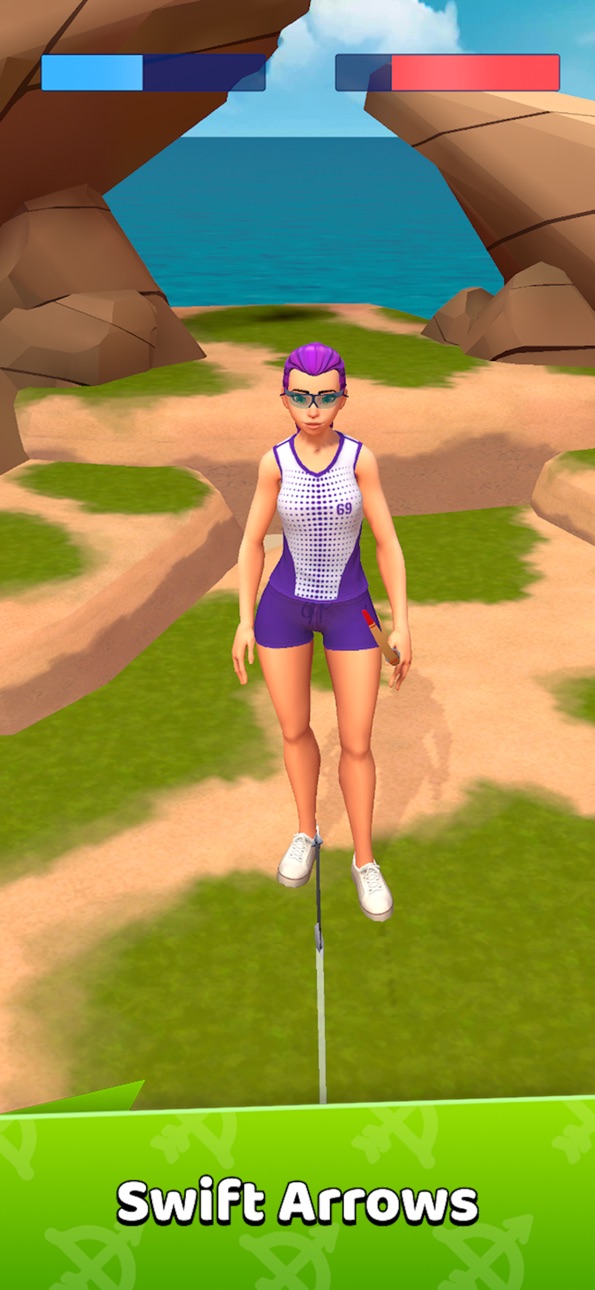
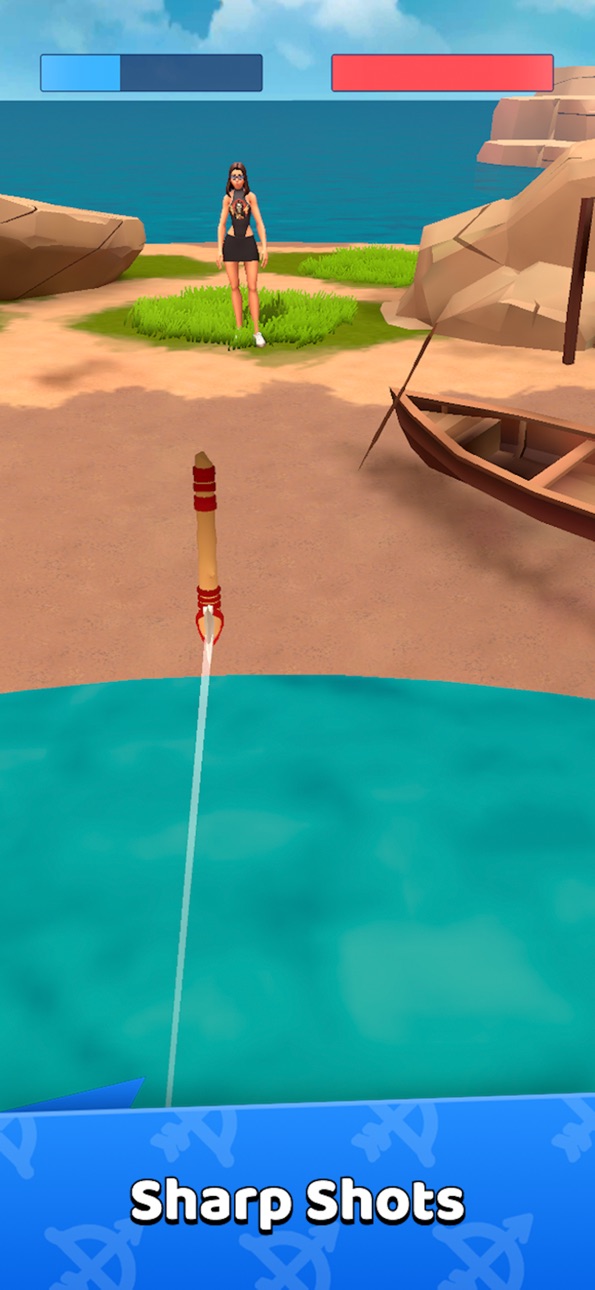
► Archery Clash: Master Cold Weapon Combat in Epic 3D Archery Duels!
Enter the thrilling arena of Archery Clash, where the essence of shooter sports and cold weapon mastery culminates in the ultimate showdown. Embrace your role as a legendary archer, mastering the bow, spear, and axe to outsmart and outmaneuver your adversaries. With every precise throw and strategic strike, engage in epic 3D duels that test your precision, strategy, and archery skills. Are you ready to claim your victory and ascend to the ranks of the bowmasters?
► Strategic Shooter & Archery Gameplay
Dive into strategic, turn-based duels where every decision can turn the tide of battle. Select your weapon wisely from a quiver full of bows, spears, and axes, and master the ancient art of knife throwing. Each weapon offers unique gameplay advantages, perfect for PvP enthusiasts and fans of combat archery simulators.
► Progress & Customize: RPG-Style Upgrades
Victory in the arena unlocks a trove of upgrades and legendary gear, propelling your prowess in this competitive sports arena. From the classic bow to the formidable hatchet, customize your arsenal to fit your combat style, making every tournament and betting match a display of your unique talents.
► Engage in Thrilling Competitions & Betting Tournaments
Rise through the ranks in exhilarating PvP tournaments, showcasing your skills as a true master of archery and cold weapons. Engage in a unique betting system that adds a thrilling layer of strategy to every duel, rewarding the bold and the skilled.
► Skill-Based Challenges for Archery Enthusiasts
Archery Clash is a test of tactical intellect as much as it is of precision. Anticipate your opponent's moves and perfect your aim and timing to dominate the battlefield. This archery simulator offers a true skill-based challenge that will appeal to both experienced archers and newcomers.
► Embark on an Unforgettable Archery Adventure
Archery Clash isn't just a game—it's a journey into the heart of archery, blending RPG elements, strategic depth, and intense PvP action. Whether you're here for the girls wielding bows or the adrenaline-pumping tournaments, Archery Clash has something for every archery enthusiast. Download now and step into a world where only the sharpest shooters and strategists prevail."
ภาพหน้าจอ © เจ้าของแต่ละราย · App Store


iOSGods ไม่มีความเกี่ยวข้อง ไม่ได้รับการรับรอง และไม่ได้รับการสนับสนุนจาก Apple Inc., Google LLC หรือผู้พัฒนาแอปที่แสดงไว้ที่นี่ Apple, iOS และ App Store เป็นเครื่องหมายการค้าของ Apple Inc. Android และ Google Play เป็นเครื่องหมายการค้าของ Google LLC ชื่อแอป ไอคอน ภาพ และเครื่องหมายการค้าอื่นทั้งหมดเป็นทรัพย์สินของเจ้าของแต่ละราย

- iPhone หรือ iPad ที่ไม่ได้เจลเบรก/ไม่ได้เจลเบรก หรือเจลเบรกแล้ว
- Sideloadly หรือทางเลือกอื่น
- คอมพิวเตอร์ที่ใช้ Windows/macOS/Linux และติดตั้ง iTunes ไว้
ขั้นตอนที่ 1: ดาวน์โหลดไฟล์ .IPA ที่แฮกไว้ล่วงหน้าจากลิงก์ด้านบนลงในคอมพิวเตอร์ของคุณ หากต้องการดาวน์โหลดจากแอป iOSGods โปรดดู วิธีดาวน์โหลด IPA ในแอป iOSGods ซึ่งมีตัวอย่างวิดีโอประกอบ
ขั้นตอนที่ 2: ดาวน์โหลด Sideloadly แล้วติดตั้งบน Windows หรือ Mac ของคุณ
ขั้นตอนที่ 3: เปิด Sideloadly บนคอมพิวเตอร์ เชื่อมต่ออุปกรณ์ iOS แล้วรอจนกว่าชื่ออุปกรณ์ของคุณจะปรากฏใน Sideloadly
ขั้นตอนที่ 4: เมื่อ iDevice ของคุณถูกตรวจพบแล้ว ให้ลากไฟล์ .IPA ที่ม็อดมาวางลงในโปรแกรม Sideloadly
ขั้นตอนที่ 5: กรอกอีเมล Apple Account ของคุณ จากนั้นกด "Start" ระบบจะถามรหัสผ่าน กรอกข้อมูลที่จำเป็นให้เรียบร้อย
ขั้นตอนที่ 6: รอจนกว่า Sideloadly จะ sideload/ติดตั้งไฟล์ IPA ที่แฮกเสร็จ หากเกิดปัญหาระหว่างติดตั้ง โปรดอ่านหมายเหตุด้านล่าง
ขั้นตอนที่ 7: เมื่อการติดตั้งเสร็จสิ้นและเห็นแอปบนหน้าจอหลักแล้ว ให้ไปที่ การตั้งค่า → ทั่วไป → โปรไฟล์ / VPN และการจัดการอุปกรณ์ จากนั้นแตะที่อีเมลที่คุณกรอกในขั้นตอนที่ 6 แล้วแตะ "เชื่อถือ [email protected]"
ขั้นตอนที่ 8: จากนั้นไปที่หน้าจอหลักและเปิดแอปที่ติดตั้งใหม่ ทุกอย่างควรทำงานได้ปกติ คุณอาจต้องทำตามคำแนะนำเพิ่มเติมเฉพาะแอปในป๊อปอัปของม็อดในเกม
หมายเหตุ: สำหรับ iOS/iPadOS 16 ขึ้นไป คุณต้อง เปิดโหมดนักพัฒนา (Developer Mode) สำหรับบัญชี Apple Developer แบบฟรี คุณต้องทำขั้นตอนนี้ซ้ำทุก 7 วัน หากมีคำถามหรือพบปัญหา โปรดอ่าน หัวข้อ FAQ ของ Sideloadly ในกระทู้
Hack Features:
- Inf Coins (Spend)
App Installation Instructions:
---------------------------------------------------------
----------------------------------------------------------
If you require more information or help, please read our Frequently Asked Questions topic on iOSGods.com.
----------------------------------------------------------
--------------------------------------------------