ต้องเข้าสู่ระบบ
เข้าสู่ระบบด้วยบัญชี iOSGods เพื่อดำเนินการต่อ
เข้าสู่ระบบด้วยบัญชี iOSGods เพื่อดำเนินการต่อ
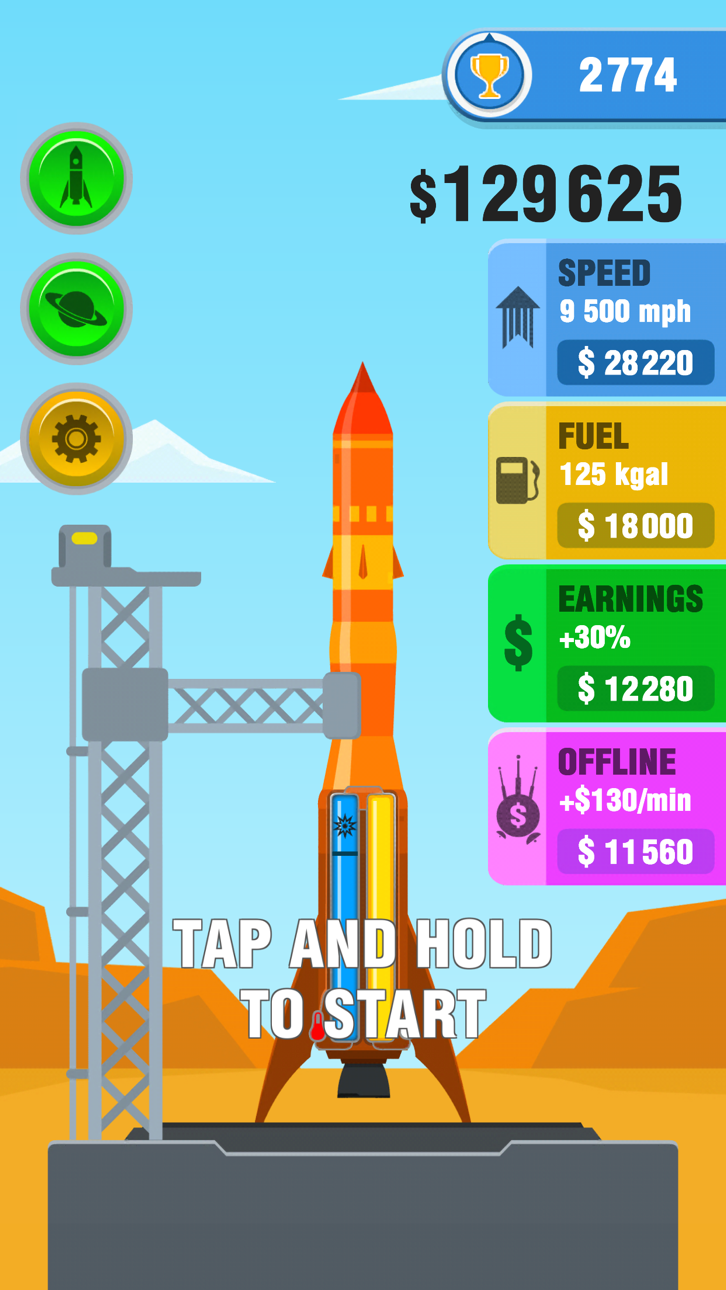
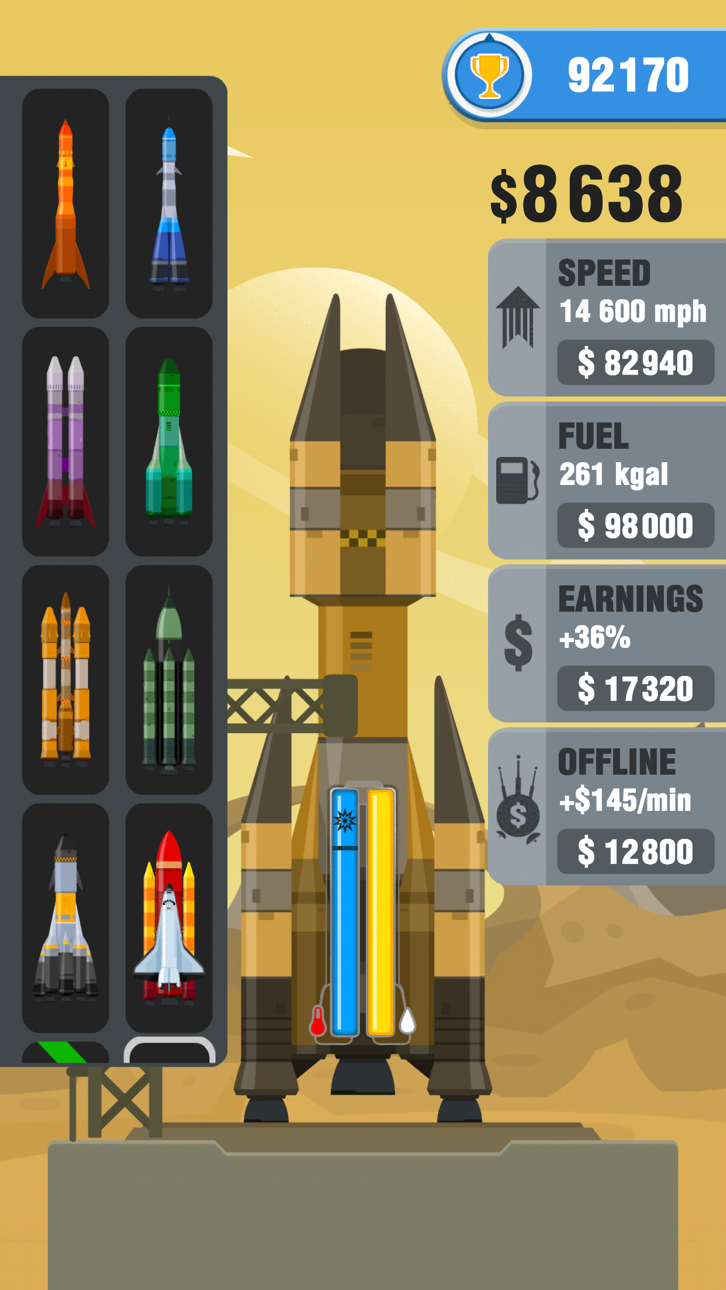
เงินไม่จำกัดให้คุณอัปเกรดเครื่องยนต์จรวดได้ทันทีใน Rocket Sky! Hack ซึ่งเป็นเกม iOS ที่ปรับแต่งแล้ว ที่คุณปล่อยยานอวกาศของคุณให้ไปไกลที่สุดเท่าที่จะเป็นไปได้ขณะจัดการความร้อน แตะและค้างไว้เพื่อยิงจรวดของคุณ ใช้เงินได้อย่างอิสระในการอัปเกรดเครื่องยนต์ และปลดล็อกดาวเคราะห์ใหม่โดยไม่ต้องสร้างสรรค์เพื่อหาเงิน
- เงินไม่จำกัด (ใช้/ได้รับ) → อัปเกรดเครื่องยนต์และปลดล็อกเนื้อหาได้ทันที
แอปนี้ยังมาพร้อมกับ iGameGod ซึ่งช่วยให้คุณเข้าถึง Auto Touch สำหรับการทำงานซ้ำ ๆ โดยอัตโนมัติ, App Speed Manager สำหรับปรับความเร็วของเกม, การแก้ไขค่าด้วย Memory Engine และเครื่องมือสำหรับเกม iOS ที่ทรงพลังอื่น ๆ อีกมากมาย
ดาวน์โหลด Rocket Sky! Hack modded IPA จากลิงก์ด้านบน แตะปุ่มติดตั้งและทำตามคำแนะนำบนหน้าจอเพื่อติดตั้งแฮ็กแอป iOS นี้บน iPhone, iPad หรือ Apple Silicon
ต้องการความช่วยเหลือเพิ่มเติม? ดู คำถามที่พบบ่อยของแอป iOSGods สำหรับคำตอบโดยละเอียดและเคล็ดลับการแก้ไขปัญหา
Tap and hold the screen to launch your rocket as far as you can, but make sure not to overheat, otherwise it's game over!
Upgrade your rocket to reach new heights, break records and explore new planets. Space is waiting for you!
Rocket Sky! features:
Simple and addictive gameplay
Numerous upgrades to keep you exploring
Variety of planets and rockets to unlock
Colourful 2D design
SUBSCRIBE TO ROCKET SKY!
Subscribe to Rocket Sky! for all of the following benefits:
* Receive x2 Earnings
* Get the Monster Truck
* No Ads, which removes non-optional adverts from the game
SUBSCRIPTIONS INFORMATION:
Rocket Sky! VIP Membership access offers two membership options:
1) A weekly subscription costing $5.49 per week after a 3 day FREE trial period.
2) A monthly subscription costing $14.49 per month.
After buying this subscription, you will unlock; x2 earnings for your in game currency on all your flights, the monster truck which will give you an extra boost on every flight, and receive no ads, which removes non-optional ads from the game. This is an auto-renewable subscription. The payment is charged to your account after confirmation. The subscription is renewed unless you unsubscribe 24 hours before the period ends. Your account will also be charged for renewal
The price notes are for United States customers. Pricing in other countries may change and actual charges may be converted to local currency.
End of trial and subscription renewal:
- The payment is charged to your iTunes account after a confirmation of purchase
- The subscription is renewed unless you unsubscribe 24 hours before the end of the current period
- The account will be charged for renewal 24 hours before the end of the current period at the standard cost of the weekly subscription
- The user may manage the subscription and auto-renewal by accessing the user's account settings after purchase in the store
- No cancellation of the current subscription is permitted during the active subscription period
- Any unused portion of the free trial period will be forfeited when the subscription is purchased
Cancelling a trial or subscription:
- In order to cancel a subscription during the free trial period you need to cancel it through your account in the Store. This must be done at least 24 hours before the end of the free trial period to avoid being charged.
http://privacy.servers.kwalee.com/privacy/RocketSkyEULA.html
ภาพหน้าจอ © เจ้าของแต่ละราย · App Store



iOSGods ไม่มีความเกี่ยวข้อง ไม่ได้รับการรับรอง และไม่ได้รับการสนับสนุนจาก Apple Inc., Google LLC หรือผู้พัฒนาแอปที่แสดงไว้ที่นี่ Apple, iOS และ App Store เป็นเครื่องหมายการค้าของ Apple Inc. Android และ Google Play เป็นเครื่องหมายการค้าของ Google LLC ชื่อแอป ไอคอน ภาพ และเครื่องหมายการค้าอื่นทั้งหมดเป็นทรัพย์สินของเจ้าของแต่ละราย

- iPhone หรือ iPad ที่ไม่ได้เจลเบรก/ไม่ได้เจลเบรก หรือเจลเบรกแล้ว
- Sideloadly หรือทางเลือกอื่น
- คอมพิวเตอร์ที่ใช้ Windows/macOS/Linux และติดตั้ง iTunes ไว้
ขั้นตอนที่ 1: ดาวน์โหลดไฟล์ .IPA ที่แฮกไว้ล่วงหน้าจากลิงก์ด้านบนลงในคอมพิวเตอร์ของคุณ หากต้องการดาวน์โหลดจากแอป iOSGods โปรดดู วิธีดาวน์โหลด IPA ในแอป iOSGods ซึ่งมีตัวอย่างวิดีโอประกอบ
ขั้นตอนที่ 2: ดาวน์โหลด Sideloadly แล้วติดตั้งบน Windows หรือ Mac ของคุณ
ขั้นตอนที่ 3: เปิด Sideloadly บนคอมพิวเตอร์ เชื่อมต่ออุปกรณ์ iOS แล้วรอจนกว่าชื่ออุปกรณ์ของคุณจะปรากฏใน Sideloadly
ขั้นตอนที่ 4: เมื่อ iDevice ของคุณถูกตรวจพบแล้ว ให้ลากไฟล์ .IPA ที่ม็อดมาวางลงในโปรแกรม Sideloadly
ขั้นตอนที่ 5: กรอกอีเมล Apple Account ของคุณ จากนั้นกด "Start" ระบบจะถามรหัสผ่าน กรอกข้อมูลที่จำเป็นให้เรียบร้อย
ขั้นตอนที่ 6: รอจนกว่า Sideloadly จะ sideload/ติดตั้งไฟล์ IPA ที่แฮกเสร็จ หากเกิดปัญหาระหว่างติดตั้ง โปรดอ่านหมายเหตุด้านล่าง
ขั้นตอนที่ 7: เมื่อการติดตั้งเสร็จสิ้นและเห็นแอปบนหน้าจอหลักแล้ว ให้ไปที่ การตั้งค่า → ทั่วไป → โปรไฟล์ / VPN และการจัดการอุปกรณ์ จากนั้นแตะที่อีเมลที่คุณกรอกในขั้นตอนที่ 6 แล้วแตะ "เชื่อถือ [email protected]"
ขั้นตอนที่ 8: จากนั้นไปที่หน้าจอหลักและเปิดแอปที่ติดตั้งใหม่ ทุกอย่างควรทำงานได้ปกติ คุณอาจต้องทำตามคำแนะนำเพิ่มเติมเฉพาะแอปในป๊อปอัปของม็อดในเกม
หมายเหตุ: สำหรับ iOS/iPadOS 16 ขึ้นไป คุณต้อง เปิดโหมดนักพัฒนา (Developer Mode) สำหรับบัญชี Apple Developer แบบฟรี คุณต้องทำขั้นตอนนี้ซ้ำทุก 7 วัน หากมีคำถามหรือพบปัญหา โปรดอ่าน หัวข้อ FAQ ของ Sideloadly ในกระทู้
Hack Features:
- Inf Coins (Spend)
App Installation Instructions:
---------------------------------------------------------
----------------------------------------------------------
If you require more information or help, please read our Frequently Asked Questions topic on iOSGods.com.
----------------------------------------------------------
--------------------------------------------------