需要登入
請使用您的 iOSGods 帳戶登入以繼續。
Hack Features
- Freeze Currencies
從上方連結下載 Adorable Garden iOS Mod IPA。點選安裝按鈕並依照畫面指示在 iPhone、iPad 或 Apple Silicon 上安裝此 iOS 應用程式修改版。
需要更多協助?請查看我們的 iOSGods 應用程式常見問題 以獲得詳細解答與疑難排解。
* Idle Zen Game *
- Tired of all these restaurant game?
- Join us in Adorable Garden! A stress-free, relaxing tycoon simulator filled with cool gardeners, cute plants and beautiful gardens!
* Customize You & Your Partner *
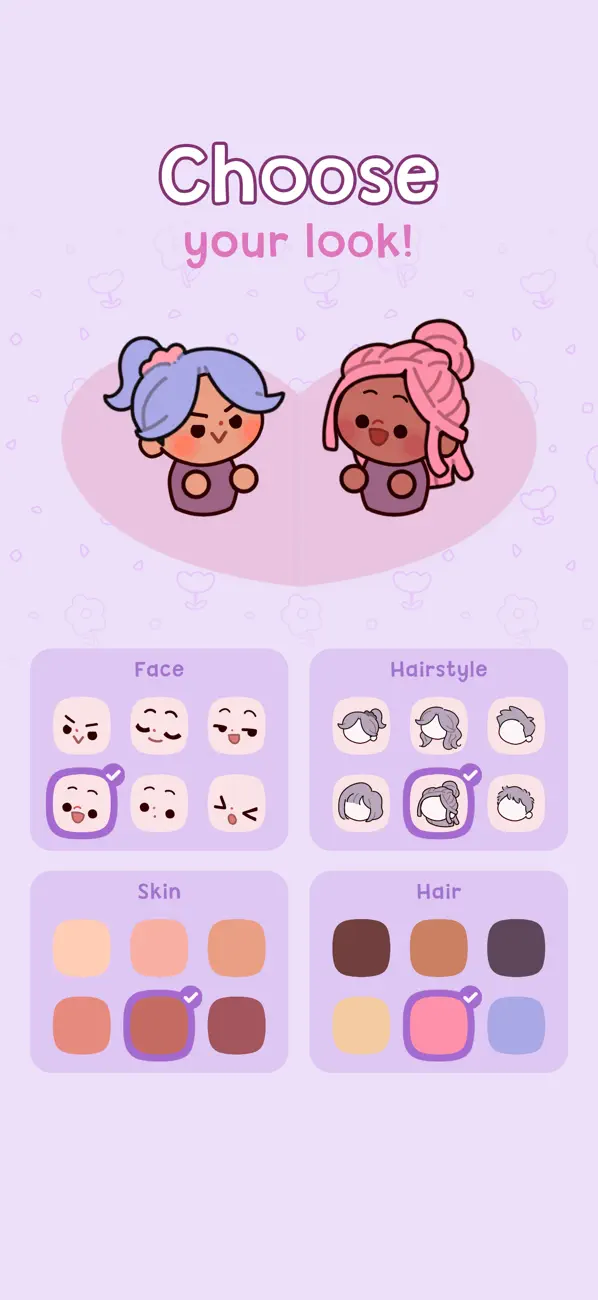
- Start by styling you and your partner!
- In this LGBTQ+ friendly game, you are welcome to be YOU!
- With a diverse range of looks available and more to come, Adorable Garden is a safe place for you to express your pride!
* Grow a Nursery *
- Grow your side hustle into a bustling business! Minimal action required.
- Relax and idle as you watch your avatars and gardeners care for and sell cute plants to a mama bear?!?
- Watch out for her cute little cubs, they don’t bite, but who can resist these furballs?
- Renovate your nursery to unlock even more plant types.
- Take a vacation and create new gardens at exotic destinations, like New York or Tokyo, Japan!
* Decorate your Home *
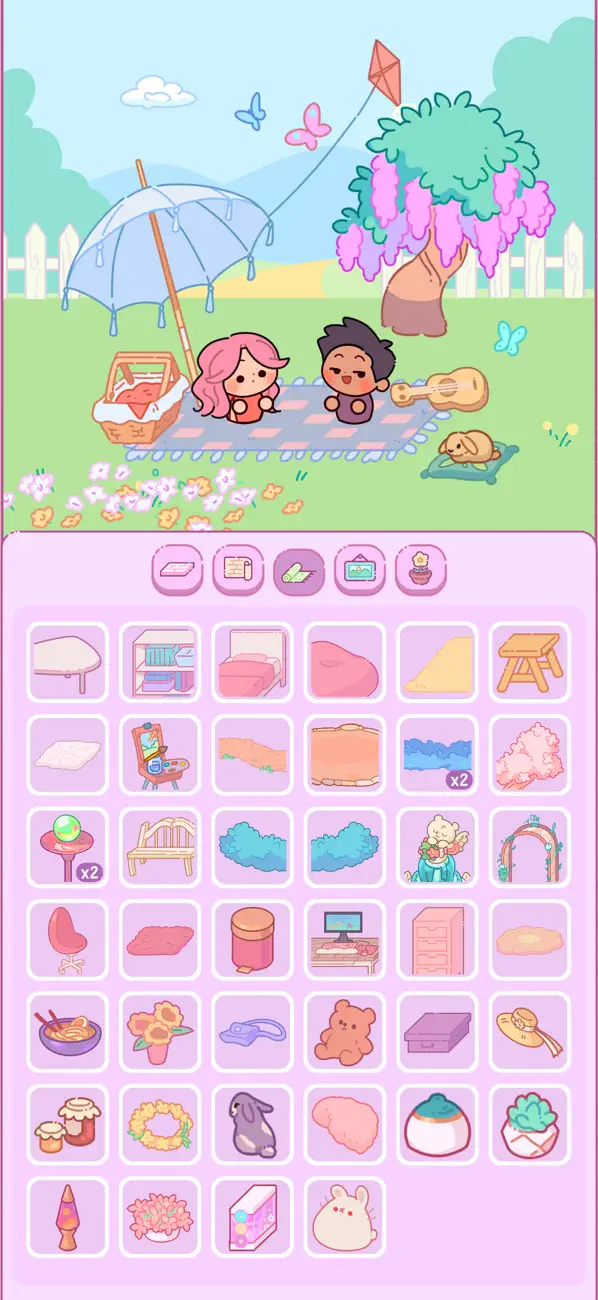
- Build a dream house together with your partner.
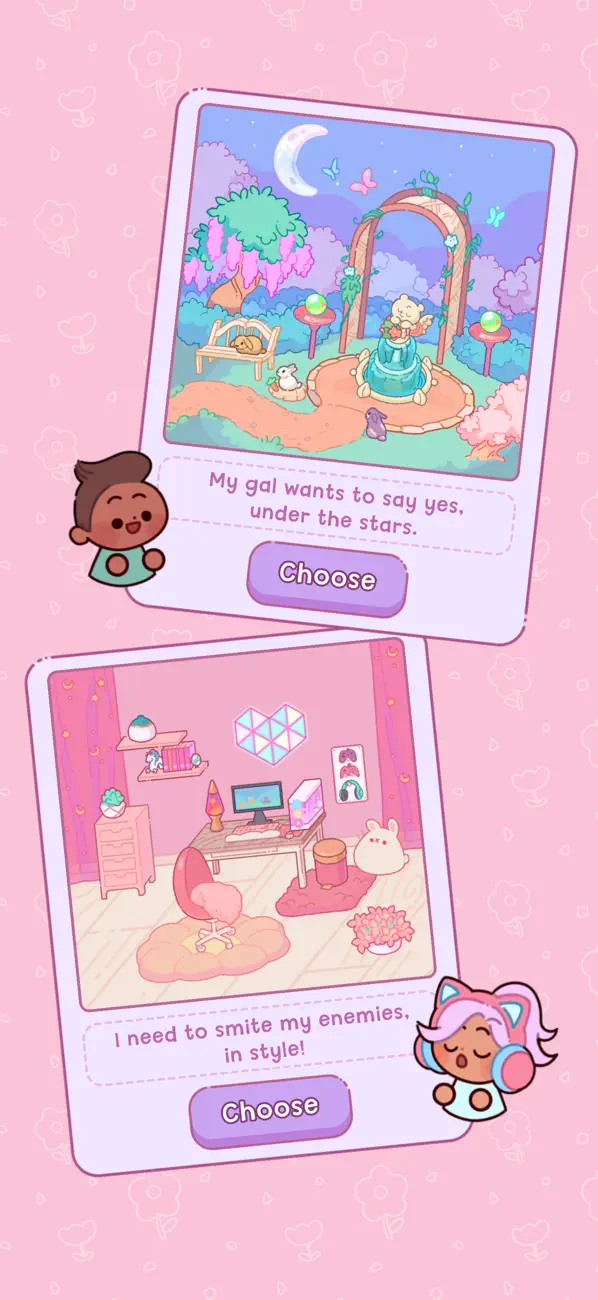
- Choose the decorations in your garden. From fountains to trees.
- Would you like a gnome garden? Or a rustic garden?
* Hire Adorable Gardeners *
- Choose from a variety of interesting gardeners.
- Pick wisely as each gardener offers unique perks that can speed up your growth.
Come enjoy the idle life simulation game where you are free to relax!
- 未越獄/受限或已越獄的 iPhone 或 iPad。
- Sideloadly 或替代方案。
- 執行 Windows/macOS/Linux 且已安裝 iTunes 的電腦。
步驟 1: 透過上方連結將已破解的 .IPA 檔案下載到您的電腦。若要從 iOSGods App 下載,請參閱我們的 iOSGods App IPA 下載教學,其中包含影片範例。
步驟 2: 下載 Sideloadly 並將其安裝在您的 Windows 或 Mac 上。
步驟 3: 在電腦上開啟 Sideloadly,連接您的 iOS 裝置,並等待裝置名稱出現在 Sideloadly 中。
步驟 4: 當 Sideloadly 辨識到您的 iOS 裝置後,將下載好的修改版 .IPA 檔案拖曳並放到 Sideloadly 應用程式中。
步驟 5: 輸入您的 Apple Account 電子郵件,然後按下「Start」。系統會要求您輸入密碼,請依指示提供所需資訊。
步驟 6: 等待 Sideloadly 完成已破解 IPA 的旁載/安裝。如果安裝過程中發生問題,請閱讀下方的注意事項。
步驟 7: 安裝完成並在主畫面上看到該應用程式後,您需要前往 設定 → 一般 → 描述檔 / VPN 與裝置管理。進入後,點選您在步驟 6 中輸入的電子郵件,然後點選「信任 [email protected]」。
步驟 8: 現在回到主畫面並開啟新安裝的應用程式,一切應該都能正常運作。您可能需要依照遊戲內破解彈出視窗中的進一步指示操作。
注意: 在 iOS/iPadOS 16 及更新版本上,您必須 啟用開發者模式。若使用免費的 Apple Developer 帳號,您將需要每 7 天重複此程序。如有任何疑問或問題,請閱讀我們的 主題中的 Sideloadly 常見問題區段。