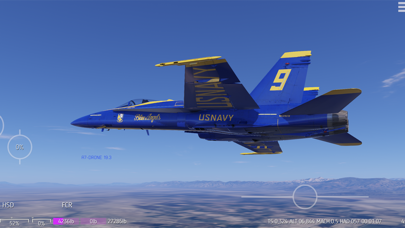
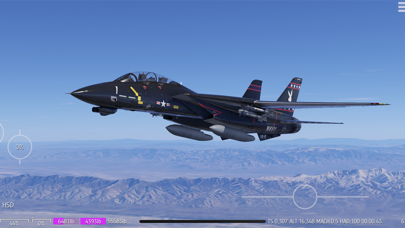
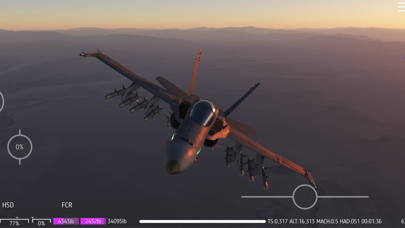
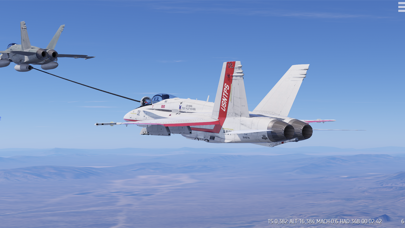
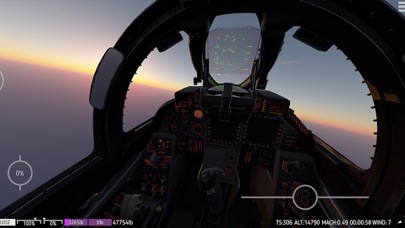
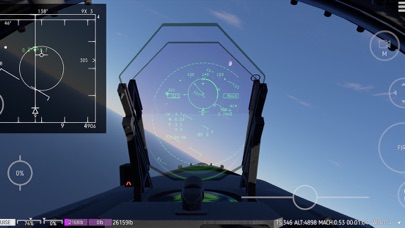
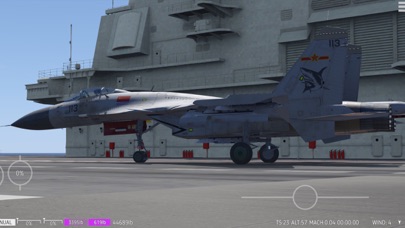
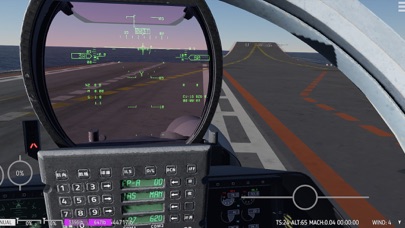
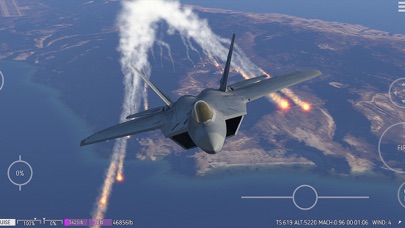
Carrier Landing HD is a high-end flight sim optimized for iOS device. It has the following advantages.
~~Aerodynamics
The aerodynamic model of each aircraft contains multiple components, the inflow of each is carefully calculated. The end result is that the sim can realistically simulate the unique aerodynamic characteristics of many aircraft, such as the high AOA maneuverability of F18 and F22, the characteristics of F14 can fly a full turn rolling only by rudder, pedal turn maneuver of F35 and F22, and the cobra maneuver of the Su series aerodynamic layout aircraft. The development process of some aircraft has real pilots involved in testing and feedback.
~~Dynamics
When the 40,000 pound carrier-based aircraft land on the deck at a descent rate of 5 meters per second, the compression rebound of the landing gear and the damping of the suspension were carefully adjusted to bring the most realistic visual effects. The recoil force from each bullet is accurately calculated and applied to the aircraft. We also added rope dynamics simulations for arresting cables and refueling tube of aerial tankers. These details have not been implemented on many PC flight sims.
~~Flight Control System(FCS)
Modern fighters commonly use static instability layout. It is difficult for pilots to fly without the intervention of FCS. The FCS component with the same algorithm as the real flight controller is also implemented in the sim. Your command to control the aircraft first enters the FCS, it calculates the result through angular velocity feedback or G-load feedback, the result is then passed to the servo to control the control surface. The simulator also provides the function to disable specific FCS channels. If the FCS is turned off, your control commands will directly control the control surface deflection, and at the same time, the Stability Enhancement System, G limiter and AOA limiter system will be turned off at the same time.
~~Avionics
The HUD implemented by the real HUD principle in the simulator, the view angle size of the HUD characters and symbols have strictly verified the HUD of the corresponding real aircraft, this is the most real HUD implementation you can find in the entire mobile market. Currently, the F18 already has a basically full-featured fire control radar, and fire control radars for other aircraft are also under development.
~~Arms
Each kind of missile in the sim uses a real dynamic model. You can imagine that each missile is a tiny aircraft. The guidance algorithm uses the same APN algorithm as the real missile. The guidance results will be transmitted to the FCS of missile, which will then control the deflection of the control surface to perform the maneuver. The Initial speed of the gun bullet in the sim is strictly based on real data. The movement of the bullet in each frame is accurately calculated by the effects of gravity and air resistance.
~~Earth environment rendering
The only sim in the entire mobile market that uses multiple scattering algorithms to calculate the color of the sky, the ground, and objects, thanks to our innovative optimization algorithm. The realistic sky colors at dusk and the projection of the earth in the atmosphere have dynamic effect. Whether you are flying at foggy sea level or 50,000 feet high, you can truly feel the existence of air.
~~Upgrade roadmap in 2021
-More accurate and detailed appearance model and cockpit model for F18CD with multiple liveries and damage modules
-Online multiplayer
-Radar and PL11, PL15 missiles for J15, and damage modules
-F15,F16,SU27 and J11 series
~~Future upgrade roadmap
-Air to Surface arms.
-Bigger and more terrain.
-More single player gameplay, custom missions and more.
-Existing aircraft continue to upgrade appearance and function (damage models, functional canopy, functional eject seat etc.)
-More jets.
在 iOS App Store 中查看