ログインが必要
iOSGodsアカウントでサインインして続けてください。
iOSGodsアカウントでサインインして続けてください。
Last Legion: Tower Defense TD Hackで無制限の宝石、コイン、エネルギー、リソースを獲得し、グラインドなしで止められない防御を構築し、ヒーローをアップグレードできます。ユニークなディフェンダーのスクワッドを指揮し、タレットをデプロイし、このフリーハックで自分のペースでメカの波を支配しましょう。
リソースグラインドをスキップしたいストラテジーファンでも、異なるヒロービルドとトラップの組み合わせを探索したいカジュアルプレイヤーでも、このモッド版はバトル間の待機時間を削除し、戦術的なゲームプレイに集中できます。通貨やエネルギーが不足することを心配せずに、スクワッド構成とアップグレードを試してみてください。
- 無制限の宝石 → 制限なしのプレミアム通貨
- 無制限のコイン → アップグレードと購入に自由に使用
- 無制限のエネルギー → クールダウンなしで継続プレイ
- 無制限のダイス → 必要なだけ何度でもロール
- 無制限のブループリント → 防御を自由に構築およびアップグレード
- 無制限のシルバーコア → ディフェンダーを制限なく強化
- 無制限のゴールドコア → ヒーローと装備をパワーアップ
- 無制限のシルバーモジュール → スクワッドをカスタマイズして強化
- 無制限のカード/武器アップ用 &rarrow; 制限なしで武器をアップグレード
- 無制限のEXP/バトル報酬 → ヒーローを即座にレベルアップ
- 無制限のバトル報酬/コイン ブループリント EXP &rarrow; すべてのバトルから報酬を最大化
フリーのみ
- 装備ステータス/攻撃力 &rarrow; 装備の攻撃力を表示および最適化
- 武器ステータス/攻撃力/範囲ダメージ リンク武器 &rarrow; 武器ステータスと範囲ダメージを監視
注意: 使用時に通貨とリソースがオフになります/ゲームクラッシュのためチェストとカードパック
このアプリにはiGameGodも搭載されており、繰り返し作業を自動化するAuto Touch、ゲーム速度を調整できるApp Speed Manager、Memory Engineによる値の編集など、強力なiOSゲーム用ツールをご利用いただけます。
Last Legion: Tower Defense TD Hack modded IPAを上のリンクからダウンロードします。インストールボタンをタップし、画面の指示に従ってiPhone、iPad、Apple SiliconにこのiOSアプリハックをインストールします。
さらにヘルプが必要ですか? 詳しい回答とトラブルシューティングはiOSGodsアプリ よくある質問をご覧ください。
Försvara staden. Besegra mechorna. Led den Sista Legionen!
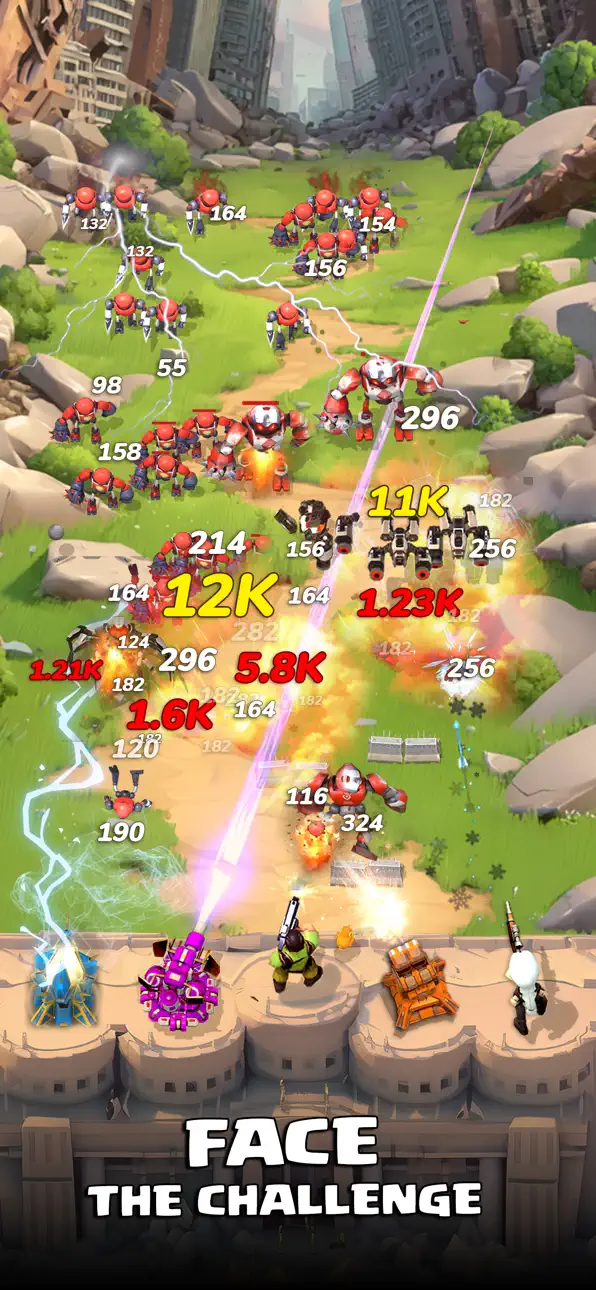
Last Legion: Tower Defense är ett offline strategispel med idle-inslag där ett lag av hjältar står mellan staden och vågor av dödliga robotar. Bygg avancerade försvar, styr dina trupper och rädda mänskligheten från undergång.
Funktioner:
Mecha-försvar: Placera torn och fällor och stoppa ändlösa vågor av fiender.
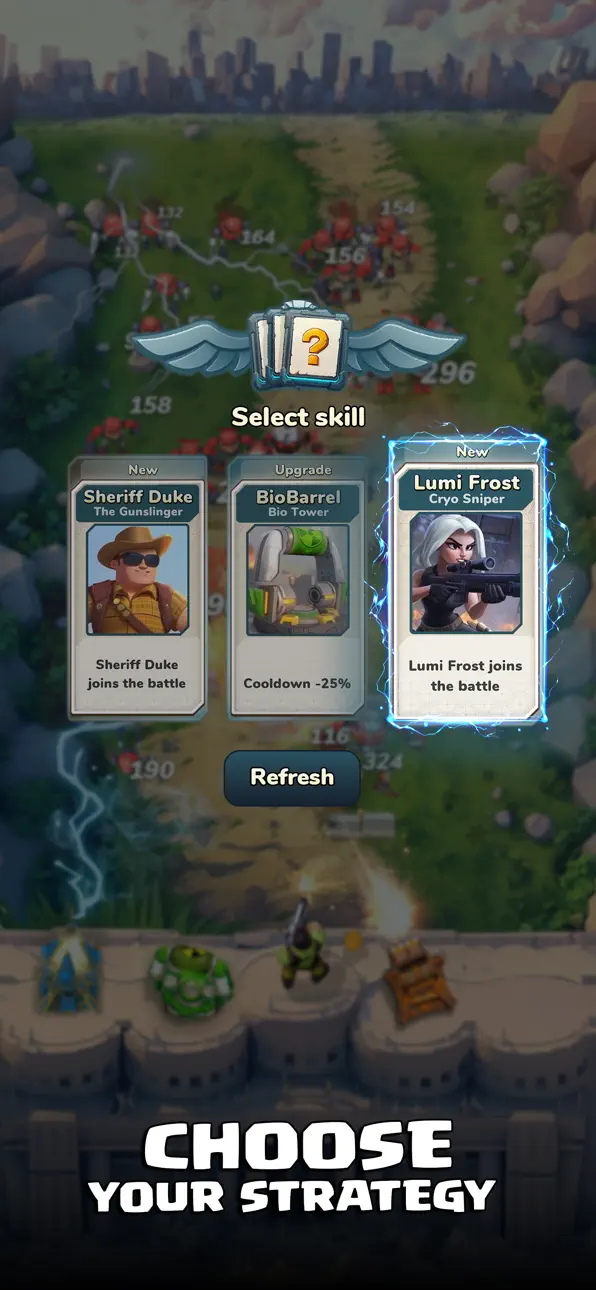
Samla och uppgradera hjältar: Rekrytera unika hjältar med specialkrafter och vapen.
Taktisk strategi: Använd terräng, positionering och resurser smart för att slå tillbaka varje hot.
Bygg och utvidga: Förbättra stadens försvar, lås upp nya områden och skydda fler överlevande.
Postapokalyptisk värld: Kämpa mot mechor, drönare och bossar i en förstörd värld med explosiva effekter.
Oändlig action offline: Spela när som helst, var som helst. Klara veckouppdrag och bevisa att du är stadens försvarare!
Varje uppgradering räknas. Varje beslut formar ödet.
Gå med i Sista Legionen och rädda mänskligheten!
スクリーンショット © 各権利者 · App Store


iOSGods は Apple Inc.、Google LLC、および掲載アプリの開発者と提携しておらず、承認や協賛も受けていません。Apple、iOS、App Store は Apple Inc. の商標です。Android および Google Play は Google LLC の商標です。その他のアプリ名、アイコン、画像、商標はすべて各権利者に帰属します。

- 脱獄/Jailed済みまたは脱獄済みのiPhoneまたはiPad。
- Sideloadlyまたは代替手段。
- iTunesがインストールされているWindows/macOS/Linuxを実行しているコンピュータ。
ステップ1: 上のリンクから事前にハックされた.IPAファイルをコンピュータにダウンロードします。iOSGodsアプリからダウンロードする方法は、ビデオ例付きのiOSGodsアプリIPAダウンロードチュートリアルをご覧ください。
ステップ2: SideloadlyをダウンロードしてWindowsまたはMacにインストールします。
ステップ3: コンピュータでSideloadlyを開き、iOSデバイスを接続して、デバイス名がSideloadlyに表示されるまで待ちます。
ステップ4: iDeviceが認識されたら、ダウンロードしたModされた.IPAファイルをSideloadlyアプリにドラッグ&ドロップします。
ステップ5: Apple Accountのメールアドレスを入力し、「Start」を押します。次にパスワードの入力を求められます。必要な情報を入力してください。
ステップ6: Sideloadlyがハックされたipaのサイドロード/インストールを完了するのを待ちます。インストール中に問題が発生した場合は、以下の注意事項をお読みください。
ステップ7: インストールが完了し、ホーム画面にアプリが表示されたら、設定 → 一般 → プロファイル / VPNとデバイス管理に移動する必要があります。そこで、ステップ6で入力したメールをタップし、「Trust [email protected]」をタップします。
ステップ8: ホーム画面に戻り、新しくインストールされたアプリを開けば、すべて正常に動作するはずです。ゲーム内のハックのポップアップで、アプリごとの追加指示に従う必要がある場合があります。
注意: iOS/iPadOS 16以降では、デベロッパモードを有効にするが必要です。無料のApple Developerアカウントの場合、このプロセスを7日ごとに繰り返す必要があります。質問や問題がある場合は、トピックのSideloadly FAQセクションをお読みください。
Hack Features:
- Inf Coins (Spend)
App Installation Instructions:
---------------------------------------------------------
----------------------------------------------------------
If you require more information or help, please read our Frequently Asked Questions topic on iOSGods.com.
----------------------------------------------------------
--------------------------------------------------