ต้องเข้าสู่ระบบ
เข้าสู่ระบบด้วยบัญชี iOSGods เพื่อดำเนินการต่อ
เข้าสู่ระบบด้วยบัญชี iOSGods เพื่อดำเนินการต่อ
Tsuki Adventure เป็นเกมจำลองชีวิตและการเกษตรที่อบอุ่น ซึ่งคุณสืบทอดฟาร์มแครอทของปู่ของคุณและสร้างชีวิตใหม่ที่สงบสุขในหมู่บ้านเห็ดนาง Hack ฟรีนี้ลบการจ่ายเงินสำหรับการซื้อในแอปพลิเคชัน ช่วยให้คุณปลดล็อกเนื้อหาพรีเมียมโดยไม่ต้องใช้เงินจริง
- IAP ฟรี (การซื้อในแอปพลิเคชัน) (กด 'ยกเลิก' ที่ป๊อปอัปของ Apple) → ลบข้อจำกัดการซื้อในแอปพลิเคชัน
แอปนี้ยังมาพร้อมกับ iGameGod ซึ่งช่วยให้คุณเข้าถึง Auto Touch สำหรับการทำงานซ้ำ ๆ โดยอัตโนมัติ, App Speed Manager สำหรับปรับความเร็วของเกม, การแก้ไขค่าด้วย Memory Engine และเครื่องมือสำหรับเกม iOS ที่ทรงพลังอื่น ๆ อีกมากมาย
ดาวน์โหลด Tsuki Adventure - Free Hack modded IPA จากลิงก์ด้านบน แตะปุ่มติดตั้งและทำตามคำแนะนำบนหน้าจอเพื่อติดตั้งแฮ็กแอป iOS นี้บน iPhone, iPad หรือ Apple Silicon
ต้องการความช่วยเหลือเพิ่มเติม? ดู คำถามที่พบบ่อยของแอป iOSGods สำหรับคำตอบโดยละเอียดและเคล็ดลับการแก้ไขปัญหา
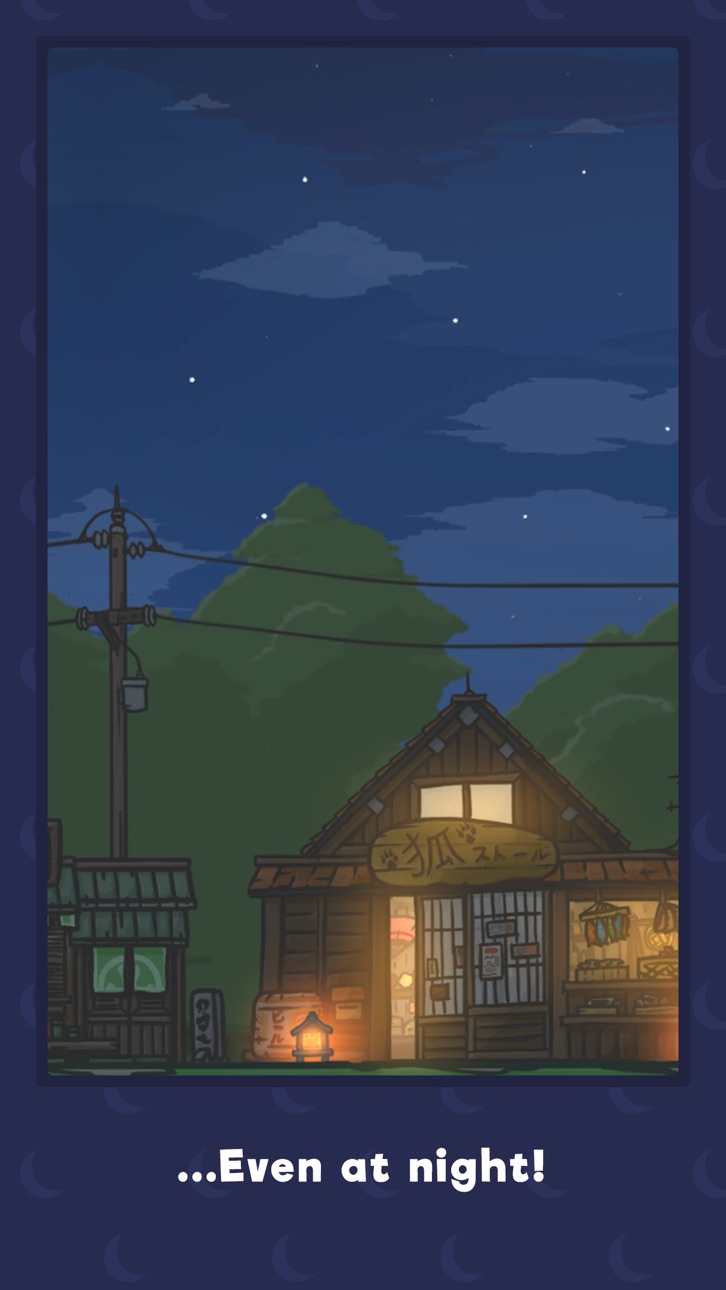
Travel to the countryside and enjoy a relaxing game in Tsuki Adventure. Harvest carrots from the farm, meet new animal friends and enjoy a simple life with Tsuki.
Tsuki was lonely. A stressful job. A thankless boss. A busy, chaotic life in a noisy city. But one day, with the arrival of a plain letter, everything changed for Tsuki.
Tsuki inherited the family carrot farm in rustic Mushroom Village. Now, here in the countryside, away from all the noise and stress of city life, Tsuki quickly comes to appreciate the simple things.
Enjoy a relaxing, story-based game filled with cute animals. You can check in on Tsuki throughout the day, collect new items and visit locations around the country, while finding hidden surprises.
Whether it's fishing with Yori the fox, reading books with Chi the giraffe, or sampling the delicious ramen made by Bobo the panda... every moment is precious.
Join Tsuki in an awe-inspiring adventure and discover all the beauty that country life has to offer.
Tsuki Adventure Features:
Animal Story Game
- Tsuki’s new life in the countryside is filled with new animal friends
- Enjoy a story-driven tale
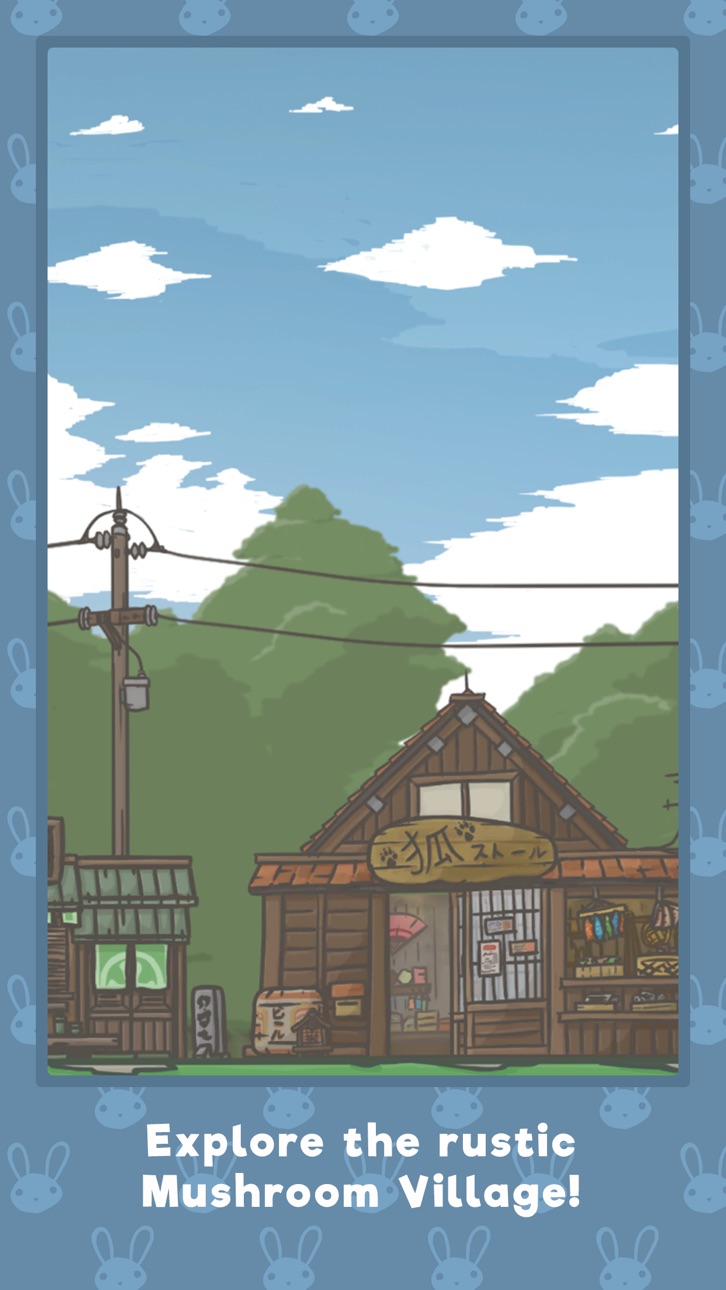
- Explore the Mushroom Village
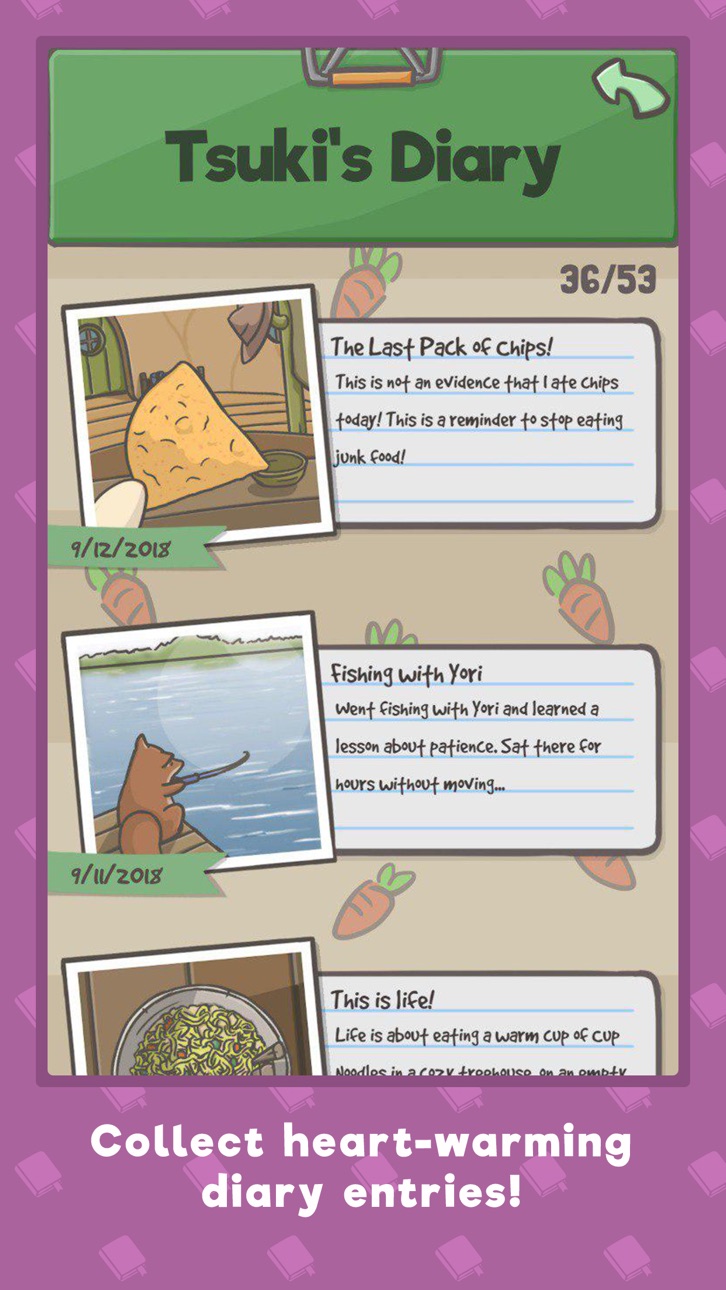
- Unlock new, adorable diary entries
Relaxing, Passive Game
- Check in on Tsuki and see how things are doing
- Buy and collect items for Tsuki to use
- Visit Tsuki any time and watch the story unfold
Country Game
- Grow carrots at the family farm
- Go fishing, clean up the village & more for nifty upgrades
- Get to know Tsuki’s neighbors
Collect Items
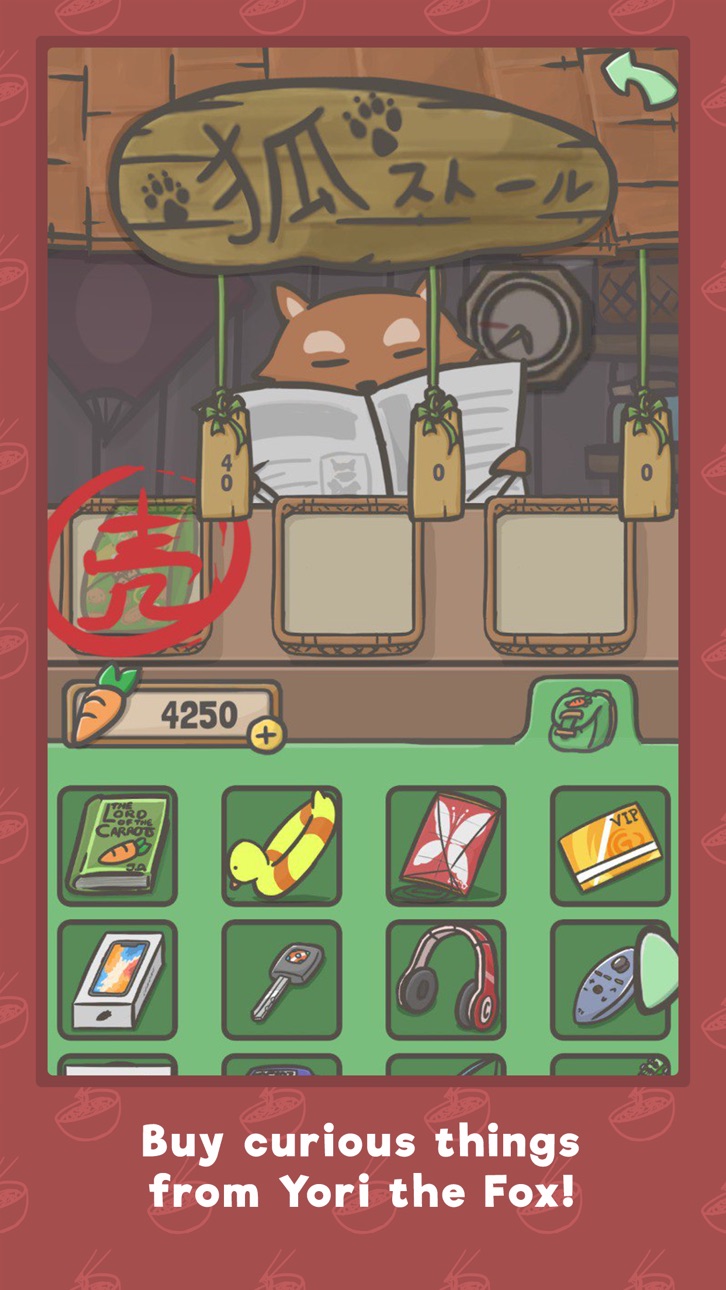
- Buy new items from Yori the fox
- Collect toys from the gachapon machine with gacha tickets
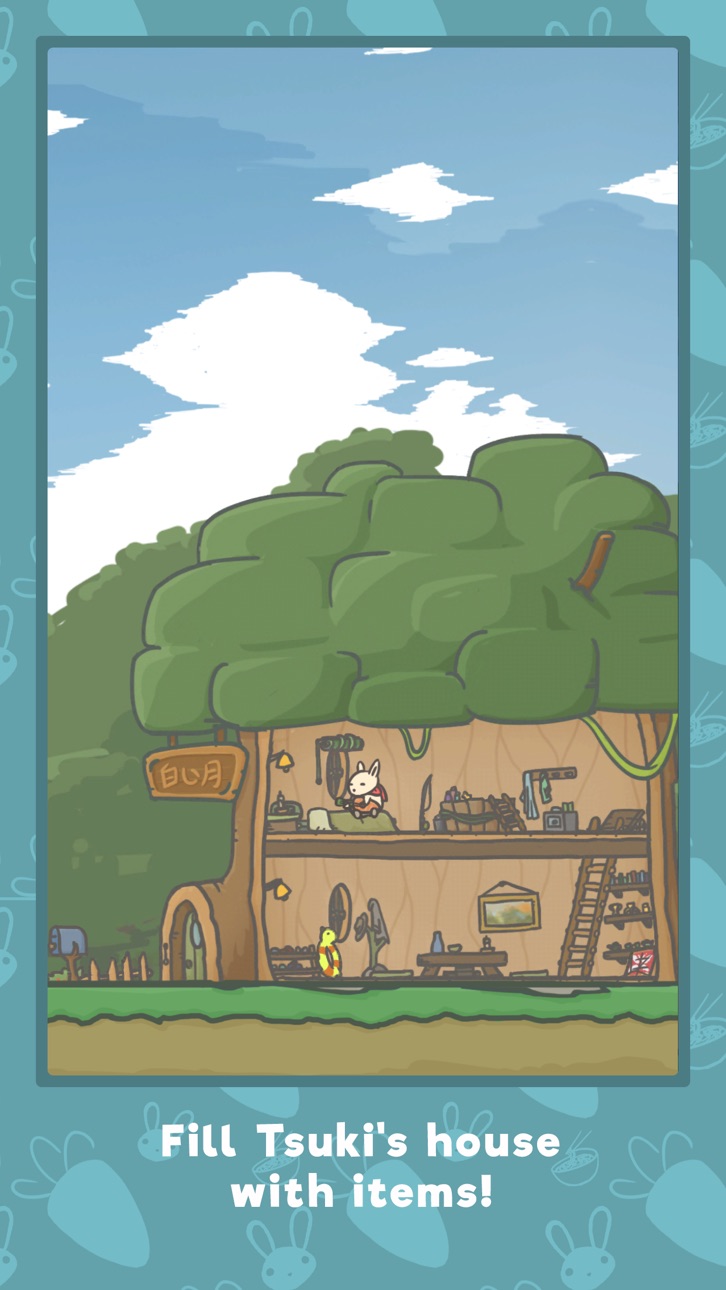
- Decorate Tsuki’s house with your personal touch
Hidden Surprises
- Find new mini-games to enjoy
- Enjoy special events
- Explore and find new activities
Meet Tsuki and the animals of Mushroom Village, gather carrots and enjoy the peace of country life in Tsuki Adventure.
CLUB MOON
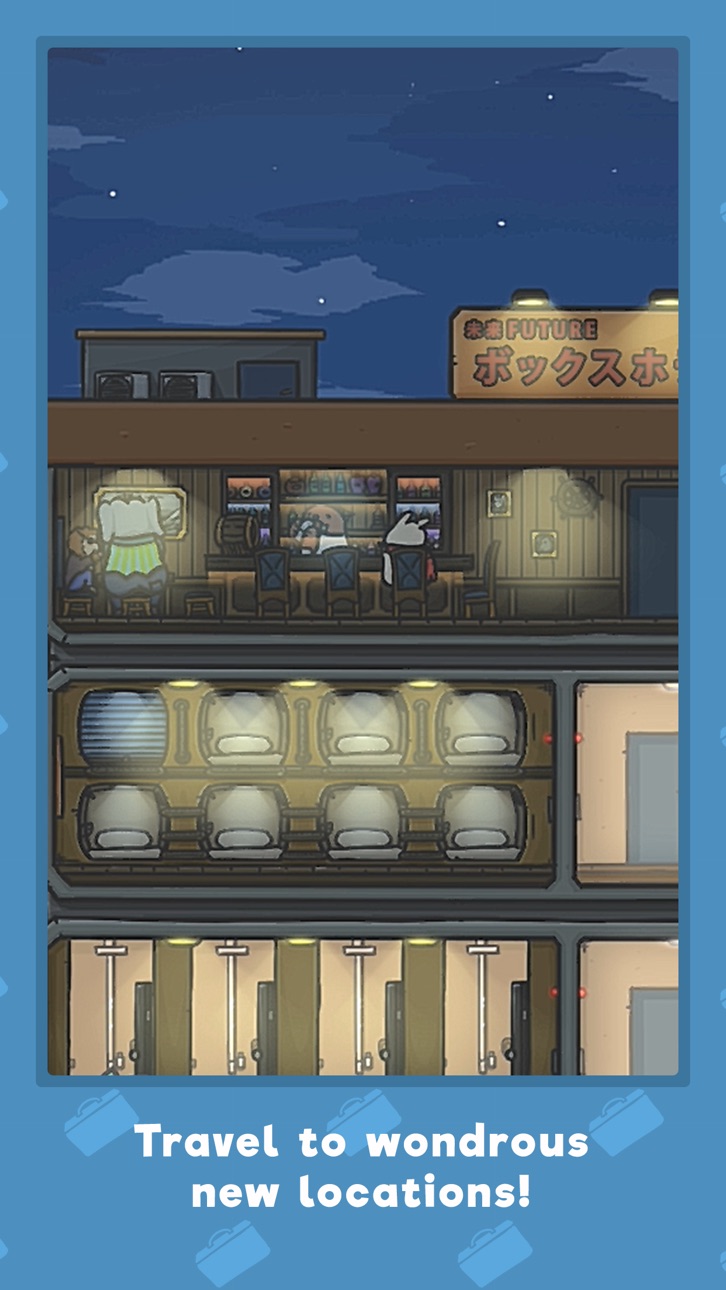
Membership is offered on a monthly subscription. You will have a 3-days FREE trial period. After this period you will be charged $1.99 per month. After buying this subscription, you will gain access to all Club Moon areas plus the amazing Blimp. As a member of Club Moon you'll meet meet new characters, unlock exclusive activities and unique experiences, get bonus items, and all while traveling in style!
Subscription Notice:
• Subscription automatically renews unless auto-renew is turned off at least 24-hours before the end of the current period
• Account will be charged for renewal within 24-hours prior to the end of the current period, and identify the cost of the renewal
• Subscriptions may be managed by the user and auto-renewal may be turned off by going to the user's Account Settings after purchase
• Any unused portion of a free trial period, if offered, will be forfeited when the user purchases a subscription to that publication, where applicable
ภาพหน้าจอ © เจ้าของแต่ละราย · App Store



iOSGods ไม่มีความเกี่ยวข้อง ไม่ได้รับการรับรอง และไม่ได้รับการสนับสนุนจาก Apple Inc., Google LLC หรือผู้พัฒนาแอปที่แสดงไว้ที่นี่ Apple, iOS และ App Store เป็นเครื่องหมายการค้าของ Apple Inc. Android และ Google Play เป็นเครื่องหมายการค้าของ Google LLC ชื่อแอป ไอคอน ภาพ และเครื่องหมายการค้าอื่นทั้งหมดเป็นทรัพย์สินของเจ้าของแต่ละราย

- iPhone หรือ iPad ที่ไม่ได้เจลเบรก/ไม่ได้เจลเบรก หรือเจลเบรกแล้ว
- Sideloadly หรือทางเลือกอื่น
- คอมพิวเตอร์ที่ใช้ Windows/macOS/Linux และติดตั้ง iTunes ไว้
ขั้นตอนที่ 1: ดาวน์โหลดไฟล์ .IPA ที่แฮกไว้ล่วงหน้าจากลิงก์ด้านบนลงในคอมพิวเตอร์ของคุณ หากต้องการดาวน์โหลดจากแอป iOSGods โปรดดู วิธีดาวน์โหลด IPA ในแอป iOSGods ซึ่งมีตัวอย่างวิดีโอประกอบ
ขั้นตอนที่ 2: ดาวน์โหลด Sideloadly แล้วติดตั้งบน Windows หรือ Mac ของคุณ
ขั้นตอนที่ 3: เปิด Sideloadly บนคอมพิวเตอร์ เชื่อมต่ออุปกรณ์ iOS แล้วรอจนกว่าชื่ออุปกรณ์ของคุณจะปรากฏใน Sideloadly
ขั้นตอนที่ 4: เมื่อ iDevice ของคุณถูกตรวจพบแล้ว ให้ลากไฟล์ .IPA ที่ม็อดมาวางลงในโปรแกรม Sideloadly
ขั้นตอนที่ 5: กรอกอีเมล Apple Account ของคุณ จากนั้นกด "Start" ระบบจะถามรหัสผ่าน กรอกข้อมูลที่จำเป็นให้เรียบร้อย
ขั้นตอนที่ 6: รอจนกว่า Sideloadly จะ sideload/ติดตั้งไฟล์ IPA ที่แฮกเสร็จ หากเกิดปัญหาระหว่างติดตั้ง โปรดอ่านหมายเหตุด้านล่าง
ขั้นตอนที่ 7: เมื่อการติดตั้งเสร็จสิ้นและเห็นแอปบนหน้าจอหลักแล้ว ให้ไปที่ การตั้งค่า → ทั่วไป → โปรไฟล์ / VPN และการจัดการอุปกรณ์ จากนั้นแตะที่อีเมลที่คุณกรอกในขั้นตอนที่ 6 แล้วแตะ "เชื่อถือ [email protected]"
ขั้นตอนที่ 8: จากนั้นไปที่หน้าจอหลักและเปิดแอปที่ติดตั้งใหม่ ทุกอย่างควรทำงานได้ปกติ คุณอาจต้องทำตามคำแนะนำเพิ่มเติมเฉพาะแอปในป๊อปอัปของม็อดในเกม
หมายเหตุ: สำหรับ iOS/iPadOS 16 ขึ้นไป คุณต้อง เปิดโหมดนักพัฒนา (Developer Mode) สำหรับบัญชี Apple Developer แบบฟรี คุณต้องทำขั้นตอนนี้ซ้ำทุก 7 วัน หากมีคำถามหรือพบปัญหา โปรดอ่าน หัวข้อ FAQ ของ Sideloadly ในกระทู้
Game Name iOS Mod IPA is an action adventure game enhanced with powerful gameplay boosts and quality-of-life improvements. Win battles faster, earn rewards quicker, and enjoy uninterrupted play without ads.
- Unlimited Gold - spend freely to unlock premium content
- Damage Multiplier - deal significantly more damage in combat
- Defense Multiplier - take less damage and survive longer
- Reward Multiplier - earn more loot from every battle
- Max Level - instantly reach the highest player rank
- No Ads - play without interruptions or advertisements
This app also comes with iGameGod, giving you access to Auto Touch to automate repetitive tasks, App Speed Manager for adjustable gameplay speed, Memory Engine value editing, and more powerful iOS game tools.
ดาวน์โหลด Game Name Mod IPA จากลิงก์ด้านบน แตะปุ่มติดตั้งและทำตามคำแนะนำบนหน้าจอเพื่อติดตั้งแฮ็กแอป iOS นี้บน iPhone, iPad หรือ Apple Silicon
ต้องการความช่วยเหลือเพิ่มเติม ดู คำถามที่พบบ่อยของแอป iOSGods สำหรับคำตอบโดยละเอียดและเคล็ดลับการแก้ไขปัญหา
----------------------------------------------------------
--------------------------------------------------