Inloggen vereist
Log in met je iOSGods-account om door te gaan.
Log in met je iOSGods-account om door te gaan.

Ontgrendel premium-inhoud en onbeperkte middelen in deze gratis Mod IPA hack voor Rebel Inc., het geprezen strategiespel waarin je conflictgebieden beheert en stabiele naties opbouwt. Met alle DLC's aangeschaft en oneindig geld tot je beschikking kun je je concentreren op het beheersen van complexe diplomatieke en militaire beslissingen zonder te hoeven grinden voor in-game valuta.
- Alle DLC's aangeschaft → toegang tot elke uitbreiding en premium-inhoudspakket
- Oneindig geld → geef zonder limiet uit aan upgrades en operaties
Deze app bevat ook iGameGod, waarmee je toegang krijgt tot Auto Touch om repetitieve taken te automatiseren, App Speed Manager voor een aanpasbare spelsnelheid, het bewerken van waarden met Memory Engine en andere krachtige iOS-gametools.
Download Rebel Inc. iOS Mod IPA via de bovenstaande links. Tik op de installatieknop en volg de instructies om deze iOS-app-hack op je iPhone, iPad of Apple Silicon te installeren.
Meer hulp nodig? Bekijk onze Veelgestelde vragen over de iOSGods-app voor uitgebreide antwoorden en probleemoplossingstips.
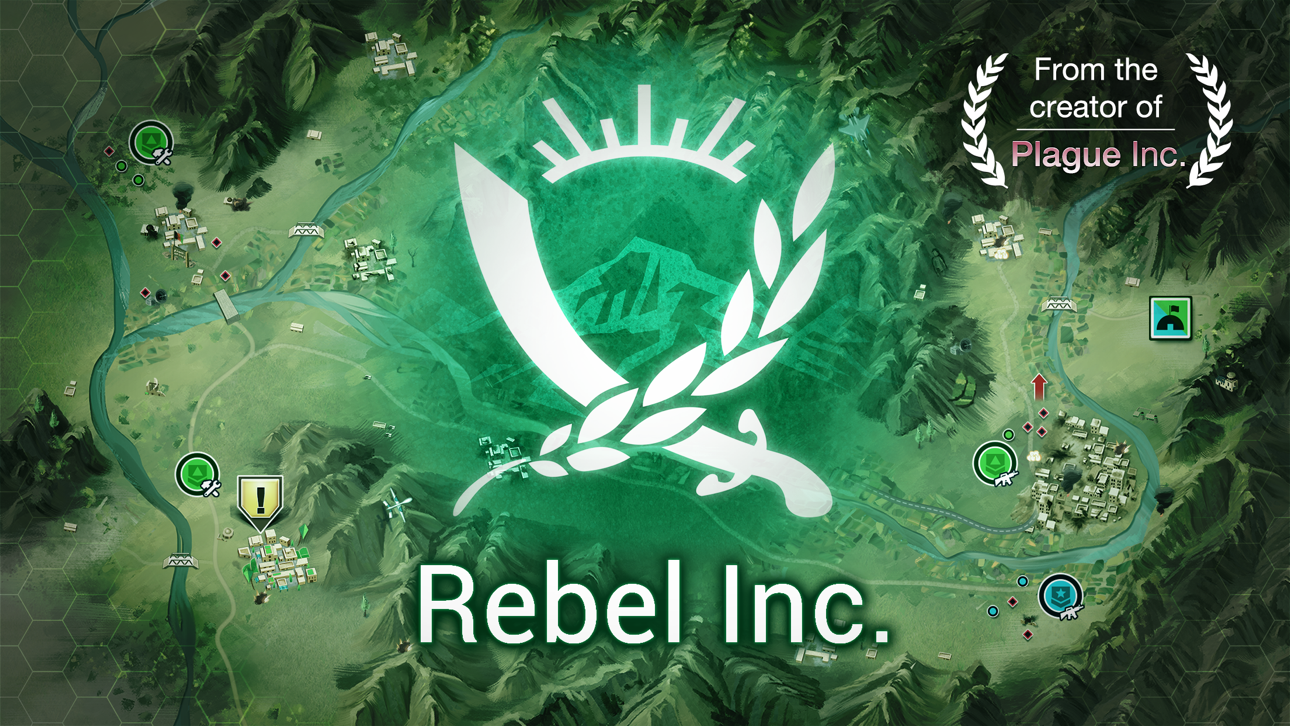
Can you stop the Insurgency? From the creator of Plague Inc. comes a unique and deeply engaging political/military strategic simulation.
The war is ‘over’ - but we all know that doesn’t mean anything. To stabilise the country, you need to balance military and civilian priorities to win the hearts and minds of the people, whilst also stopping insurgents from seizing power!
Rebel Inc. is the brand new game from the creator of ‘Plague Inc.’ - one of the most popular paid games ever with over 200 million players. Brilliantly executed with beautiful graphics and critically acclaimed gameplay - Rebel Inc. offers a deeply engaging, strategic challenge inspired by the complexities and consequences of modern counter insurgency.
◈◈◈ #1 top paid game globally ◈◈◈
▶ “Rebel Inc. lets everyone wrestle with the messy challenges of post-conflict recovery and better understand the complex realities of building peace.” - World Bank Global Lead for Stability, Peace and Security
▶ "Highly rewarding spiritual sequel to one of the App Store's biggest hits." - Pocket Tactics
▶ "Surprisingly sophisticated... even better than some of the stabilization training software I have seen in government use" - PAXsims
▶ "Rebel Inc. is fascinating and fun" - 148Apps.com
▶ "Another great game and a worthy successor to Plague Inc" - App Store review
▶ "If you love strategy games then this is the game for you" - App Store review
▶ "Brilliant game, the gameplay is interesting and the strategy is intuitive!" - App Store review
▶ "Unlike anything I’ve played on here before" - App Store review
◈◈◈
Features:
● Stabilise 10 richly modeled regions
● Innovative representation of counter insurgency tactics
● Fund realistic initiatives to empower the local government
● Highly detailed, hyper-realistic world based on extensive research
● Intelligent strategic and tactical AI
● Sophisticated narrative algorithms shaped by your decisions
● 9 unique governors with radically different abilities
● Conduct large-scale Operations in Campaign mode
● Play new generated Challenges every week
● 23 Official Scenarios including disease outbreaks, helicopters and advanced insurgents
● Comprehensive in-game help and tutorial system
● Full Save/Load functionality
● Internet connectivity not required
An important note:
Although a fictional game, Rebel Inc. looks at important real world issues and we have made every effort to deal with them sensitively. The game has been extensively researched and has been developed in cooperation with leading regional politicians, business people and journalists as well as international charities, experts and governments.
Special sale price to celebrate the launch of the game!
◈◈◈
I’ve got lots of plans for updates! Get in touch and let me know what you want to see.
James (the designer)
Contact me here:
www.ndemiccreations.com/en/1-support
Screenshots © respectieve eigenaren · App Store



iOSGods is niet verbonden aan, onderschreven door of gesponsord door Apple Inc., Google LLC of de ontwikkelaars van de hier vermelde apps. Apple, iOS en App Store zijn handelsmerken van Apple Inc. Android en Google Play zijn handelsmerken van Google LLC. Alle overige app-namen, iconen, afbeeldingen en handelsmerken behoren toe aan hun respectieve eigenaren.
- Niet-jailbroken/jailed of jailbroken iPhone of iPad.
- Sideloadly of alternatieven.
- Computer met Windows/macOS/Linux en iTunes geïnstalleerd.
STAP 1: Download het vooraf gehackte .IPA-bestand via de link hierboven naar uw computer. Om het te downloaden vanuit de iOSGods App, bekijk onze iOSGods App IPA-downloadhandleiding met een videovoorbeeld.
STAP 2: Download Sideloadly en installeer het op uw Windows of Mac.
STAP 3: Open Sideloadly op uw computer, sluit uw iOS-apparaat aan en wacht tot de naam van uw apparaat in Sideloadly verschijnt.
STAP 4: Zodra uw iDevice is herkend, sleept u het gedownloade gemodde .IPA-bestand naar de Sideloadly-applicatie.
STAP 5: Voer het e-mailadres van uw Apple Account in en druk op “Start”. U wordt vervolgens gevraagd om uw wachtwoord in te voeren. Geef de gevraagde informatie op.
STAP 6: Wacht tot Sideloadly het sideloaden/installeren van de gehackte IPA heeft voltooid. Als er problemen zijn tijdens de installatie, lees dan onderstaande opmerking.
STAP 7: Zodra de installatie is voltooid en u de app op uw beginscherm ziet, gaat u naar Instellingen → Algemeen → Profielen / VPN- en apparaatbeheer. Tik daar op het e-mailadres dat u in stap 6 hebt ingevoerd en tik vervolgens op “Vertrouw [email protected]”.
STAP 8: Ga nu naar uw beginscherm en open de zojuist geïnstalleerde app; alles zou correct moeten werken. Mogelijk moet u verdere app-specifieke instructies volgen in de hack-popup in het spel.
OPMERKING: Op iOS/iPadOS 16 en later moet u Ontwikkelaarsmodus inschakelen. Voor gratis Apple Developer-accounts moet u dit proces elke 7 dagen herhalen. Als u vragen of problemen hebt, lees dan onze Sideloadly FAQ-sectie van het onderwerp.
Game Name iOS Mod IPA is an action adventure game enhanced with powerful gameplay boosts and quality-of-life improvements. Win battles faster, earn rewards quicker, and enjoy uninterrupted play without ads.
- Unlimited Gold - spend freely to unlock premium content
- Damage Multiplier - deal significantly more damage in combat
- Defense Multiplier - take less damage and survive longer
- Reward Multiplier - earn more loot from every battle
- Max Level - instantly reach the highest player rank
- No Ads - play without interruptions or advertisements
This app also comes with iGameGod, giving you access to Auto Touch to automate repetitive tasks, App Speed Manager for adjustable gameplay speed, Memory Engine value editing, and more powerful iOS game tools.
Download Game Name Mod IPA via de bovenstaande links. Tik op de installatieknop en volg de instructies om deze iOS-app-hack op je iPhone, iPad of Apple Silicon te installeren.
Meer hulp nodig Bekijk onze Veelgestelde vragen over de iOSGods-app voor uitgebreide antwoorden en probleemoplossingstips.
----------------------------------------------------------
--------------------------------------------------