تسجيل الدخول مطلوب
سجّل الدخول بحساب iOSGods للمتابعة.
سجّل الدخول بحساب iOSGods للمتابعة.

Unlimited Coins: Keep 99,999,999 coins available.
Unlimited Bombs: Keep 99,999 bombs.
Unlimited Hammers: Keep 99,999 hammers.
Unlimited Drills: Keep 99,999 drills.
Unlimited Extra-Move Items: Keep 99,999 extra-move items.
Unlimited Rockets: Keep 99,999 rockets.
Free Coin Purchases: Spend no coins on items and game actions. Real-money purchases keep their normal price.
Instant Free Shop Rewards: Claim free shop coins without waiting.
Bigger Daily Coin Reward: Get 99,999 coins from each daily free-shop claim.
More Helper Reward Videos: Raise the limit on optional videos that give helpers.
Unlimited Lives: Play without spending hearts.
Start With 9,999 Moves: Begin new levels with extra moves.
Unlimited Moves: Your move counter stops decreasing.
Free Revives: Continue with 9,999 extra moves for zero coins.
Jump to Level 2000: Raise your level to 2000 if you're below it.
Protect Your Win Streak: Keep your streak after losing.
Skip Tutorials: Stop regular tutorial interruptions.
Unlimited Stuck-Board Help: Keep free assistance available when you're stuck.
Unlock All Skins: Use bundled puzzle-piece and background skins.
Free Skin Selection: Select skins through the free option.
Unlock Profile Icons & Frames: Use available bundled profile designs.
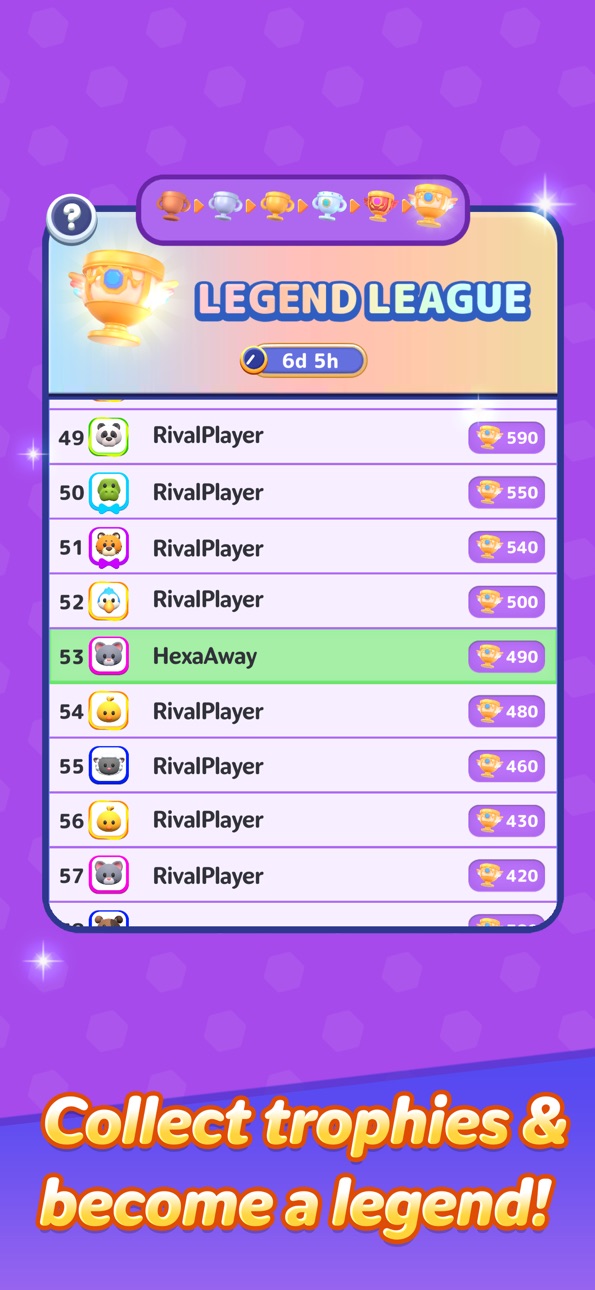
999 League Points: Get 999 points for each positive league score award.
Unlock Daily Missions Early: Access missions before their usual level requirement.
Unlock Login Bonuses Early: Remove their level requirement; restart after enabling.
Unlock Events Early: Remove level requirements. Event schedules still apply.
No Automatic Fullscreen Ads: Block automatic ads, including after losing.
No Banner Ads: Hide banner, footer, and rectangle ads.
No Review Requests: Stop automatic rating requests.
No Promotional Popups: Stop automatic promotional offers.
يأتي هذا التطبيق أيضًا مع iGameGod، مما يتيح لك الوصول إلى Auto Touch لأتمتة المهام المتكررة، وApp Speed Manager لضبط سرعة اللعب، وتعديل القيم عبر Memory Engine، والمزيد من أدوات ألعاب iOS القوية.
قم بتنزيل Hexa Away iOS Mod IPA من الروابط أعلاه. اضغط على زر التثبيت واتبع التعليمات لتثبيت هذا التعديل لـ iOS على iPhone أو iPad أو Apple Silicon.
هل تحتاج إلى مزيد من المساعدة؟ راجع الأسئلة الشائعة لتطبيق iOSGods للحصول على إجابات مفصلة ونصائح لاستكشاف الأخطاء.
Hexa Away is an addictive puzzle game!
It's also a brain-training game.
Move the Hexa pieces by tapping them and get them out. However, in addition to just moving them,
you'll need to manipulate gimmicks and use your brain to skillfully move the Hexa pieces on larger stages.
Please experience this fun puzzle game for yourself.
لقطات الشاشة © لأصحابها · App Store

iOSGods ليست تابعة لشركة Apple Inc. أو Google LLC أو مطوّري التطبيقات المدرجة هنا، وليست معتمدة أو مدعومة منهم. Apple وiOS وApp Store علامات تجارية لشركة Apple Inc. وAndroid وGoogle Play علامتان تجاريتان لشركة Google LLC. أما بقية أسماء التطبيقات والأيقونات والصور والعلامات التجارية فهي ملك لأصحابها.
- iPhone أو iPad بجيلبريك أو بدون جيلبريك.
- Sideloadly أو بدائلها.
- كمبيوتر يعمل بنظام Windows/macOS/Linux مع تثبيت iTunes.
الخطوة 1: قم بتنزيل ملف .IPA المعدّل مسبقًا من الرابط أعلاه إلى الكمبيوتر الخاص بك. للتنزيل من تطبيق iOSGods App، اطلع على دليل تنزيل IPA من تطبيق iOSGods App الذي يتضمن مثالًا بالفيديو.
الخطوة 2: قم بتنزيل Sideloadly وتثبيته على جهاز Windows أو Mac.
الخطوة 3: افتح Sideloadly على الكمبيوتر، ووصّل جهاز iOS الخاص بك، وانتظر حتى يظهر اسم جهازك داخل Sideloadly.
الخطوة 4: بمجرد التعرّف على جهاز iDevice الخاص بك، اسحب ملف .IPA المعدّل الذي قمت بتنزيله وأفلِته داخل تطبيق Sideloadly.
الخطوة 5: أدخل البريد الإلكتروني لحساب Apple Account الخاص بك، ثم اضغط على «Start». سيُطلب منك بعد ذلك إدخال كلمة المرور. تابع وأدخل المعلومات المطلوبة.
الخطوة 6: انتظر حتى ينتهي Sideloadly من تحميل/تثبيت ملف IPA المعدّل. في حال واجهت أي مشاكل أثناء التثبيت، يرجى قراءة الملاحظة أدناه.
الخطوة 7: بعد اكتمال التثبيت ورؤية التطبيق على الشاشة الرئيسية، انتقل إلى Settings → General → Profiles / VPN & Device Management. ثم اضغط على البريد الإلكتروني الذي أدخلته في الخطوة 6، ثم اضغط على «الوثوق بـ [email protected]».
الخطوة 8: الآن انتقل إلى الشاشة الرئيسية وافتح التطبيق الذي تم تثبيته للتو وسيعمل كل شيء بشكل صحيح. قد تحتاج إلى اتباع تعليمات إضافية خاصة بكل تطبيق داخل النافذة المنبثقة للتعديل أثناء اللعب.
ملاحظة: بدءًا من iOS/iPadOS 16 وما بعده، يجب تفعيل وضع المطور (Developer Mode). بالنسبة لحسابات Apple Developer المجانية، ستحتاج إلى تكرار هذه العملية كل 7 أيام. إذا كانت لديك أي أسئلة أو مشاكل، يرجى قراءة قسم الأسئلة الشائعة حول Sideloadly في الموضوع.
Game Name iOS Mod IPA is an action adventure game enhanced with powerful gameplay boosts and quality-of-life improvements. Win battles faster, earn rewards quicker, and enjoy uninterrupted play without ads.
- Unlimited Gold - spend freely to unlock premium content
- Damage Multiplier - deal significantly more damage in combat
- Defense Multiplier - take less damage and survive longer
- Reward Multiplier - earn more loot from every battle
- Max Level - instantly reach the highest player rank
- No Ads - play without interruptions or advertisements
This app also comes with iGameGod, giving you access to Auto Touch to automate repetitive tasks, App Speed Manager for adjustable gameplay speed, Memory Engine value editing, and more powerful iOS game tools.
قم بتنزيل Game Name Mod IPA من الروابط أعلاه. اضغط على زر التثبيت واتبع التعليمات لتثبيت هذا التعديل لـ iOS على iPhone أو iPad أو Apple Silicon.
هل تحتاج إلى مزيد من المساعدة؟ راجع الأسئلة الشائعة لتطبيق iOSGods للحصول على إجابات مفصلة ونصائح لاستكشاف الأخطاء.
----------------------------------------------------------
--------------------------------------------------