تسجيل الدخول مطلوب
سجّل الدخول بحساب iOSGods للمتابعة.
سجّل الدخول بحساب iOSGods للمتابعة.
هذا التهكير لمحاكاة استراتيجية الفضاء Tiny Space Program iOS Mod IPA يمنحك رصيد غير محدود وبلورات ونقاط تقنية لتسريع帝国الفضائي بين الكواكب. بناء وإدارة برنامجك الفضائي الخاص مثل SpaceX، وإطلاق الصواريخ إلى القمر والمريخ، وإنشاء عمليات التعدين على الأقمار البعيدة، واستعمار الكواكب دون الحاجة للعمل على جمع الموارد. ابدأ بالبرنامج التعليمي، ثم اخرج، أعد التحميل، واختر نسخة الحفظ الاحتياطية لتفعيل Mod IPA.
- رصيد غير محدود → أنفق بحرية على الصواريخ والبنية التحتية
- بلورات غير محدودة → افتح المحتوى المميز على الفور
- نقاط تقنية غير محدودة → ابحث عن جميع التقنيات دون تأخير
التفعيل: العب البرنامج التعليمي أولاً، ثم اخرج من اللعبة، أعد التحميل، واختر نسخة الحفظ الاحتياطية.
يأتي هذا التطبيق أيضًا مع iGameGod، مما يتيح لك الوصول إلى Auto Touch لأتمتة المهام المتكررة، وApp Speed Manager لضبط سرعة اللعب، وتعديل القيم عبر Memory Engine، والمزيد من أدوات ألعاب iOS القوية.
قم بتنزيل Tiny Space Program iOS Mod IPA من الروابط أعلاه. اضغط على زر التثبيت واتبع التعليمات لتثبيت هذا التعديل لـ iOS على iPhone أو iPad أو Apple Silicon.
هل تحتاج إلى مزيد من المساعدة؟ راجع الأسئلة الشائعة لتطبيق iOSGods للحصول على إجابات مفصلة ونصائح لاستكشاف الأخطاء.
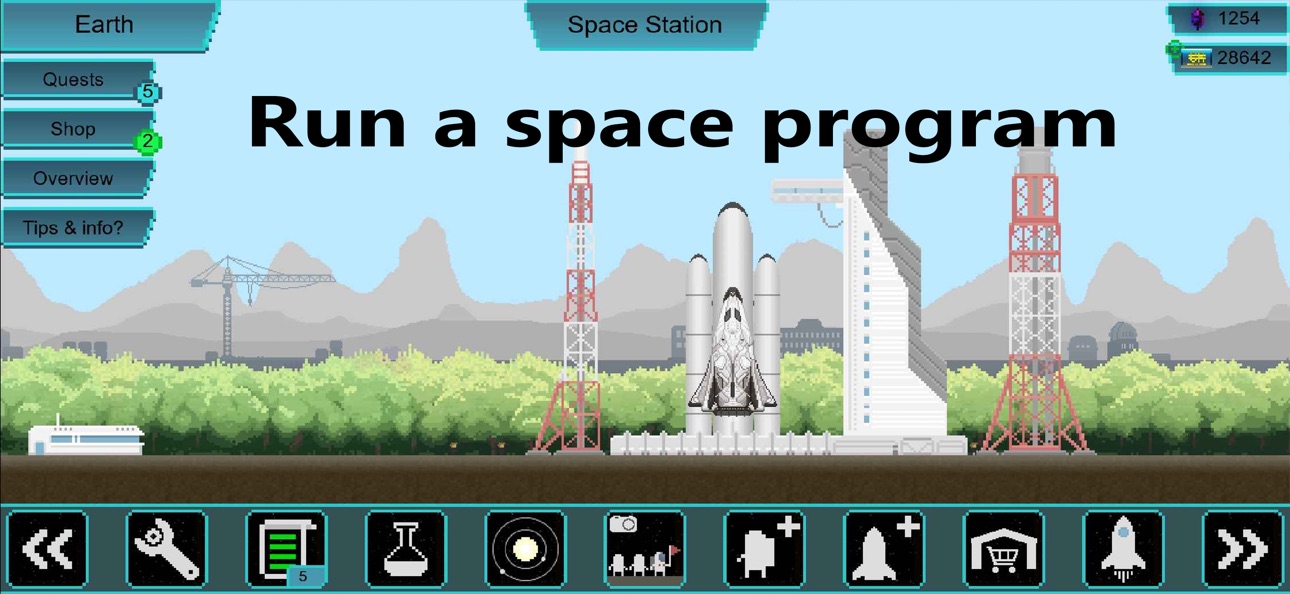
Build and run your own space program — like SpaceX, but yours.
Launch rockets, manage astronauts, mine planets, and colonize the
solar system from the Moon to beyond the Kuiper Belt.
WHAT WOULD YOU DO AS A SPACE BILLIONAIRE?
Send tourists on a spacewalk? Start a mining operation on Titan?
Build a space station around Mars? In Tiny Space Program you manage
the early colonization of our solar system — based on real orbital
mechanics and ship propulsion.
BUILD YOUR SPACE AGENCY
- Launch rockets and spaceships into orbit
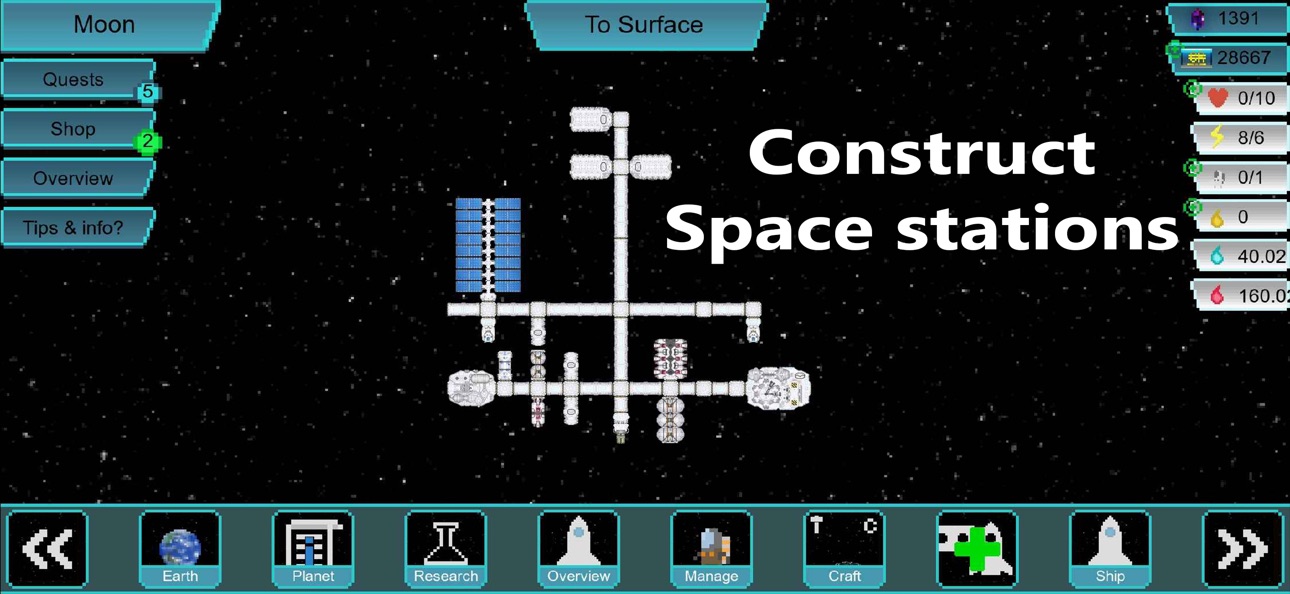
- Build off-world colonies, outposts, and modular space stations
- Mine resources on moons, planets, and dwarf planets
- Research new technologies and better spacecraft
- Level up your astronauts and equip spacesuits
- Establish off-world economies and trade
A CHILL GAME, NOT A CHORE
No forced ads, no daily-streak punishments. Play at your own pace —
run an hour-long research expedition, take tourists on a quick tour,
then put it down and come back later. Mines keep producing while
you're away.
MADE BY ONE DEVELOPER
Actively updated (space stations, automation, dwarf planets, and
vehicles all shipped recently). Join the Discord and help shape
what comes next.
لقطات الشاشة © لأصحابها · App Store


iOSGods ليست تابعة لشركة Apple Inc. أو Google LLC أو مطوّري التطبيقات المدرجة هنا، وليست معتمدة أو مدعومة منهم. Apple وiOS وApp Store علامات تجارية لشركة Apple Inc. وAndroid وGoogle Play علامتان تجاريتان لشركة Google LLC. أما بقية أسماء التطبيقات والأيقونات والصور والعلامات التجارية فهي ملك لأصحابها.

- iPhone أو iPad بجيلبريك أو بدون جيلبريك.
- Sideloadly أو بدائلها.
- كمبيوتر يعمل بنظام Windows/macOS/Linux مع تثبيت iTunes.
الخطوة 1: قم بتنزيل ملف .IPA المعدّل مسبقًا من الرابط أعلاه إلى الكمبيوتر الخاص بك. للتنزيل من تطبيق iOSGods App، اطلع على دليل تنزيل IPA من تطبيق iOSGods App الذي يتضمن مثالًا بالفيديو.
الخطوة 2: قم بتنزيل Sideloadly وتثبيته على جهاز Windows أو Mac.
الخطوة 3: افتح Sideloadly على الكمبيوتر، ووصّل جهاز iOS الخاص بك، وانتظر حتى يظهر اسم جهازك داخل Sideloadly.
الخطوة 4: بمجرد التعرّف على جهاز iDevice الخاص بك، اسحب ملف .IPA المعدّل الذي قمت بتنزيله وأفلِته داخل تطبيق Sideloadly.
الخطوة 5: أدخل البريد الإلكتروني لحساب Apple Account الخاص بك، ثم اضغط على «Start». سيُطلب منك بعد ذلك إدخال كلمة المرور. تابع وأدخل المعلومات المطلوبة.
الخطوة 6: انتظر حتى ينتهي Sideloadly من تحميل/تثبيت ملف IPA المعدّل. في حال واجهت أي مشاكل أثناء التثبيت، يرجى قراءة الملاحظة أدناه.
الخطوة 7: بعد اكتمال التثبيت ورؤية التطبيق على الشاشة الرئيسية، انتقل إلى Settings → General → Profiles / VPN & Device Management. ثم اضغط على البريد الإلكتروني الذي أدخلته في الخطوة 6، ثم اضغط على «الوثوق بـ [email protected]».
الخطوة 8: الآن انتقل إلى الشاشة الرئيسية وافتح التطبيق الذي تم تثبيته للتو وسيعمل كل شيء بشكل صحيح. قد تحتاج إلى اتباع تعليمات إضافية خاصة بكل تطبيق داخل النافذة المنبثقة للتعديل أثناء اللعب.
ملاحظة: بدءًا من iOS/iPadOS 16 وما بعده، يجب تفعيل وضع المطور (Developer Mode). بالنسبة لحسابات Apple Developer المجانية، ستحتاج إلى تكرار هذه العملية كل 7 أيام. إذا كانت لديك أي أسئلة أو مشاكل، يرجى قراءة قسم الأسئلة الشائعة حول Sideloadly في الموضوع.
Game Name iOS Mod IPA is an action adventure game enhanced with powerful gameplay boosts and quality-of-life improvements. Win battles faster, earn rewards quicker, and enjoy uninterrupted play without ads.
- Unlimited Gold - spend freely to unlock premium content
- Damage Multiplier - deal significantly more damage in combat
- Defense Multiplier - take less damage and survive longer
- Reward Multiplier - earn more loot from every battle
- Max Level - instantly reach the highest player rank
- No Ads - play without interruptions or advertisements
This app also comes with iGameGod, giving you access to Auto Touch to automate repetitive tasks, App Speed Manager for adjustable gameplay speed, Memory Engine value editing, and more powerful iOS game tools.
قم بتنزيل Game Name Mod IPA من الروابط أعلاه. اضغط على زر التثبيت واتبع التعليمات لتثبيت هذا التعديل لـ iOS على iPhone أو iPad أو Apple Silicon.
هل تحتاج إلى مزيد من المساعدة؟ راجع الأسئلة الشائعة لتطبيق iOSGods للحصول على إجابات مفصلة ونصائح لاستكشاف الأخطاء.
----------------------------------------------------------
--------------------------------------------------