تسجيل الدخول مطلوب
سجّل الدخول بحساب iOSGods للمتابعة.
سجّل الدخول بحساب iOSGods للمتابعة.
هذا التعديل على لعبة الحركة roguelike من أعلى لأسفل يحول Shadow of the Depth إلى ملعب للقوة، مما يتيح لك إعادة تشكيل جولات الزنزانة الخاصة بك بموارد فورية وشفاء وانتصار. تنقل عبر أعماق العصور الوسطى المظلمة كمحارب أو قاتل أو ساحر، لكن الآن بحرية لتوليد الذهب والمفاتيح والأسلحة والقطع النادرة عند الطلب، مما يحول معارك الزعماء المرهقة إلى لحظات تتحكم فيها.
سواء كنت تسعى لبناء معين أو اختبار استراتيجيات الشخصيات أو تريد ببساطة تجربة القصة دون الطحن، فإن هذا Mod IPA يزيل العقبات بينك وبين المغامرة. تصبح رحلة انتقام آرثر ملكك لتشكيلها، مع غش يتيح لك التركيز على القتال والاستكشاف والسرد بدلاً من إدارة الموارد.
- إضافة ذهب → توليد العملة فوراً
- إضافة مفاتيح → فتح الأبواب والصناديق بحرية
- إسقاط أسلحة → استدعاء المعدات عند الطلب
- إسقاط ماس → توليد المواد المميزة
- إسقاط رونات → إنشاء تعويذات قوية
- إسقاط لفافة → الحصول على لفافات التعاويذ والقدرات
- انتصار فوري → إكمال المواجهات فوراً
- استعادة الصحة → استرجاع الصحة في المعركة
- استعادة الطاقة السحرية → ملء احتياطيات الطاقة السحرية
يأتي هذا التطبيق أيضًا مع iGameGod، مما يتيح لك الوصول إلى Auto Touch لأتمتة المهام المتكررة، وApp Speed Manager لضبط سرعة اللعب، وتعديل القيم عبر Memory Engine، والمزيد من أدوات ألعاب iOS القوية.
قم بتنزيل Shadow of the Depth Hack modded IPA من الروابط أعلاه. اضغط على زر التثبيت واتبع التعليمات لتثبيت هذا التعديل لـ iOS على iPhone أو iPad أو Apple Silicon.
هل تحتاج إلى مزيد من المساعدة؟ راجع الأسئلة الشائعة لتطبيق iOSGods للحصول على إجابات مفصلة ونصائح لاستكشاف الأخطاء.
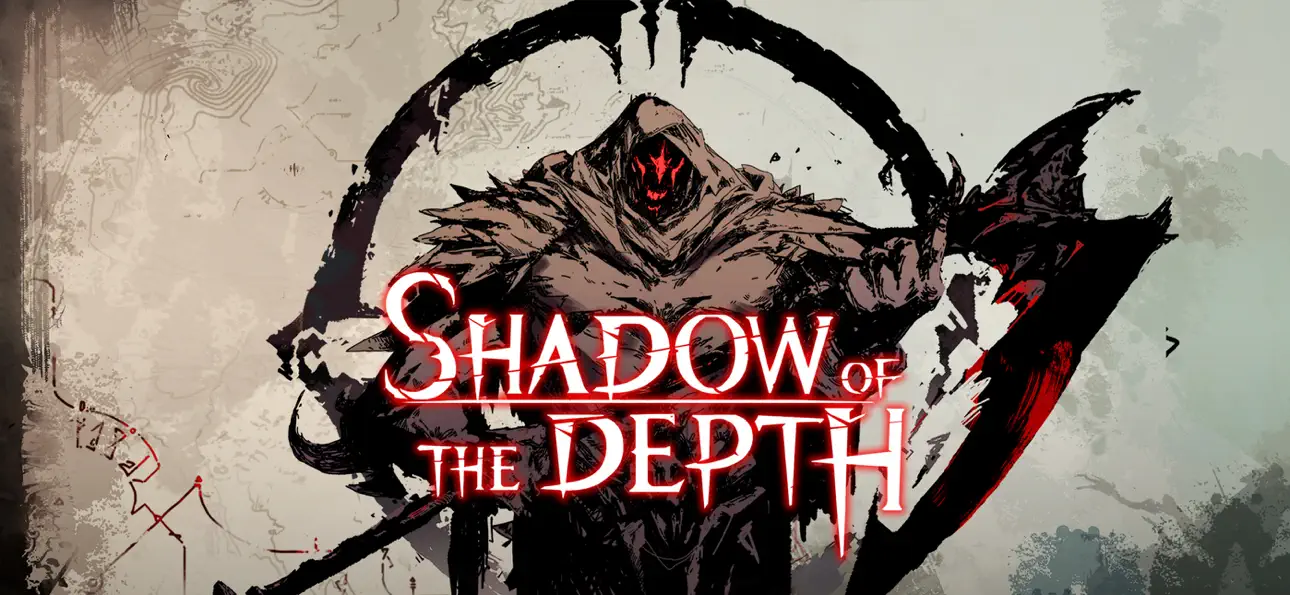
Shadow of the Depth is a top-down action roguelike set in a dark medieval fantasy world. You'll take on the role of a warrior, assassin, mage, and other characters as you navigate dungeons of light and shadow to root out the monsters that ravage your home. Be prepared to step into the depths before you!
The village where Arthur, the blacksmith's son, lived was overrun by a horde of monsters and ultimately engulfed in raging flames. Arthur's father was also taken from him in the bloodbath. From then on, Arthur embarked on this never-ending path of killing and revenge. However, he was not alone. Coincidentally, a swordsman, a hunter, a mage, and others ventured into this abyss filled with perilous monsters, setting off on their own adventure...
The game features:
- A killing spree with classic action roguelike elements;
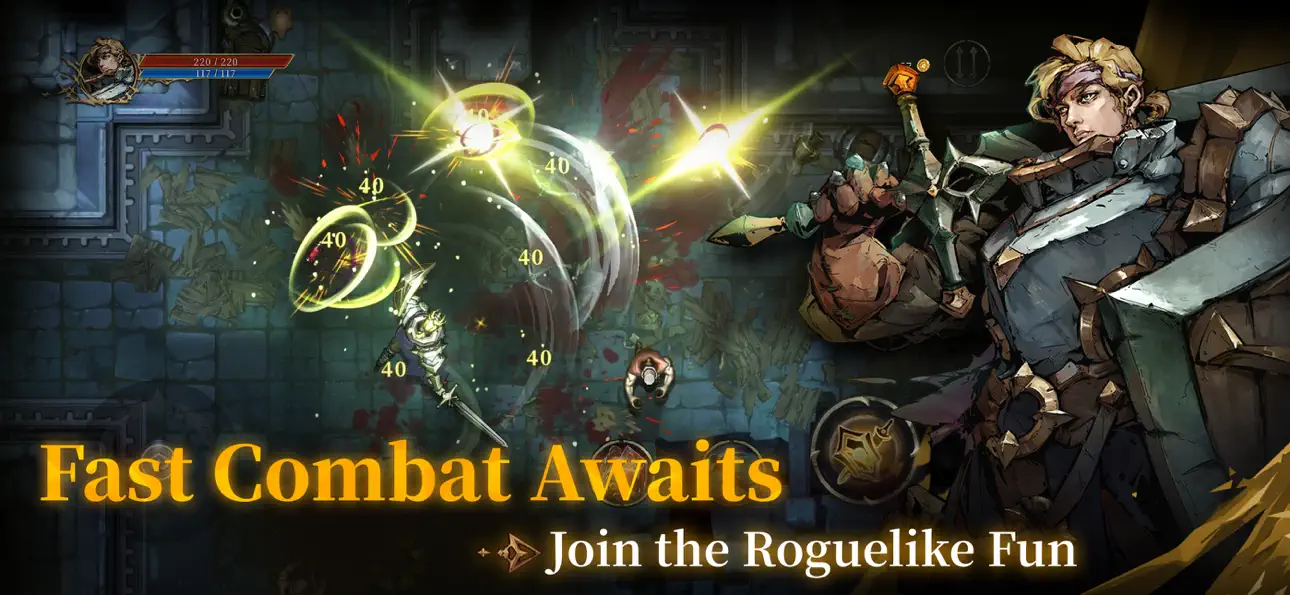
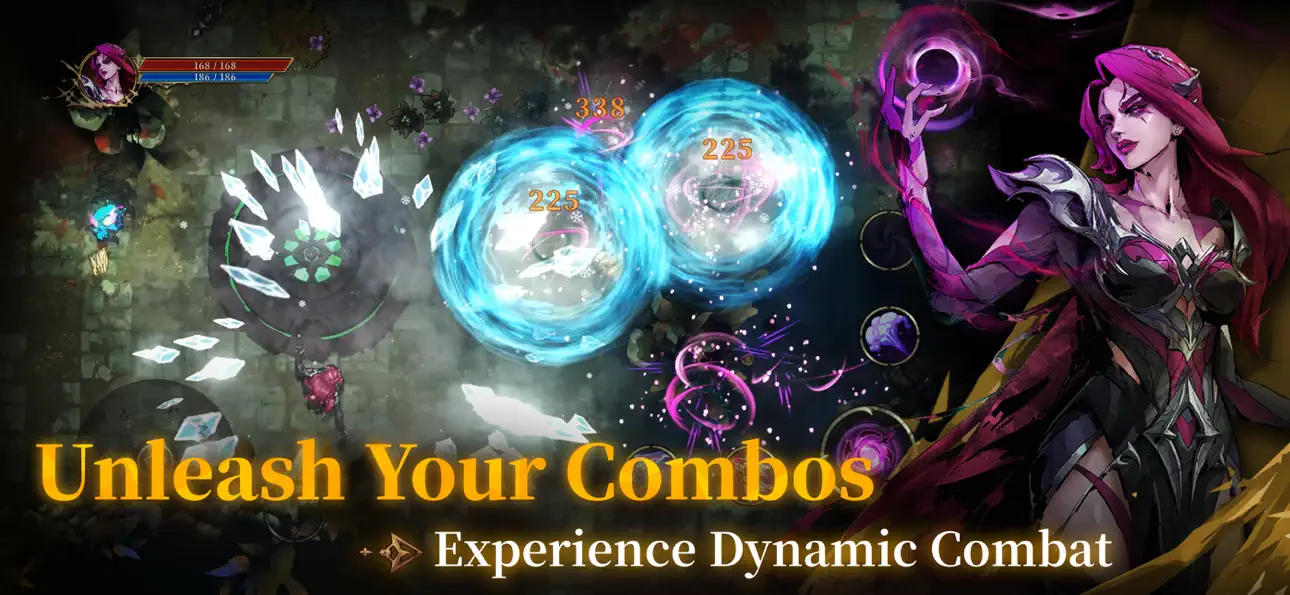
- A heart-pounding battle with rhythmic combo mechanics;
- A lively group of playable characters with distinct abilities and fighting styles;
- 140+ passives combined with a talent and rune system to craft a personalized progression route;
- Randomized dungeons across three chapters, each featuring exhilarating boss battles;
- Dark, hand-drawn aesthetic enhanced by dynamic lighting effects that creates an immersive vibe;
- Stories that reveal the deeper secrets of the abyss;
- Single-player gameplay with smooth controller support.
Ready for a thrilling and one-of-a-kind journey into the unknown?
Follow us:
http://www.chillyroom.com
Email: [email protected]
YouTube: @ChillyRoom
Instagram: @chillyroominc
X: @ChillyRoom
Discord: https://discord.gg/8p52azqva8
لقطات الشاشة © لأصحابها · App Store


iOSGods ليست تابعة لشركة Apple Inc. أو Google LLC أو مطوّري التطبيقات المدرجة هنا، وليست معتمدة أو مدعومة منهم. Apple وiOS وApp Store علامات تجارية لشركة Apple Inc. وAndroid وGoogle Play علامتان تجاريتان لشركة Google LLC. أما بقية أسماء التطبيقات والأيقونات والصور والعلامات التجارية فهي ملك لأصحابها.

- iPhone أو iPad بجيلبريك أو بدون جيلبريك.
- Sideloadly أو بدائلها.
- كمبيوتر يعمل بنظام Windows/macOS/Linux مع تثبيت iTunes.
الخطوة 1: قم بتنزيل ملف .IPA المعدّل مسبقًا من الرابط أعلاه إلى الكمبيوتر الخاص بك. للتنزيل من تطبيق iOSGods App، اطلع على دليل تنزيل IPA من تطبيق iOSGods App الذي يتضمن مثالًا بالفيديو.
الخطوة 2: قم بتنزيل Sideloadly وتثبيته على جهاز Windows أو Mac.
الخطوة 3: افتح Sideloadly على الكمبيوتر، ووصّل جهاز iOS الخاص بك، وانتظر حتى يظهر اسم جهازك داخل Sideloadly.
الخطوة 4: بمجرد التعرّف على جهاز iDevice الخاص بك، اسحب ملف .IPA المعدّل الذي قمت بتنزيله وأفلِته داخل تطبيق Sideloadly.
الخطوة 5: أدخل البريد الإلكتروني لحساب Apple Account الخاص بك، ثم اضغط على «Start». سيُطلب منك بعد ذلك إدخال كلمة المرور. تابع وأدخل المعلومات المطلوبة.
الخطوة 6: انتظر حتى ينتهي Sideloadly من تحميل/تثبيت ملف IPA المعدّل. في حال واجهت أي مشاكل أثناء التثبيت، يرجى قراءة الملاحظة أدناه.
الخطوة 7: بعد اكتمال التثبيت ورؤية التطبيق على الشاشة الرئيسية، انتقل إلى Settings → General → Profiles / VPN & Device Management. ثم اضغط على البريد الإلكتروني الذي أدخلته في الخطوة 6، ثم اضغط على «الوثوق بـ [email protected]».
الخطوة 8: الآن انتقل إلى الشاشة الرئيسية وافتح التطبيق الذي تم تثبيته للتو وسيعمل كل شيء بشكل صحيح. قد تحتاج إلى اتباع تعليمات إضافية خاصة بكل تطبيق داخل النافذة المنبثقة للتعديل أثناء اللعب.
ملاحظة: بدءًا من iOS/iPadOS 16 وما بعده، يجب تفعيل وضع المطور (Developer Mode). بالنسبة لحسابات Apple Developer المجانية، ستحتاج إلى تكرار هذه العملية كل 7 أيام. إذا كانت لديك أي أسئلة أو مشاكل، يرجى قراءة قسم الأسئلة الشائعة حول Sideloadly في الموضوع.
Game Name iOS Mod IPA is an action adventure game enhanced with powerful gameplay boosts and quality-of-life improvements. Win battles faster, earn rewards quicker, and enjoy uninterrupted play without ads.
- Unlimited Gold - spend freely to unlock premium content
- Damage Multiplier - deal significantly more damage in combat
- Defense Multiplier - take less damage and survive longer
- Reward Multiplier - earn more loot from every battle
- Max Level - instantly reach the highest player rank
- No Ads - play without interruptions or advertisements
This app also comes with iGameGod, giving you access to Auto Touch to automate repetitive tasks, App Speed Manager for adjustable gameplay speed, Memory Engine value editing, and more powerful iOS game tools.
قم بتنزيل Game Name Mod IPA من الروابط أعلاه. اضغط على زر التثبيت واتبع التعليمات لتثبيت هذا التعديل لـ iOS على iPhone أو iPad أو Apple Silicon.
هل تحتاج إلى مزيد من المساعدة؟ راجع الأسئلة الشائعة لتطبيق iOSGods للحصول على إجابات مفصلة ونصائح لاستكشاف الأخطاء.
----------------------------------------------------------
--------------------------------------------------