تسجيل الدخول مطلوب
سجّل الدخول بحساب iOSGods للمتابعة.
سجّل الدخول بحساب iOSGods للمتابعة.
Hack Features:
- map hack
- no grass hide
This is currently being detected. Do not purchase ViP for just one app.
يأتي هذا التطبيق أيضًا مع iGameGod، مما يتيح لك الوصول إلى Auto Touch لأتمتة المهام المتكررة، وApp Speed Manager لضبط سرعة اللعب، وتعديل القيم عبر Memory Engine، والمزيد من أدوات ألعاب iOS القوية.
قم بتنزيل Mobile Legends: Bang Bang Map Hack modded IPA من الروابط أعلاه. اضغط على زر التثبيت واتبع التعليمات لتثبيت هذا التعديل لـ iOS على iPhone أو iPad أو Apple Silicon.
هل تحتاج إلى مزيد من المساعدة؟ راجع الأسئلة الشائعة لتطبيق iOSGods للحصول على إجابات مفصلة ونصائح لاستكشاف الأخطاء.
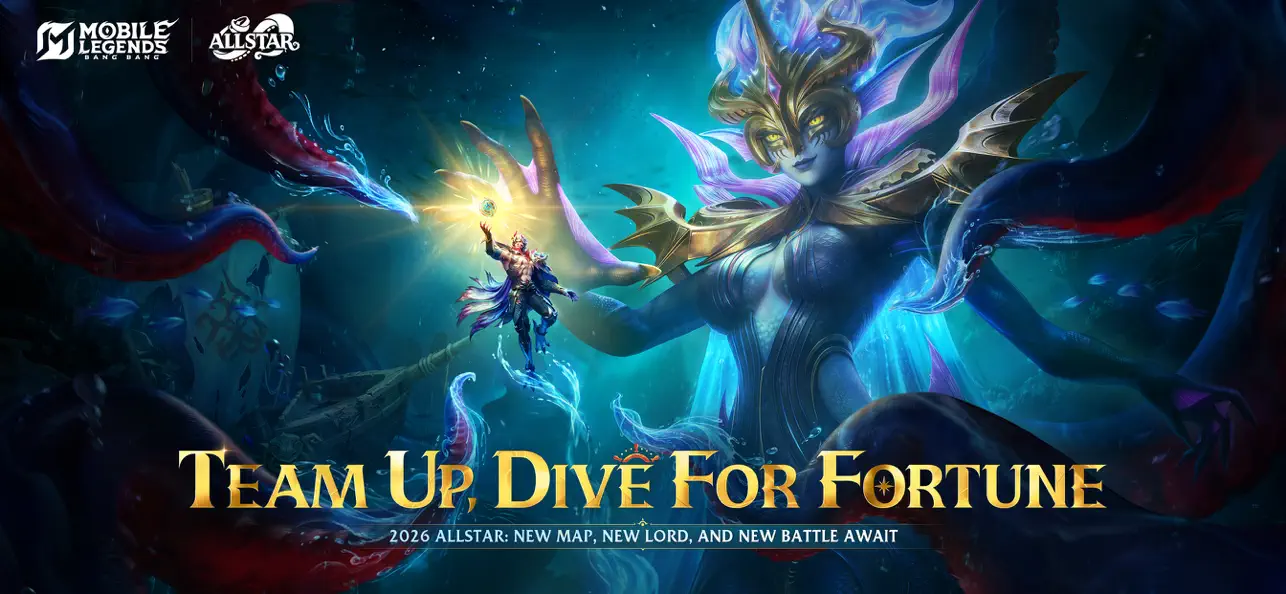
Join the globally popular 5v5 real-time battle MOBA game with your friends — Mobile Legends: Bang Bang!
Choose your favorite hero, team up with friends, 10-second matchmaking, 10-minute matches. Laning, jungle, tower pushing, team fights — PC-level action game and MOBA combat experience recreated on your phone, igniting your esports passion.
Mobile Legends: Bang Bang, the mobile MOBA masterpiece played worldwide. Crush your opponents on screen with your fingertips and claim the honor of the strongest.
Your phone desires this battle!
Features:
1. Classic MOBA Maps & 5v5 Battles
Real-time 5v5 battles against real players. 3 lanes, 4 jungle areas, 2 bosses, 18 defense towers, and endless fights, everything a classic MOBA has is here!
2. Win with Teamwork & Strategy
Block damage, control the enemy, and heal teammates! Choose from Tanks, Mages, Marksmen, Assassins, Supports, etc. to anchor your team and be match MVP! New heroes are constantly being released!
3. Fair Fights, Carry Your Team to Victory
Just like classic MOBAs, there is no hero training or paying for stats. Skill and strategy are all you need to be able to win the intense competition on this fair and balanced platform. Play to Win, not Pay to Win.
4. Simple Controls, Easy to Master
With a virtual joystick on the left and skill buttons on the right, 2 fingers are all you need to become a master! Autolock and target switching allow you to last hit to your heart’s content. Never miss! And a convenient tap-to-equip system allows you to buy equipment anywhere on the map so you can focus more on the thrill of battle!
5. 10 Second Matchmaking, 10 Minute Matches
Matchmaking only takes 10 seconds. And a match only takes 10 minutes. Gloss over the quiet early-game leveling up and jump right into the intense battles. Less boring waiting and repetitive farming, and more thrilling actions and fist-pumping victories. At any place, at any moment, just pick up your phone, fire up the game, and immerse yourself in the heart-pounding MOBA competition.
6. Smart Offline AI Assistance
A dropped connection could mean hanging your team out to dry in an intense match, but with Mobile Legends: Bang Bang’s powerful reconnection system, if you get dropped, you can be back in the battle in seconds. And while you’re offline, our AI system will take control of your character temporarily to avoid a 4-on-5 situation.
Contact Us
You can get customer service assistance via the [Contact Us] button in the game to help you with any problems you may encounter while playing. You can also find us on the following platforms. We welcome all of your Mobile Legends: Bang Bang thoughts and suggestions:
Customer Service Email: [email protected]
Instagram: @mobilelegendsgame
Facebook: https://www.facebook.com/MobileLegendsGame
YouTube: https://www.youtube.com/c/MobileLegends5v5MOBA
Privacy Policy:
https://m.mobilelegends.com/news/articleldetail?newsid=2690279
User Agreement:
https://m.mobilelegends.com/news/articleldetail?newsid=2690368
- iPhone أو iPad بجيلبريك أو بدون جيلبريك.
- Sideloadly أو بدائلها.
- كمبيوتر يعمل بنظام Windows/macOS/Linux مع تثبيت iTunes.
الخطوة 1: قم بتنزيل ملف .IPA المعدّل مسبقًا من الرابط أعلاه إلى الكمبيوتر الخاص بك. للتنزيل من تطبيق iOSGods App، اطلع على دليل تنزيل IPA من تطبيق iOSGods App الذي يتضمن مثالًا بالفيديو.
الخطوة 2: قم بتنزيل Sideloadly وتثبيته على جهاز Windows أو Mac.
الخطوة 3: افتح Sideloadly على الكمبيوتر، ووصّل جهاز iOS الخاص بك، وانتظر حتى يظهر اسم جهازك داخل Sideloadly.
الخطوة 4: بمجرد التعرّف على جهاز iDevice الخاص بك، اسحب ملف .IPA المعدّل الذي قمت بتنزيله وأفلِته داخل تطبيق Sideloadly.
الخطوة 5: أدخل البريد الإلكتروني لحساب Apple Account الخاص بك، ثم اضغط على «Start». سيُطلب منك بعد ذلك إدخال كلمة المرور. تابع وأدخل المعلومات المطلوبة.
الخطوة 6: انتظر حتى ينتهي Sideloadly من تحميل/تثبيت ملف IPA المعدّل. في حال واجهت أي مشاكل أثناء التثبيت، يرجى قراءة الملاحظة أدناه.
الخطوة 7: بعد اكتمال التثبيت ورؤية التطبيق على الشاشة الرئيسية، انتقل إلى Settings → General → Profiles / VPN & Device Management. ثم اضغط على البريد الإلكتروني الذي أدخلته في الخطوة 6، ثم اضغط على «الوثوق بـ [email protected]».
الخطوة 8: الآن انتقل إلى الشاشة الرئيسية وافتح التطبيق الذي تم تثبيته للتو وسيعمل كل شيء بشكل صحيح. قد تحتاج إلى اتباع تعليمات إضافية خاصة بكل تطبيق داخل النافذة المنبثقة للتعديل أثناء اللعب.
ملاحظة: بدءًا من iOS/iPadOS 16 وما بعده، يجب تفعيل وضع المطور (Developer Mode). بالنسبة لحسابات Apple Developer المجانية، ستحتاج إلى تكرار هذه العملية كل 7 أيام. إذا كانت لديك أي أسئلة أو مشاكل، يرجى قراءة قسم الأسئلة الشائعة حول Sideloadly في الموضوع.