Inloggning krävs
Logga in med ditt iOSGods-konto för att fortsätta.
Logga in med ditt iOSGods-konto för att fortsätta.

Överlev zombieapokalypsen i Zombie Harbor: FPS Zombie Game Hack, ett offline-FPS där du slåss mot odöda horder över post-apokalyptiska ruiner, nu med denna Mod IPA-hack för att vända striden till din fördel.
Med fusk som ingen rekyl, ökad eldtakt och skademultiplikatorer kan du finjustera din stridsupplevelse från casual överlevnad till oöverstiglig härjning. Oavsett om du grindar för resurser eller testar dina färdigheter mot omöjliga odds, låter denna hack dig spela på ditt sätt.
- Frys valutor → lås dina resurser på plats
- Frys ammunition → förhindra ammunitionsförbrukning
- Ingen rekyl → skjut med perfekt stabilitet
- Ingen spridning → behåll spetsig noggrannhet
- Ökad eldtakt → släpp snabbare salvor
ViP
- Skademultiplikator → förstärk ditt vapenutsläpp
- Försvarsmultiplikator → öka din överlevnadsförmåga
- Gudläge → bli osårbar
- Rörelsehastighet multiplikator → ta dig fram snabbare
- Obegränsade valutor → oändliga resurser för uppgraderingar
- Döda alla fiender → eliminera alla zombies omedelbar
- Bli osynlig → göm dig från odöd upptäckt
Den här appen levereras även med iGameGod, vilket ger dig tillgång till Auto Touch för att automatisera repetitiva uppgifter, App Speed Manager för justerbar spelhastighet, värdesredigering med Memory Engine och fler kraftfulla verktyg för iOS-spel.
Ladda ner Zombie Harbor: FPS Zombie Game Hack modded IPA från länkarna ovan. Tryck på installationsknappen och följ instruktionerna för att installera denna iOS-apphack på iPhone, iPad eller Apple Silicon.
Behöver du mer hjälp? Se våra iOSGods-appens vanliga frågor för detaljerade svar och felsökningstips.
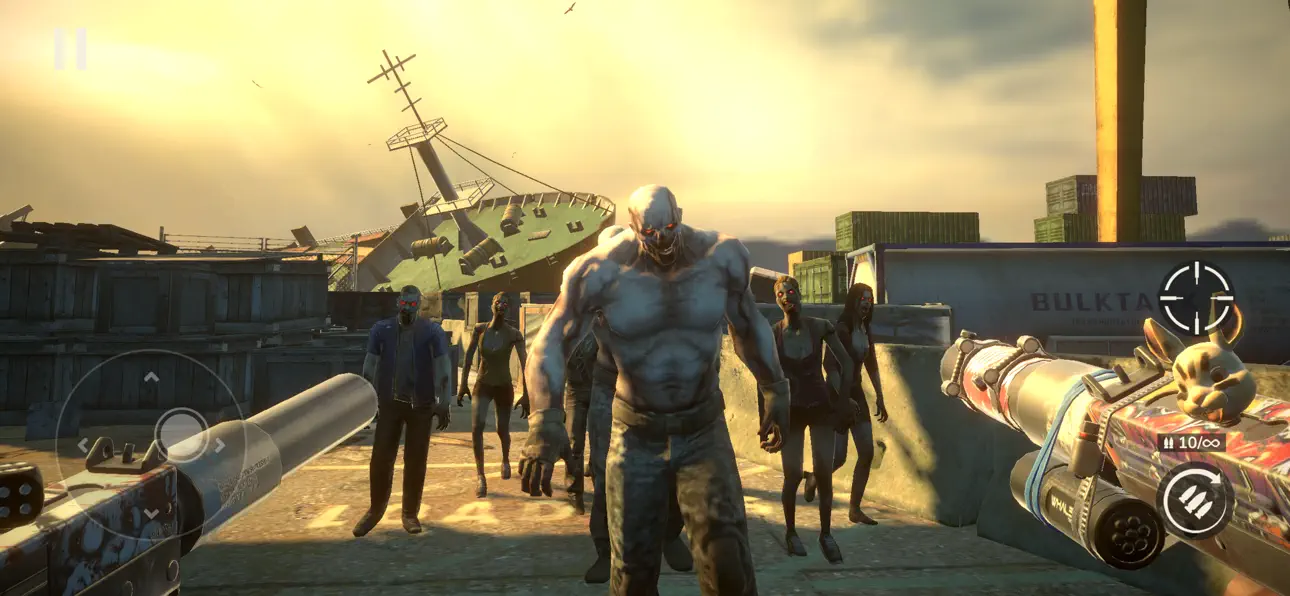
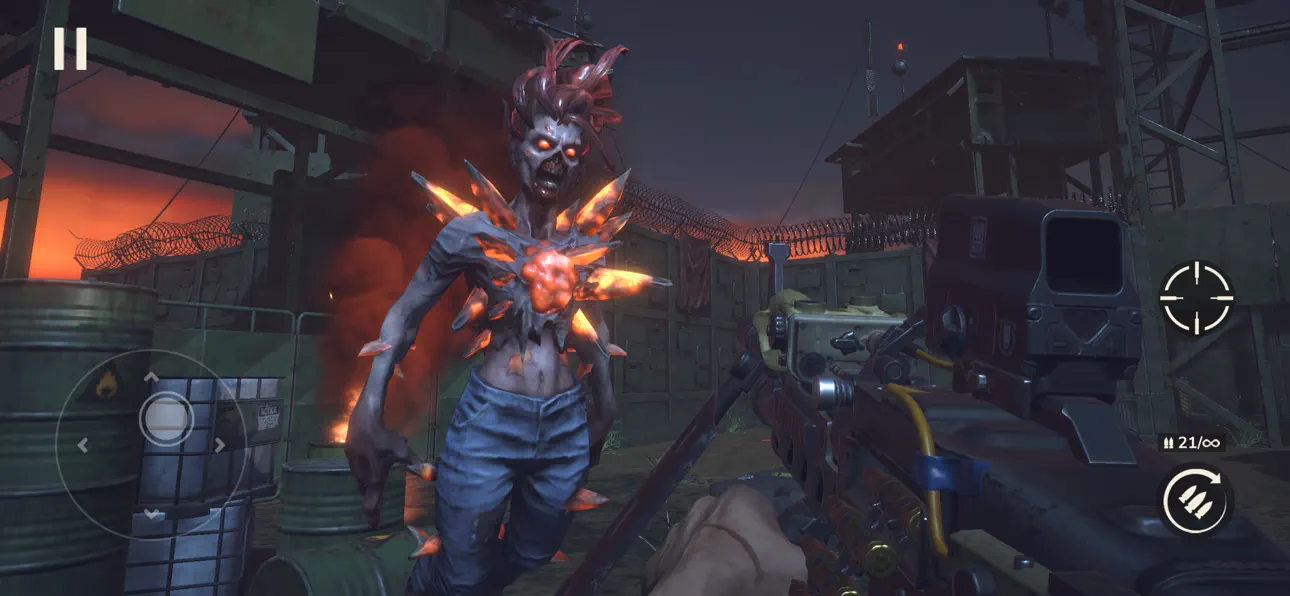
Погрузитесь в мир оффлайн-шутера от первого лица и проверьте свои боевые навыки в сражениях с ордами зомби. Уничтожайте заражённых в новой экшен-FPS игре с элементами выживания, действие которой разворачивается в постапокалиптическом мире, где руины цивилизации захвачены живыми мертвецами.
ZOMBIE HARBOR — это динамичная оффлайн-игра на выживание в мире зомби. Интенсивный экшен, широкий выбор оружия и погружающая атмосфера апокалипсиса делают её идеальным выбором как для начинающих, так и для опытных игроков в жанре FPS. Каждое столкновение проверяет вашу реакцию, меткость и готовность выживать любой ценой.
Ворвитесь в непрерывное сражение и бросьте вызов апокалипсису в новой зомби-стрелялке с удобным управлением и зрелищной визуальной составляющей.
▶ Оффлайн-шутер против зомби с атмосферным геймплеем от первого лица
Наслаждайтесь полноценным FPS-геймплеем без подключения к сети — всегда под рукой, когда захотите играть.
▶ Мощное оружие для уничтожения врагов
Огромный выбор вооружения: штурмовые винтовки, дробовики, пулемёты и многое другое. Каждое оружие предлагает собственный стиль ведения боя.
▶ Улучшайте своё снаряжение, чтобы выжить в апокалипсисе
Зарабатывайте награды в боях и улучшайте характеристики оружия. Повышайте урон, ускоряйте перезарядку и прокачайте точность, чтобы не уступить волне мертвецов.
▶ Орды зомби не знают пощады
Отражайте непрерывные атаки врагов. Боритесь, меняйте оружие и не давайте мертвецам прорваться.
▶ Отправьтесь в мир апокалипсиса
Пробирайтесь сквозь атмосферные локации, где за каждым углом скрывается опасность. Каждый уровень бросает вам новый вызов на выживание.
▶ Простое и удобное управление
Игра разработана для мобильных устройств и обеспечивает интуитивное управление, позволяющее сосредоточиться на сражении.
Zombie Harbor позволяет играть полностью оффлайн — где угодно и когда угодно, интернет-соединение не потребуется.
Сражайтесь с нарастающими волнами зомби, используя обширный арсенал мощного оружия. Выполняйте напряжённые миссии в апокалиптических локациях, преодолевая хаос и смертельные угрозы.
Игра идеально адаптирована для мобильных устройств и обеспечивает стабильную производительность. Высококачественная 3D-графика, проработанный геймплей и удобное управление — всё это ждёт вас в захватывающем шутере от первого лица.
Зомби не отступают. Но грамотная тактика и меткие выстрелы — ваш ключ к выживанию!
Готовы к ответному удару? Скачайте Zombie Harbor и покажите, на что вы способны в мире, охваченном зомби!
Если у вас возникли проблемы с игрой, свяжитесь с нами: [email protected]
Обратите внимание: Zombie Harbor можно скачать и играть бесплатно; однако некоторые игровые предметы можно приобрести за реальные деньги.
- Информацию о том, как мы собираем и используем ваши данные, вы найдете в наших Правилах соблюдения конфиденциальности по адресу: https://documentation.my.games/terms/mygames_privacy
- Пользовательское соглашение: https://documentation.my.games/terms/mygames_eula
Создано для вас в MY.GAMES
- iPhone eller iPad utan jailbreak/jailad eller med jailbreak.
- Sideloadly eller alternativ.
- Dator med Windows/macOS/Linux och iTunes installerat.
STEG 1: Ladda ner den förhackade .IPA-filen från länken ovan till din dator. För att ladda ner från iOSGods App, se vår Guide för att ladda ner IPA i iOSGods App som även innehåller ett videoexempel.
STEG 2: Ladda ner Sideloadly och installera det på din Windows eller Mac.
STEG 3: Öppna Sideloadly på din dator, anslut din iOS-enhet och vänta tills enhetens namn visas i Sideloadly.
STEG 4: När din iEnhet känns igen drar du den moddade .IPA-filen du laddat ner och släpper den i Sideloadly-programmet.
STEG 5: Ange e-postadressen till ditt Apple Account och tryck sedan på ”Start”. Du ombeds sedan ange ditt lösenord. Fyll i de uppgifter som krävs.
STEG 6: Vänta tills Sideloadly är klar med att sideloada/installera den hackade IPA-filen. Om problem uppstår under installationen, läs noten nedan.
STEG 7: När installationen är klar och du ser appen på din hemskärm behöver du gå till Inställningar → Allmänt → Profiler / VPN & enhetshantering. Tryck där på e-postadressen du angav i steg 6 och tryck sedan på ”Lita på [email protected]”.
STEG 8: Gå nu till din hemskärm och öppna den nyligen installerade appen — allt ska fungera som det ska. Du kan behöva följa ytterligare app-specifika instruktioner i hackets popup inne i spelet.
OBS: På iOS/iPadOS 16 och senare måste du aktivera Utvecklarläge. För gratis Apple Developer-konton behöver du upprepa processen var sjunde dag. Om du har frågor eller problem, läs vår Sideloadly FAQ-avsnitt i tråden.
Hack Features:
- Inf Coins (Spend)
App Installation Instructions:
---------------------------------------------------------
----------------------------------------------------------
If you require more information or help, please read our Frequently Asked Questions topic on iOSGods.com.
----------------------------------------------------------
--------------------------------------------------



![Rapid Reload iOS Mod IPA [ Debug Menu ]](https://is1-ssl.mzstatic.com/image/thumb/Purple221/v4/4a/e0/cb/4ae0cbbe-aa33-270d-3d98-78f0c262c526/AppIcon-0-0-1x_U007emarketing-0-8-0-85-220.png/100x100bb.jpg)


