Giriş Gerekli
Devam etmek için iOSGods hesabınızla giriş yapın.
Devam etmek için iOSGods hesabınızla giriş yapın.
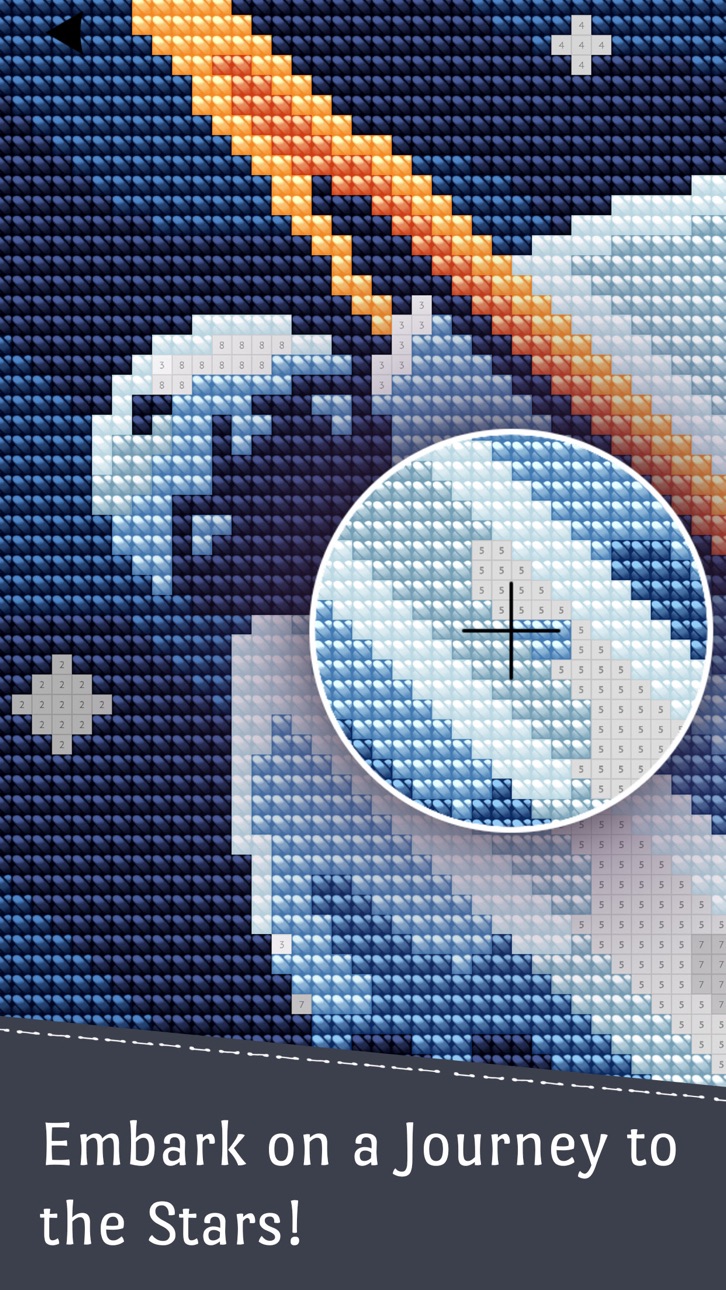
Cross Stitch Club, rahatlatıcı bir bulmaca oyunu olup, numaraya göre güzel desenleri işleyerek ödüller kazanabilirsiniz. Artık ilerleme sınırlarını kaldıran ücretsiz Mod IPA hile sürümü ile sunulmaktadır. İğne işi projelerinizde sınırsız hızlandırıcılar kullanarak grinding yapmadan ilerleyin ve muhteşem işlemeleri tamamlamanın yaratıcı keyfini yaşayarak arkadaşlarınızla paylaşın.
- Sınırsız Hızlandırıcılar → daha hızlı işleme için sınırsız hızlandırıcı öğeleri
Bu uygulama ayrıca, tekrar eden görevleri otomatikleştirmek için Auto Touch, ayarlanabilir oyun hızı için App Speed Manager, Memory Engine ile değer düzenleme ve daha pek çok güçlü iOS oyun aracına erişim sağlayan iGameGod ile birlikte gelir.
Yukarıdaki bağlantılardan Cross Stitch Club Hack modded IPA indirin. Yükle düğmesine dokunup ekrandaki yönergeleri izleyerek bu iOS uygulama hack'ini iPhone, iPad veya Apple Silicon'a yükleyin.
Daha fazla yardıma mı ihtiyacınız var? Ayrıntılı yanıtlar ve sorun giderme ipuçları için iOSGods Uygulaması Sık Sorulan Sorular sayfamıza bakın.
Вышивка крестиком по номерам с красивейшими авторскими паттернами.
Забудьте про все ваши проблемы, заварите душистого чаю или приготовьте ароматный кофе, устройтесь по-удобнее, запустите игру и окунитесь в атмосферу уютного рукоделия!
Особенности:
— Чудесные авторские паттерны для вышивки
— Идеально сбалансированный игровой процесс для полного релакса
— Получайте симпатичные трофеи за завершение вышивок
— Делитесь с друзьями вашими работами.
----------------------------------------
ЦЕНЫ И УСЛОВИЯ ПОДПИСКИ
Опции полного доступа:
Недельная премиум подписка предполагает еженедельный платеж 199.00р. после 3-дневного бесплатного пробного периода за разблокировку всех возможностей приложения и отключение рекламы.
Месячная подписка предполагает ежемесячный платеж 599.00р. за разблокировку всех возможностей приложения и отключение рекламы.
Годовая премиум подписка предполагает ежемесячный платеж 2,450.00р. за разблокировку всех возможностей приложения и отключение рекламы.
Окончание пробного периода и возобновление подписки:
Оплата будет зачислена на счет iTunes при подтверждении покупки.
Подписка автоматически возобновляется, если автоматическое продление не выключено как минимум за 24 часа до окончания текущего периода.
Оплата за обновление будет взиматься со счета в течение 24 часов до окончания текущего периода, а также будет определена стоимость обновления.
Пользователь может управлять подписками: автоматическое обновление можно отключить, перейдя в настройки учетной записи пользователя после покупки.
Любая неиспользованная часть бесплатного пробного периода, если предлагается, будет аннулирована, когда пользователь покупает подписку на публикацию, где это применимо.
Ekran görüntüleri © ilgili sahipleri · App Store


iOSGods; Apple Inc., Google LLC veya burada listelenen uygulamaların geliştiricileriyle bağlantılı değildir, onlar tarafından onaylanmamış ve desteklenmemiştir. Apple, iOS ve App Store, Apple Inc. şirketinin ticari markalarıdır. Android ve Google Play, Google LLC şirketinin ticari markalarıdır. Diğer tüm uygulama adları, simgeler, görseller ve ticari markalar ilgili sahiplerine aittir.

- Jailbreak'siz/normal ya da jailbreak'li iPhone veya iPad.
- Sideloadly veya alternatifleri.
- iTunes yüklü Windows/macOS/Linux çalıştıran bir bilgisayar.
ADIM 1: Yukarıdaki bağlantıdan önceden hacklenmiş .IPA dosyasını bilgisayarınıza indirin. iOSGods App üzerinden indirmek için video örneği de içeren iOSGods App IPA İndirme Kılavuzu bölümümüze göz atın.
ADIM 2: Sideloadly indirin ve Windows veya Mac'inize kurun.
ADIM 3: Bilgisayarınızda Sideloadly'yi açın, iOS cihazınızı bağlayın ve cihaz adınız Sideloadly'de görünene kadar bekleyin.
ADIM 4: iCihazınız tanındıktan sonra, indirdiğiniz modlu .IPA dosyasını sürükleyip Sideloadly uygulamasına bırakın.
ADIM 5: Apple Account e-posta adresinizi girin ve ardından "Start" düğmesine basın. Sonrasında sizden şifreniz istenecektir. Gerekli bilgileri girin.
ADIM 6: Sideloadly'nin hacklenmiş IPA'yı sideload edip yüklemesini bekleyin. Yükleme sırasında bir sorun olursa lütfen aşağıdaki notu okuyun.
ADIM 7: Yükleme tamamlandıktan ve uygulamayı Ana Ekranınızda gördükten sonra Ayarlar → Genel → Profiller / VPN ve Cihaz Yönetimi bölümüne gitmelisiniz. Burada 6. adımda girdiğiniz e-postaya dokunun ve ardından "[email protected]'a Güven" seçeneğine dokunun.
ADIM 8: Şimdi Ana Ekranınıza gidin ve yeni yüklediğiniz uygulamayı açın; her şey sorunsuz çalışmalıdır. Oyun içindeki hack açılır penceresinde uygulamaya özel ek talimatları takip etmeniz gerekebilir.
NOT: iOS/iPadOS 16 ve sonrasında Geliştirici Modu'nu etkinleştirmeniz gerekir. Ücretsiz Apple Developer hesapları için bu işlemi her 7 günde bir tekrarlamanız gerekir. Sorularınız veya sorunlarınız varsa konunun Sideloadly SSS bölümünü okuyun.
Game Name iOS Mod IPA is an action adventure game enhanced with powerful gameplay boosts and quality-of-life improvements. Win battles faster, earn rewards quicker, and enjoy uninterrupted play without ads.
- Unlimited Gold - spend freely to unlock premium content
- Damage Multiplier - deal significantly more damage in combat
- Defense Multiplier - take less damage and survive longer
- Reward Multiplier - earn more loot from every battle
- Max Level - instantly reach the highest player rank
- No Ads - play without interruptions or advertisements
This app also comes with iGameGod, giving you access to Auto Touch to automate repetitive tasks, App Speed Manager for adjustable gameplay speed, Memory Engine value editing, and more powerful iOS game tools.
Yukarıdaki bağlantılardan Game Name Mod IPA indirin. Yükle düğmesine dokunup ekrandaki yönergeleri izleyerek bu iOS uygulama hack'ini iPhone, iPad veya Apple Silicon'a yükleyin.
Daha fazla yardıma mı ihtiyacınız var Ayrıntılı yanıtlar ve sorun giderme ipuçları için iOSGods Uygulaması Sık Sorulan Sorular sayfamıza bakın.
----------------------------------------------------------
--------------------------------------------------