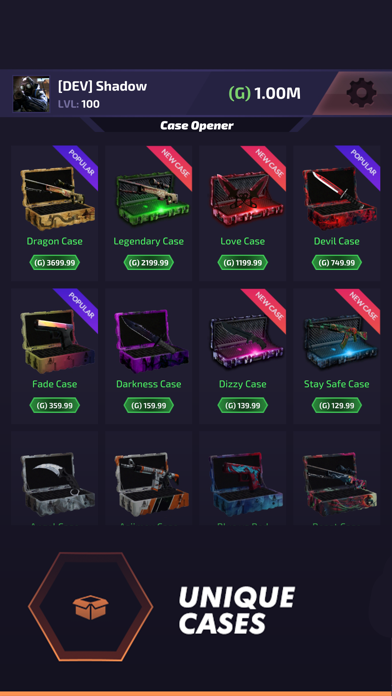
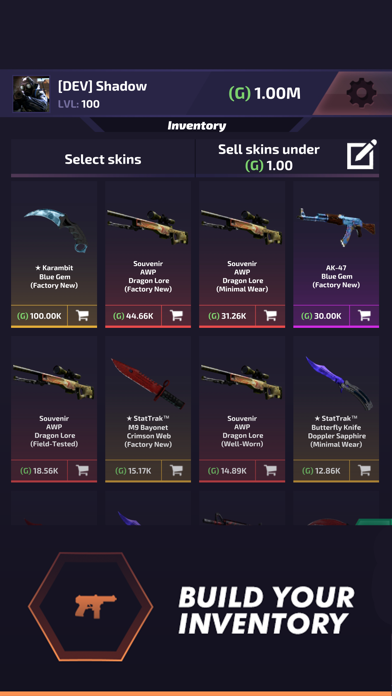
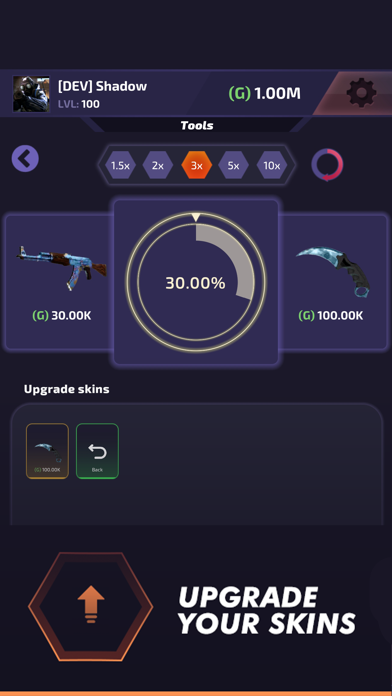
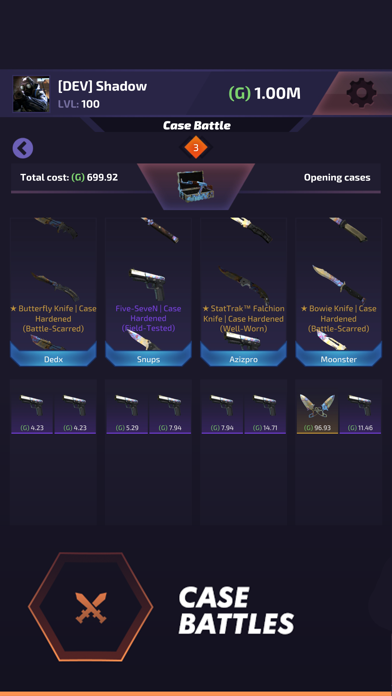
Build up your weapons and inventory, upgrade skins, open unique epic cases, and earn points by playing clicker, and other mini games. This is what this addictive case clicker game is all about.
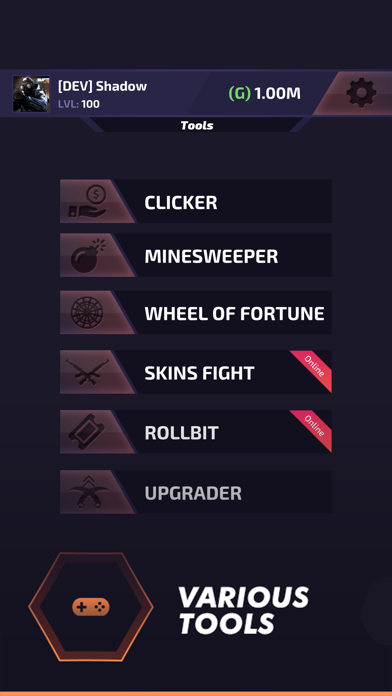
Case Battle is an endless case openers and skins simulator game in which you get to build your inventory by collecting a range of different weapons and knives with real skins. There are endless ways to earn money from playing in fun mini-games including minesweeper and idle clicker to trying out your luck by playing skins fight, wheel of fortune or rollbit.
So, if you are into such idle clicker games and looking for an addictive case opener, download Case Battle for free on your iOS device and have fun building up the largest inventory from weapons, knives, and other genuine skins! In your endless skin stimulating journey, you get to chat with other players all around the world, play fun games to collect more money, and of course, there are always rooms for improving and upgrading your inventory.
Endless case opener adventure with fun ways to collect money
Case Battle, the free idle clicker and skin simulator game for iOS, comes with a clean and neat design and the interface is so user-friendly and the gameplay is so easy to learn that you will get the whole idea as soon as starting to open new cases and play available games to earn more money.
The high-quality graphics, fun games to play to earn money including minesweeper, idle clicker, wheel of fortune, rollbit and skins fight, endless and addictive gameplay, the option to communicate with other players, variety of available cases, skins, and upgrades and intuitive interface are just a few reasons that make Case Battle your #1 choice when it comes to finding the best case opener and skin simulator game for iOS.
Why don’t you give this free case opener and idle clicker game a try?
No matter you are looking for an endless case opener app to build up a powerful arsenal with upgraded weapons and knives, or you are looking for an advanced skin simulator to try out fresh and genuine skin, or you are looking for a unique idle clicking experience along with the option to try your luck by playing skins fight, rollbit and wheel of fortune, we’ve got you covered.
Download Case Battle for free on your iOS phone or tablet, and see how far you can progress and how many epic cases you can manage to open. Since the entire features of this skin simulator game are available for free, there is no harm giving it a try and explore the features for yourself.
Case Battle main features at a glance:
● Clean and neat design with a fresh and intuitive interface
● High-quality graphics with smooth animations
● Open epic chests and build your inventory
● Skin simulator with fresh and real skins
● Idle clicker game to earn more money
● Play mini-games including minesweeper, wheel of fortune, rollbit and skins fight
● Chat with other players
● Bet your money in special crash mode
● Customize your profile and avatar
● Upgrade your weapons
● Fight with friends in online battles
● Free to play
Download Case Battle for free and let us know about any bugs, questions, feature requests, or any other suggestions.
Please note: This opener is just mobile simulation app and it's not related to Counter Strike: Global Offensive or CS 1.6, so all skins, knives or other items found there cannot be used on Steam or official game made by Valve.
在 iOS App Store 中查看