Inicio de sesión requerido
Inicia sesión con tu cuenta de iOSGods para continuar.

Hack Features:
- Fully unlocked
Esta app incluye iGameGod, que te ofrece acceso a Auto Touch para automatizar tareas repetitivas, App Speed Manager para ajustar la velocidad del juego, edición de valores con Memory Engine y más potentes herramientas para juegos de iOS.
Descarga Funimate Video & Motion Editor Hack modded IPA desde los enlaces de arriba. Toca el botón de instalación y sigue las instrucciones para instalar este hack iOS en tu iPhone, iPad o Mac con Apple Silicon.
¿Necesitas más ayuda? Consulta nuestras Preguntas frecuentes de la app iOSGods para respuestas detalladas y consejos de solución de problemas.
Ranked #1 on the App Store in more than 100 countries!
Awesome video editor with great effects and transitions.
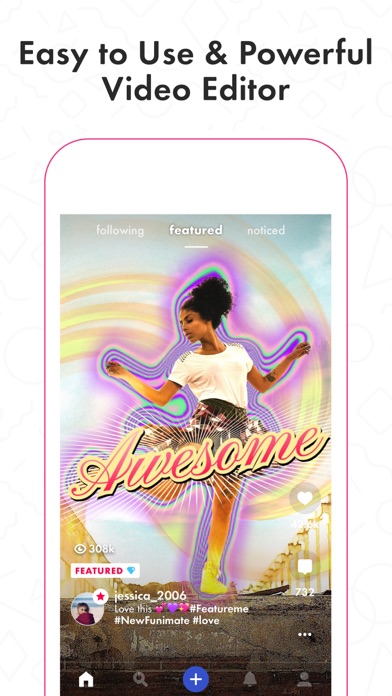
Funimate is the best video editing app you can find on mobile! Join millions of Funimate users who create advanced video edits easily. With Funimate, you’ll be able to create PRO edits very quickly with the help of unique and advanced editing features we have.
Create amazing Fan Edits or spice up your freestyle videos with unique video features like transitions, custom animations, video and text effects and filters. Add stickers, backgrounds and overlays to your video to show off your creativity and amaze your friends from our element library with thousands of options.
You can share the videos you create on Funimate on TikTok, Instagram, Snapchat, Musically and amaze your friends and gain followers! Don’t forget to post on Funimate as well to join the Funimate community and even get featured!
P.S: Funimate users get featured more often on social media like TikTok because of creative videos they make by using unique Funimate video effects!
Even if you are not an expert, Funimate lets you create advanced multi-layered edits that look really PRO just with your mobile phone.
On Funimate you can find:
Fan Edit videos to show their appreciation and love to influencers and celebrities;
Lip sync, dance and freestyle videos with awesome text effects, AI effects & video effects;
Awesome anime edits our users make with their favorite anime & manga characters;
Game edits to show off your gaming skills;
And MANY MORE...
TOP VIDEO EDITING FEATURES
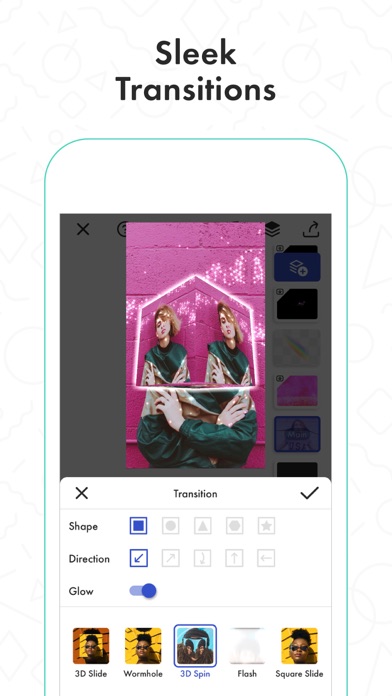
TRANSITIONS: Awesome transitions for your edits that you can add with a single tap! We have the best video transitions to wow your followers. Just add your pictures & videos and just by using a few taps you create a cool video with professional looking video transitions.
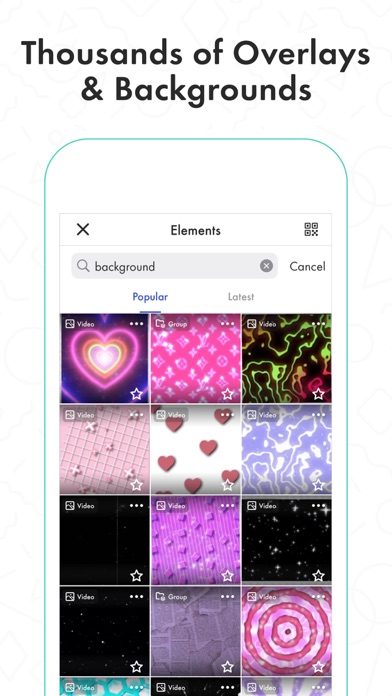
ELEMENT LIBRARY: Video editing is even more fun with overlays, stickers & backgrounds from our element library that has thousands of elements.
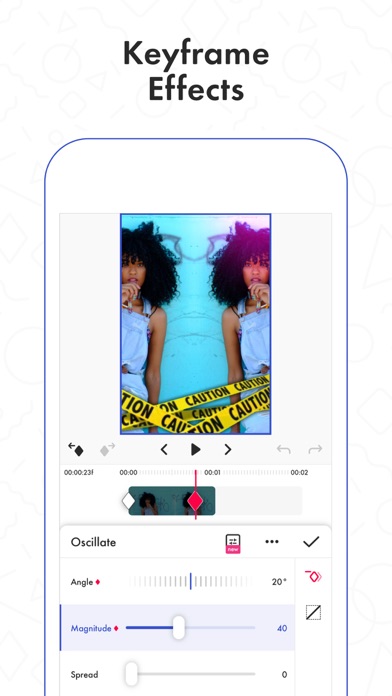
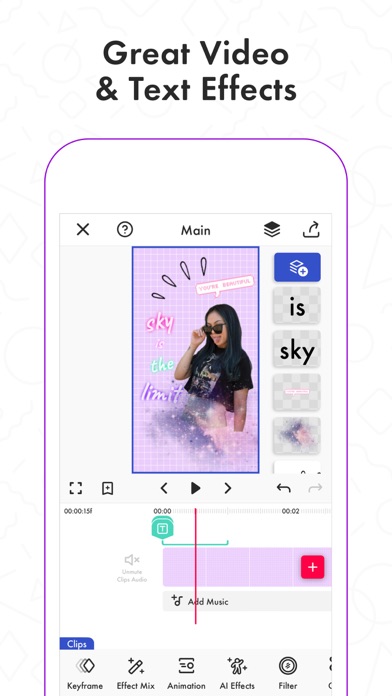
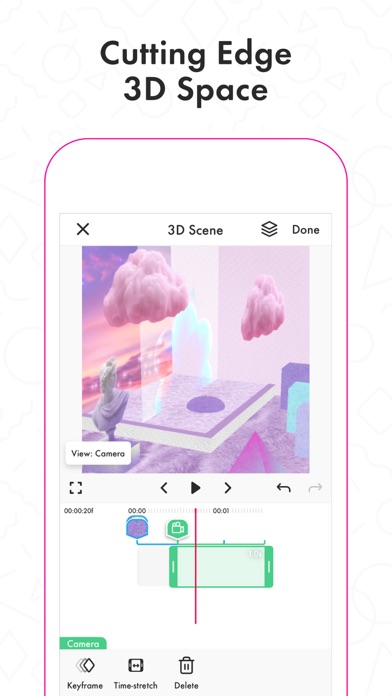
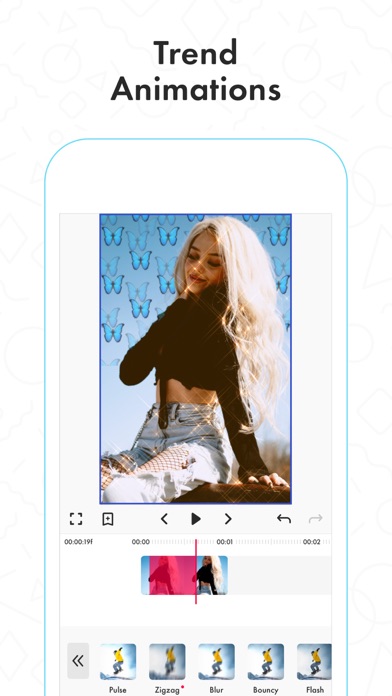
KEYFRAMES: You’re not limited to our effects when it comes to making your videos unique. It’s super easy to animate your layers using keyframes! Discover custom animations to show off your creative skills to your followers.
VIDEO MASK & AI EFFECTS:You can change the background of your videos and add cool mask effects to your videos with just a click! To try this out, add a dance/freestyle video, tap AI Effects button and choose the effect you want.
EFFECT MIX: You can try more than 100 advanced video effects on Funimate video editor.
INTRO & OUTRO EFFECTS: Tens of intro and outro animations.
TEXT EFFECTS: Tens of different fonts and styles available !
ADD MUSIC TO VIDEOS: Add your favorite music to videos to make short music video clips.
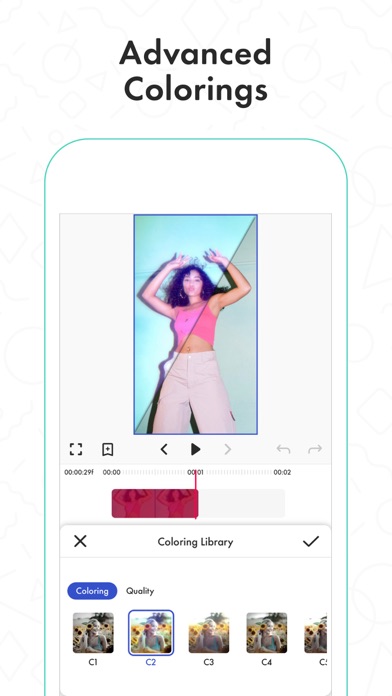
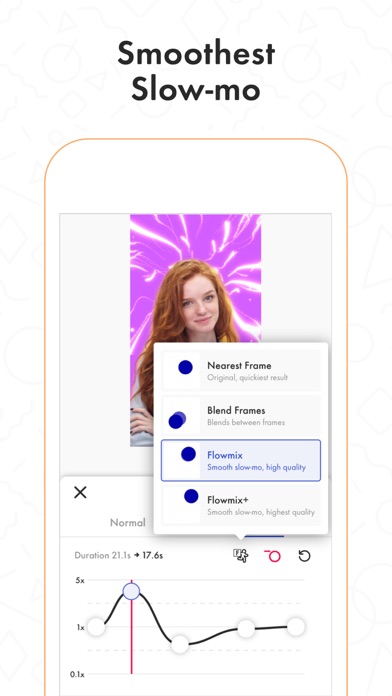
VIDEO MERGE, CUT & TRIM: Besides all the awesome features, you’ll also have classic video editor app features like cropping, merging, cutting, trimming and editing videos. Funimate is the only video editor you need. You can also create reverse videos and slow motion videos just with a tap!
BE A PART OF FUNIMATE VIDEO EDITING COMMUNITY: Shoot videos for weekly challenges, show your creativity by using video effects, hot music and get featured to grow your fan base on Funimate. Share your creativity on TikTok, Instagram, Youtube and Musically and boost your likes: best way to amaze your friends and get new followers.
Payment for your Funimate Pro subscription will be charged to your iTunes Account at confirmation of purchase. Your subscription will automatically renew and your account will be charged for renewal within 24-hours prior to the end of the current period. You can turn off auto-renew at any time from your iTunes account settings but refunds will not be provided for any unused portion of the term. If you purchase your subscription during the free trial period, any unused portion of the free trial period will be forfeited.
Funimate privacy policy and terms: http://funimate.com/terms
- iPhone o iPad con o sin Jailbreak.
- Sideloadly u otras alternativas.
- Ordenador con Windows/macOS/Linux e iTunes instalado.
PASO 1: Descargue el archivo .IPA pre-modificado desde el enlace de arriba a su ordenador. Para descargarlo desde la iOSGods App, consulte nuestro Tutorial de descarga del IPA desde la iOSGods App, que incluye un ejemplo en vídeo.
PASO 2: Descargue Sideloadly e instálelo en su Windows o Mac.
PASO 3: Abra Sideloadly en su ordenador, conecte su dispositivo iOS y espere hasta que el nombre del dispositivo aparezca en Sideloadly.
PASO 4: Una vez que su iDevice sea reconocido, arrastre el archivo .IPA modificado que descargó y suéltelo en la aplicación Sideloadly.
PASO 5: Introduzca el correo electrónico de su Apple Account y, a continuación, pulse «Start». Le pedirá que introduzca su contraseña. Proporcione la información solicitada.
PASO 6: Espere a que Sideloadly termine de hacer sideload/instalar el IPA modificado. Si surgen problemas durante la instalación, por favor lea la nota a continuación.
PASO 7: Una vez completada la instalación y al ver la app en la pantalla de inicio, deberá ir a Ajustes → General → Perfiles / VPN y Gestión de Dispositivos. Una vez allí, toque el correo electrónico que introdujo en el paso 6 y, después, toque en «Confiar en [email protected]».
PASO 8: Ahora vaya a la pantalla de inicio y abra la app recién instalada; todo debería funcionar correctamente. Es posible que tenga que seguir instrucciones adicionales específicas de cada app dentro del popup del hack en el juego.
NOTA: En iOS/iPadOS 16 y posteriores, debe activar el Modo Desarrollador. Para cuentas gratuitas de Apple Developer, deberá repetir este proceso cada 7 días. Si tiene alguna pregunta o problema, lea nuestra sección de Preguntas Frecuentes de Sideloadly del tema.