Login Diperlukan
Masuk dengan akun iOSGods kamu untuk melanjutkan.
Masuk dengan akun iOSGods kamu untuk melanjutkan.
Idle Tap Zoo adalah permainan clicker inkremental di mana Anda mengetuk untuk memelihara hewan zoo, meningkatkan mereka, dan memperluas bisnis Anda, dan Mod IPA ini memberi Anda keunggulan dengan dorongan sumber daya instan. Ketuk jalan Anda menuju kerajaan zoo yang berkembang dengan cheat yang menambahkan uang tunai, sains, dan poin prestise sesuai permintaan, memungkinkan Anda melewati penggilingan dan fokus pada membangun zoo impian Anda.
- Tambah Uang Tunai → tingkatkan dana Anda secara instan
- Tambah Sains → percepat penelitian dan peningkatan
- Tambah Poin Prestise → buka hadiah kemajuan premium
Aplikasi ini juga dilengkapi dengan iGameGod, yang memberi Anda akses ke Auto Touch untuk mengotomatiskan tugas berulang, App Speed Manager untuk mengatur kecepatan permainan, pengeditan nilai Memory Engine, dan alat permainan iOS lainnya yang lebih canggih.
Unduh Idle Tap Zoo iOS Mod IPA dari tautan di atas. Ketuk tombol pasang dan ikuti petunjuk di layar untuk memasang hack iOS ini di iPhone, iPad, atau Apple Silicon.
Butuh bantuan lebih lanjut? Lihat Pertanyaan yang Sering Diajukan untuk Aplikasi iOSGods kami untuk jawaban dan tips lengkap.
Tap, collect and raise your very own zoo animals in Idle Tap Zoo, the incremental idle zoo clicker game! Raise zoo animals and upgrade them to increase their birth rate and value, then sell them for a profit to expand your business with just a tap! Use your profits to build your own custom zoo!
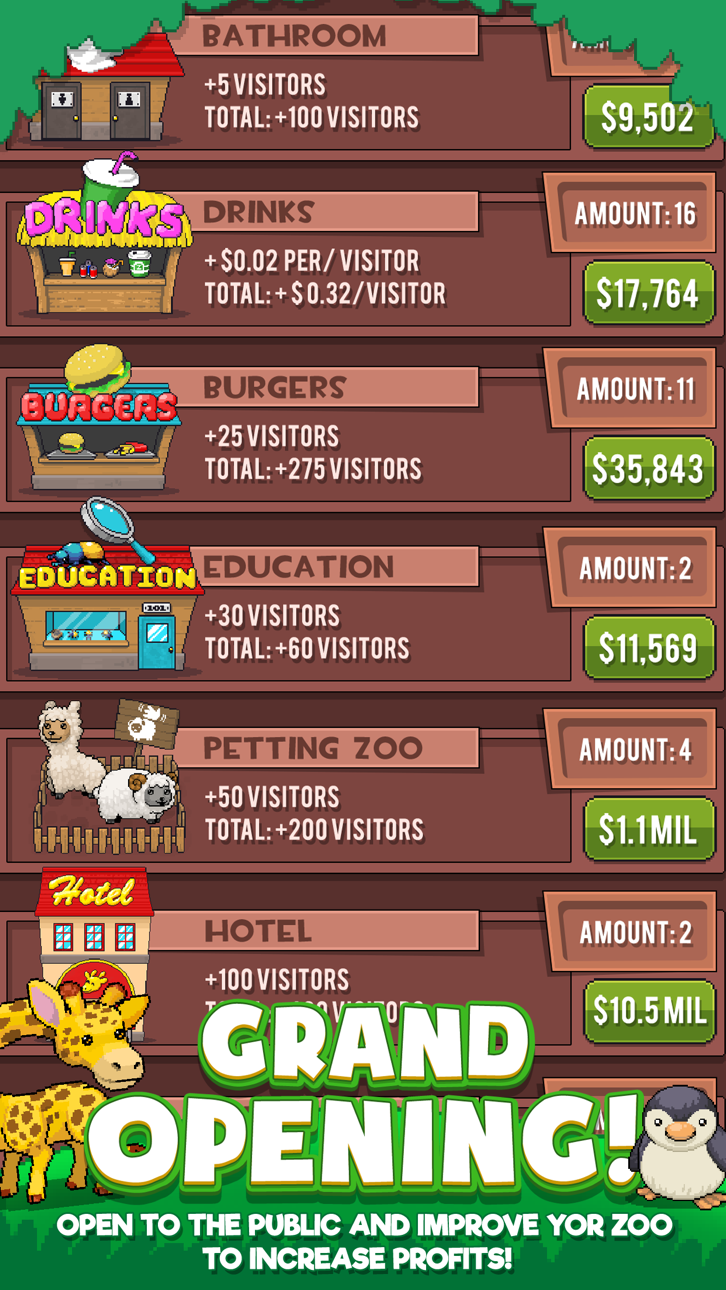
Manage a zoo simulation and improve it with the small upgrades like bathrooms and food stalls to attract more visitors and become the ultimate business manager. More visitors means more money, and before you know it, you'll be able to expand your zoo with aquariums and safari rides!
In this idle game, your zoo will continue to grow and make you money that can be used to unlock new zoo animals like monkeys, pandas, gorillas and lions! Become a business manager and trade your animals in bulk at the trading post for gems. Use gems to research permanent upgrades for large boosts and continue to expand your zoo all with a simple tap!
How much will your zoo be worth?
Idle Tap Zoo Features:
Build Your Zoo
• Manage a zoo that can be customized exactly to your liking! Create the perfect business simulation!
• Create a dream zoo and open it to visitors to begin increasing your income and grow your business empire
• Customize your zoo with special decorations, fun rides, and all of your favorite zoo animals!
• Create a jungle habitat for the monkeys and gorillas! Create a lush bamboo forest for your tigers and pandas!
Raise Animals
• Raise zoo animals – Buy and sell your favorite zoo animals
• Raise animals and manage their population based on their birth and death rate percentage
• Stock your food with bananas for the gorillas and monkeys and bamboo for the pandas!
• Upgrade each zoo animals to help its survival rate and sell price
• Trade your zoo animals at the trade post for gems which can be used to boost your progress
Idle Progress
• A unique incremental/idle game experience without too much clicking
• The idle clicker game that lets you grow and learn – read fun zoo facts!
• Idle Progress – Your zoo will continue to grow and make money while you're gone
* Enjoy an idle safari in your pocket-return to the game to purchase rare attractions!
Expand Your Zoo
• Manage a zoo and tap to invest in improvements that can permanently increase zoo animals’ birth rate
• Be the zoo manager and increase the maximum time the zoo can run without you. Run a perfect zoo simulation!
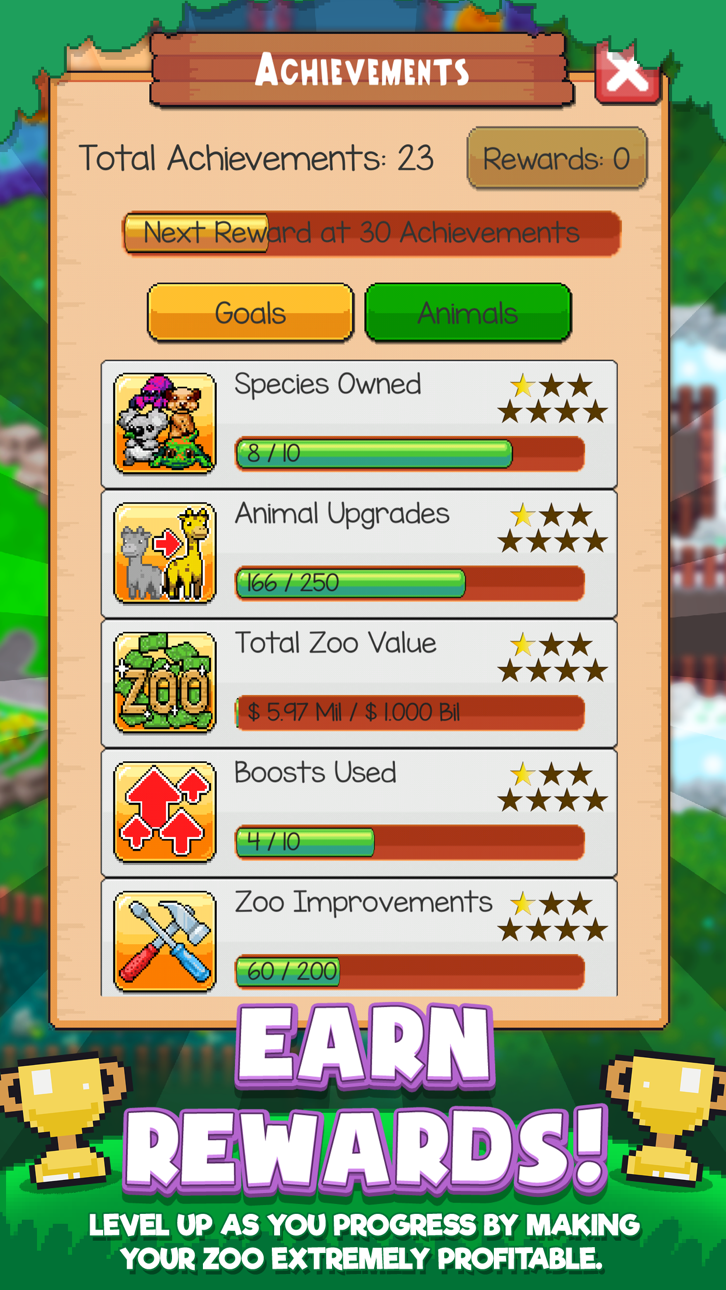
• Build your zoo to be the best and earn as many achievements as possible
Build your dream zoo filled with fun rides, great attractions and all of your favorite zoo animals!
Tap to raise rare animals like monkeys, pandas and lions OH MY! Continue to expand your zoo in the best idle clicker simulation game, Idle Tap Zoo!
Download Idle Tap Zoo today to start managing a zoo!
Idle Tap Zoo does not require an internet connection, and only watch ads if you want.
See this game and other incremental, idle, tapper and clicker games on the incremental games subreddit
Tangkapan layar © pemiliknya masing-masing · App Store


iOSGods tidak berafiliasi, tidak didukung, dan tidak disponsori oleh Apple Inc., Google LLC, maupun pengembang aplikasi yang terdaftar di sini. Apple, iOS, dan App Store adalah merek dagang Apple Inc. Android dan Google Play adalah merek dagang Google LLC. Semua nama aplikasi, ikon, gambar, dan merek dagang lainnya adalah milik pemiliknya masing-masing.

- iPhone atau iPad tanpa Jailbreak atau dengan Jailbreak.
- Sideloadly atau alternatifnya.
- Komputer dengan Windows/macOS/Linux dan iTunes terpasang.
LANGKAH 1: Unduh file .IPA yang sudah di-hack dari tautan di atas ke komputer Anda. Untuk mengunduhnya dari iOSGods App, silakan lihat Tutorial Mengunduh IPA dari iOSGods App kami yang dilengkapi contoh video.
LANGKAH 2: Unduh Sideloadly dan pasang di Windows atau Mac Anda.
LANGKAH 3: Buka Sideloadly di komputer Anda, sambungkan perangkat iOS Anda, dan tunggu hingga nama perangkat Anda muncul di Sideloadly.
LANGKAH 4: Setelah iDevice Anda terdeteksi, seret file .IPA yang sudah dimodifikasi dan lepaskan ke dalam aplikasi Sideloadly.
LANGKAH 5: Masukkan email Apple Account Anda, lalu tekan "Start". Anda kemudian akan diminta memasukkan kata sandi. Silakan isi informasi yang diminta.
LANGKAH 6: Tunggu hingga Sideloadly selesai melakukan sideloading/pemasangan IPA yang di-hack. Jika terjadi masalah saat pemasangan, silakan baca catatan di bawah ini.
LANGKAH 7: Setelah pemasangan selesai dan Anda melihat aplikasi di Layar Beranda, Anda perlu masuk ke Pengaturan → Umum → Profil / VPN & Manajemen Perangkat. Setelah itu, ketuk email yang Anda masukkan pada langkah 6, lalu ketuk "Percayai [email protected]".
LANGKAH 8: Sekarang buka Layar Beranda dan jalankan aplikasi yang baru saja dipasang; semuanya seharusnya berjalan normal. Anda mungkin perlu mengikuti petunjuk tambahan per aplikasi yang muncul di popup hack di dalam game.
CATATAN: Pada iOS/iPadOS 16 dan yang lebih baru, Anda harus mengaktifkan Mode Pengembang. Untuk akun Apple Developer gratis, Anda perlu mengulangi proses ini setiap 7 hari. Jika Anda memiliki pertanyaan atau masalah, silakan baca bagian FAQ Sideloadly di topik tersebut kami.
Game Name iOS Mod IPA is an action adventure game enhanced with powerful gameplay boosts and quality-of-life improvements. Win battles faster, earn rewards quicker, and enjoy uninterrupted play without ads.
- Unlimited Gold - spend freely to unlock premium content
- Damage Multiplier - deal significantly more damage in combat
- Defense Multiplier - take less damage and survive longer
- Reward Multiplier - earn more loot from every battle
- Max Level - instantly reach the highest player rank
- No Ads - play without interruptions or advertisements
This app also comes with iGameGod, giving you access to Auto Touch to automate repetitive tasks, App Speed Manager for adjustable gameplay speed, Memory Engine value editing, and more powerful iOS game tools.
Unduh Game Name Mod IPA dari tautan di atas. Ketuk tombol pasang dan ikuti petunjuk di layar untuk memasang hack iOS ini di iPhone, iPad, atau Apple Silicon.
Butuh bantuan lebih lanjut Lihat Pertanyaan yang Sering Diajukan untuk Aplikasi iOSGods kami untuk jawaban dan tips lengkap.
----------------------------------------------------------
--------------------------------------------------