Inicio de sesión requerido
Inicia sesión con tu cuenta de iOSGods para continuar.
Inicia sesión con tu cuenta de iOSGods para continuar.

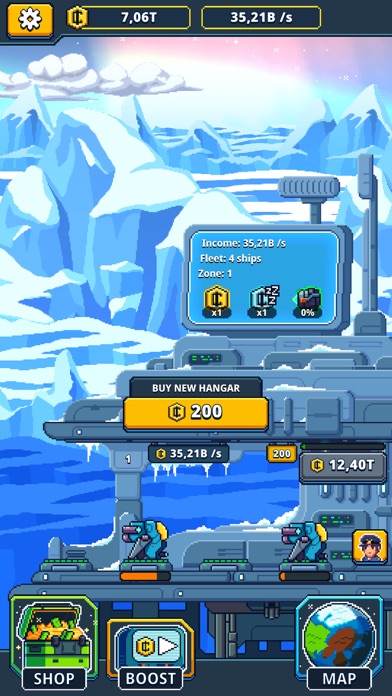
Créditos Ilimitados que aumentan en lugar de disminuir te dan riqueza instantánea en este hack de tycoon espacial inactivo. Administra tu flota de naves espaciales y automatiza el crecimiento de tu empresa sin preocuparte por quedarte sin dinero en Idle Space: Tycoon, un juego de estrategia modificado gratuito donde las ganancias sin conexión siguen fluyendo.
- Créditos Ilimitados → aumentarán en lugar de disminuir
Esta app también incluye iGameGod, que te ofrece acceso a Auto Touch para automatizar tareas repetitivas, App Speed Manager para ajustar la velocidad del juego, edición de valores con Memory Engine y más potentes herramientas para juegos de iOS.
Descarga Idle Space: Tycoon - Free Hack modded IPA desde los enlaces de arriba. Toca el botón de instalación y sigue las instrucciones para instalar este hack iOS en tu iPhone, iPad o Mac con Apple Silicon.
¿Necesitas más ayuda? Consulta nuestras Preguntas frecuentes de la app iOSGods para respuestas detalladas y consejos de solución de problemas.
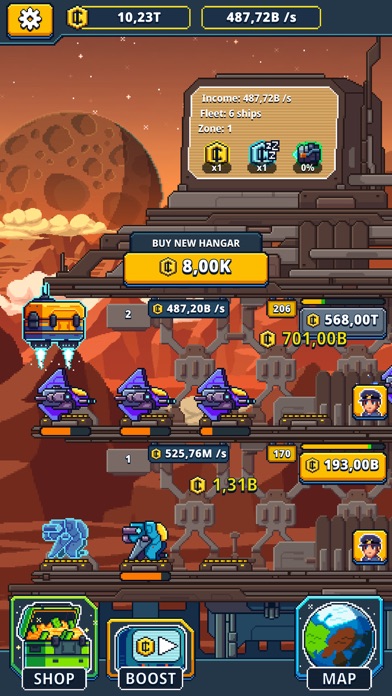
Conviértete en un rico magnata ocioso en Idle Space Manager - Juego Incremental Zen. Construye tu propia empresa ociosa manejando tus naves espaciales y colectando dinero ocioso.
Administra tu torre de mercado espacial y automatiza tus procesos de magnata investigando naves más grandes con mayor carga para aumentar tus ingresos.
Las naves espaciales también transportan tus mercancías cuando estás fuera del juego, ganandote aún más dinero en efectivo!
Funciones:
◆ Gestiona una flota de naves espaciales y sus hangares para ganar dinero espacial.
◆ Actualiza los hangares de tu torre incremental y aumenta tus ingresos.
◆ La tripulación lanzará tus naves incluso cuando estés desconectado del juego.
◆ Invierte tu dinero ocioso para aumentar tus ingresos y convertirte en el magnata más rico.
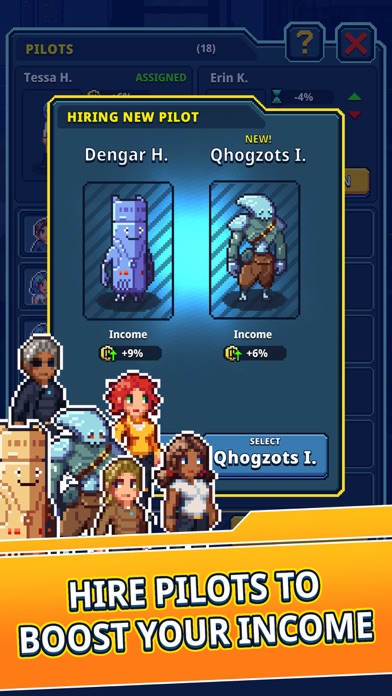
◆ Investiga nuevas naves espaciales y manejalas, así como a sus tripulaciones.
◆ No necesitas conexión a Internet. Juega sin conexión en cualquier momento y lugar.
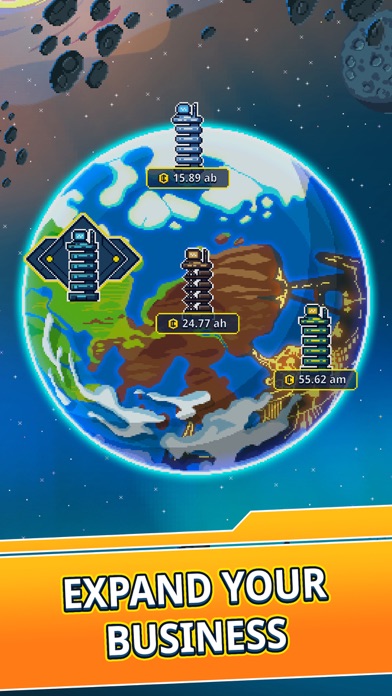
◆ Expande tu torre y construye tu camino al espacio.
Conviértete en el mejor magnata espacial de la galaxia incremental!
¿A qué estás esperando? Juega ahora!
¿Tienes alguna idea, elogio o problema?
Simplemente envíanos un mensaje a través de: [email protected]
O a través de Facebook: https://www.facebook.com/IdleSpaceCargoEmpire
Tu equipo Idle Space Manager - Juego Incremental Zen
- iPhone o iPad con o sin Jailbreak.
- Sideloadly u otras alternativas.
- Ordenador con Windows/macOS/Linux e iTunes instalado.
PASO 1: Descargue el archivo .IPA pre-modificado desde el enlace de arriba a su ordenador. Para descargarlo desde la iOSGods App, consulte nuestro Tutorial de descarga del IPA desde la iOSGods App, que incluye un ejemplo en vídeo.
PASO 2: Descargue Sideloadly e instálelo en su Windows o Mac.
PASO 3: Abra Sideloadly en su ordenador, conecte su dispositivo iOS y espere hasta que el nombre del dispositivo aparezca en Sideloadly.
PASO 4: Una vez que su iDevice sea reconocido, arrastre el archivo .IPA modificado que descargó y suéltelo en la aplicación Sideloadly.
PASO 5: Introduzca el correo electrónico de su Apple Account y, a continuación, pulse «Start». Le pedirá que introduzca su contraseña. Proporcione la información solicitada.
PASO 6: Espere a que Sideloadly termine de hacer sideload/instalar el IPA modificado. Si surgen problemas durante la instalación, por favor lea la nota a continuación.
PASO 7: Una vez completada la instalación y al ver la app en la pantalla de inicio, deberá ir a Ajustes → General → Perfiles / VPN y Gestión de Dispositivos. Una vez allí, toque el correo electrónico que introdujo en el paso 6 y, después, toque en «Confiar en [email protected]».
PASO 8: Ahora vaya a la pantalla de inicio y abra la app recién instalada; todo debería funcionar correctamente. Es posible que tenga que seguir instrucciones adicionales específicas de cada app dentro del popup del hack en el juego.
NOTA: En iOS/iPadOS 16 y posteriores, debe activar el Modo Desarrollador. Para cuentas gratuitas de Apple Developer, deberá repetir este proceso cada 7 días. Si tiene alguna pregunta o problema, lea nuestra sección de Preguntas Frecuentes de Sideloadly del tema.