Connexion requise
Connectez-vous avec votre compte iOSGods pour continuer.
Hack Features:
- PREMIUM
Téléchargez Adult Coloring Book - Pigment Modded modded IPA depuis les liens ci-dessus. Appuyez sur le bouton d'installation et suivez les instructions pour installer ce hack iOS sur votre iPhone, iPad ou Apple Silicon.
Besoin de plus d'aide ? Consultez notre FAQ de l'app iOSGods pour des réponses détaillées et des conseils de dépannage.
= = =
Coloring is a great way to pass time and reduce stress & anxiety. Just 10 minutes of coloring can provide the same benefits as meditation. It helps you practice mindfulness, live in the moment, enhance concentration, encourage creativity, and is a great alternative to games!
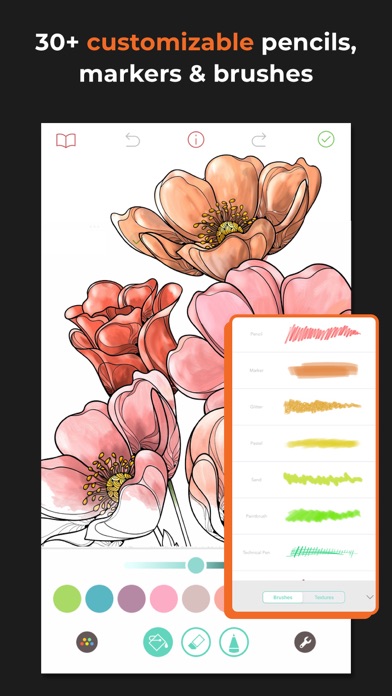
So take a break and relax with Pigment, the award-winning coloring app. We have thousands of coloring pages and access to exclusive content from Marvel. Immerse yourself in a unique coloring experience that lets you draw, paint and color as you would on paper, with 29 different pencils, markers, and brushes. For simpler use, try our tap-to-fill, and for advanced colorists, Freehand, Automatic, and Advanced modes provide even greater control.
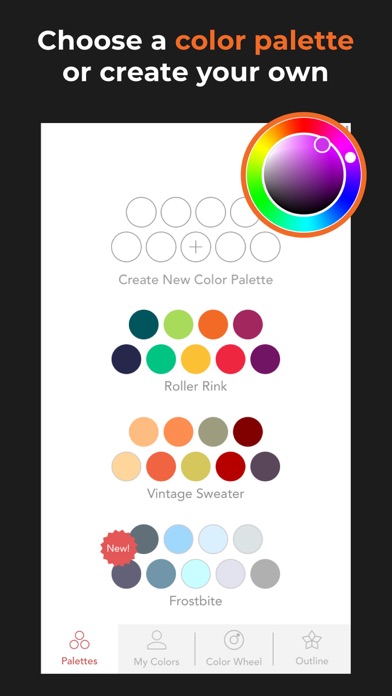
Get creative with oil, watercolor and pastel tools. Use blur and blend brushes for even more interesting results! Choose from an unlimited number of colors using the color wheel and innovative shade control slider. Create and save your own custom color palettes or choose from the curated ones provided.
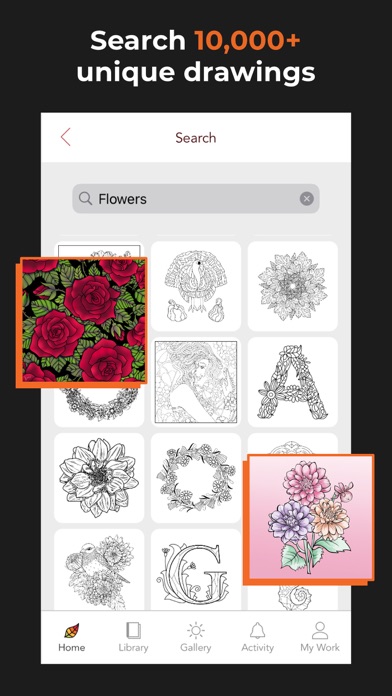
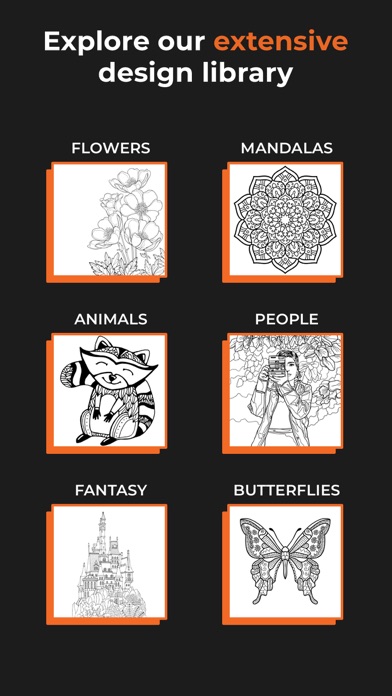
Import your own images, or choose from the largest collection of illustrations and grayscale images including flowers, mermaids, people, animals, landscapes, anime, mandalas, and tons more! Or start with a blank page and use Pigment as a sketchbook.
Easily share your creations with friends and family via social media, email, text - even print them for framing!
= = =
FEATURES
* The largest artwork collection available with over 6,000 professionally illustrated pages. New coloring pages added daily, and new books added every week!
* Access to exclusive Marvel content.
* Pigment is the only coloring book app that simulates pencil, markers, and paintbrush strokes for a realistic coloring experience.
* More than 25 kinds of coloring tools - including Colored Pencil, Marker, Paint Brush, Glitter, Pastel, Airbrush, Watercolor, Wood Grain, Blender, Circle Brush, Plasma, Splatter, Oil, Pattern Fill, Fade, Bloom and more!
* "Tap-to-fill" and traditional coloring modes.
* An unlimited number of colors are available using the color wheel and innovative shade control slider.
* Get coloring quickly with our professional color palettes, or create and save your own!
* Premium Access provides unlimited access to the entire library, premium brushes, and exclusive color palettes.
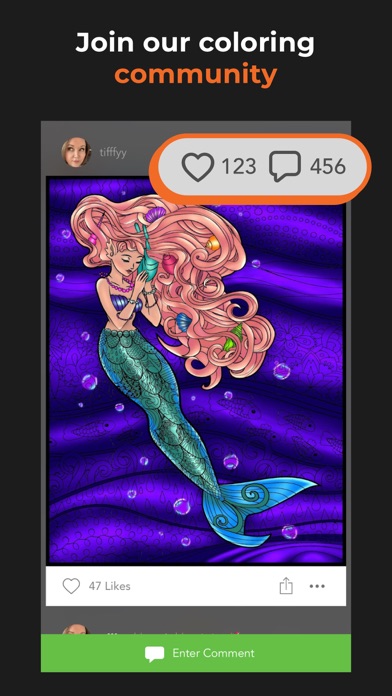
* Find inspiration in the Pigment Gallery, where you can share your work and see pages colored by others.
* Share your work by printing pages, through email, text, Facebook, Instagram, Pigment Gallery, and other social networks.
* Fully supports finger, Apple Pencil, and third-party stylus inputs.
* Adjust pressure, direction, and size of stroke using Apple Pencil.
Some screenshots feature work by Cindy Primeau, Elaine Durham and Angela Zeman.
= = =
PREMIUM ACCESS
Get Premium Access for free for 7 days with a free trial. After the free trial your subscription will be automatically renewed; however, you can change or cancel at any time. Paid subscriptions cost $4.99 USD per week for the weekly plan, $9.99 USD per month for the monthly plan, and $59.99 USD per year (58% discount off the monthly plan) for the yearly plan. Prices are subject to change. Premium Access automatically renews unless auto-renew is turned off at least 24-hours before the end of the current period. Your account will be charged for renewal within 24-hours prior to the end of the current period.
Payment will be charged to your iTunes account at confirmation of purchase. You may manage Premium Access subscriptions and turn off auto-renewal by going to your Account Settings after purchase. Any unused portion of a free trial period will be forfeited when you purchase a Premium Access subscription.
= = =
Privacy Policy
http://pixiteapps.com/privacy-policy/
Terms of Use
http://pixiteapps.com/terms-of-use
- iPhone ou iPad avec ou sans Jailbreak.
- Sideloadly ou alternatives.
- Ordinateur sous Windows/macOS/Linux avec iTunes installé.
ÉTAPE 1: Téléchargez le fichier .IPA pré-modifié depuis le lien ci-dessus sur votre ordinateur. Pour le télécharger depuis l'iOSGods App, consultez notre Tutoriel de téléchargement de l'IPA depuis l'iOSGods App qui comprend un exemple en vidéo.
ÉTAPE 2: Téléchargez Sideloadly et installez-le sur votre Windows ou Mac.
ÉTAPE 3: Ouvrez Sideloadly sur votre ordinateur, connectez votre appareil iOS et attendez que le nom de votre appareil apparaisse dans Sideloadly.
ÉTAPE 4: Une fois votre iDevice reconnu, glissez le fichier .IPA modifié que vous avez téléchargé et déposez-le dans l'application Sideloadly.
ÉTAPE 5: Saisissez l'adresse e-mail de votre Apple Account, puis appuyez sur « Start ». Il vous sera ensuite demandé d'entrer votre mot de passe. Fournissez les informations requises.
ÉTAPE 6: Attendez que Sideloadly termine le sideloading/l'installation de l'IPA modifié. En cas de problème durant l'installation, veuillez lire la remarque ci-dessous.
ÉTAPE 7: Une fois l'installation terminée et l'app visible sur votre écran d'accueil, vous devez aller dans Réglages → Général → Profils / VPN et gestion de l'appareil. Là, appuyez sur l'adresse e-mail saisie à l'étape 6, puis appuyez sur « Faire confiance à [email protected] ».
ÉTAPE 8: Allez maintenant sur votre écran d'accueil et ouvrez l'app nouvellement installée ; tout devrait fonctionner correctement. Vous devrez peut-être suivre des instructions supplémentaires propres à chaque app, dans la fenêtre du hack en jeu.
REMARQUE : À partir d'iOS/iPadOS 16, vous devez activer le mode Développeur. Pour les comptes Apple Developer gratuits, vous devrez répéter ce processus tous les 7 jours. Pour toute question ou problème, lisez notre section FAQ Sideloadly du sujet.