Inicio de sesión requerido
Inicia sesión con tu cuenta de iOSGods para continuar.
Inicia sesión con tu cuenta de iOSGods para continuar.

Hack Features
- IAP FREE / Buy Anything / Don't Worry About Server Issue
- Auto Win
- Currency / No Need
- Resources / No Need
- ATK
Esta app también incluye iGameGod, que te ofrece acceso a Auto Touch para automatizar tareas repetitivas, App Speed Manager para ajustar la velocidad del juego, edición de valores con Memory Engine y más potentes herramientas para juegos de iOS.
Descarga BioVirus iOS Mod IPA desde los enlaces de arriba. Toca el botón de instalación y sigue las instrucciones para instalar este hack iOS en tu iPhone, iPad o Mac con Apple Silicon.
¿Necesitas más ayuda? Consulta nuestras Preguntas frecuentes de la app iOSGods para respuestas detalladas y consejos de solución de problemas.
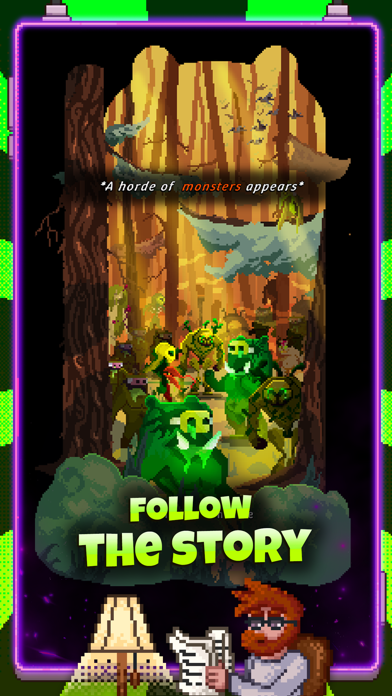
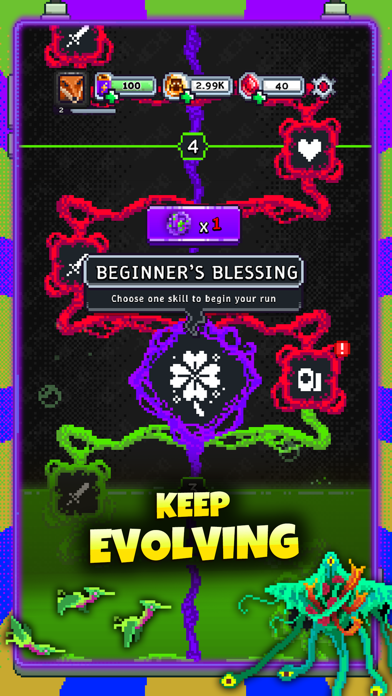
The world is on the brink of collapse. A deadly virus has mutated everything in its path, turning the land into a battleground filled with infected monstrosities. You are one of the few survivors left, armed with powerful weapons and unstoppable potential. Your mission? Fight, upgrade, and survive.
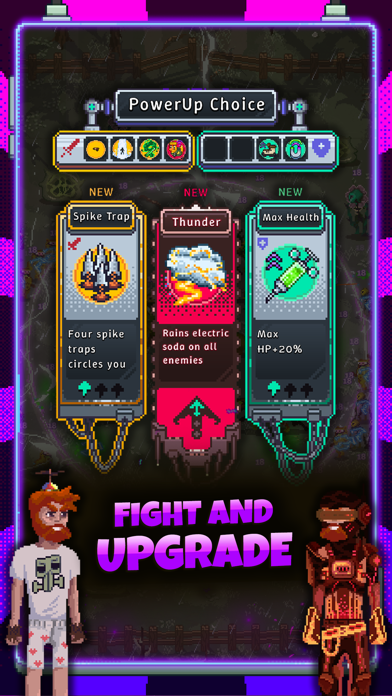
The horde is endless, and the infected grow stronger with each wave. Dodge through bullet-heaven chaos, unleash devastating attacks, and choose from hundreds of skill combinations to evolve into the ultimate hero.
The infection is spreading fast. Time is running out. Are you ready to stand against the virus and become the last survivor?
Features:
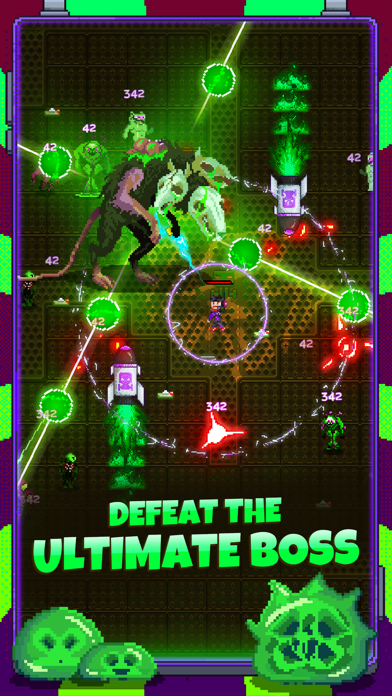
Battle relentless hordes – Face off against multiple enemies on screen at once!
Upgrade & evolve – Unlock and combine powerful skills, weapons, and abilities.
Easy to play, hard to master – One-hand controls with non-stop action!
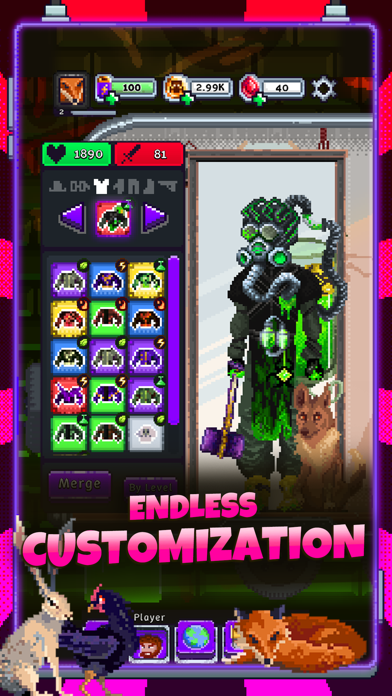
Endless progression – No two runs are the same, with infinite upgrade possibilities.
Strategic builds – Experiment with different skill synergies to dominate the battlefield.
Epic boss fights – Challenge monstrous mutants and elite infected creatures!
Pixel-art apocalypse – A stylish and intense survival RPG experience.
The apocalypse is here, and survival is in your hands. Can you fight your way through waves of infected creatures and become the strongest survivor?
- iPhone o iPad con o sin Jailbreak.
- Sideloadly u otras alternativas.
- Ordenador con Windows/macOS/Linux e iTunes instalado.
PASO 1: Descargue el archivo .IPA pre-modificado desde el enlace de arriba a su ordenador. Para descargarlo desde la iOSGods App, consulte nuestro Tutorial de descarga del IPA desde la iOSGods App, que incluye un ejemplo en vídeo.
PASO 2: Descargue Sideloadly e instálelo en su Windows o Mac.
PASO 3: Abra Sideloadly en su ordenador, conecte su dispositivo iOS y espere hasta que el nombre del dispositivo aparezca en Sideloadly.
PASO 4: Una vez que su iDevice sea reconocido, arrastre el archivo .IPA modificado que descargó y suéltelo en la aplicación Sideloadly.
PASO 5: Introduzca el correo electrónico de su Apple Account y, a continuación, pulse «Start». Le pedirá que introduzca su contraseña. Proporcione la información solicitada.
PASO 6: Espere a que Sideloadly termine de hacer sideload/instalar el IPA modificado. Si surgen problemas durante la instalación, por favor lea la nota a continuación.
PASO 7: Una vez completada la instalación y al ver la app en la pantalla de inicio, deberá ir a Ajustes → General → Perfiles / VPN y Gestión de Dispositivos. Una vez allí, toque el correo electrónico que introdujo en el paso 6 y, después, toque en «Confiar en [email protected]».
PASO 8: Ahora vaya a la pantalla de inicio y abra la app recién instalada; todo debería funcionar correctamente. Es posible que tenga que seguir instrucciones adicionales específicas de cada app dentro del popup del hack en el juego.
NOTA: En iOS/iPadOS 16 y posteriores, debe activar el Modo Desarrollador. Para cuentas gratuitas de Apple Developer, deberá repetir este proceso cada 7 días. Si tiene alguna pregunta o problema, lea nuestra sección de Preguntas Frecuentes de Sideloadly del tema.