Giriş Gerekli
Devam etmek için iOSGods hesabınızla giriş yapın.
Devam etmek için iOSGods hesabınızla giriş yapın.
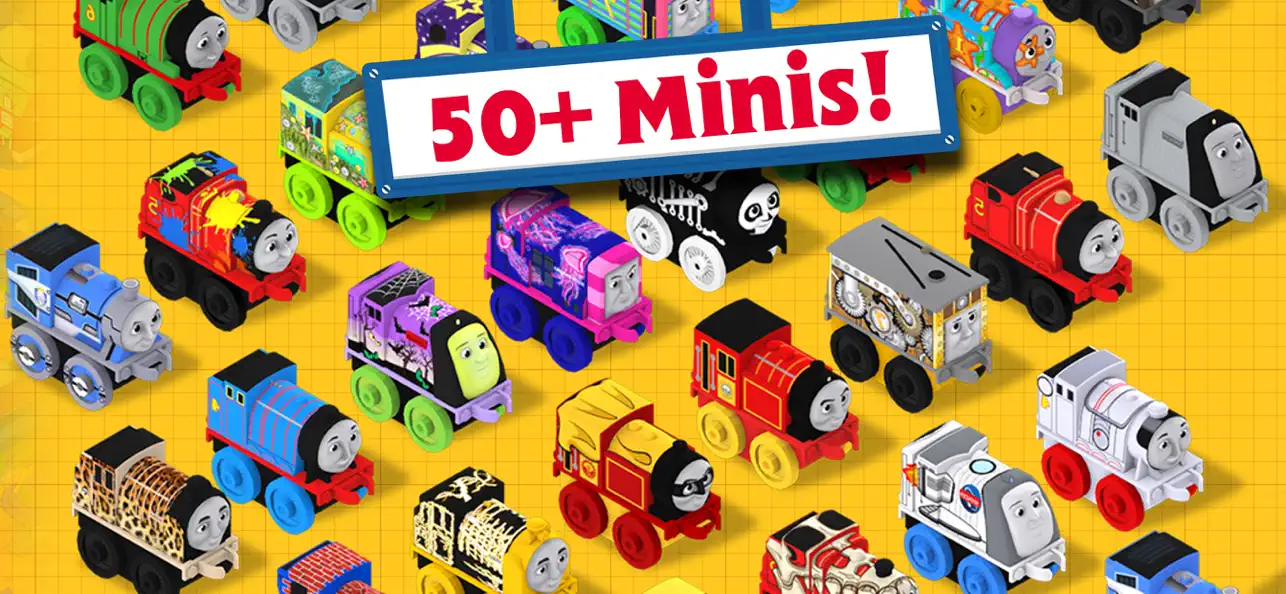
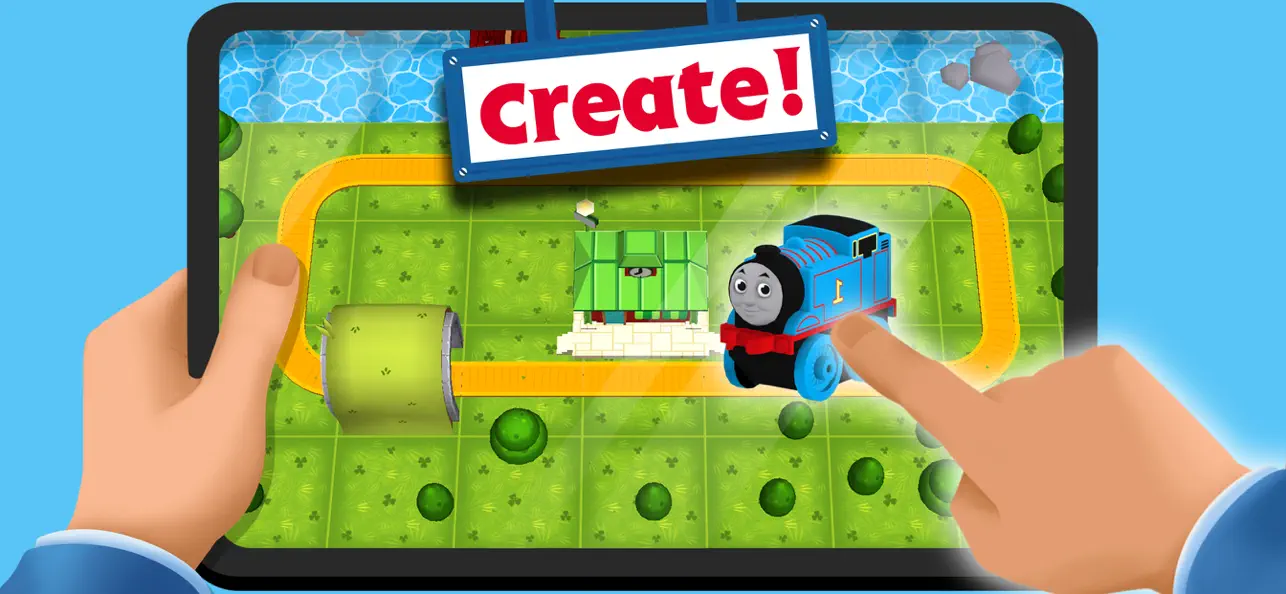
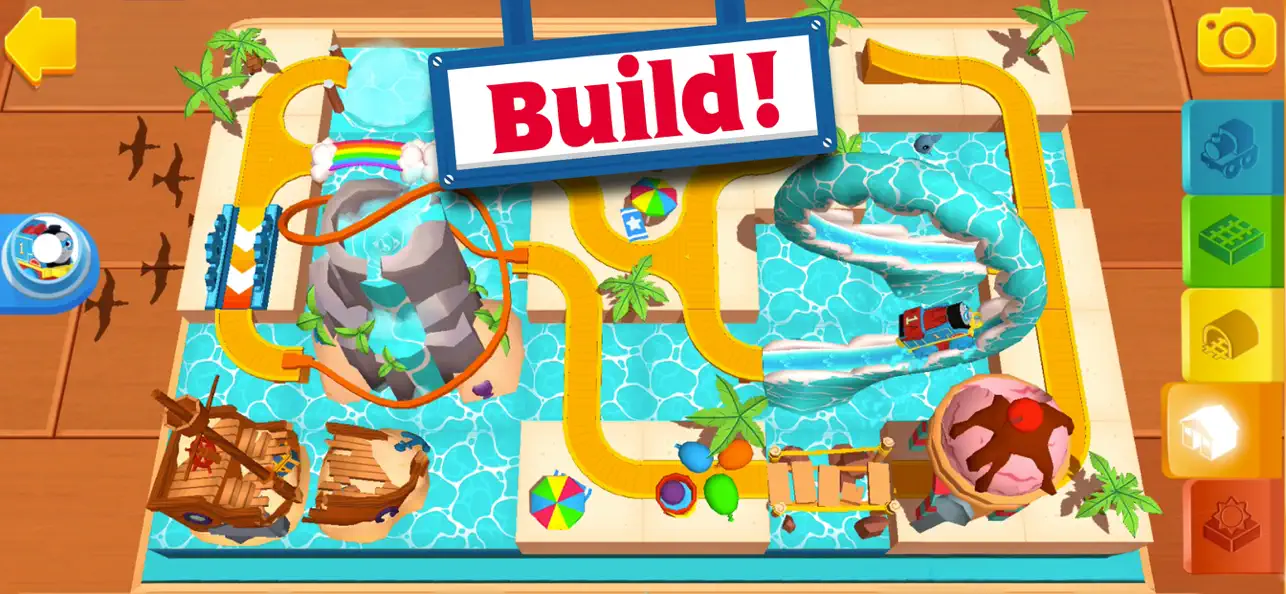
Thomas & Friends Minis iOS Mod IPA ile baştan itibaren her ray parçasını, dekorasyonu ve lokomotifi açın, böylece hilesiz oynarken tam rüya tren setinizi oluşturun. Dönerli su kaydıraklarını, donmuş döngüleri ve gökkuşağı köprülerini içeren karmaşık düzenler oluşturun, ardından favori Minis lokomotifini hayal gücünüzün tasarlayabileceği her dönüş, viraj ve akrobasi boyunca kullanın.
- Her Şey Açık → tüm ray parçaları, dekorasyonlar ve lokomotifler baştan itibaren kullanılabilir
Bu uygulama ayrıca, tekrar eden görevleri otomatikleştirmek için Auto Touch, ayarlanabilir oyun hızı için App Speed Manager, Memory Engine ile değer düzenleme ve daha pek çok güçlü iOS oyun aracına erişim sağlayan iGameGod ile birlikte gelir.
Yukarıdaki bağlantılardan Thomas & Friends Minis iOS Mod IPA indirin. Yükle düğmesine dokunup ekrandaki yönergeleri izleyerek bu iOS uygulama hack'ini iPhone, iPad veya Apple Silicon'a yükleyin.
Daha fazla yardıma mı ihtiyacınız var? Ayrıntılı yanıtlar ve sorun giderme ipuçları için iOSGods Uygulaması Sık Sorulan Sorular sayfamıza bakın.
¡Budge Studios™ presenta Thomas y sus amigos™ Minis! Crea tu propio escenario de trenes pieza por pieza y dale vida con Thomas y todos sus amigos. Personaliza una y otra vez y usa tu imaginación con todos los toboganes acuáticos en espiral, bucles congelados, puentes de arcoíris, vías de columna de dinosaurio y mucho más. ¡Sube a tu Minis locomotora favorita y experimenta cada giro, cada vuelta y cada maniobra! ¡Preparados, listos, a construir!
EL MEJOR CONSTRUCTOR DE TRENES
• CONSTRUYE montones de emocionantes vías que incluyen desde giros serpenteantes a rampas que traquetean
• SAL DISPARADO con espectaculares acrobacias, propulsores temerarios y montañas rusas de infarto
• DECORA tu escenario de trenes con altos árboles, hermosos edificios y deslumbrantes decoraciones
• CONDUCE por tus creaciones poniéndote en las ruedas de Thomas, Percy y de muchos otros
8 MUNDOS ÚNICOS
• EL CAMPO DE THOMAS: ¡Explora los molinos de viento, las estaciones de tren y los talleres de la frondosa Sodor!
• EL MUNDO NEVADO DE GORDON: ¡Conduce por puentes congelados o estréllate contra paredes de hielo!
• EL BOSQUE ESPELUZNANTE DE PERCY: ¿Te atreverás a entrar en el espeluznante túnel de madera y la mansión encantada?
• VIDA EN LA CIUDAD DE TOBY: ¡Visita la estación de bomberos o el hospital y lleva el correo al centro de la ciudad!
• PARQUE ACUÁTICO DE SPENCER: ¡Atraviesa el túnel con remolinos y deslízate por el bucle de toboganes acuáticos!
• CALETA JURÁSICA DE JAMES: ¡Aventúrate en la tierra perdida de coches repletos de tesoros y túneles de cráneos de tricerátops!
• VALLE ENCANTADO DE DIESEL: ¡Atraviesa el bosque mágico y salta a través de increíbles cascadas para llegar hasta el castillo medieval!
• CIUDAD ATRACCIONES DE EMILY: Embárcate en una aventura en la montaña rusa de la feria, ¿te atreves a saltar el aro de fuego?
PRIVACIDAD Y PUBLICIDAD
Budge Studios se toma muy en serio la privacidad de los niños y se asegura de que sus aplicaciones cumplan con las leyes de privacidad. Esta aplicación ha recibido el ""ESRB (Entertainment Software Rating Board) Privacy Certified Kids’ Privacy Seal"". Para más información, visita nuestra política de privacidad en: https://budgestudios.com/en/legal/privacy-policy/, o ponte en contacto con nuestro oficial de protección de datos en: [email protected]
Antes de descargar esta aplicación, ten en cuenta que se puede probar de forma gratuita. No obstante, cierto contenido solo está disponible a través de compras desde la aplicación. Las compras realizadas dentro de la aplicación cuestan dinero real y se cargarán a tu cuenta. Para deshabilitar o ajustar la posibilidad de realizar compras dentro de la aplicación, cambia la configuración de tu dispositivo. Esta aplicación puede contener publicidad contextual (incluye la opción de visualizar anuncios a cambio de recompensas) de otras aplicaciones de Budge Studios, de nuestros socios y de terceras partes. Budge Studios no permite la segmentación por comportamiento o el retargeting en esta aplicación.
Ten en cuenta que esta aplicación le da la posibilidad a sus usuarios de hacer y crear fotos en la aplicación que se pueden guardar de forma local en sus dispositivos. Estas fotos no se compartirán con otros usuarios de la aplicación, ni Budge Studios podrá transferirlas a terceros que no estén afiliados con la compañía.
ACUERDO DE LICENCIA DE USUARIO FINAL
https://budgestudios.com/en/legal-embed/eula/
¿TIENES PREGUNTAS?
Comunícate con nosotros las 24 hrs cualquier día de la semana al correo electrónico [email protected]
BUDGE y BUDGE STUDIOS son marcas registradas de Budge Studios Inc.
Thomas & Friends™ Minis © 2017-2025 Budge Studios Inc. All rights reserved

- Jailbreak'siz/normal ya da jailbreak'li iPhone veya iPad.
- Sideloadly veya alternatifleri.
- iTunes yüklü Windows/macOS/Linux çalıştıran bir bilgisayar.
ADIM 1: Yukarıdaki bağlantıdan önceden hacklenmiş .IPA dosyasını bilgisayarınıza indirin. iOSGods App üzerinden indirmek için video örneği de içeren iOSGods App IPA İndirme Kılavuzu bölümümüze göz atın.
ADIM 2: Sideloadly indirin ve Windows veya Mac'inize kurun.
ADIM 3: Bilgisayarınızda Sideloadly'yi açın, iOS cihazınızı bağlayın ve cihaz adınız Sideloadly'de görünene kadar bekleyin.
ADIM 4: iCihazınız tanındıktan sonra, indirdiğiniz modlu .IPA dosyasını sürükleyip Sideloadly uygulamasına bırakın.
ADIM 5: Apple Account e-posta adresinizi girin ve ardından "Start" düğmesine basın. Sonrasında sizden şifreniz istenecektir. Gerekli bilgileri girin.
ADIM 6: Sideloadly'nin hacklenmiş IPA'yı sideload edip yüklemesini bekleyin. Yükleme sırasında bir sorun olursa lütfen aşağıdaki notu okuyun.
ADIM 7: Yükleme tamamlandıktan ve uygulamayı Ana Ekranınızda gördükten sonra Ayarlar → Genel → Profiller / VPN ve Cihaz Yönetimi bölümüne gitmelisiniz. Burada 6. adımda girdiğiniz e-postaya dokunun ve ardından "[email protected]'a Güven" seçeneğine dokunun.
ADIM 8: Şimdi Ana Ekranınıza gidin ve yeni yüklediğiniz uygulamayı açın; her şey sorunsuz çalışmalıdır. Oyun içindeki hack açılır penceresinde uygulamaya özel ek talimatları takip etmeniz gerekebilir.
NOT: iOS/iPadOS 16 ve sonrasında Geliştirici Modu'nu etkinleştirmeniz gerekir. Ücretsiz Apple Developer hesapları için bu işlemi her 7 günde bir tekrarlamanız gerekir. Sorularınız veya sorunlarınız varsa konunun Sideloadly SSS bölümünü okuyun.