Inicio de sesión requerido
Inicia sesión con tu cuenta de iOSGods para continuar.
Inicia sesión con tu cuenta de iOSGods para continuar.

Premium desbloqueado en esta versión Mod APK de Bebi: Baby Games for 2-4y kids Mod APK te da a tu pequeño acceso instantáneo a más de 500 juegos educativos sin barreras de pago. Esta versión modificada de Android elimina la barrera de suscripción premium, para que tu hijo de 2-4 años pueda disfrutar de actividades de dibujo, coloreo, fonética, matemáticas, formas y música en un entorno de aprendizaje completamente libre de anuncios y seguro, diseñado para juego sin supervisión.
- Premium Desbloqueado → todos los juegos y contenido accesible
Descarga Bebi: Baby Games for 2-4y kids Mod APK desde el botón de arriba. Una vez que toques descargar, sigue las instrucciones para instalar el APK modificado en tu dispositivo Android o emulador.
¿Necesitas ayuda? Consulta nuestras Preguntas frecuentes de Android para respuestas detalladas y consejos de solución de problemas.
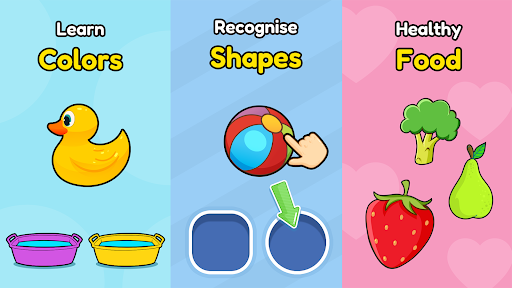
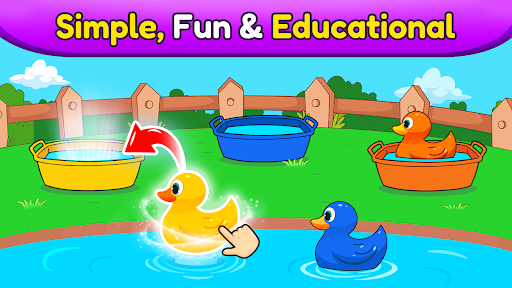
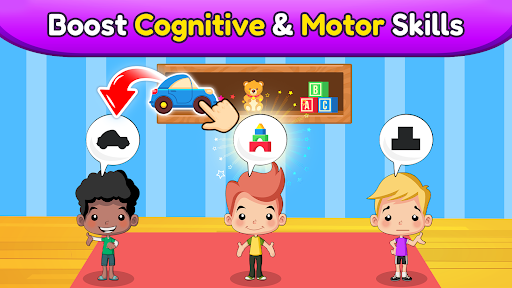
Empower your preschool toddler to learn and have fun playing 500+ educational games, from drawing, coloring and phonics to math, shapes and music. With Baby Games for Preschool by Bebi, you can support and encourage your toddler to learn unsupervised while having a fun in a 100% ad free, safe environment.
Baby Games for Preschool keeps your toddler occupied and away from video streaming apps by offering 500+ different educational activities, puzzles and games. It’s free to install, so why not download today and start enriching your toddler’s education?
What can 2,3,4 or even 5 year olds learn?
►The alphabet, phonics, numbers, words, tracing, shapes, patterns and colors
► Basic math and science through games and activities
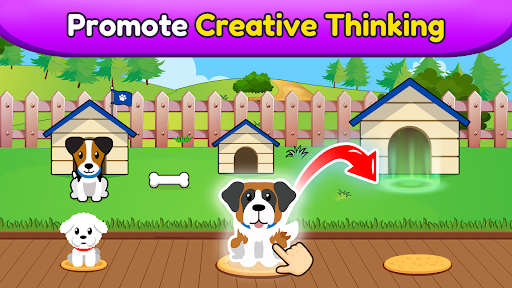
► How to recognise and look after animals
► All about food and healthy eating
► Music, instruments and singing
► Art skills through coloring, drawing and doodling
► Problem solving, dexterity and much, much more…
For Pre-K kids, play is an integral part of their development. Toddlers enjoy playing casual games, but Baby Games for Preschool encourages them to learn and absorb valuable information through interactivity and fun.
Similarly, learning from books and papers is not easy at a kindergarten or preschool age. Let your toddler relax with fun and educational games: their absorbent brain will soak up all the new knowledge on its own, allowing you as a parent to relax safe in the knowledge that their screen time is positive and rewarding. Once you notice that your toddler is engaged playing our educational games, you will see that the learning process has begun.
Whether its popping balloons, discovering science, developing the inner artist or simply learning songs through music, you might even find yourself enjoying a few of the app’s games and activities.
Why Baby Games for Preschool?
► Our 500+ learning games provide a safe and useful device experience for your 2-4 year old toddler
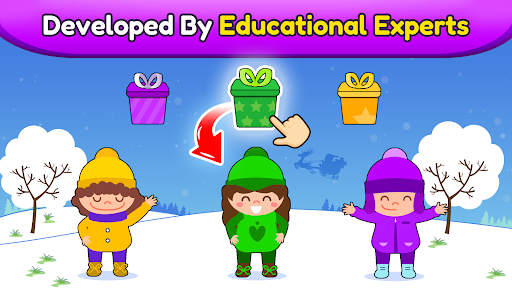
► Developed and tested by child development experts
► Designed for safety and convenience with no supervision needed
► Parental Gate - code protected sections so that your child doesn’t accidentally change settings or make unwanted purchases
► All settings and outbound links are protected and only accessible for adults
► Available offline and playable without an internet connection
► Timely hints so your child doesn't feel frustrated or lost in the app
► 100 % Ad free with no annoying interruptions
Who says learning can't be fun?
Please support us by writing reviews if you like the app and let us know about any issue or suggestions too.
This toddler games app has dozens of free games without ads