Inicio de sesión requerido
Inicia sesión con tu cuenta de iOSGods para continuar.
Inicia sesión con tu cuenta de iOSGods para continuar.

- Add 100 Gold
- Reset Merchant Buy
- PREMIUM
Esta app también incluye iGameGod, que te ofrece acceso a Auto Touch para automatizar tareas repetitivas, App Speed Manager para ajustar la velocidad del juego, edición de valores con Memory Engine y más potentes herramientas para juegos de iOS.
Descarga Card Crawl 2 iOS Mod IPA desde los enlaces de arriba. Toca el botón de instalación y sigue las instrucciones para instalar este hack iOS en tu iPhone, iPad o Mac con Apple Silicon.
¿Necesitas más ayuda? Consulta nuestras Preguntas frecuentes de la app iOSGods para respuestas detalladas y consejos de solución de problemas.
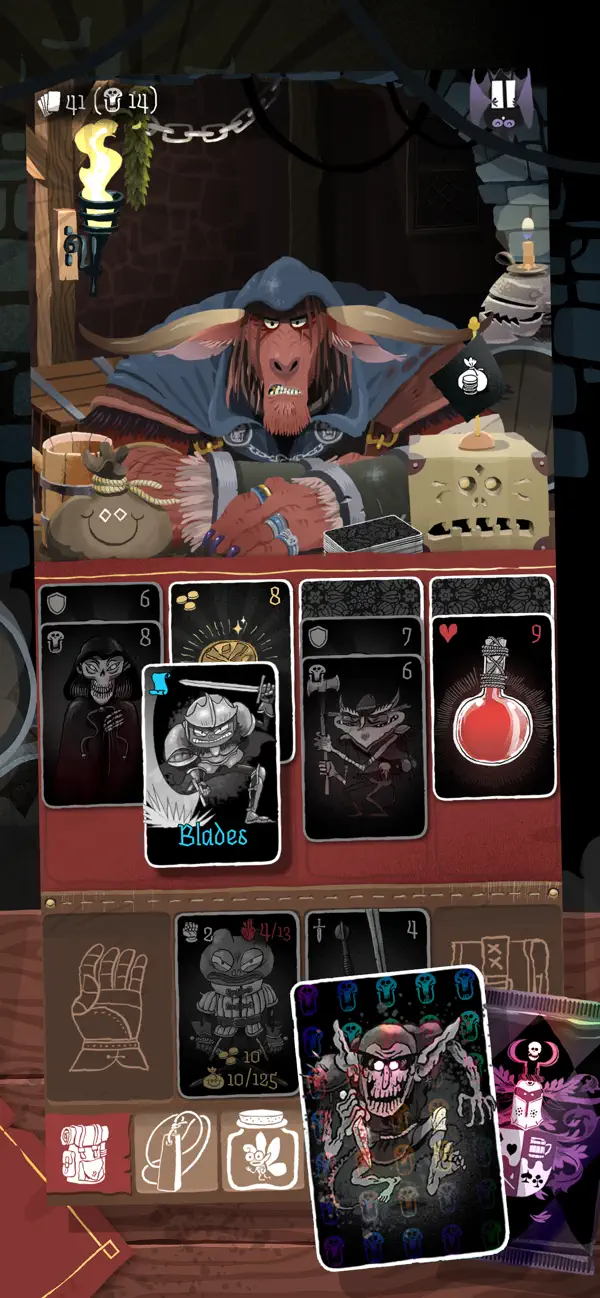
Card Crawl 2 es un juego de cartas tipo dungeon crawler en formato solitario.
Prepara tu mazo y sumérgete en nuevos y emocionantes modos de juego, luchando contra tus habitantes de taberna favoritos. Derrota monstruos astutos, consigue oro y desbloquea poderosas cartas de hechizo, nuevo equipamiento y una mezcla de héroes nuevos y conocidos.
Sobre el juego
Card Crawl 2 es la secuela oficial del querido original. Una vez más, te enfrentarás a Hoerni y sus amigos en ingeniosos combates de cartas al estilo solitario.
Esta vez se introduce una mecánica central completamente nueva. En lugar de solo 4 cartas de mazmorra, ahora juegas con hasta 16 cartas repartidas en 4 columnas.
Ordena, equipa y vende cartas para superar a cada monstruo del mazo. Aprovecha una gran variedad de nuevas cartas de hechizo y, por primera vez, añade objetos de equipamiento a tus partidas, lo que aporta una nueva capa de estrategia.
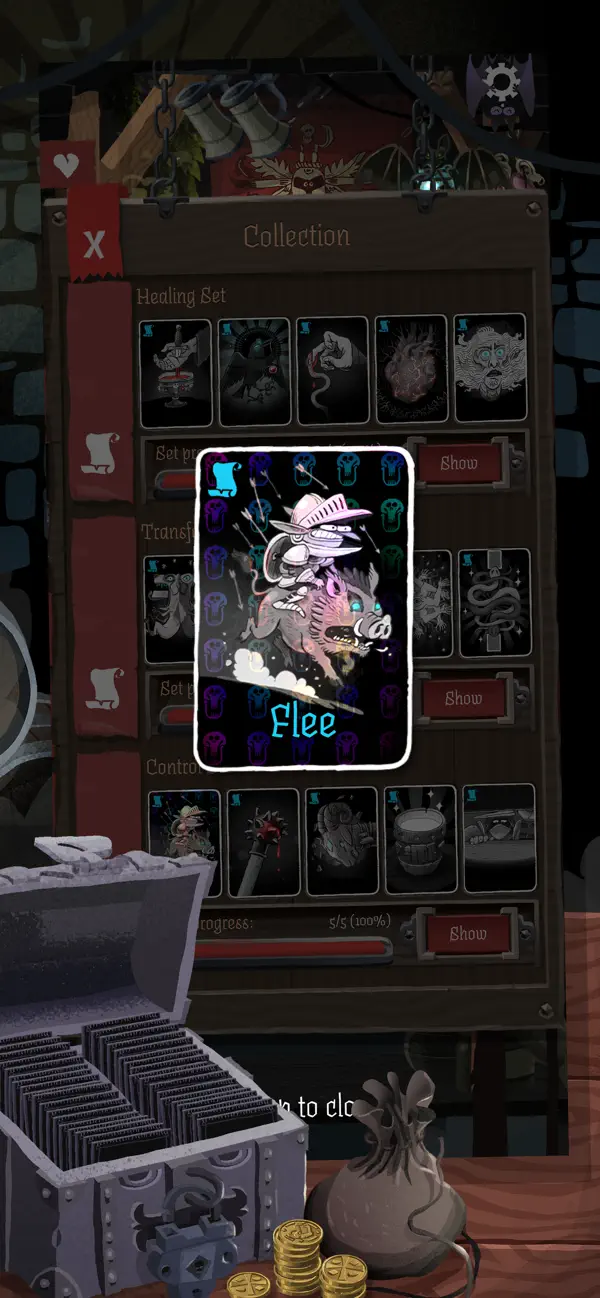
Haz crecer tu colección y enfréntate a distintos modos de juego offline y online que pondrán a prueba tus habilidades con cada uno de los nuevos tipos de héroe.
Características
-> Un giro fresco al gameplay clásico de Card Crawl
-> Combates estratégicos de cartas al estilo solitario
-> Colecciona y domina nuevas cartas de hechizo y equipamiento
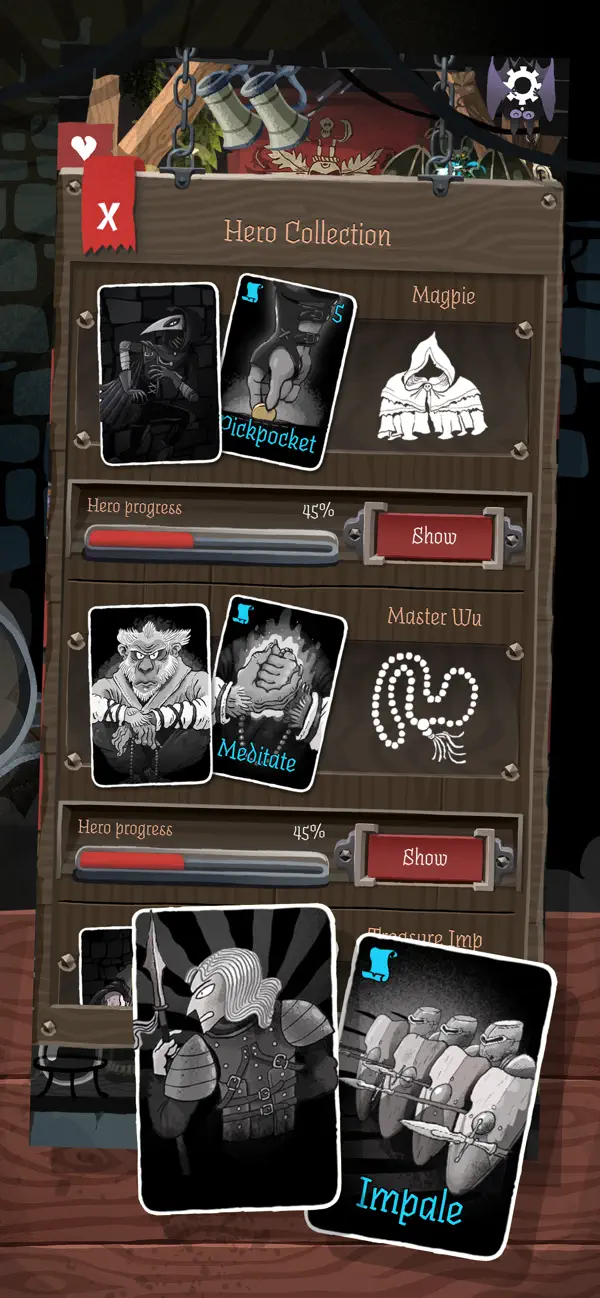
-> Desbloquea cartas de héroe con habilidades únicas
-> Juega en modos nuevos y familiares
-> Compite con otros en el Recorrido Semanal de la Taberna
-> Desbloquea logros, nuevas cartas y arte de la taberna
-> Guardado en la nube y compatibilidad con Game-Center
Términos de uso (EULA): https://www.apple.com/legal/internet-services/itunes/dev/stdeula/
- iPhone o iPad con o sin Jailbreak.
- Sideloadly u otras alternativas.
- Ordenador con Windows/macOS/Linux e iTunes instalado.
PASO 1: Descargue el archivo .IPA pre-modificado desde el enlace de arriba a su ordenador. Para descargarlo desde la iOSGods App, consulte nuestro Tutorial de descarga del IPA desde la iOSGods App, que incluye un ejemplo en vídeo.
PASO 2: Descargue Sideloadly e instálelo en su Windows o Mac.
PASO 3: Abra Sideloadly en su ordenador, conecte su dispositivo iOS y espere hasta que el nombre del dispositivo aparezca en Sideloadly.
PASO 4: Una vez que su iDevice sea reconocido, arrastre el archivo .IPA modificado que descargó y suéltelo en la aplicación Sideloadly.
PASO 5: Introduzca el correo electrónico de su Apple Account y, a continuación, pulse «Start». Le pedirá que introduzca su contraseña. Proporcione la información solicitada.
PASO 6: Espere a que Sideloadly termine de hacer sideload/instalar el IPA modificado. Si surgen problemas durante la instalación, por favor lea la nota a continuación.
PASO 7: Una vez completada la instalación y al ver la app en la pantalla de inicio, deberá ir a Ajustes → General → Perfiles / VPN y Gestión de Dispositivos. Una vez allí, toque el correo electrónico que introdujo en el paso 6 y, después, toque en «Confiar en [email protected]».
PASO 8: Ahora vaya a la pantalla de inicio y abra la app recién instalada; todo debería funcionar correctamente. Es posible que tenga que seguir instrucciones adicionales específicas de cada app dentro del popup del hack en el juego.
NOTA: En iOS/iPadOS 16 y posteriores, debe activar el Modo Desarrollador. Para cuentas gratuitas de Apple Developer, deberá repetir este proceso cada 7 días. Si tiene alguna pregunta o problema, lea nuestra sección de Preguntas Frecuentes de Sideloadly del tema.