Login Diperlukan
Masuk dengan akun iOSGods kamu untuk melanjutkan.
Masuk dengan akun iOSGods kamu untuk melanjutkan.

Unlimited gems dan coins dalam Tower And Swords Mod APK memungkinkan Anda meningkatkan senjata dan sihir secara instan, sementara perlindungan tidak pernah mati membuat pedang Anda tetap hidup melalui setiap pertempuran menara. Hack ini mengubah penggilingan menjadi kemajuan murni, sehingga Anda dapat fokus menguasai pertempuran dan mengumpulkan peralatan langka tanpa menggiling sumber daya.
Baik Anda mengejar pemilik menara terakhir atau bereksperimen dengan build yang berbeda, game Android yang dimodifikasi ini menghilangkan penundaan dan memungkinkan Anda menguji strategi dengan kekuatan penuh sejak awal.
- Permata Unlimited → belanjakan dengan bebas untuk peningkatan dan item langka
- Koin Unlimited → beli peralatan dan peningkatan tanpa batas
- Tidak Pernah Mati → selamat dari setiap pertempuran dan pertempuran menara
- Kerusakan → berikan kerusakan yang meningkat kepada monster dan pemilik menara
- Serangan Kritis → lakukan serangan kritis lebih sering
Unduh Tower And Swords Mod APK dari tombol di atas. Setelah Anda mengetuk unduh, ikuti petunjuk di layar untuk memasang APK termod di perangkat Android atau emulator Anda.
Butuh bantuan? Lihat Pertanyaan yang Sering Diajukan untuk Android kami untuk jawaban dan tips lengkap.
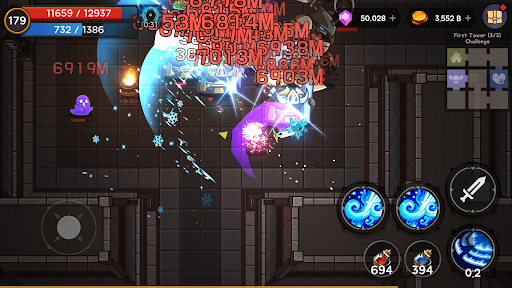
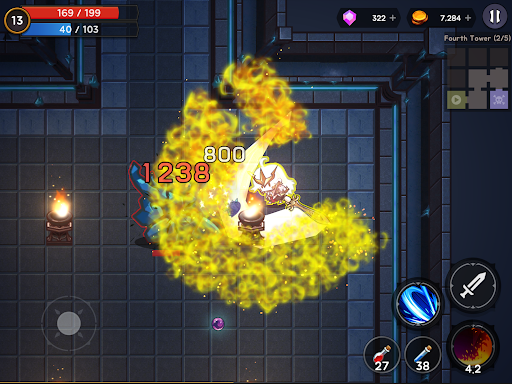
- 13 towers and monsters that appeared in the world one day.
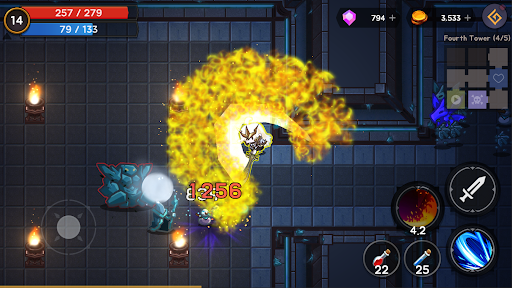
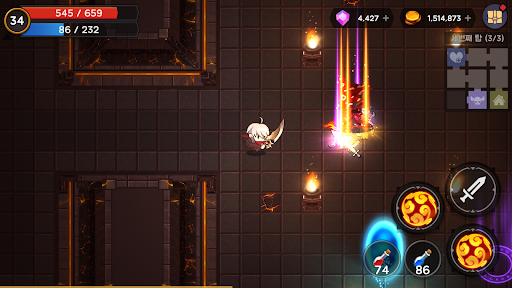
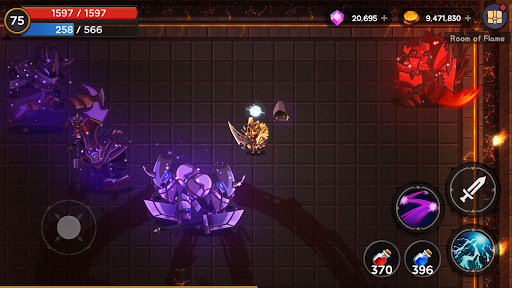
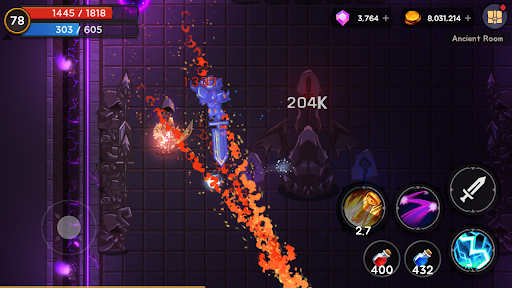
This is a game that tells the story of a swordsman wiping out monsters in a tower for peace in the world.
Swordsmen gain new weapons and magic, enhance special abilities, and become stronger.
And then kill the strong monsters one after another.
- This is a game where you adventure through the tower, grow, and ultimately defeat the devil.
You can obtain various equipment, potions, and magic stones at the tower.
You must defeat all powerful tower owners and restore peace to the world.
By defeating the tower owner, you can obtain a stronger weapon.
- You can obtain a variety of equipment from the tower, from regular equipment to legendary equipment.
You can obtain high-grade equipment by defeating the gatekeeper monster guarding the entrance to the next floor and the tower owner monster.
The drop rate of high-grade equipment that can be obtained from gatekeeper monsters and tower owners is cumulative and can be obtained unconditionally if you catch it repeatedly.
(The drop rate can be checked in the tower information in the portal.)
- Items of rare grade or higher have additional options.
Options can range from increased stamina to increased movement speed to reduced magic cooldown.
- Every sword contains mysterious magic.
Gatekeeper monsters and tower owner monsters can obtain special and legendary swords that are higher than rare, and these swords contain powerful unique magic.
- You can obtain equipment with various abilities, grow, and ultimately tailor the equipment to the desired abilities.
- You can gain many abilities through artifacts.
Artifacts can be strengthened with materials purchased through jams and obtained through game progression.
- You can purchase and obtain a swordsman costume.
Additional abilities are applied simply by owning the swordsman costume. Some costumes can be purchased or obtained through game progression.
- As your swordsman character grows and levels up, you can strengthen various passive spells with points earned.
- Adventure the tower, obtain powerful equipment, and grow your character.
- It is not an idle game, but a single-player game in a package format with an end.
You can go on a journey not only of matching items, but also of defeating the demon lord in the end.
After that, you can continue playing a little more by advancing to the challenge difficulty level.
- You can play without any restrictions even in an environment without internet.
I hope you have fun playing.
Thank you.
Discord:https://discord.gg/h7vfWaVe